|
Across industries, leaders are rethinking how to bring people back together. After years of hybrid work, the office has a new job to do: it needs to earn its place again.
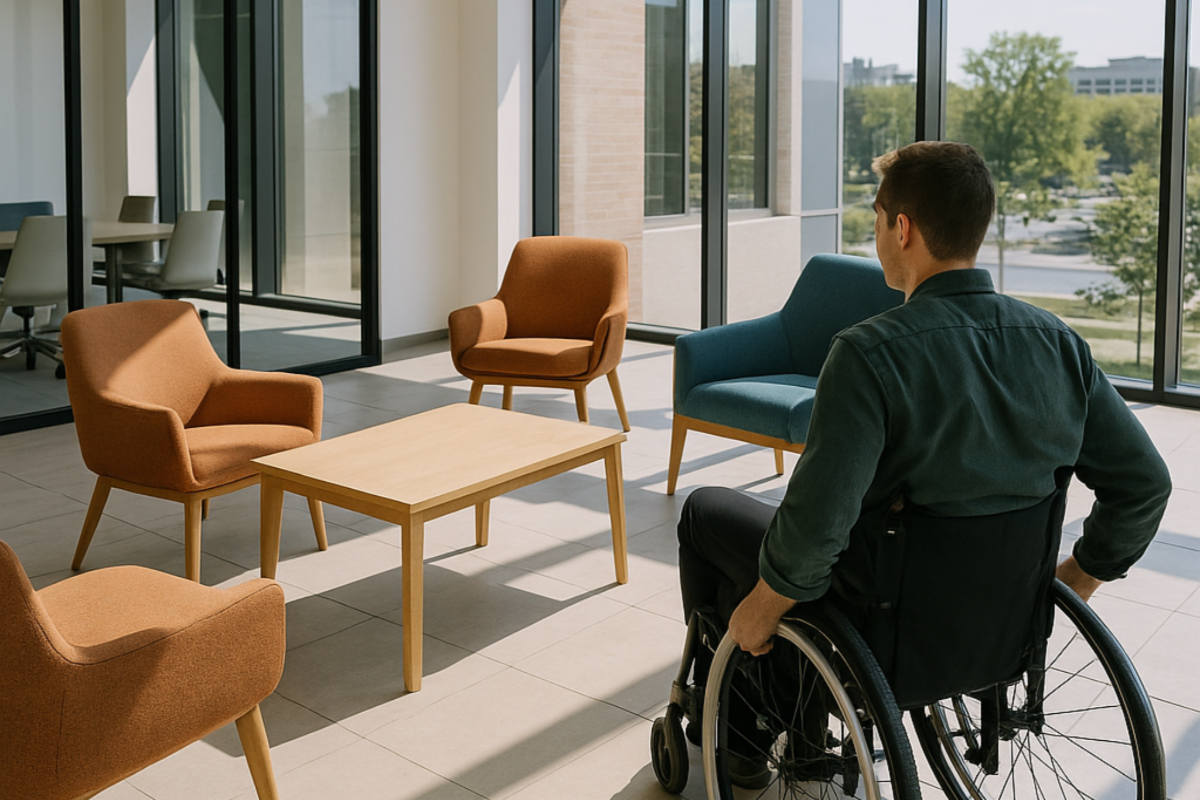
The challenge isn’t that people don’t want to come in. It’s that many offices still don’t work well for everyone who does.
What the RTO moment really showed us
U.S. office attendance is climbing, but it’s nowhere near where it was before 2020. Kastle Systems’ Back to Work Barometer puts national occupancy around 54%, with San Francisco still below 45%. Hybrid work isn’t going anywhere.
Most employees are showing up for collaboration and connection, not compliance. Cisco’s Reimagine Workspaces global report found that more than half of employees say their offices aren’t equipped to support new ways of working.
That finding tells us something important: returning to the office is no longer about location. It’s about design.
What we’re seeing in new workplace design
Companies have invested heavily in making offices more flexible and engaging. The spaces look great. But some well-intentioned design trends are unintentionally limiting how fully people can participate.
Here are a few patterns we’re seeing in recent “RTO” rebuilds:
-
Hot-desking and hoteling increase flexibility but remove predictability. For employees who rely on specific furniture heights, lighting, or setups, “first come, first serve” can create daily uncertainty. The Job Accommodation Network (JAN) notes that consistency in workstation setup is one of the simplest and most effective forms of accommodation.
-
Digital check-in kiosks and app-based access systems can inadvertently exclude users of assistive technology. In National Federation of the Blind v. Quest Diagnostics (2024), the Ninth Circuit Court of Appeals allowed a nationwide class action over inaccessible self-check-in kiosks to proceed. It’s a reminder that digital access is part of physical access.
-
Smart lighting and automated controls sometimes optimize for energy rather than people. Research published in the journal Buildings (MDPI) links illumination, color temperature, and contrast directly to safe navigation for people with low vision and older adults.
-
Open acoustics and sensory stimulation intended to boost collaboration can overwhelm some employees. Design leaders like HOK and Gensler emphasize controllable light, sound, and visual privacy as key to supporting neurodiverse talent.
These aren’t failures in innovation. They’re opportunities to design workplaces that are as inclusive as they are beautiful.
Designing offices that work for everyone
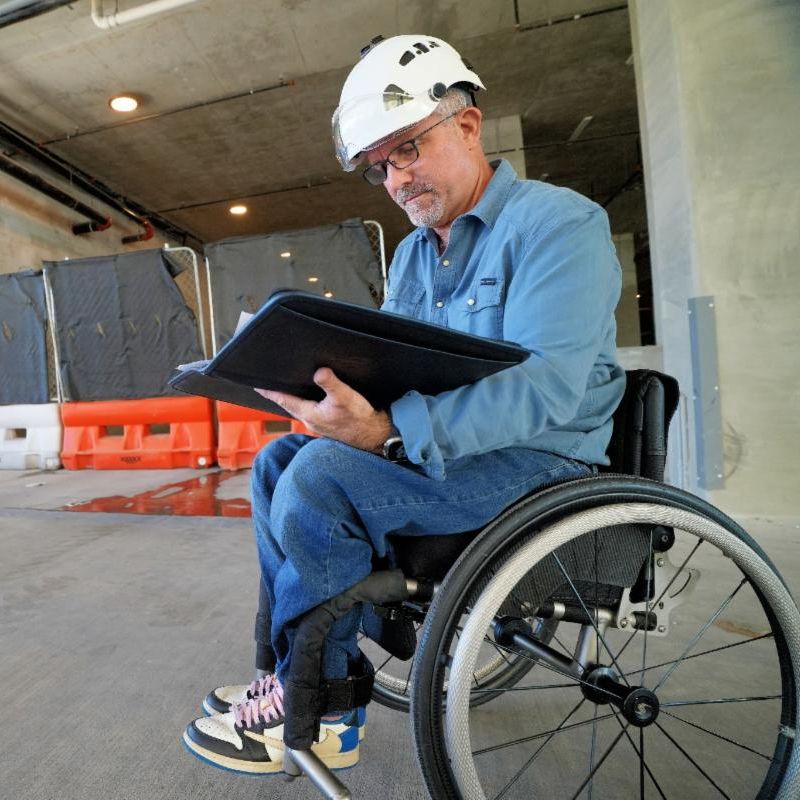
Universal design offers a framework for solving these issues early and efficiently. It focuses on usability, flexibility, and safety for the widest range of people from the start, without adding cost or complexity later.
A few practical examples:
-
Predictability: Designate and clearly reserve accessible workstations on each floor. Include them in your desk-booking system so they’re visible and guaranteed.
-
Flexibility: Offer adjustable furniture and lighting to support different body types and sensory preferences.
-
Clarity: Use contrast and consistent lighting to make navigation easier for everyone.
-
Choice: Provide a mix of quiet, enclosed, and open collaborative zones to accommodate different working styles.
-
Digital access: Ensure kiosks and apps work for users with screen readers, tactile input, or speech differences.
When these elements are built in, they benefit everyone—not just those who depend on them.
The policy layer
As companies bring people back, it’s worth remembering that the ADA still applies. The Equal Employment Opportunity Commission (EEOC) recently settled a case where an employer enforced a rigid “100% return” policy without engaging in the required interactive process. The employer paid $64,500 and agreed to revise its policy.
The takeaway is simple: flexibility and accessibility go hand in hand.
The business case
Accessible design isn’t charity. It’s strategy.
Well-designed spaces reduce injuries, turnover, and absenteeism while improving focus and morale. Employees who can move freely, hear clearly, and work comfortably are more likely to show up and stay.
In other words, accessibility is a retention tool. Universal design is how you future-proof your investment.
Designing What Comes Next
The return to office isn’t just about getting people back into buildings. It’s about creating workplaces that people can—and want to—use fully.
When universal design becomes part of your RTO strategy, accessibility stops being an afterthought and starts being an advantage.
If your organization is updating offices or planning a redesign, start with usability. Our team helps companies worldwide build workplaces that are easier to navigate, safer to use, and better for business.
👉 Let’s talk about how to make your RTO strategy work for everyone.
|