|
As we use our computers, we tend to accumulate unwanted temporary files, registry entries, cookies, and other “debris” that can interfere with the overall performance of our systems. Most of these are “hidden” events that we can’t recognize unless we use utility software. For over 20 years, I have installed a program first
developed by a company named Piriform called CCleaner™ and recommended that my clients run it daily at the end of their computing sessions. (It was “Step #2 in my “10 Ingredient Cocktail” and Step #1 in my Daily 4 Step Maintenance Guide). CCleaner™ helped to “mop the floor” so to speak of those unwanted items and kept things running smoothly. That was until this past week when an automatic update was released - v7.0 which changed my opinion and my recommendation. Sometimes, in an effort to “improve” applications, a company redesigns and releases a product that just isn’t ready. In the case of CCleaner, just the request sent out to users to update was confusing. If one did update, they were met with a totally unfamiliar interface with very little option to customize the look, feel, or operation. In my opinion, an app that was always an effective and free way for Home PC users to keep their Windows machines “tidy” and running almost like new, became a “mystery product” and one that I could no longer support or recommend. What I am now recommending is removing the Free CCleaner from all systems and considering my new Step #2 in my “10 Ingredient Cocktail” - Microsoft’s PC Manager. Even this App should only be used with caution and guidance, as its defaults are not optimal for most aSKaVIE users and may likely cause your system taskbar settings and app defaults to change .
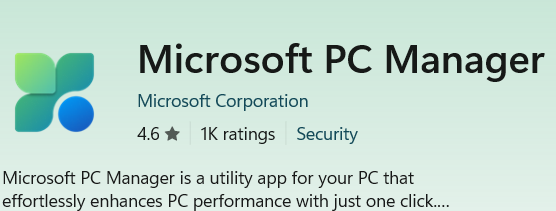
Microsoft PC Manager is a utility app for your PC that effortlessly enhances PC performance with just one click. Enjoy seamless storage clean-up, efficient file management, and a host of other powerful features designed to keep your PC running smoothly
For assistance with the removal of CCleaner, Installation of Microsoft PC Manager with usage guidance, please contact Your Tech Concierge™ via https://www.askavie.com/room-service/
|