|
One Cool Tip Newsletter
September 4, 2026
| Your daily dose of tech-savvy brilliance! | |
😀Greetings! Happy Friday Funday, Cool Tipper!
Get ready to streamline your digital life with simple, actionable tips delivered straight to your inbox.
Cool Tip Theme: NASA ISS Live
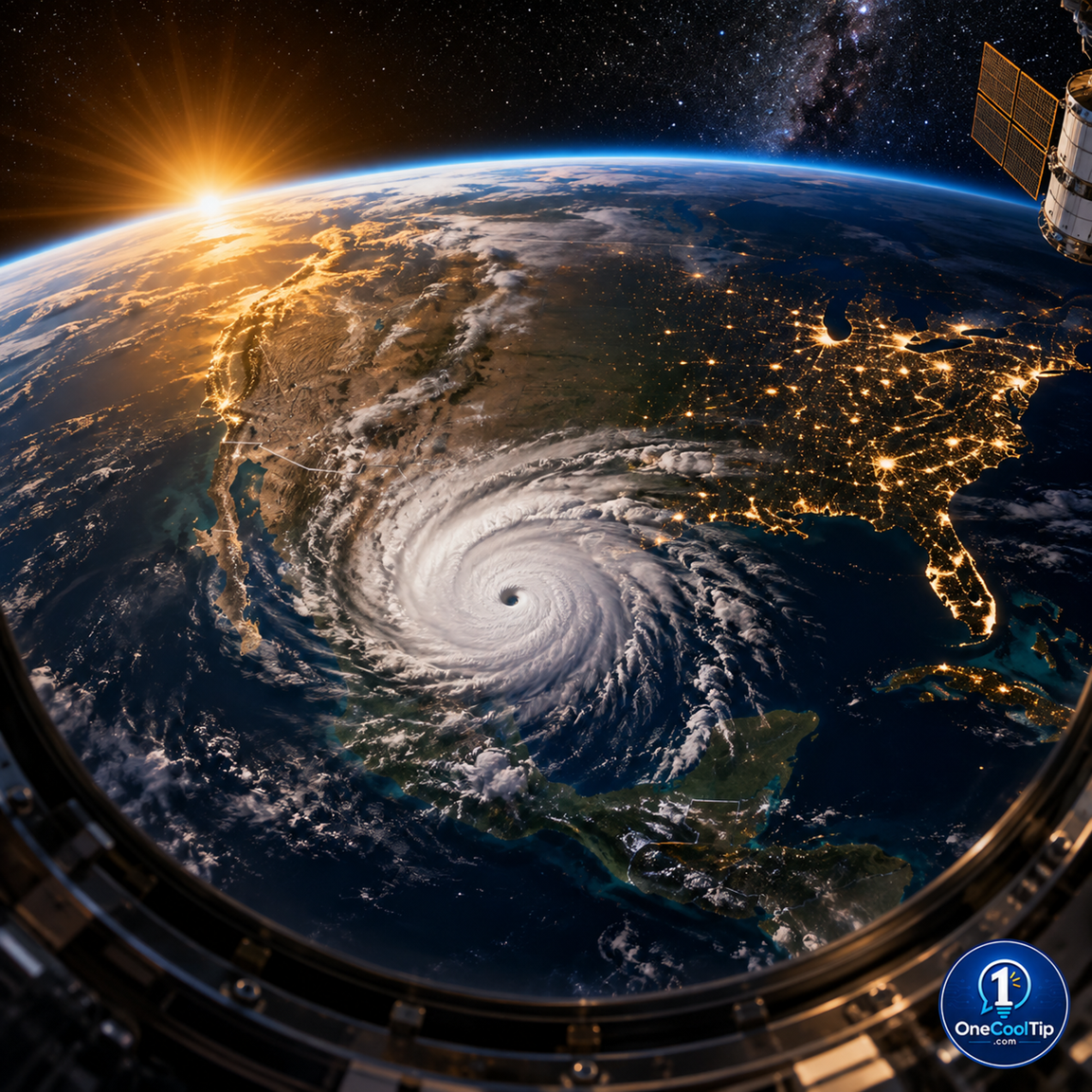
Watch Earth live from the International Space Station using NASA’s free stream, learn what a dark screen means, and track the ISS overhead.
New here? Subscribe to the One Cool Tip Newsletter for daily updates. It's FREE!
| |
3️⃣
If you enjoy the One Cool Tip newsletter, please forward this newsletter to THREE friends or colleagues or share it on social media using the links below.
Leave a $$$ Tip!
Share this One Cool Tip Newsletter!
| | |
🚨Before You Scan That QR Code, Take a Closer Look🚨
QR codes make it easy to pay for parking, access menus, and complete purchases, but scammers are using them too.
The FTC warns that criminals have been placing fake QR code stickers over legitimate ones, especially on parking meters, to send people to fraudulent websites designed to steal money and personal information.
Before scanning any QR code, check for signs that a sticker may have been placed over an original code and review the web address before opening it.
Be alert for misspellings, unusual website names, or anything that seems out of place.
Keep your phone and apps updated, use strong passwords, and enable multi-factor authentication to help protect your accounts.
If you think you scanned a fake QR code, change any affected passwords immediately and review your bank and credit card transactions for suspicious activity.
And in Other News...
- Building the Internet for Mars? That's the Plan
NASA has selected Blue Origin to help build a new communications network around Mars that will support future science missions and eventually human exploration.
The project includes a Mars Telecommunications Orbiter designed to provide reliable, high-speed communications between Earth and spacecraft operating on and around the Red Planet.
Think of it as creating the infrastructure needed before more advanced missions can arrive, much like building roads and utilities before a new community is developed.
The network is intended to handle science data, images, navigation information, and mission communications with near-continuous coverage.
While people won't be streaming movies from Mars anytime soon, projects like this represent an important step toward a future where humans and robots can work farther from Earth than ever before.
| |
| 🤔 What would you most like to spot on NASA’s live ISS camera? | | | | |
Help support One Cool Tip. Use this Amazon link when you shop online.
Check out these Cool Deals:
| | |
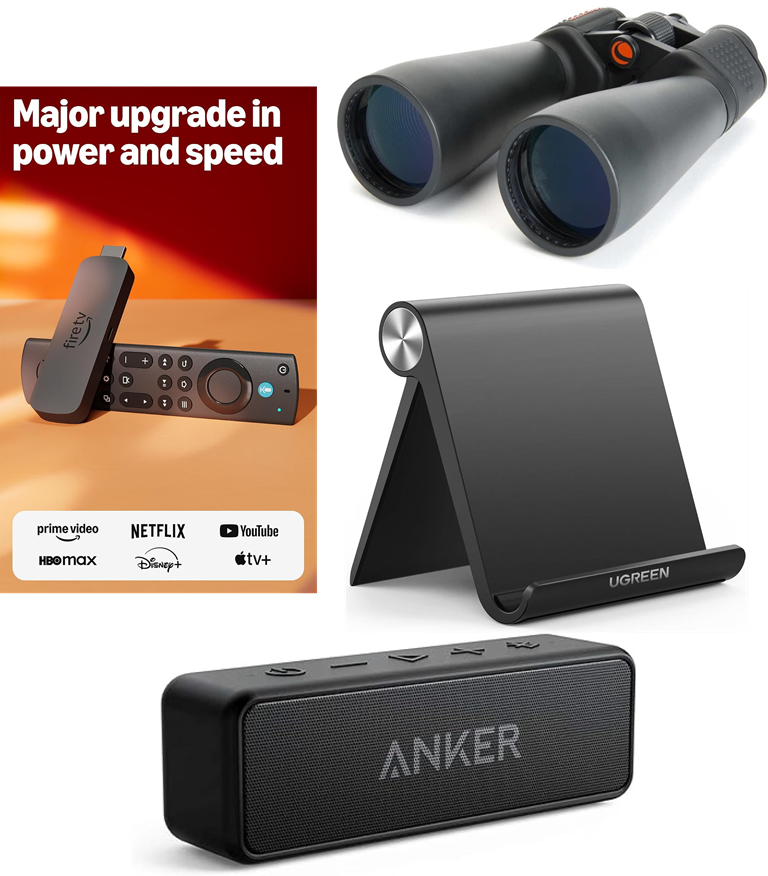
📺 Amazon Fire TV Stick 4K Max: Put the NASA or YouTube viewing experience on a compatible television for a more immersive Earth view.
Save 41%. Now $49.99. 4.6 Stars. Check it out on Amazon!
🔭 Celestron SkyMaster 15x70 Binoculars: Useful for broader stargazing sessions, although NASA confirms that no telescope or binoculars are needed to see the ISS during a visible pass.
Look👉 Now $89. 4.4 Stars. Check it out on Amazon!
📱 UGREEN Adjustable Tablet Stand: Hold an iPhone or iPad at a comfortable angle while the live feed runs on a desk or countertop.
Save 10%. Now $8.99. 4.6 Stars. Check it out on Amazon!
🔊 Soundcore 2 Portable Bluetooth Speaker: Add fuller sound when the stream includes mission commentary or pair it with other NASA programming.
Save 33%. Now $29.98. 4.5 Stars. Check it out on Amazon!
*Prices accurate when originally published.
One Cool Tip may earn a commission from qualifying purchases.
| | |
Watch Earth Live From the International Space Station
Turn any screen into a window 250 miles above Earth with NASA’s official live International Space Station feed. This Cool Tip shows you where to watch, why the feed sometimes turns black or gray, and how to track the station when it passes over your location.
Need a peaceful break from the usual news cycle, meeting calendar, or endless social feed?
Here’s a Cool Tip: Open NASA’s ISS stream and turn your screen into a live window on Earth.
NASA offers a radically different view: live video of Earth from an external camera on the International Space Station.
You do not need a NASA account or special equipment.
Open the official stream in a modern web browser or the YouTube app, switch to full screen, and watch coastlines, clouds, city lights, sunrises, and sunsets pass beneath the station.
Because this is a genuine live feed from orbit, the picture sometimes turns black or gray.
That is part of the experience and does not necessarily mean the video is broken.
What NASA’s ISS Live View Is
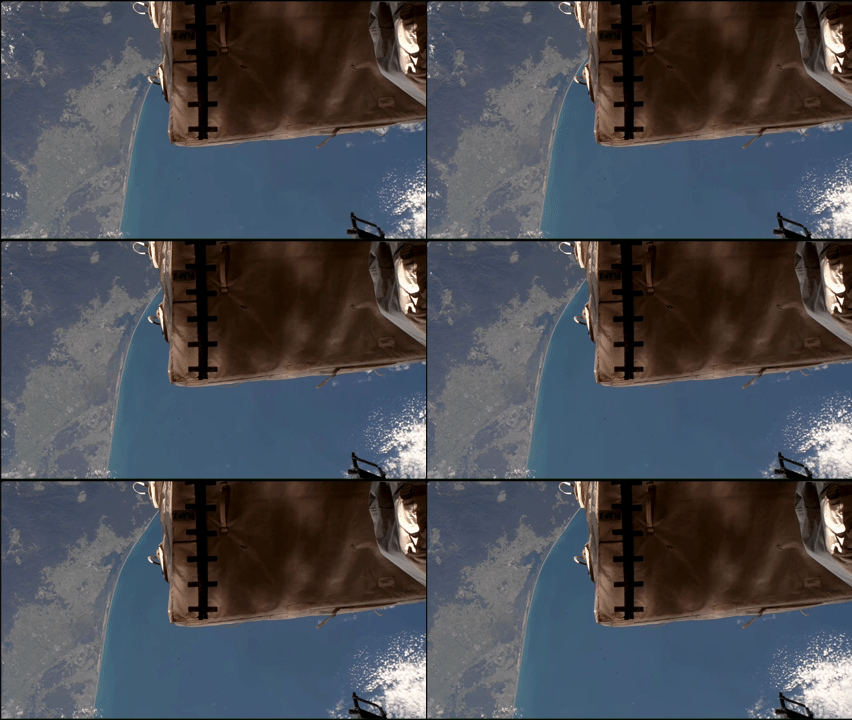
NASA’s official YouTube stream carries high-definition views from an external camera mounted on the International Space Station.
NASA also lists Space Station Views on its NASA Live page, making the stream easy to reach without relying on an unofficial rebroadcast.
The station travels about 17,500 mph and completes an orbit roughly every 90 minutes.
Its crew experiences about 16 sunrises and sunsets each day.
That pace makes the stream unusually dynamic.
A sunlit ocean can give way to nighttime darkness, city lights, or another sunrise far sooner than viewers on the ground are accustomed to seeing.
Do not be alarmed if the picture changes unexpectedly.
A black screen usually means the station is traveling over Earth’s nighttime side.
A gray screen means the ground support computer has temporarily stopped sending video to YouTube and should be reset shortly.
Small stationary bright spots may be damaged camera pixels, while moving lights in a dark scene may be cities on Earth below.
What You’ll Gain
- Watch a real-time view of Earth without creating an account.
- Pair live video with an ISS tracker to understand where the station is orbiting.
- Give students and families an immediate, visual entry point into space science.
- Replace a conventional screen saver with a quiet, continuously changing scene.
Step-by-Step Instructions
Here's how to do it.
Web/Desktop
-
Open NASA’s official ISS stream at youtube.com/watch?v=awQzjn72bI0.
- Select Play. If audio begins, use the speaker control to mute it for background viewing.
-
Select the Settings gear to choose video quality. Auto is best for most connections. A lower resolution can reduce buffering on slower networks.
-
Select Full screen for a clean Earth view, or use your browser’s picture-in-picture control if available.
-
Open NASA’s ISS Live Now page in a second tab if you want the live tracker beside the video.
| | fig. 1 - NASA ISS Live Now | | |
Windows 11
-
Open the stream in Microsoft Edge or another current browser.
-
Start playback, then look for your browser’s Picture in picture control. In some browsers, it appears in a video context menu or among the browser’s media controls.
- Move and resize the floating player while you work in another window.
macOS
-
Open the stream in Safari, Chrome, or another current browser.
-
Start the video and use the browser’s picture-in-picture command if one is offered.
-
Position the floating player in a corner of the desktop.
iPhone/iPad
-
Open the YouTube link in the YouTube app or a web browser.
-
Tap Play, rotate the device if you want a landscape view, and tap the full-screen icon.
-
For a larger display, use AirPlay or screen mirroring when your Apple device and display support it. YouTube picture-in-picture availability may depend on the app, region, content, and account.
Android
-
Open the link in the YouTube app or a modern browser.
-
Tap Play, then tap the full-screen icon.
-
To watch on a television, tap the Cast icon when the app detects a compatible device on the same network. Picture-in-picture behavior can vary by device, Android version, region, and YouTube account.
Pros and Cons
Pros:
- Free to watch through NASA’s official stream, with no NASA subscription required.
- Works on common computers, phones, tablets, and many connected displays.
- Offers authentic live views instead of a looped animation.
- Useful for classrooms, family viewing, ambient displays, and space enthusiasts.
- Pairs naturally with NASA’s free Spot the Station app for alerts and tracking.
Cons:
- The view can be dark while the ISS is on Earth’s nighttime side.
- Live video may pause because of communications or ground-system interruptions.
- Cloud cover and camera angle can make landmarks difficult to identify.
- Third-party app features such as picture-in-picture or casting may vary by device, region, and account.
Feature Access
-
Who gets it: Anyone with a compatible web browser or YouTube-capable device and an internet connection.
-
Platforms: Web, Windows, macOS, iPhone, iPad, Android, and devices that support the relevant NASA, browser, or YouTube experience.
-
Price: NASA’s stream and NASA+ are free. Third-party devices or streaming services may have separate costs.
-
Account: No NASA account is required. Some optional YouTube features may require a Google account.
-
Region and language: The video is broadly accessible, but YouTube availability and individual player features can vary.
Score
Criterion | Score (0–10) | Justification
Value | 8
It provides free, authentic Earth imagery and useful educational context with almost no setup.
Usability | 9
Opening the stream is simple, though picture-in-picture and casting controls vary by platform.
Wow Factor | 9
Watching a real-time orbital view on an everyday screen remains genuinely striking.
Total: 26/30 | 🌟 Excellent
NASA’s ISS stream turns an ordinary screen into one of the most compelling free live views on the web.
Unlike a prerecorded space documentary, this feed trades narration and polish for the unpredictability and immediacy of a real camera in orbit.
Key Takeaways
NASA’s official ISS stream offers a free, account-optional way to watch Earth from orbit on nearly any modern screen.
Pair it with NASA’s tracker or Spot the Station app to add location context, and remember that a black or gray screen can reflect normal orbital conditions or a temporary transmission interruption.
Cool Tip Snapshot
-
Feature Name: NASA Live High-Definition Views from the ISS
-
Platform(s): Web, Windows, macOS, iPhone, iPad, Android, and compatible streaming displays
-
Quick Benefit: Watch a real-time view of Earth from orbit
-
Best For: Families, educators, students, travelers, and space enthusiasts
-
Access Type: Free
-
Difficulty: Easy
Try It Yourself
Open NASA’s official ISS stream, put it on your largest screen, and compare the view with the live tracker.
Tell us what you spotted, subscribe to the One Cool Tip newsletter, and share this Cool Tip with family, friends, and coworkers who could use a window on the world.
READ MORE
Read the Full Cool Tip.
| | |
Check Out These Cool Tips & Tricks
-
Full Screen: Remove browser clutter for a more immersive orbital view. Start the stream, then select the full-screen icon in the player.
-
Picture-in-Picture: Keep Earth visible while using another app. Open your browser’s picture-in-picture command if it is available for the video.
-
Quality Control: Reduce buffering on a slower connection. Open the Settings gear, select Quality, and choose Auto or a lower resolution.
-
Expect Darkness: Do not assume a black picture means the feed is broken. Check the tracker to see whether the station is on Earth’s nighttime side.
-
Spot It Outside: Turn the online experience into a real-world sighting. Install NASA’s Spot the Station app, choose your location, and enable alerts.
-
Use AR View: Get help locating the station’s path across the sky. In Spot the Station, tap AR View and follow the prompts on a compatible phone.
-
Cast It: Move the live view from a small screen to a television. Tap the Cast or AirPlay control when a compatible display is available.
-
Classroom Prompt: Make the feed interactive instead of passive. Ask viewers to infer whether the station is above ocean, land, daylight, or darkness, then check the tracker.
-
Save Data: Keep the stream practical on a capped connection. Lower the resolution and pause playback when you are not actively watching.
| | ICYMI - In Case You Missed It ... | | | | |
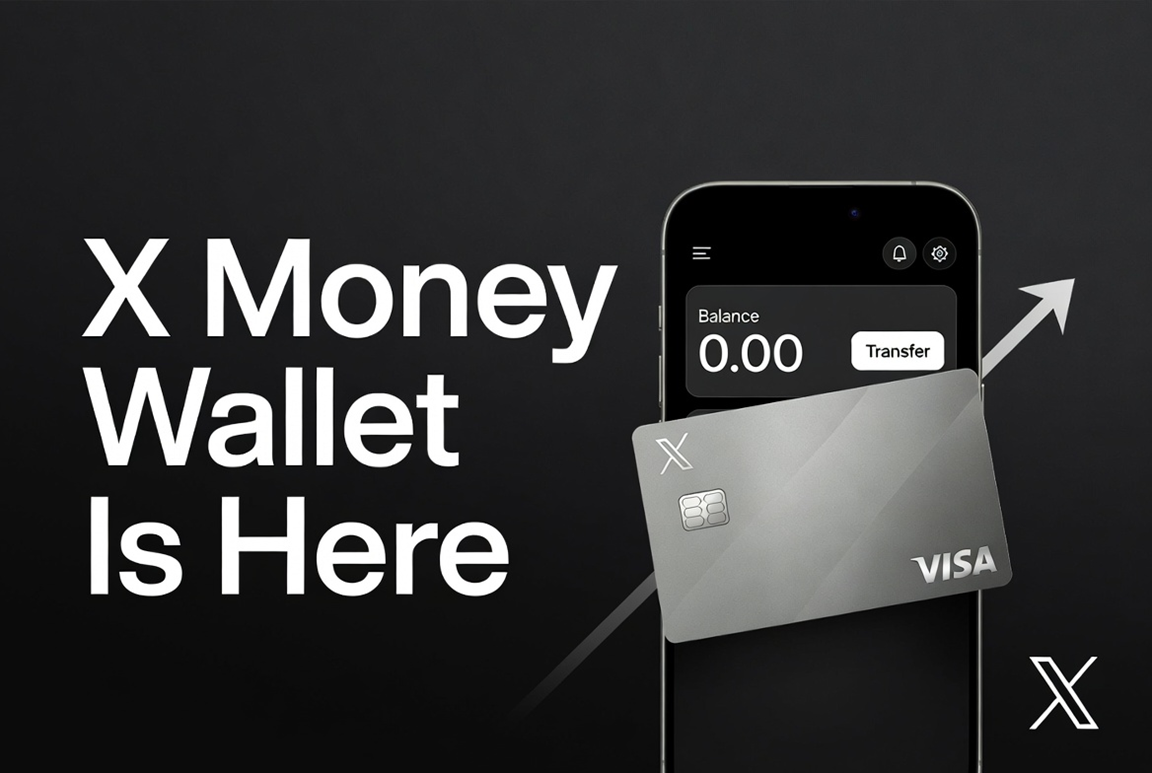
Send Money With X Money
X Money turns the social app into a practical wallet that pays interest and moves cash between users without leaving the platform. Eligible U.S. subscribers can hold balances, earn competitive yields, and spend with a branded Visa card.
Read the Full Version.
Read the Newsletter Version.
| | |
Tomorrow's Cool Tip is waiting to amaze you.
Until then, go forth and conquer the tech world with your newfound knowledge!
Be sure to visit www.OneCoolTip.com for Cool Tech Tips for a Cooler Life!
And if you Like One Cool Tip, please support with TipJar!
Enjoy!
Rodger
Chief Cool Tipper
onecooltip.com@gmail.com
| |
| What do you think of today's OneCoolTip newsletter?
| | | | Connect with One Cool Tip!! | | |
|
As an Amazon Associate, One Cool Tip may earn a small commission from qualifying purchases.
Our media content is intended solely for informational purposes only. Please do not construe anything here as legal, tax, investment, financial, marital or other advice.
Copyright © 2026 | www.OneCoolTip.com | All Rights Reserved
|
| | | |