cpp logo
 
CHRiS on red carpet

Dear Campus Community,


We’re excited to share that CHRS is officially live! 🎉


Over the weekend, we successfully transitioned to our new system, and we couldn’t have done it without the incredible dedication, collaboration, and hard work of the CHRS project team. Their commitment to getting us here has been nothing short of amazing - please join us in celebrating this major milestone!

How can I access CHRS?

You can now log in and begin using CHRS:

You can also access CHRS by logging into myCPP and navigating to the Employee Center Tab or the Online Services Tab (the CHRS link is included on both tabs).

What should I do immediately?

Now that CHRS is open, it’s time to enter the information you’ve been tracking while the system was down.

Important Deadlines

deadline

Enter Your March Absences/Time Off Requests


Deadline to enter and have approved is April 1 (earlier is better to avoid bottlenecks). Note: March 31 is a holiday, so please plan accordingly.

deadline

Enter March Time Worked (Only Applies to Certain Employees)


Deadline to enter and have approved is April 5. If you’re unsure whether you should be entering time worked into the CHRS Timesheet, ask your department timekeeper and/or approver.

Job Aids

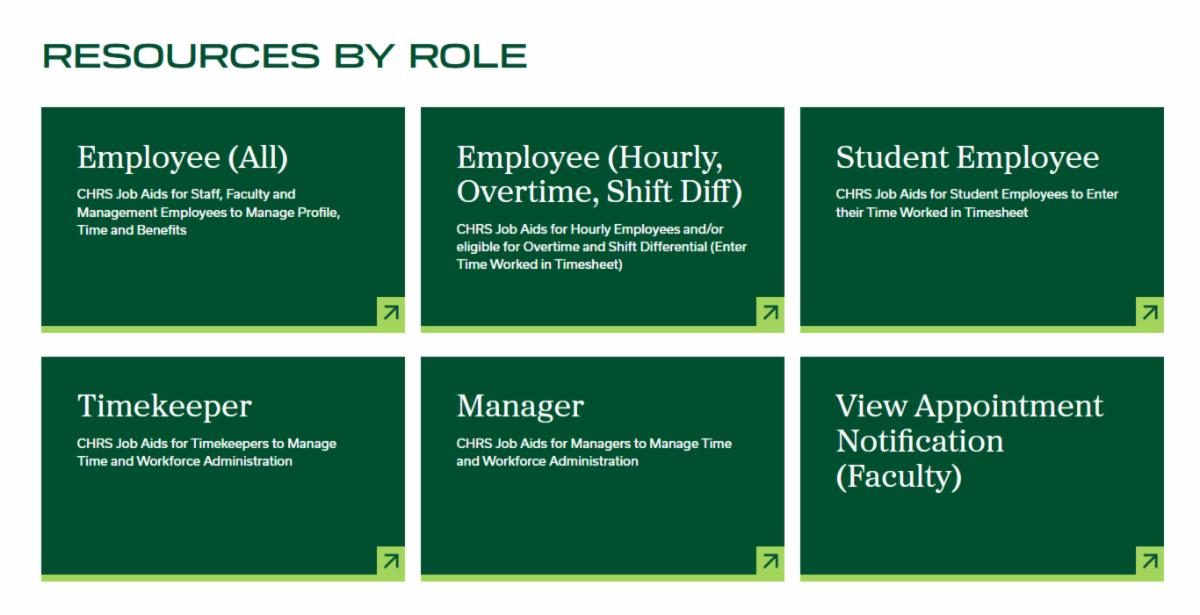
To help you navigate CHRS and complete the action items above, we encourage you to visit the CHRS Website, and review the Resources by Role.

resources by role

What information should I verify?

While you're in CHRS, please take a few minutes to review and update your information:


  • Preferred Name
  • Personal Address
  • Contact Details
  • Disability Status
  • Veteran Status
  • Emergency Contacts
  • Ethnicity
  • Final Paycheck Designee


Keeping this information up to date helps ensure everything from communication to benefits runs smoothly.

Where can I go if I have questions?

questions
step 1

Visit the CHRS website

step 2

Attend Office Hours

We’ve compiled step-by-step instructions (job aids) to help you complete key tasks in CHRS based on your role.

Join us for live support - virtual and in-person sessions are available.

step 3

Submit a CHRS Inquiry Form

Step 4

Call the Customer Service Center

If you still need support, submit an inquiry form. If marked as high urgency, we will respond within 24 hours.


This is the best way to get your question answered fully and quickly.

If you have visited the CHRS website, attended Office Hours and submitted a CHRS Inquiry Form, but you still prefer to speak with someone, please contact the Customer Service Center at 909-869-3733.

Final Note

This is an exciting new chapter for our campus, and we’re so glad you’re part of it. Thank you for your patience, flexibility, and partnership throughout this transition.


Welcome to CHRS - we’re officially live! 🚀


Your CHRS Companion, 


CHRiS