|
Manage Your Life From One Screen With Gemini Connected Apps
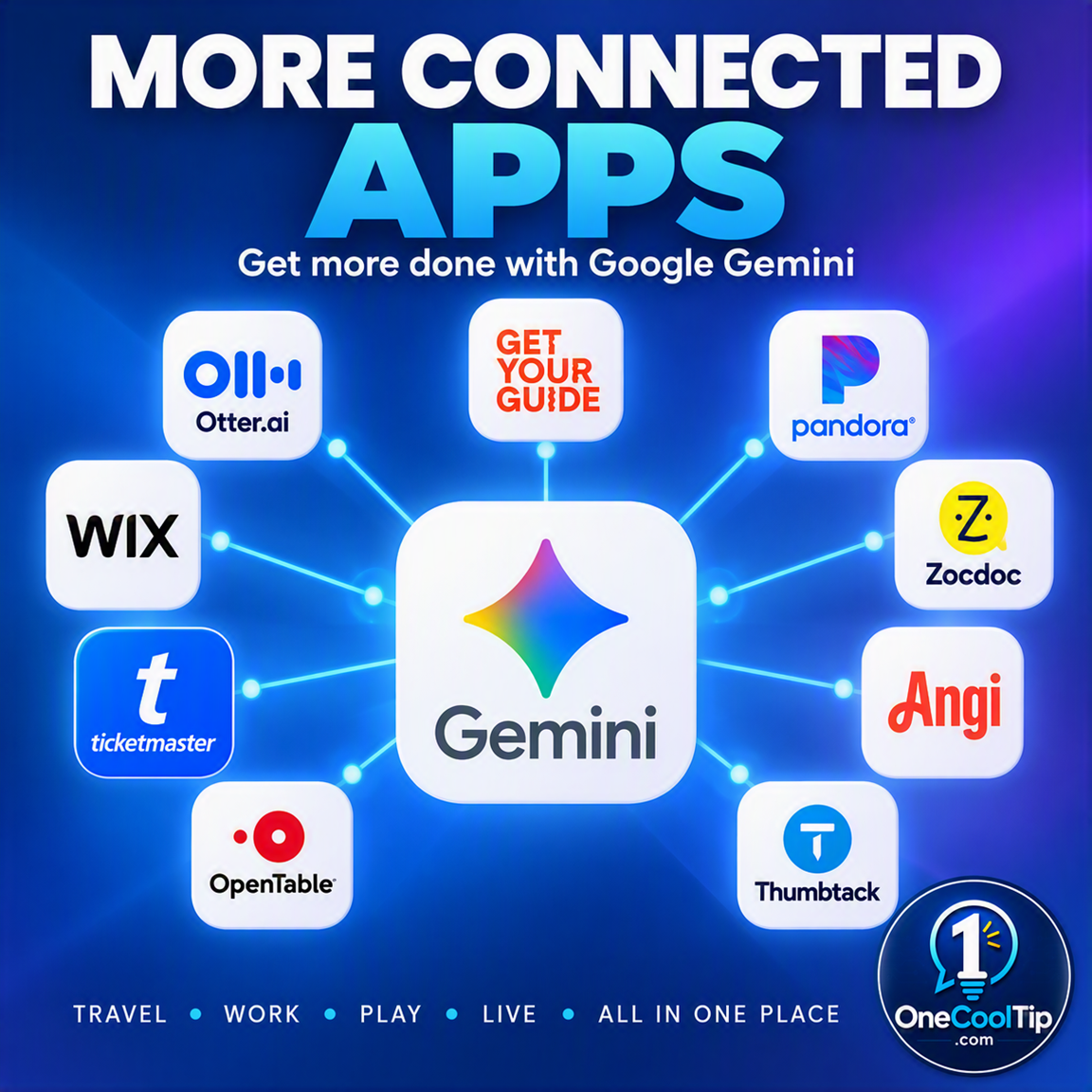
Google just expanded Gemini with over a dozen new connected apps for productivity, creativity, and lifestyle. You can now manage projects, design websites, and track your fitness directly within your Gemini chat.
We all know the pain of having too many browser tabs open at once.
You try to plan a project, check an apartment listing, and update your workout schedule simultaneously. You jump from screen to screen and lose your train of thought along the way.
Google is rolling out a massive update to Gemini, bringing your favorite third-party services directly into the AI interface.
Instead of switching tabs, you can pull data from Airtable, design visuals with Adobe, or search for tickets on SeatGeek right inside your Gemini chat box.
Here’s a Cool Tip: Type the "@" symbol in Gemini to instantly call up your favorite connected apps.
Feature Explanation
Connected Apps, also known as extensions, allow Google Gemini to talk to external software and services.
Google introduced a new wave of these integrations today across three main categories: productivity, creativity, and lifestyle.
You link your third-party accounts to your Google account through the Gemini settings menu.
Once connected, Gemini retrieves information from those services and performs tasks on your behalf.
You simply type a prompt, tag the app you want to use, and let the AI do the heavy lifting.
This integration turns Gemini from a simple chat assistant into a centralized control hub for your digital life.
You no longer need to copy text from a chat window and paste it into a project management tool.
The AI handles the transfer for you.
Professionals juggling multiple project boards, creators designing daily visual assets, and anyone trying to organize their personal schedules will save a tremendous amount of time.
It eliminates the constant context switching that ruins focus and productivity. This feature is currently rolling out globally.
What You’ll Gain
- Save time by executing commands across multiple platforms from a single chat interface.
- Reduce confusion when organizing complex projects across different software suites.
- Improve daily workflows by letting AI automatically format and export data to tools like Airtable or monday.com.
- Make daily work easier by generating creative assets with Adobe or Picsart without leaving your brainstorming session.
Step-by-Step Instructions
Here's how to do it.
Web/Desktop:
-
Open your web browser and go to gemini.google.com.
-
Click on the Settings gear icon in the lower left corner.
-
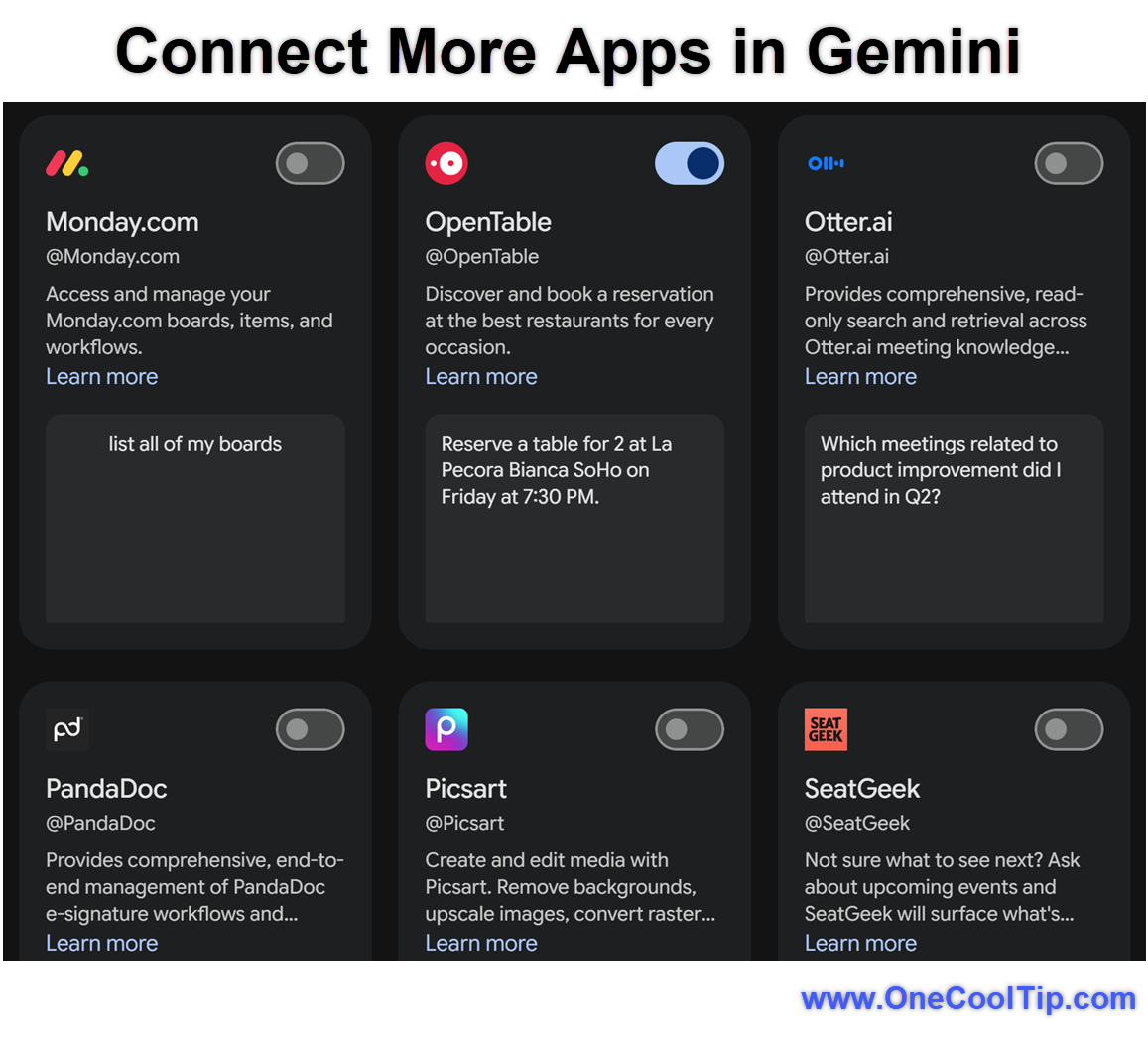
Select Personal Intelligence then Connected Apps.
-
Scroll through the list of available integrations like Airtable, Adobe, or Peloton.
-
Click the Connect button next to the app you want to link and follow the on-screen prompts to authorize your account.
-
Return to the main chat window, type the "@" symbol, select your connected app, and enter your prompt.
|