|
Turn On iPhone’s Enhanced Safety Alerts
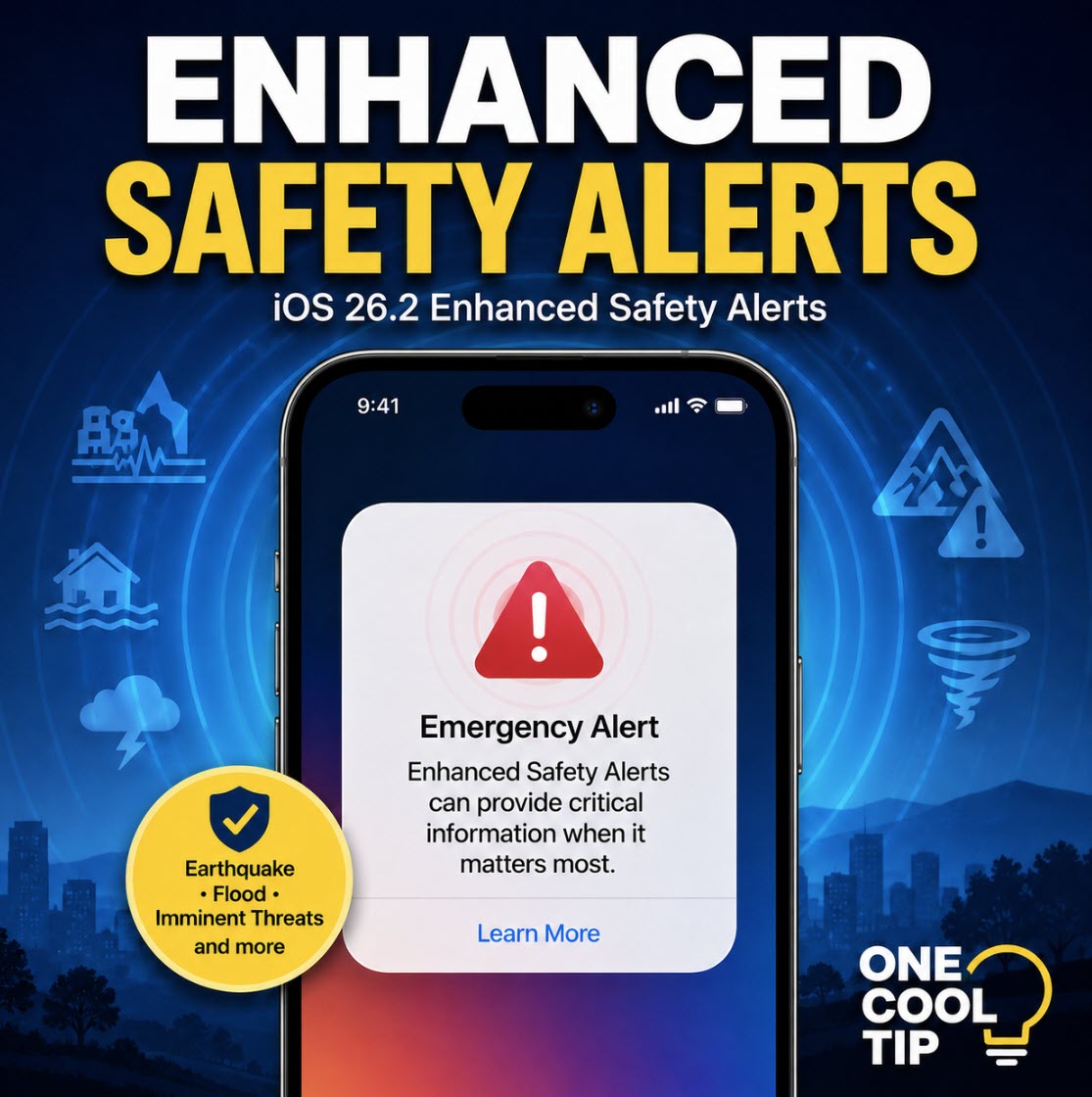
iOS 26 adds Enhanced Safety Alerts to help iPhone users in supported regions receive supplemental emergency information for events like earthquakes, floods, and imminent threats. The setting is worth checking because some alerts are on by default, while one optional delivery improvement is off unless you enable it.
Emergency alerts are one of those iPhone features you hope you never need.
But when weather turns dangerous, an earthquake hits, or local officials issue a serious warning, your phone can become one of the fastest ways to get information.
Here’s a Cool Tip: Check Your Enhanced Safety Alerts.
Apple has added another safety layer with Enhanced Safety Alerts, a feature available on iPhone in supported regions with iOS 26.2 or later.
It does not replace government emergency alerts.
Instead, it can provide supplemental safety alerts delivered by Apple over Wi-Fi and cellular data when available.
That makes this a smart setting to review, especially if you live in an earthquake-prone region, travel often, or help manage phones for family members.
Feature Explanation
Enhanced Safety Alerts are Apple-delivered supplemental safety alerts for emergencies such as earthquakes or floods.
They are based on information from alert originators and are available in the United States and Taiwan on iPhone with iOS 26.2 or later.
The key word is “supplemental.”
Government Alerts are still issued by local authorities and delivered through carrier networks when supported.
Enhanced Safety Alerts can arrive separately and may look or sound different from traditional government alerts.
In some situations, your iPhone may receive both.
The most notable part of the feature is earthquake support.
Your iPhone can receive Earthquake Alerts and broadcast them anonymously to nearby Apple devices.
The system also supports two alert levels:
-
Awareness Alert: Tells you an earthquake has been detected nearby and that you should prepare to act if needed.
-
Action Alert: A critical alert that tells you strong shaking is expected in your area and that you should take immediate action.
Both alert types may include the estimated magnitude, your proximity to the event, and suggested safety actions.
This is useful for everyday users because the setting is easy to overlook.
It sits at the bottom of the Notifications screen, below the notification controls most people normally adjust.
What You’ll Gain
- Get supplemental safety alerts for certain emergencies in supported regions.
- Understand the difference between Government Alerts and Enhanced Safety Alerts.
- Improve alert delivery by reviewing the optional Improve Alert Delivery setting.
- Help family members and travelers confirm that important safety alerts are enabled.
Step-by-Step Instructions
Here's how to do it.
iPhone:
1. Open Settings.
2. Tap Notifications.
3. Scroll to the bottom of the screen.
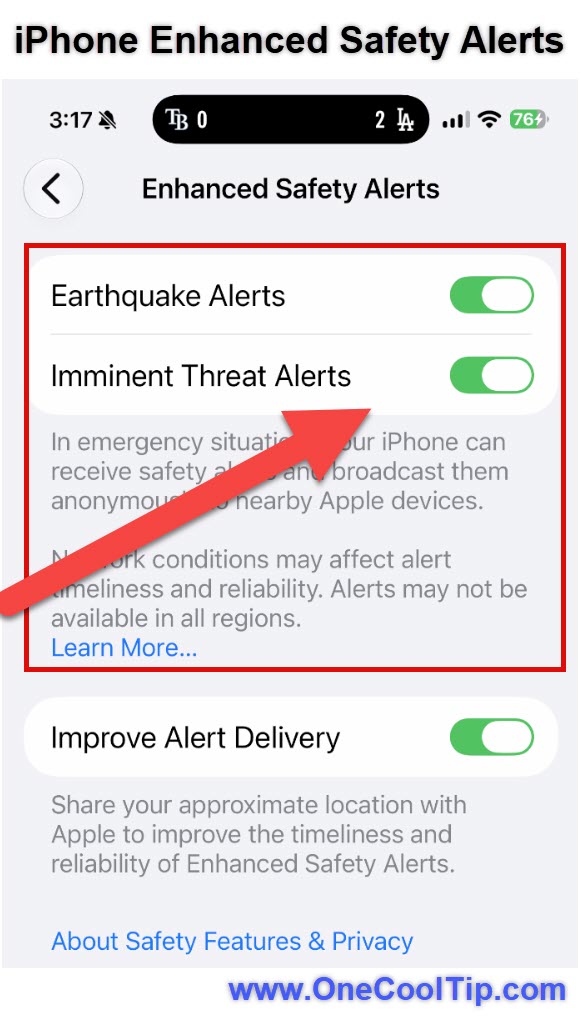
4. Under Enhanced Alerts, tap Enhanced Safety Alerts.
5. Review these options:
- Earthquake Alerts
- Imminent Threat Alerts
- Improve Alert Delivery
6. Turn each option on or off based on your preference.
|