|
New OneDrive Photos App Makes Finding Old Pictures Much Easier
Microsoft is introducing a dedicated OneDrive Photos app experience that helps users organize, rediscover, and manage pictures stored locally and in the cloud. If your photo collection has become a maze of folders, screenshots, and backups, this new tool could save you a surprising amount of time.
Most of us take thousands of photos every year, then spend far too much time searching for the one image we actually need.
A vacation picture from three summers ago. A photo of a receipt for an expense report. A screenshot containing important information.
The files are usually there somewhere, but finding them can be frustrating.
Here's a Cool Tip: Try the New Windows 11 OneDrive Photos App.
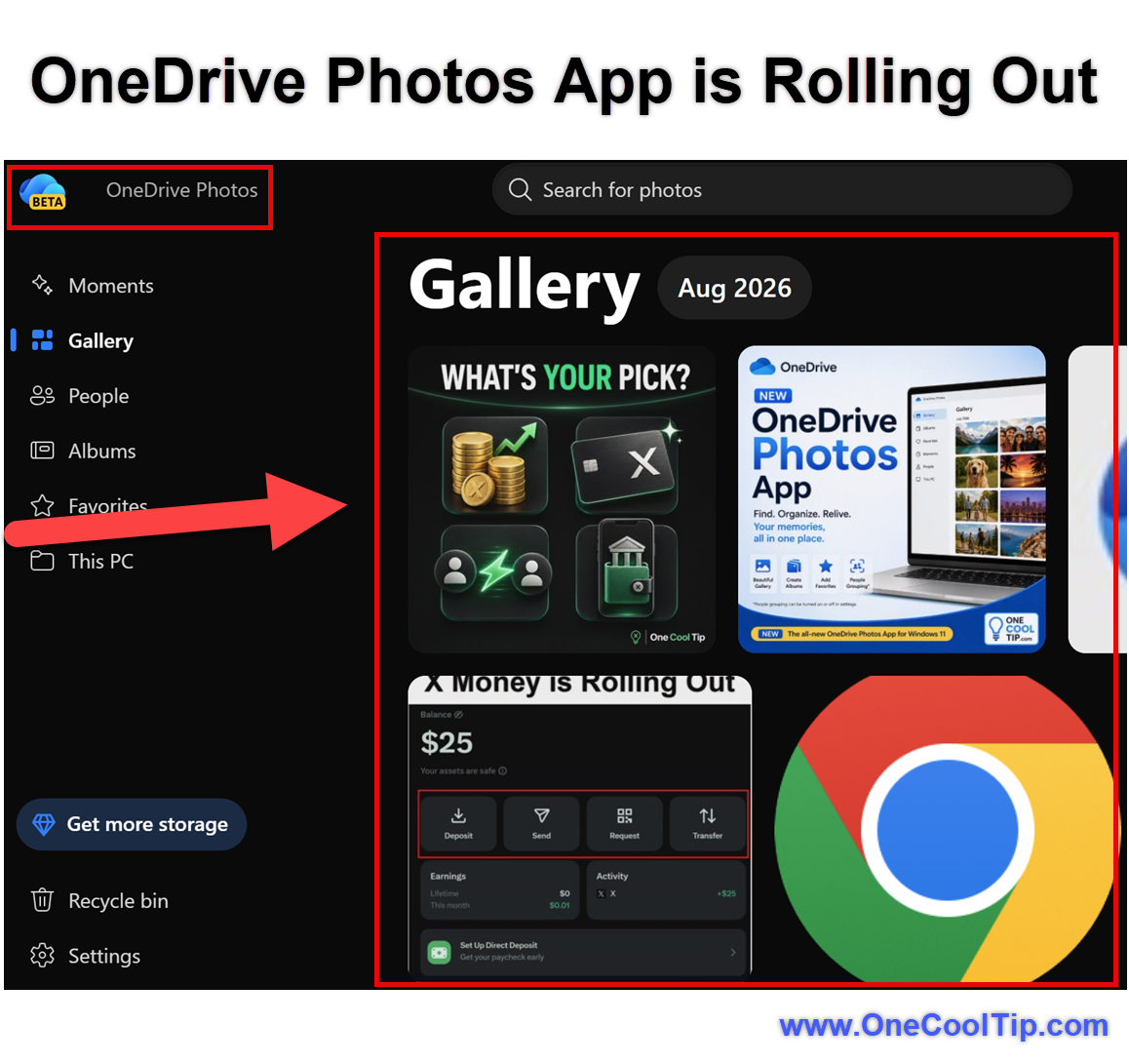
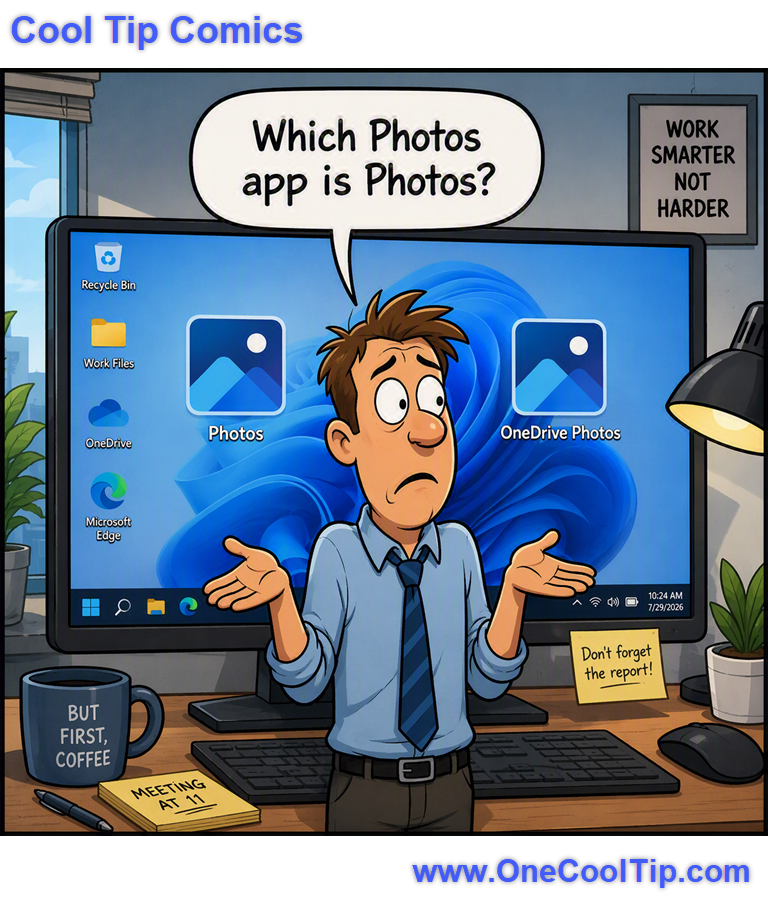
OneDrive Photos is a dedicated photo-focused experience that has recently started appearing on some Windows 11 systems.
The app provides a gallery-style experience for browsing, organizing, and revisiting photos stored on a PC and in OneDrive cloud storage.
Availability currently may vary by account, device, and rollout status.
Feature Explanation
OneDrive Photos is Microsoft's latest effort to make photo collections easier to browse and manage.
Instead of treating pictures as ordinary files buried inside folders, the experience focuses on showing images in a gallery designed for viewing and organization.
OneDrive Photos includes sections such as:
- Moments
- Gallery
- People
- Albums
- Favorites
- This PC
These sections are intended to help users browse photos visually rather than navigating through folder structures.
Moments is designed to surface photos from previous years, similar to memory features available in other photo-management platforms.
The Gallery view displays photos in a timeline-style layout, while Albums and Favorites provide familiar organization tools.
The People section can group similar faces when facial recognition is enabled.
Why should you care?
For many users, photo collections grow faster than their ability to organize them.
OneDrive Photos aims to reduce the effort required to find, revisit, and manage important images.
This feature is especially useful for:
- Families managing years of photos.
- Travelers with large collections from multiple trips.
- Students storing screenshots and class materials.
- Creators organizing visual assets.
- Business users archiving receipts, project photos, and reference images.
What You'll Gain
- Spend less time searching through folders.
- Rediscover older memories more easily.
- Keep cloud and local photo collections organized.
- Access a more visual browsing experience for large photo libraries.
Step-by-Step Instructions
Here's how to do it.
Windows
-
Open Start and search for OneDrive Photos on your PC.
-
If the app appears, launch it.
-
Sign in with your Microsoft account if prompted.
-
Explore available sections such as Gallery, Albums, Favorites, and Moments.
-
Add local folders containing photos.
-
Allow access to photos when requested.
|