Tuesdays

Talk TECHIE to Me!

Hey Univerge Blue User!


It's Tuesday, and you know what that means - time for the latest and greatest on NEC UNIVERGE BLUE Cloud Services! Hope you’re having a day as spectacular as a cat 🐱 in a superhero cape! 🦸‍♂️


We’ve got some mind-blowing news that’s going to revolutionize your virtual meetings and collaborations! Introducing...


Univerge Blue - Screen Sharing Extravaganza! 🎩✨


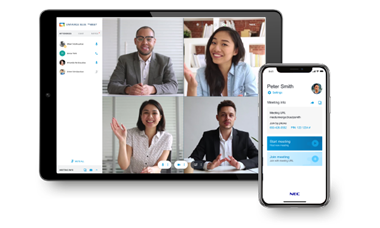
Imagine this... You’re in a meeting, and instead of trying to explain your point with words alone, you can now share your screen and show everyone exactly what you’re talking about. It’s like turning your computer into a magical window that everyone can see through!

Ready to become the ultimate screen-sharing superstar?

Here's your step-by-step guide to dazzling your colleagues:


1. Log in to Your Univerge Blue Account:

  • Open your browser, enter your credentials, and step into the enchanted realm of seamless collaboration.


2. Start or Join a Meeting:

  • Click on the “Meetings” tab and either start a new meeting or join an existing one. It’s like entering a virtual conference room where the magic happens.


3. Find the Screen Share Button:

  • Look for the screen icon—it’s like finding the secret lever that opens the portal to visual awesomeness.


4. Select the Screen or Window to Share:

  • Choose whether you want to share your entire screen or just a specific window. It’s like deciding which part of your magical kingdom you want to reveal! 🌟


5. Share and Impress:

  • Click “Share” and watch as your colleagues’ jaws drop in awe. You can navigate through your documents, presentations, or even show off that funny cat video you’ve been dying to share! 🐱🎬

And there you have it! You’re now equipped with the ultimate tool for engaging and effective virtual meetings. Whether you’re presenting a project, collaborating on a document, or just want to add some visual flair to your discussions, Screen Sharing has got you covered.


We hope this feature makes your workday a whole lot more interactive and a ton more fun! If you have any questions or need a helping hand, our support team is here to assist. 🦸‍♂️🦸‍♀️


Stay awesome and happy sharing!


P.S... Don’t forget to show off your new Screen Sharing skills to your colleagues. They’ll be amazed at how effortlessly you can share your screen and make your point crystal clear! 😊

For additional information about Univerge Blue and our other services, we encourage you to explore our website or contact MTC directly. Our team is always available to answer any questions you may have and help you find the right solutions for your business needs.

To get started, call us at 812-421-0111 or visit www.midwesttel.com to learn more. For more details, check out our website or call MTC today!

Ready to take advantage of the latest and greatest from UNIVERGE BLUE?


Let’s talk!


Best regards,

Emily Kiefer

Midwest Telecom Comminutions, Inc.

Get the Scoop on UNIVERGE BLUE's Latest Features Every Tuesday!

Facebook  Email  YouTube  Web  LinkedIn

Discover UNIVERGE BLUE's Latest and Greatest Features YOU Won't Wanna Miss!


Visit Our Website:

www.midwesttel.com

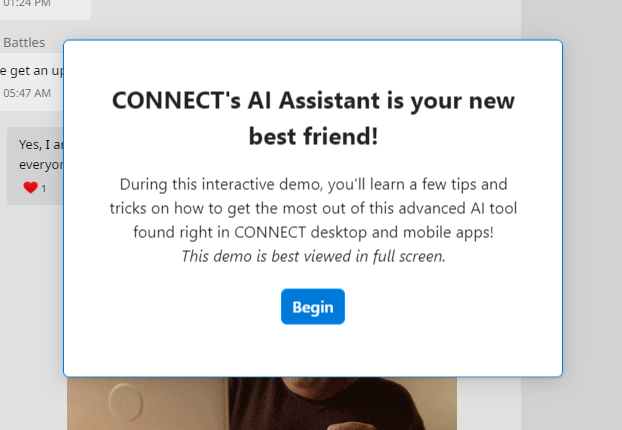
Test AI Assistant today!

Click on the image provided below to access an active demo resource.

View Demo