|
One Cool Tip Newsletter
November 14, 2025
| Your daily dose of tech-savvy brilliance! | |
😀Greetings!, Happy Friday Funday, Cool Tipper!
Get ready to streamline your digital life with simple, actionable tips delivered straight to your inbox.
Today's Cool Tip Theme: Google Arts & Culture's Route 66
IN THIS ISSUE
- ⚠️ AT&T Data Breach Settlement.
- 📰 ChatGPT 5.1 Is Here.
- 🚀 Let AI Make It a Great Week!
- 🖼️ Cool ChatGPT AI Travel Prompt of the Day.
- 🗺️ Take a Drive on Route 66.
- 👀 How Do I Drive and Listen?
- 🤔 Travel the World with Radio Garden.
- 🙋♂️ Unlock the Beauty of USA.
New here? Subscribe to the One Cool Tip Newsletter for daily updates. It's FREE!
-
😂 Laugh with Us! Enjoy our Tech Joke of the Day, Haiku and Cool Tip Comics.
-
🌐 Stay Informed! Check out ICYMI, and our One Cool Tip Video.
Today's Tech Trivia
Answer at the end of this newsletter.
| |
| What file format did Google use for the 2007 Route 66 Street View? | | | | |
🚨AT&T Data Breach Settlement. File Your Claim🚨
If you were affected by the AT&T data breach involving over 70 million users, you may be eligible for up to $7,500 in compensation. The settlement covers individuals whose personal data was exposed in the 2021 breach and later posted online.
How to File Your Claim
- Visit the official settlement site: AT&T Data Breach Settlement.
- Check your eligibility using your name and contact info.
- Submit your claim form by December 18, 2025.
- Include documentation if claiming reimbursement for identity theft or fraud-related expenses.
Cool Tip: Save a copy of your submission and confirmation email for your records.
Stay alert for phishing scams pretending to be part of this settlement and only use verified links.
And in Other News...
OpenAI has released ChatGPT 5.1, and it’s already making conversations smoother and smarter.
What’s New
-
Faster thinking: The model adjusts its response time depending on how complex your question is.
-
More natural tone: Replies feel warmer and more conversational, especially in casual mode.
-
Custom personality settings: You can now choose how ChatGPT sounds, from professional to quirky.
-
Improved accuracy: It follows instructions more reliably, even for layered or tricky prompts.
Who Can Use It
- Available now for paid ChatGPT users (Pro, Plus, Go, Business).
- Free users will get access soon.
Cool Tip: Try asking it to explain a complicated topic in plain English. You’ll notice the difference right away.
| | |
🚀 Make It a Great Week!
Copy/Paste this AI-powered prompt. Try it in the One Cool Tip AI Companion (free ChatGPT account required):
"Help me plan my day. Ask me a few quick questions first, then give me:
- a clear plan for the day,
- a couple of useful tech tips based on the tools I use, and
- one fun or helpful idea for home."
| | | |
🖼️ Cool ChatGPT AI Prompt of the Day
Try this ChatGPT prompt:
"Plan a personalized family Thanksgiving road trip for us. Before creating the itinerary, ask me these questions one at a time:
- Starting point and destination?
- How many travel days?
- How many people and their ages?
- Preferred activities?
- Daily driving limit?
- Any mobility, dietary, or comfort needs?
- Scenic route, fastest route, or mix?
After I answer, create a complete plan with a day-by-day itinerary, travel times, scenic stops, kid-friendly ideas, weather notes, meal suggestions, backup options, and a packing checklist."
| | |
Take a Drive on Route 66 With Google Arts and Culture
Explore Route 66 in a new way with Google Arts and Culture. This interactive experience lets you tour landmarks, browse history, and plan a future trip across America’s Mother Road without leaving your screen.
Route 66 has inspired travelers for nearly a century, yet most people have only seen fragments of it.
What if you could explore the entire road with vivid detail from your phone or laptop?
Here's a Cool Tip: Drive on Route 66 With Google Arts and Culture.
Google Arts and Culture gives you that chance with a curated, interactive project that pulls together stories, photos, and locations along the historic highway.
This digital experience turns an iconic American drive into something anyone can explore at home, at school, or on the road.
Feature Explanation
Google Arts and Culture’s Route 66 Project is an immersive, multimedia collection dedicated to the full length of Route 66.
It includes high-resolution images, historical notes, virtual tours, maps, and stories from museums and preservation groups along the route.
It works in any modern browser and in the Google Arts and Culture app for iOS and Android.
The platform lets you browse landmarks, read about communities, view vintage photographs, and jump into 360-degree street scenes of notable stops.
The value comes from having a curated overview rather than random search results.
Everything is organized into collections that highlight culture, travel, and historical significance.
For home users, it is a beautiful virtual road trip.
What You’ll Gain
- Explore Route 66 landmarks from any device.
- Learn the history behind towns, diners, motels, and attractions.
- Prepare a real world road trip itinerary using visual previews.
- Access curated multimedia without searching across multiple sites.
Step-by-Step Instructions
Here's how to do it.
Microsoft Web/Desktop
- Open a modern browser such as Chrome, Edge, or Firefox.
-
Visit the Route 66 Project: artsandculture.google.com/project/route-66
- Scroll to browse collections such as landmarks, museums, and stories.
- Select any item to open a full page view.
- Use the left sidebar to navigate to 360 degree tours, maps, or related exhibits.
- Save screenshots of landmarks if you want to build a travel plan.
| | fig. 1 - Route 66 - Google Arts and Culture | | |
iOS
- Install the Google Arts and Culture app from the App Store.
-
Open the app and search for “Route 66.”
- Tap the Route 66 project tile.
- Swipe through categories to explore images, stories, and virtual tours.
- Tap the share icon to save a link or send a feature to friends or students.
Android
- Install Google Arts and Culture from Google Play.
- Launch the app and enter “Route 66” in the search bar.
- Select the Route 66 project.
- Explore collections or use the Explore tab for specific landmarks.
- Use the built-in zoom controls to examine archival images closely.
Pros and Cons
Pros
- Rich visual content useful for teachers, travelers, and history fans.
- Cross-platform experience works on nearly any device.
- Curated content reduces time spent searching for reliable information.
Cons
- No turn by turn trip planning built in.
- Image resolution varies depending on museum or partner source.
- Some locations offer limited 360 degree coverage.
Feature Access
- The Route 66 Project is available at no cost.
- It runs on the Google Arts and Culture website and mobile apps.
- The content is globally accessible.
- Some sections may update over time because museums continue to add materials.
- There is no subscription tier required.
Score
Criterion | Score (0–10) | Justification
Value 9
The tool offers a deep, curated experience without cost.
Usability 8
Simple navigation on all platforms, though occasional loading delays occur with large media.
Wow Factor 9
High resolution images and 360 degree tours create an impressive digital journey.
Total: 26/30 🌟 Excellent
A polished way to explore one of America’s most iconic roads, especially compared to standard map searches.
Key Takeaways
- Google Arts and Culture turns Route 66 into a multimedia experience you can explore anywhere.
- It helps you learn, plan, and connect with the history of the highway.
- Whether you teach, travel, or just love classic Americana, the project is worth saving to your bookmarks.
Cool Tip Snapshot
- Feature Name: Google Route 66 Project.
- Platform(s): Web, iOS, Android, Windows 11.
- Quick Benefit: Explore historic Route 66 landmarks, stories, and virtual tours.
- Access Type: Free.
Try It Yourself
Explore the full Route 66 Project today and save your favorite landmarks to build your own virtual road trip.
Share this Cool Tip with friends or colleagues!
READ MORE
Read the Full Cool Tip
| | |
Help support One Cool Tip. Use this Amazon link when you shop online.
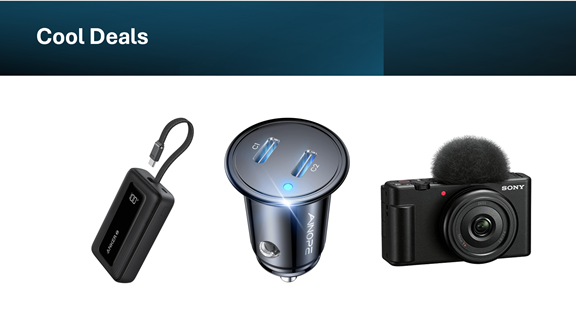
Look at these Cool Products:
| |
🌟 Anker PowerCore Slim 10000 Portable Charger: Reliable backup power for road trips and long days photographing Route 66. $25.99 Check it out on Amazon!
📸 Sony ZV-1F Vlog Camera: Ideal for capturing roadside landmarks without carrying heavy gear. Save 17% $498. Check it out on Amazon!
🔌 Dual USB Car Charger by AINOPE: Fast charging for phones running Google Arts and Culture on road trips. Save 15% $16.99 Check it out on Amazon!
Prices accurate at time of publication
| | |
🆒Tell Me More
- Route 66 spans 2,448 miles from Chicago to Santa Monica.
- Google’s exhibit includes 130 stories and 4,000 images.
- Tulsa was named the official Route 66 capital for the centennial year.
⏩Quick Tips
- 📍 Use the Map Filter: Open the project and look for the Map tab to see historical points plotted geographically. This is the fastest way to virtually jump from state to state along the route.
- 🗣️ Read the Captions: Many images have detailed, paragraph-long captions providing primary source context about the person or event pictured, turning a simple photo into a history lesson.
- 🔗 Share Easily: Use the share icon at the top of any exhibit page to instantly generate a link for friends or family, making collaborative learning or trip planning simple.
| | ✅ More Must-Read Tech Tips | |
👀 How Do I Drive and Listen?
Have you ever wanted to roam the streets of Tokyo, listen to the bustling sounds of New York, or enjoy the radio tunes of Paris, all without leaving your living room?
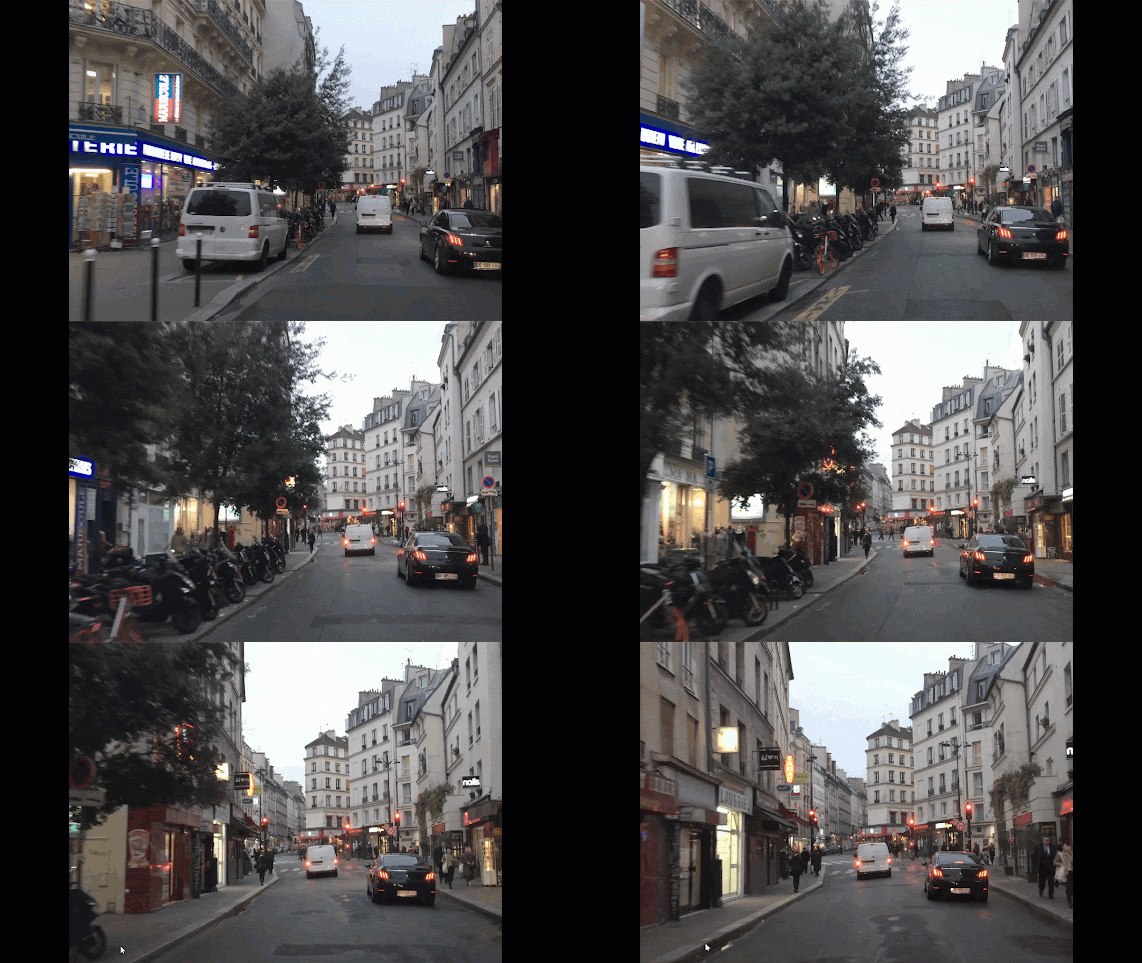
Drive and Listen is an immersive web application that allows users to virtually explore cities around the world from the comfort of their own home.
It combines video footage of city drives with real-time local radio, giving users a unique experience of the city’s atmosphere.
You can select from a wide range of cities, control the speed of the drive, and even adjust the ambient street noise to match your preference.
Here's how to do it.
-
Visit Drive and Listen, https://drivenlisten.com/ .
-
Select a city from the dropdown menu.
-
Adjust the car’s speed and volume to your preference.
-
Choose to include street noise for a more immersive experience.
-
Pick a local radio station and start your virtual drive!
Drive and Listen offers a cost-free journey through the world’s most vibrant cities.
Discover more HERE.
| |
🤔 Have You Ever Wondered How to Travel the World with Radio Garden?
Have you ever wondered what people are listening to in different parts of the world?
Radio Garden is an interactive map of live radio stations that lets you tune in to any place on Earth.
Here's how to use Radio Garden:
-
Go to Radio Garden: http://radio.garden/.
- Use your mouse to move the interactive map around the world.
- Scroll in to view more local stations.
- Click any dot to hear that station.
Find more HERE.
| | |
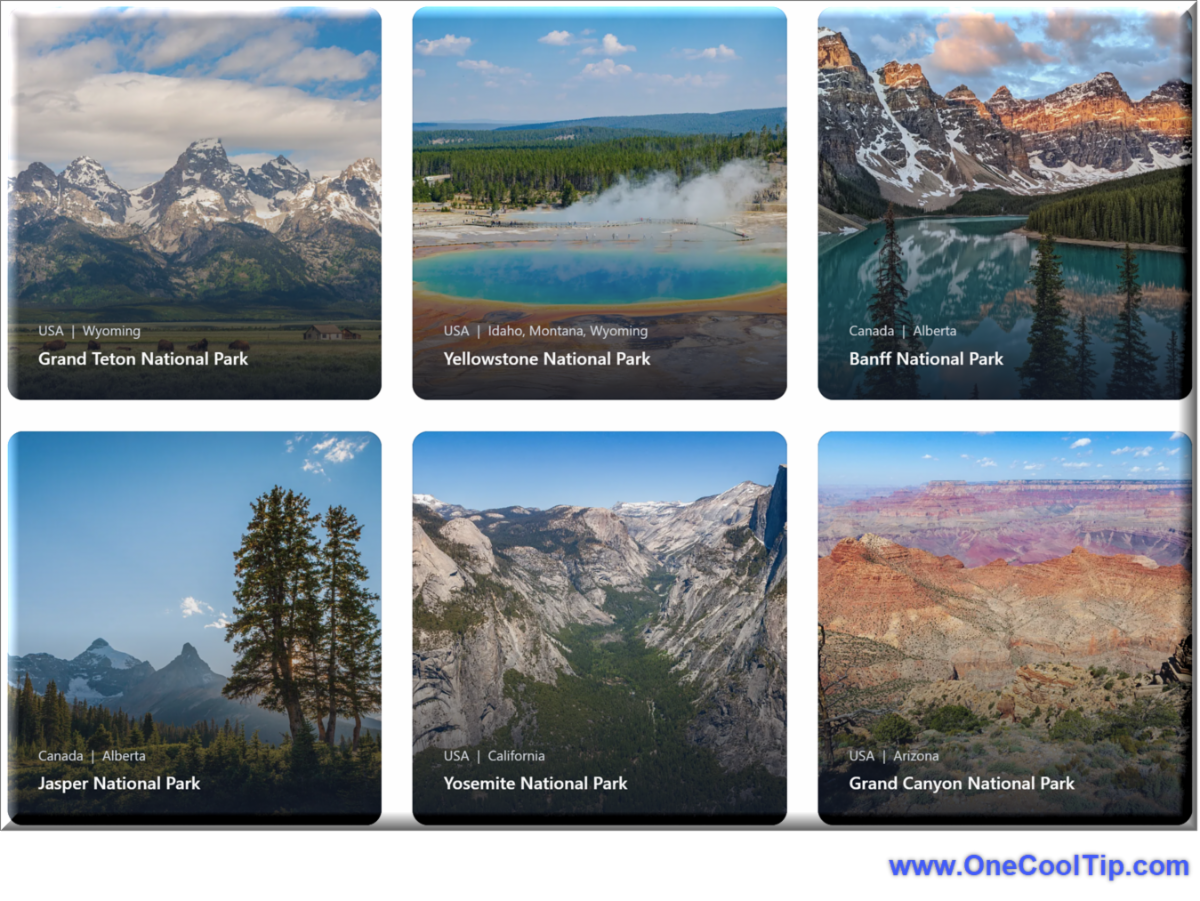
🙋♂️ Here's How to Unlock the Beauty of USA and World National Parks with Traveler Map
Ever dreamed of witnessing the grandeur of Yosemite's waterfalls or hiking through the breathtaking trails of Yellowstone?
Here's a Cool Tip. Visit Traveler Map.
This powerful online tool simplifies the planning process, allowing you to craft the perfect park adventure tailored to your interests and preferences.
Here's how to do it.
-
Visit the Traveler Map website (https://travelermap.net/) on your computer or mobile device.
-
Select either "Explore USA Parks" or "Explore World National Parks".
-
Use the search bar to find specific parks by name or browse the interactive map to discover parks in different regions.
-
Click on a park's icon to access detailed information, including photos, descriptions, visitor tips, and nearby attractions.
-
Traveler Map truly shines when it comes to providing comprehensive park information.
Whether you're a seasoned park enthusiast or embarking on your first national park journey, Traveler Map will empower you to explore the beauty of these natural wonders with confidence and ease.
Learn more HERE.
| | |
❓Did you share this newsletter with three friends yet?
😎 Cool Facts
-
4,000+: The Route 66 project includes over 4,000 images from more than 20 partner institutions, making it one of the largest online collections on a single American highway. Source.
-
8: Route 66 originally passed through eight states: Illinois, Missouri, Kansas, Oklahoma, Texas, New Mexico, Arizona, and California. The digital archive covers sites in all of them. Source.
-
85%: While Route 66 was officially decommissioned in 1985, an estimated 85% of the original road can still be driven today. The remaining sections are often overlaid by the Interstate Highway System. Source.
⌨️Today's Cool Keyboard Shortcuts
Route 66 Keyboard shortcuts
- ←Move left
- →Move right
- ↑Move up
- ↓Move down
- +Zoom in
- -Zoom out
😜 Tech Joke of the Day 😅
What did the vintage car say to the smartphone?
“Back in my day, we used paper maps!”
🔎 Do you have a Cool Tip or tech question? Email us at onecooltip.com@gmail.com.
| | |
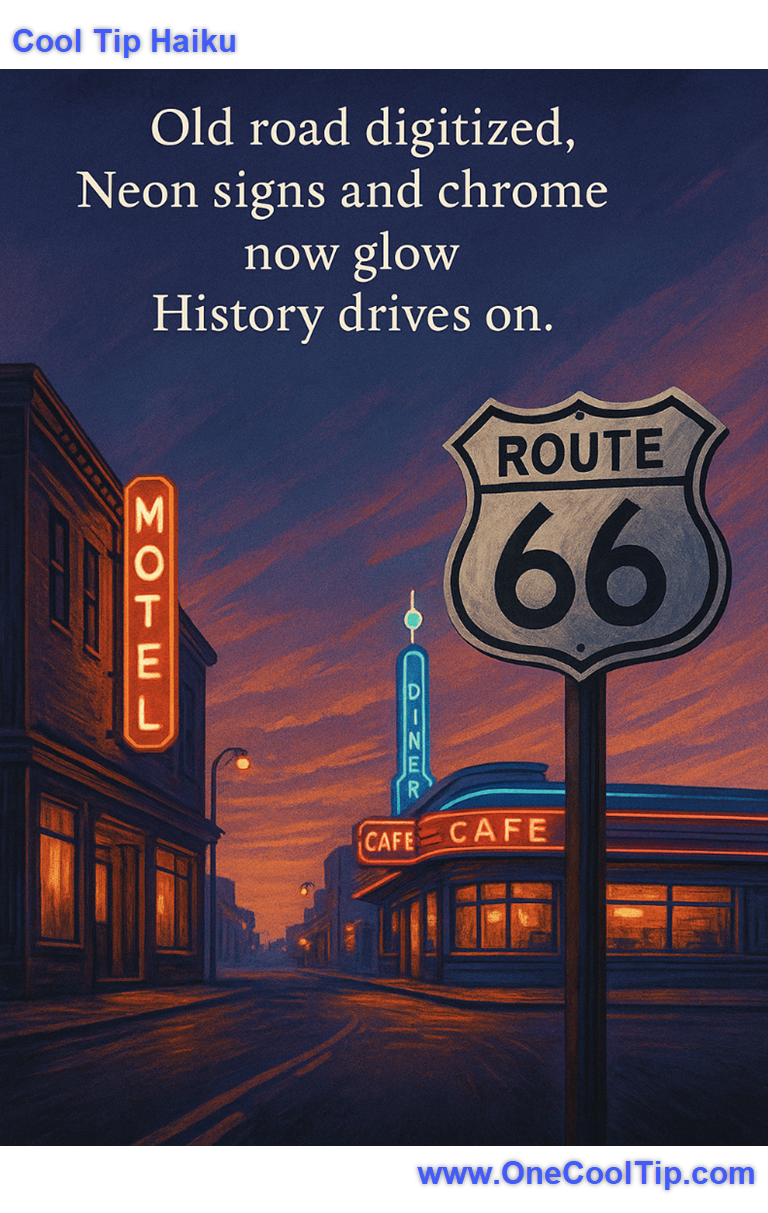
Old road digitized,
Neon signs and chrome now glow,
History drives on.
| |
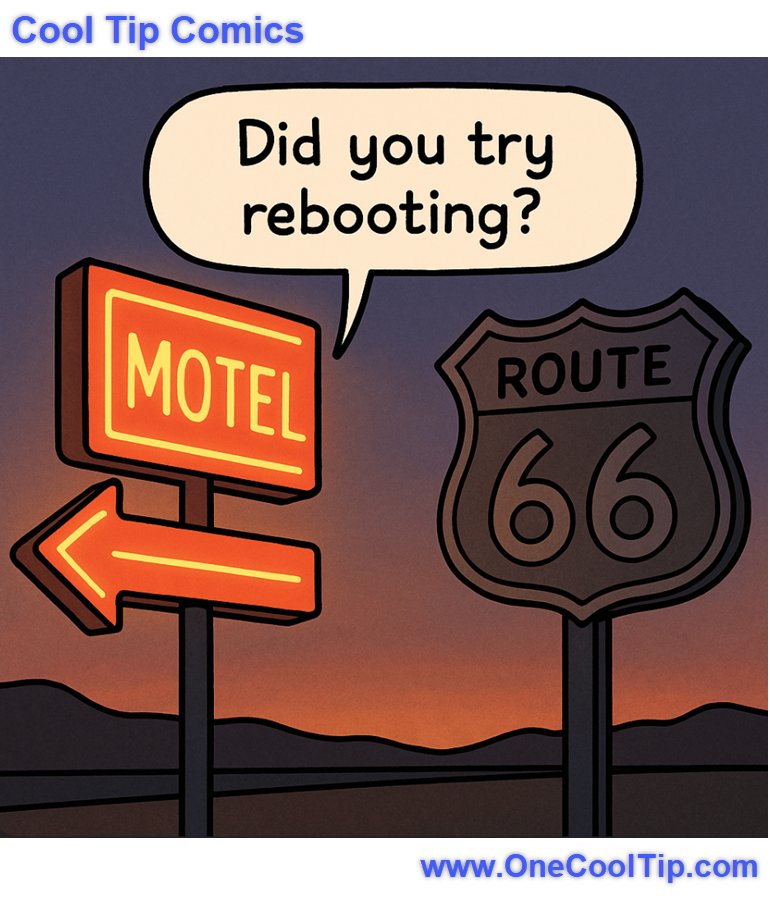
| 🤔 What would you explore first on Route 66? | | | | Did You See These Cool Tips This Week? | | | | How to Disable Apple Wallet Promotions in iOS 26 | Stop Unwanted Card Ads and Focus on What Matters Most in Your Wallet | | | | New “Save as Project” in Windows 11 Paint | Microsoft Paint just got a big upgrade. You can now save your artwork as editable project files, not just flat images. This means you can reopen and tweak your creations later, just like you would in Photoshop. | | ICYMI - In Case You Missed It ... | | | | Meta Vibes: Meta’s New Playground for AI-Generated Videos | Meta just dropped Vibes, a dedicated feed inside the Meta AI app (and at meta.ai) where every video is AI-generated. You can browse, remix, or build videos and share them across Facebook/Instagram. This Cool Tip cuts through the hype to show what’s real, what’s experimental, and what’s useful (or not) for everyday creators. | | Even the signs on Route 66 know the first step in tech support! 😂 | | |
Trivia Answer: D) KML
Google relied on Keyhole Markup Language (KML), the XML-based format inherited from its 2004 acquisition of Keyhole, Inc., to overlay Street View images onto the Route 66 map layer in Google Earth.
This open standard let developers and historians embed virtual tours, waypoints, and historical notes directly into the digital highway.
----------
Tomorrow's Cool Tip is waiting to amaze you.
Until then, go forth and conquer the tech world with your newfound knowledge!
Be sure to visit www.OneCoolTip.com for Cool Tech Tips for a Cooler Life!
And if you Like One Cool Tip, please support with TipJar!
Enjoy!
Rodger
Chief Cool Tipper
onecooltip.com@gmail.com
| | |
3️⃣
If you enjoy the One Cool Tip newsletter, please forward this newsletter to THREE friends or colleagues or share it on social media using the links below.
Leave a Tip!
Share this One Cool Tip Newsletter!
| |
| What do you think of today's OneCoolTip newsletter? | | | |
Please Share the One Cool Tip Newsletter!
You asked for it. You got it. There is now a One Cool Tip Newsletter archive. Did you delete a newsletter and want to read it again? Check it out HERE.
Want to help One Cool Tip grow? Please forward this email using the link above. And if you see an OCT social media post, please LIKE, COMMENT and SHARE!
Have you subscribed to the One Cool Tip YouTube channel? Subscribe HERE.
| | Connect with One Cool Tip!! | | |
|
As an Amazon Associate, One Cool Tip may earn a small commission from qualifying purchases.
Our media content is intended solely for informational purposes only. Please do not construe anything here as legal, tax, investment, financial, marital or other advice.
Copyright © 2025 | www.OneCoolTip.com | All Rights Reserved
|
| | | |