|
Master Your Day With the New Gmail AI Inbox
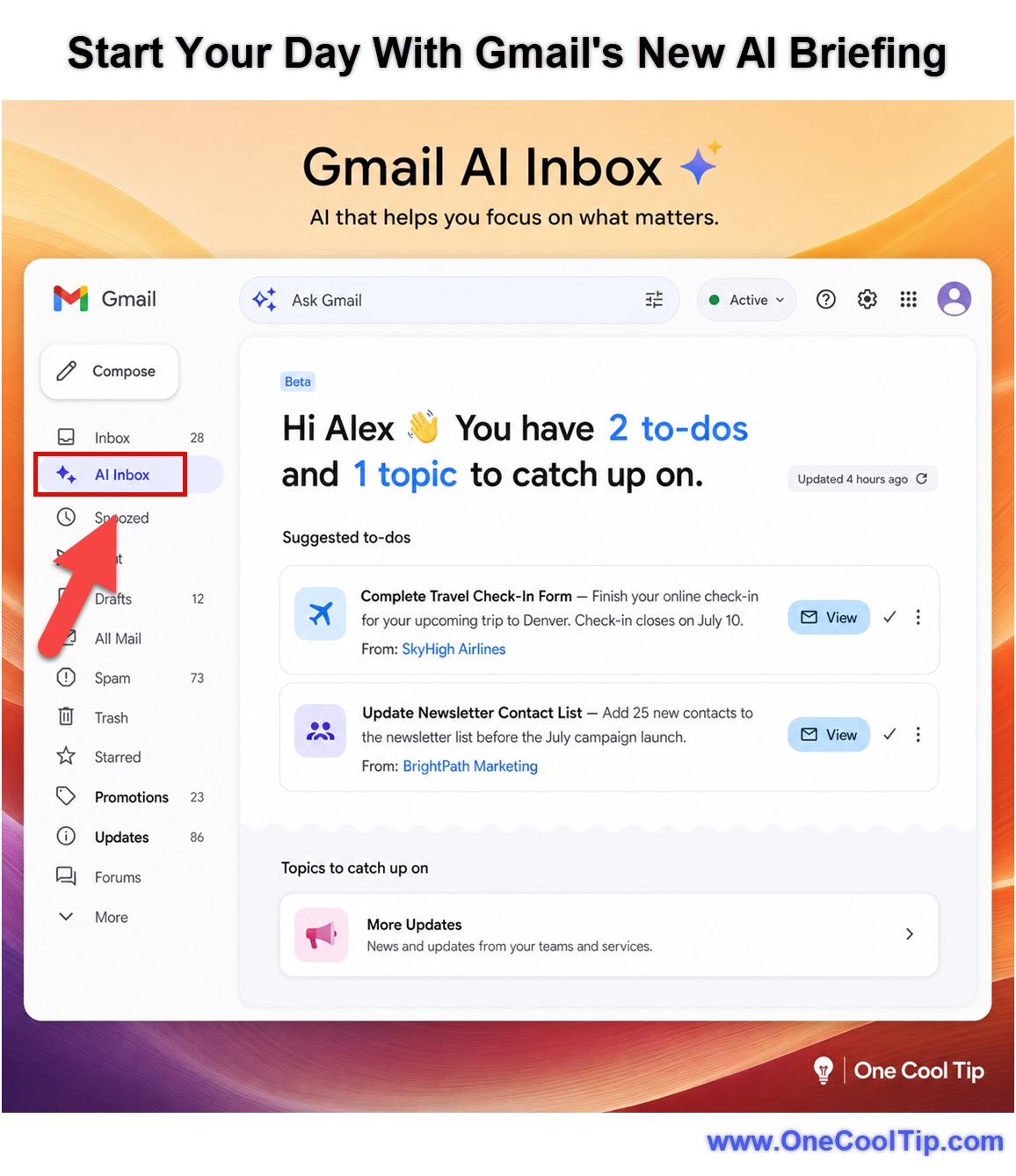
The new AI Inbox in Gmail (beta) transforms how you view your daily messages by placing a personalized daily briefing right in your left-hand navigation column. You can stop scrolling through endless promotional emails and start your day by addressing high-priority action items automatically surfaced by Gemini AI.
Publisher's Note: Sneak Peek!
Google is currently testing the new AI Inbox with a limited group of users before rolling it out broadly in the coming months. If you do not see this feature in your account today, consider this your exclusive first look. Read on to see how it works, and keep an eye on your left-hand navigation menu so you are ready to use this smart assistant the moment it arrives for you.
Opening an email account often feels like walking into a crowded room where everyone is shouting at once.
Critical messages get buried under newsletters, receipts, and social media notifications.
Managing that flow of information takes valuable time away from actual work.
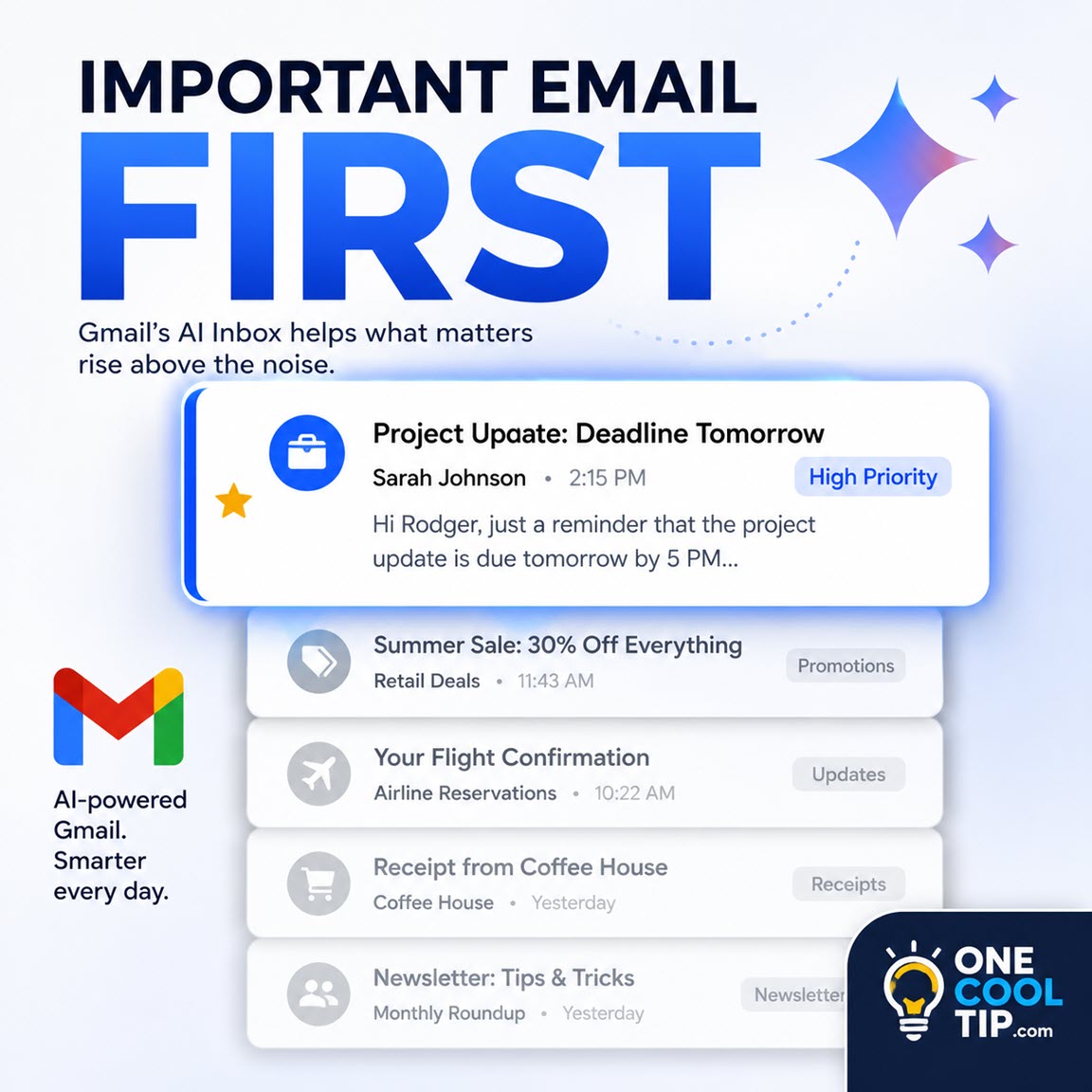
Here's a Cool Tip: Click the AI Inbox in your left sidebar to see a smart daily briefing of your most important tasks.
Google recently introduced a solution to this clutter with the new AI Inbox.
Instead of leaving you to sort messages manually, Gmail now provides a dedicated, proactive assistant space right in the left-hand navigation column.
Feature Explanation
The AI Inbox is a dedicated view located in the left-hand column of the Gmail interface. It acts as a personalized briefing that filters out noise so you can focus on immediate priorities.
The software highlights active to-dos and catches you up on critical deadlines, such as an upcoming bill payment or a scheduled appointment.
This tool identifies your VIP contacts based on frequency of communication and inferred relationships from your message history.
It then elevates emails from those important contacts to the top of your briefing.
This matters because it saves you from visually scanning your primary inbox to figure out what requires your attention today.
What You'll Gain
-
Save time by starting your day with a curated list of action items instead of a chaotic inbox.
-
Reduce confusion when trying to locate messages from your most important contacts.
-
Improve daily work efficiency by letting the software track pending deadlines automatically.
-
Keep your screen organized with a dedicated briefing space separate from standard email clutter.
Step-by-Step Instructions
Here's how to do it.
Web/Desktop:
-
Open Gmail, www.gmail.com, in your web browser and sign in.
- Look at the left-hand navigation column below your standard Inbox and Sent categories.
- Click "AI Inbox" to open your daily briefing.
- Review the highlighted to-dos and VIP messages populated in the main viewing pane.
|