ITEC | www.itec-ia.org
Facebook  Twitter  Instagram  Youtube  

News and Updates

May 2025

🗓️ Dates on Deck:


Global Accessibility Awareness Day

May 15, 2025

(More Details Below)


ITEC Fall Conference

October 13-14, 2025

(add to Google Calendar)


Tip / Strategy To Try Out

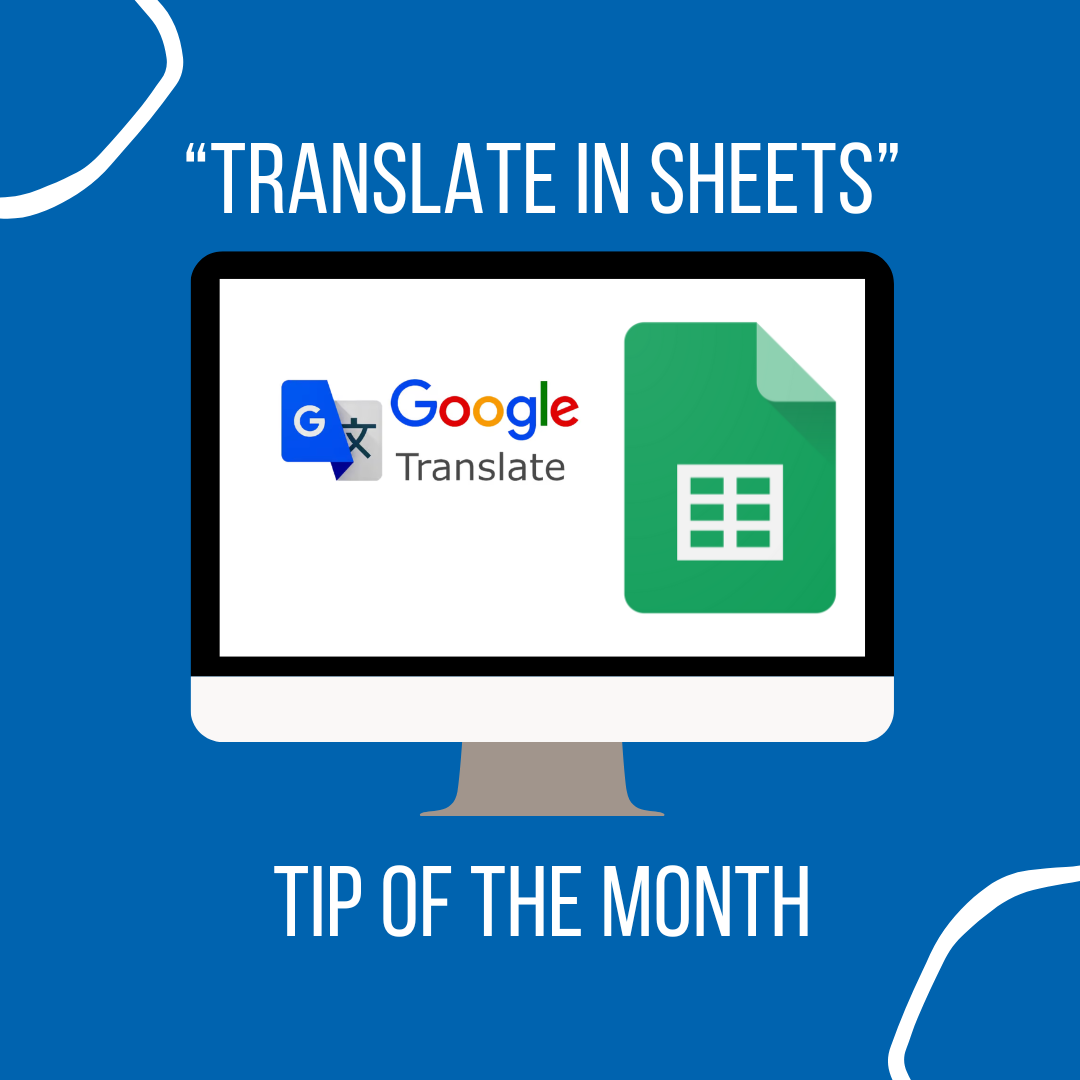
Google Translate in Sheets

Looking to bridge language barriers or use multilingual data, the GOOGLETRANSLATE function in Google Sheets offers a straightforward solution. By entering the formula =GOOGLETRANSLATE(text, [source_language], [target_language]) into a cell, teachers can instantly translate words, phrases, or entire blocks of text. Define the lang. using two-letter codes (like "fr" for French or "zh" for Chinese), omitting the source language allows Google Sheets to automatically detect it. Enabling educators to quickly understand and work with content in various languages.

Learning Recommendation

Adobe Express for Edu:

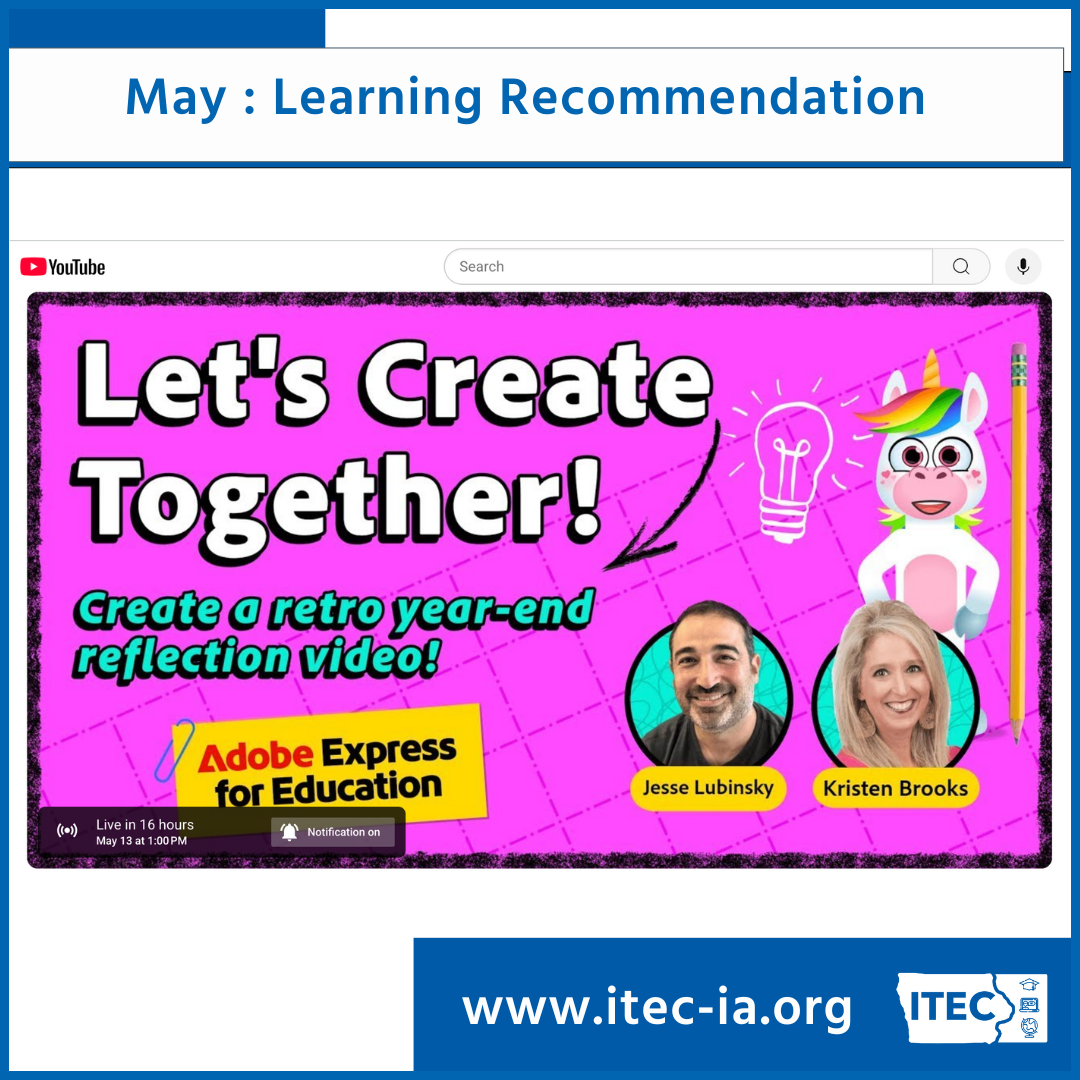
Let's Create Together!

Are you looking to to change up your end of the year student reflections? Tune into the Adobe Express for Edu team's session on having students create retro end of the year reflection videos! Reflection videos can be a fun way to celebrate growth and learning. This engaging activity encourages reflection, creativity, and a bit of techy fun—perfect for wrapping up the year with something meaningful and memorable.


Join former ITEC keynoter and Principal Education Evangelist at Adobe, Jesse Lubinsky and Kristen Brooks, a 30 year veteran teacher, as they guide you through using Adobe Express in the classroom!

Global Accessibility Awareness Day

Did you know that Global Accessibility Awareness Day is Thursday, May 15th? The EdTech Leaders Alliance has teamed up with the awesome team at CAST (Center for Applied Special Technology) to offer a free webinar called "Accessibility Got Talent!"

Kelli Suding, M.Ed. and Michelle Soriano from CAST are hosting interactive showcase where they highlight Accessible Educational Materials (AEM), assistive technology (AT), and accessible technology that harmonizes to support students. Kelli and Michelle are an amazing duo! They know their stuff and they present with a sense of humor that will leave you sad when the webinar is over!

Join us on May 15th at noon ET/9am PT

🎸 Rockstar Recognition

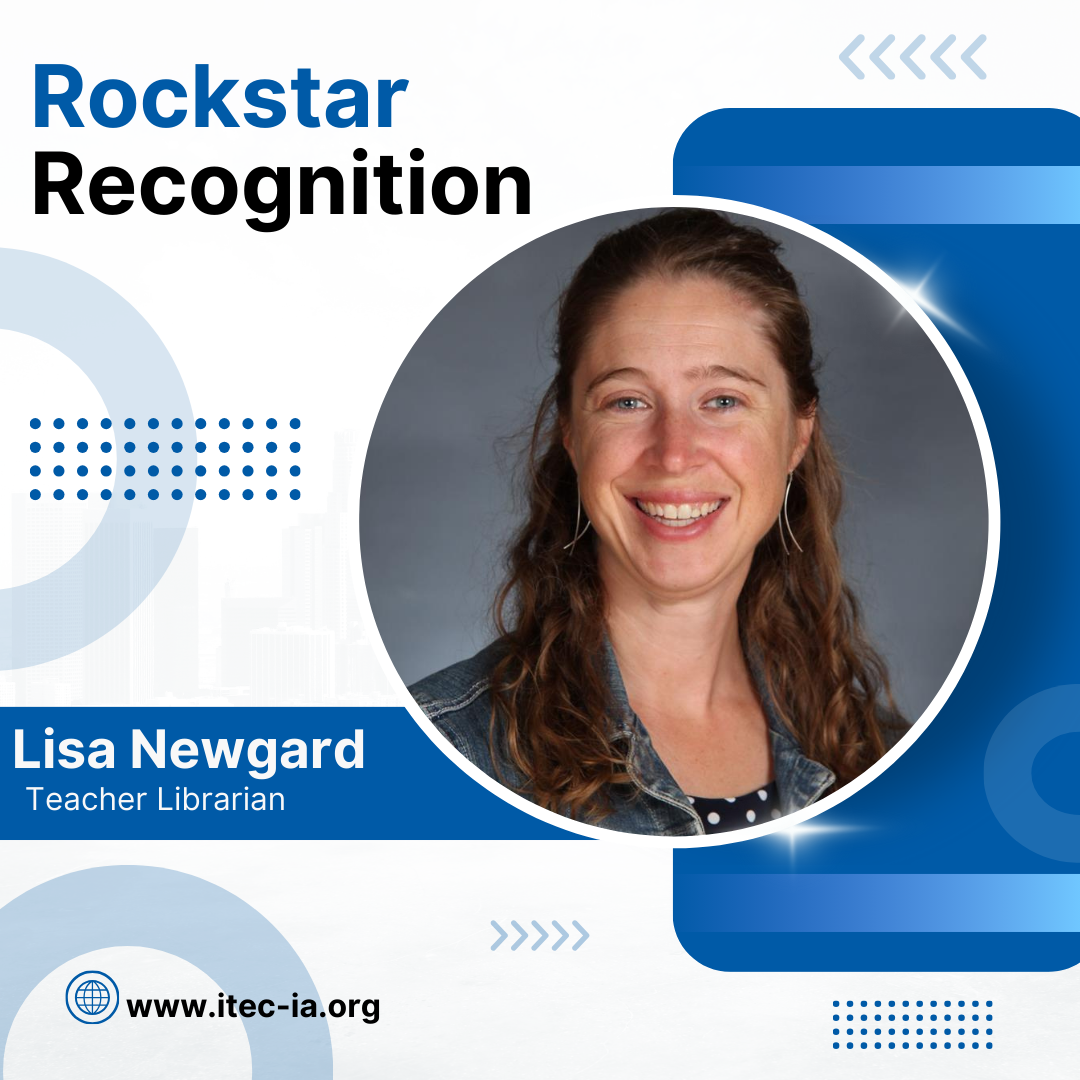
Name: Lisa Newgard 


Position: Teacher Librarian


Building/District: Orchard Hill Elementary Cedar Falls CSD 


Years Served: 18 years of teaching


Favorite Tech Moment: I had a student who wasn't very successful in the classroom, but when he came to the library for our coding unit, he lit up. He was very accelerated at coding, was able to help other students and he felt so proud!


Favorite Quote: "Technology will never replace great teachers, but technology in the hands of great teachers is transformative."

-George Couros ("The Innovator's Mindset")


From the nominator: Lisa is a forward-thinking, innovative educator who champions the use of technology to its fullest potential in the library. She’s not afraid to have her students try new things, but she also uses technology thoughtfully—never just for technology’s sake. Kids love coming to the library because it’s a place filled with wonder, sparked by Lisa’s creativity and intentionality. Whether she’s showing students the inner workings of a Chromebook or iPad, guiding first graders through biography research on PebbleGo and sharing their projects via Seesaw, or giving students hands-on coding experiences with robots like Sphero Indi, Bee-Bot, and Tale-Bot, Lisa ensures every library visit is meaningful. Students leave her space with their curiosity sparked and their learning enriched. These are just a few of the many reasons why Lisa deserves this recognition! 

💻 Tech Tool of the Month

ClassroomQ: The Classroom Management Tool You Didn’t Know You Needed


Looking for a simple way to manage student questions without constant interruptions? ClassroomQ is a game-changing tool that helps teachers stay focused while giving every student a voice. With just a few clicks, students can “raise their hand” digitally—adding themselves to a virtual queue along with a brief note about what they need.


No more waving hands, calling out, or students sitting stuck and unsure of when to ask for help. ClassroomQ makes it easy to keep track of who needs assistance while encouraging students to stay engaged and take initiative. It’s perfect for independent work time, small group instruction, or blended learning environments.


Getting started is fast and easy. Students enter a class code, type their question, and wait their turn—while you stay in control of the flow of your lesson. Teachers can view requests in real time, mark them as completed, and even use the data to spot trends or follow up later.


Best of all? It’s free to try and takes less than 5 minutes to set up. Whether you’re teaching in person or online, ClassroomQ can instantly make your day smoother and your classroom more student-centered.


Ready to see it in action? Try ClassroomQ today and experience the difference for yourself!

We want to hear from you!!


Do you know of an awesome educator we should highlight in a future newsletter?


Have a tool you want us to explore and share? 


Do you have a recommendation or topic for our next webinar?


Do you have an idea for our next newsletter?

ITEC | www.itec-ia.org
Like and Follow us
Facebook  X  Instagram  LinkedIn  YouTube