ITEC | www.itec-ia.org
Facebook  Twitter  Instagram  Youtube  

News and Updates

May 2026

ITEC is proud to announce our Iowa Featured Speakers and Featured District for the 2026 Fall Conference.


Iowa Featured Speakers


  • Nicole DeGidio - HS Teacher and Technology Coach - Clayton Ridge High School - Guttenberg, IA
  • Lisa Newgard - Teacher Librarian - Orchard Hill Elementary - Cedar Falls, IA
  • Steven Hopper - Director of Technology - Dallas Center-Grimes CSD


Iowa Featured District


  • North Polk Community School District


More information will be shared soon about all of the great sessions they will be leading at the ITEC 2026 Fall Conference. Join us on October 12th and 13th in Des Moines to hear them and all of our amazing speakers share out about how they are impacting teaching and learning in their classrooms.

🗓️ Dates on Deck:


ITEC Accessibility Workshop

June 25, 2026

Nevada, IA

(add to Google Calendar)


ITEC Fall Conference

October 12-13, 2026

Iowa Event Center

(add to Google Calendar)

Is your district ready for the new ADA digital accessibility standards? Join ITEC on June 25, 2026, in Nevada, IA, for a hands-on workshop designed to help your team master the WCAG 2.1 Level AA requirements mandated by the DOJ ruling. For just $150, you can bring a team of five to collaborate and build a proactive strategy that ensures your digital content is inclusive for all students and families.

Tip / Strategy To Try Out

Gmail: Emoji Reactions


We’ve all had those moments where an email only needs a quick "Got it!" or a "Great job!" instead of a full reply. Google has now introduced Emoji Reactions in Gmail, allowing you to quickly acknowledge messages and express yourself without cluttering up an inbox with short, one-line replies.

This feature is perfect for streamlined communication with colleagues or giving students a quick "thumbs up" on their progress.


  • Effortless Acknowledgment: Use a simple checkmark to confirm receipt or a heart to show appreciation in seconds.
  • Cleaner Inboxes: Reactions appear at the bottom of the original email, reducing the number of individual "Thank you" or "OK" emails in a thread.

💻 Tech Tool of the Month

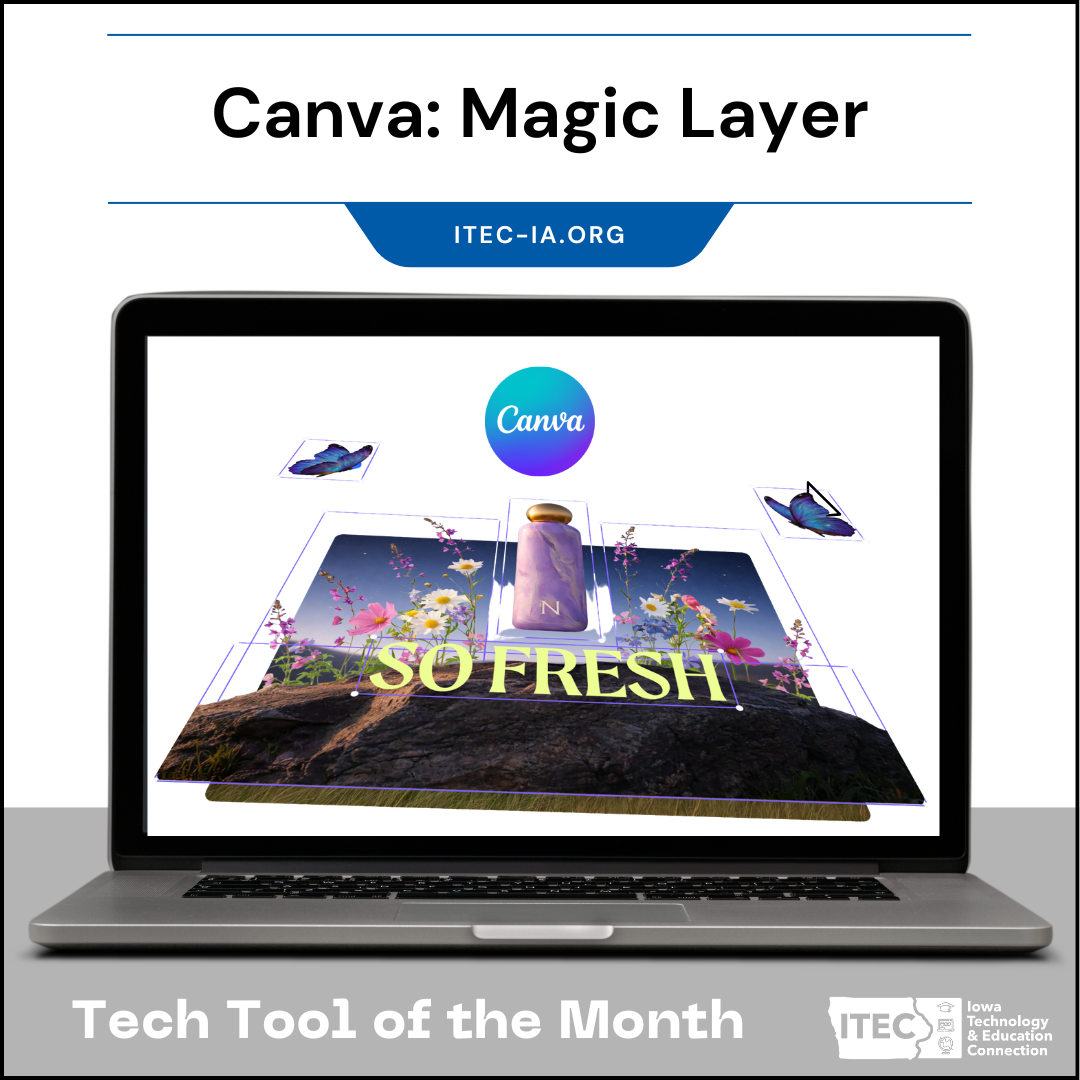
Canva: Magic Layer


Ever feel like you’re playing a complex game of "find that element" when your design gets too crowded? Canva’s new Magic Layer is a game-changer for streamlining your design workflow. It provides an intuitive, high-level view of all the elements in your design—from text boxes and images to shapes and graphics—without having to click through and hope you grab the right one.


Whether you are building complex interactive presentations or crafting detailed classroom posters, Magic Layer makes it simple to:


  • Easily Select & Edit: Quickly find and select deeply buried elements that are hard to grab on the canvas.
  • Reorder in Seconds: Drag and drop layers to instantly change what sits on top or behind, saving you from constant "bring to front/send to back" clicks.
  • Clean Up Quickly: Easily identify and manage hidden or overlapping assets to keep your projects organized.


It’s a massive time-saver for keeping your designs tidy and making last-minute adjustments seamless.


🔥Pro Tip: Download the infographics you create in NotebookLM and upload into Canva so you can leverage Magic Layer to customize icon and font colors, resize text and layer in your own content.


You can also have Gemini create infographics or Sketchnotes and save them as images so you can use the power of Canva Magic Layer to further customize your designs.

We want to hear from you!!


Do you know of an awesome educator we should highlight in a future newsletter?


Have a tool you want us to explore and share? 


Do you have a recommendation or topic for our next webinar?


Do you have an idea for our next newsletter?

Instructional Coach Corner

In the ever-evolving landscape of Iowa education, we know the "tech coach" role is shifting, often landing on the plates of dedicated Instructional Coaches. To support you in this transition, ITEC is launching the Instructional Coach Corner. Each month, we’ll tackle a specific "Problem of Practice" with a focus on pedagogy first. We’re bridging the gap between traditional teaching and digital integration by offering low-lift, high-impact strategies, both analog and digital, to help you lead meaningful coaching cycles in your buildings.

AI-Driven Personalization and Differentiation

The Problem:


Teachers often struggle to differentiate a single lesson for diverse learners (IEPs, ELLs, or varying reading levels) without spending hours creating multiple versions of the same resource.


The Pivot:


Focus on "The Low Floor, High Ceiling" task. Instead of changing the learning objective, we change the entry point or the "scaffold" using AI to adjust the complexity of the material. Use "Text Leveling" and "Scaffold Generation." Use an analog Choice Board to offer students different ways to demonstrate mastery, and use Brisk Teaching or MagicSchool to instantly level a single article into three different reading levels.


Bonus: Eric Curts, one of our Featured Speakers for the 2026 Fall Conference, has created Edugems.ai which has many great pre-made gems. Consider exploring the Learner Scaffolds Gem which helps you quickly create structured, comprehensive, and evidence-based set of learning scaffolds or the Re-level text Gem which assists in releveling a given text or passage to adapt it precisely to fit a specific student's reading needs, skill set, or instructional goal.


The Prompt(s):


  • In your current unit, which students are most likely to "check out" because the material feels out of reach?  
  • If you could instantly create three versions of a complex text, how would that change your ability to facilitate small-group instruction?  
  • What would happen to student confidence if the "barrier to entry" for a lesson was tailored to their specific reading or language level? 


Get to know the ITEC Board Members

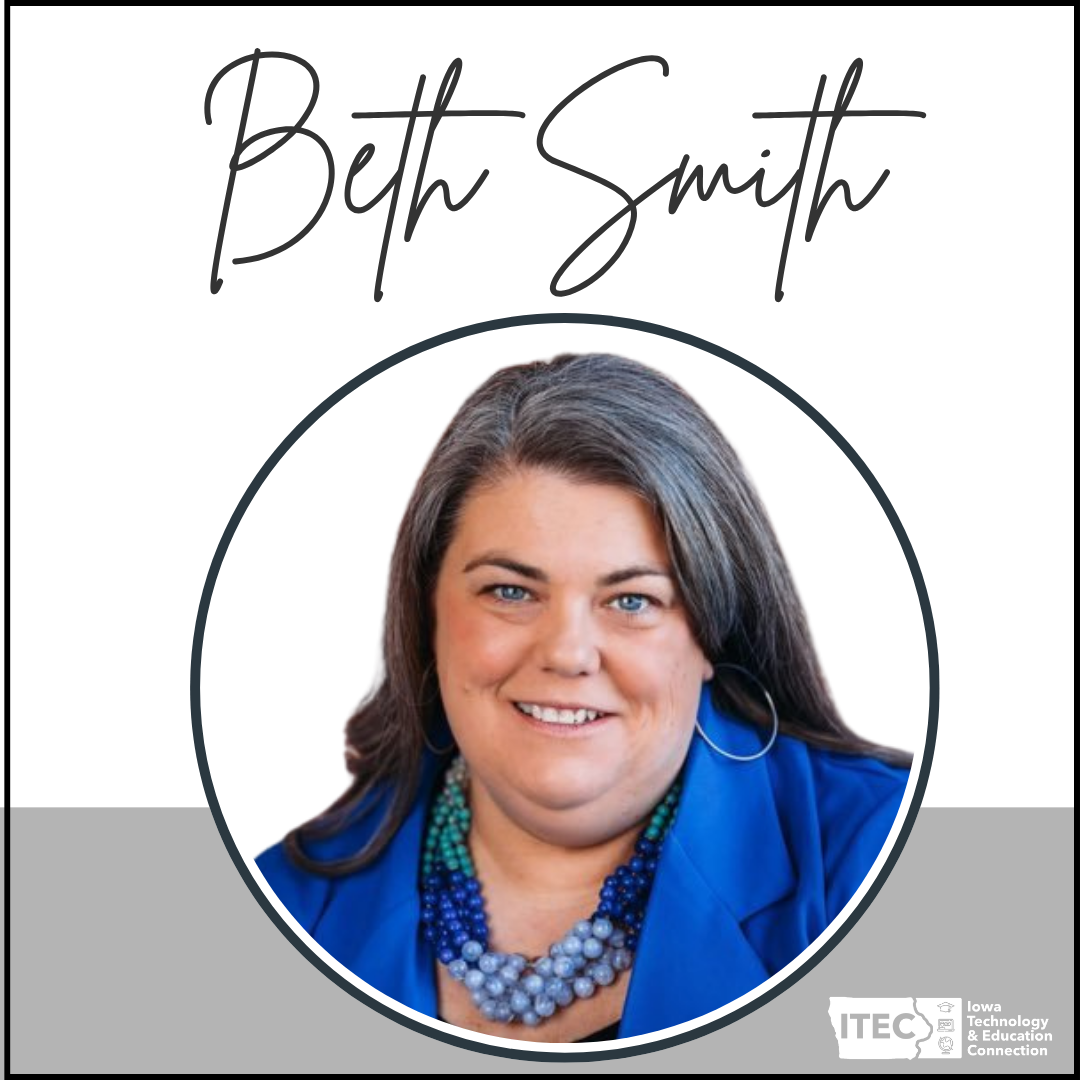
District: Des Moines Public Schools


Position: Digital Learning & Innovation Coordinator


First piece of technology that made you fall in love with learning: Early search engine era (Ask Jeeves, Lycos, AltaVista)


Must have open every single day: NotebookLM


Currently obsessed with: Digital literacy in the age of AI 

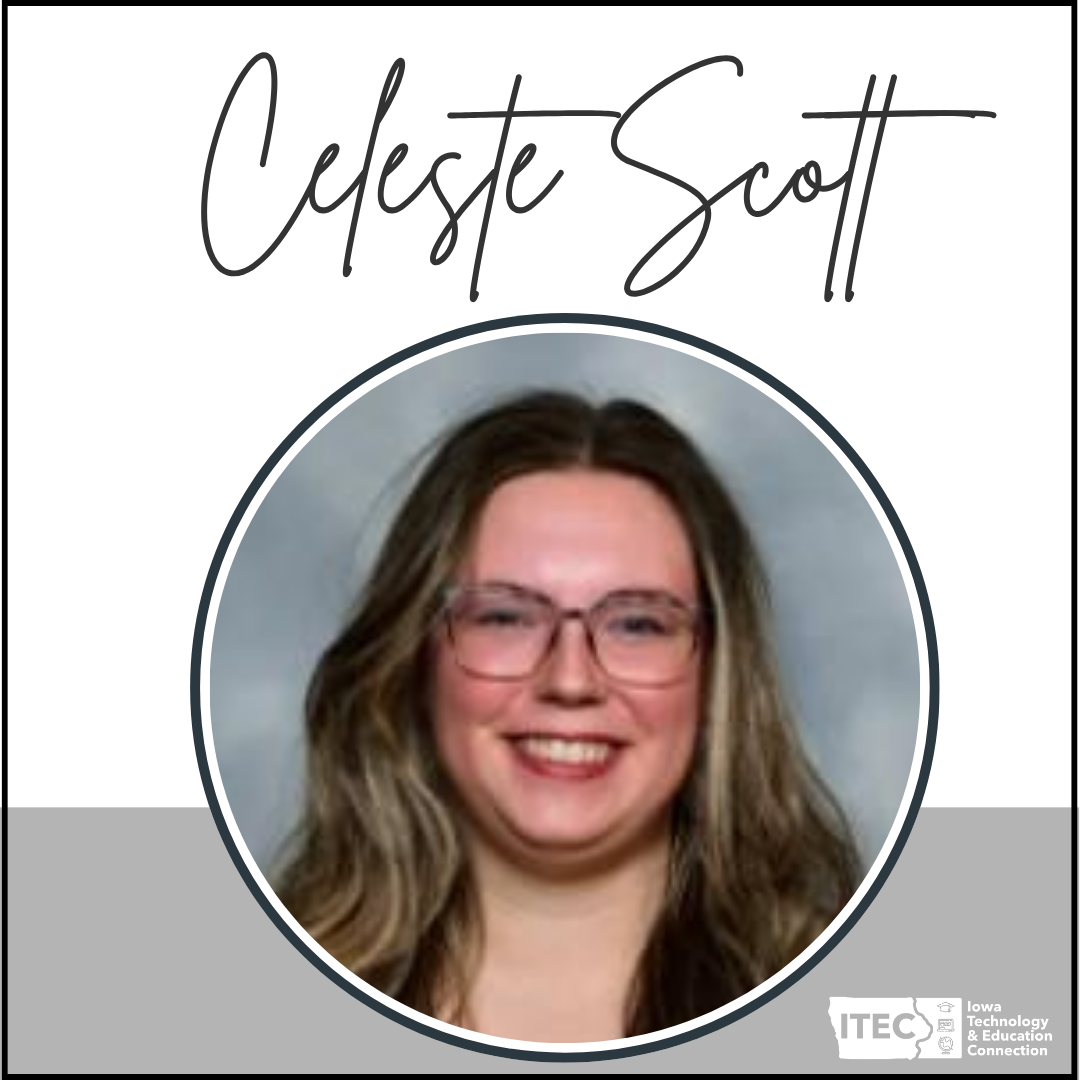
District: Lewis Central


Position: Kindergarten Teacher


First piece of technology that made you fall in love with learning: Number Munchers on the classroom computer in 2nd grade!


Must have open every single day: Gmail


Currently obsessed with: Integrating Computer Science into existing curriculum 

District: Indianola Community School District


Position: K-12 Technology Integrationist


First piece of technology that made you fall in love with learning: Using computers to read articles and browse for books


Must have open every single day: Google Calendar


Currently obsessed with: Apps Script within Google

ITEC | www.itec-ia.org
Like and Follow us
Facebook  X  Instagram  LinkedIn  YouTube