|
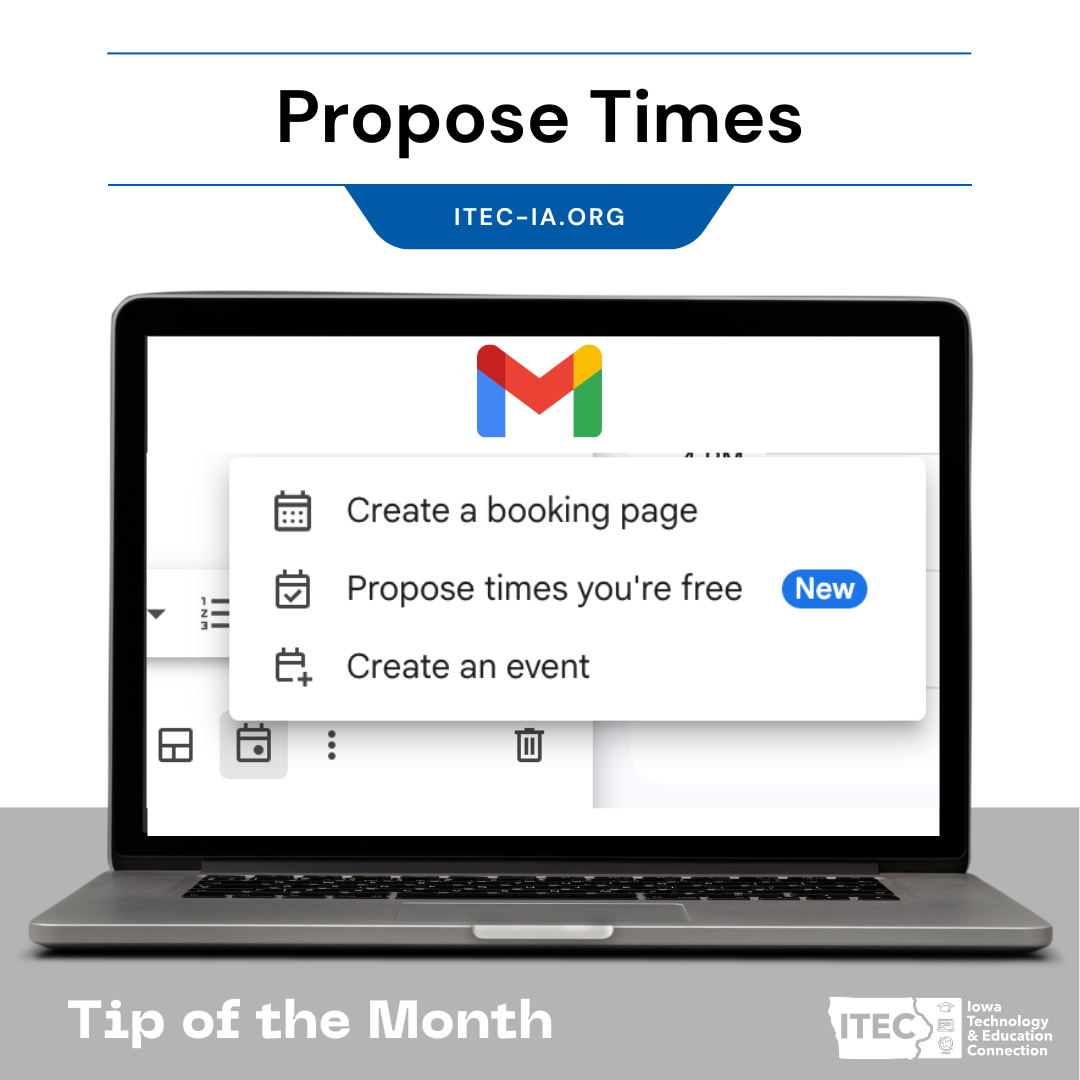
Tired of the endless back-and-forth emails trying to find a time to meet with a parent, a co-teacher, or an administrator? Google has a new feature in Gmail that is a game-changer for educators. The "Propose times you're free" option streamlines the scheduling process, allowing you to quickly and easily suggest meeting times without ever leaving your inbox.
Here's how it works:
- Start a new email or reply to an existing one.
- At the bottom of the compose window, click the "Set up a time to meet" icon (it looks like a calendar).
- Select "Propose times you're free." A calendar will pop up on the side of your screen.
- Simply click and drag to select multiple time slots from your Google Calendar.
Add them to your email, and hit send!
The recipient will receive an email with the proposed times presented as easy-to-click buttons. Once they select a time, a calendar event is automatically created and added to both of your calendars. This feature is perfect for one-on-one meetings like parent-teacher conferences or quick check-ins with colleagues. It's a simple tool that can save you a surprising amount of time and mental energy.
|