|
iPhone, iPad and Android
-
Open the ChatGPT app (iOS / Android) and enter a GIF creation prompt, just as you would on the web.
-
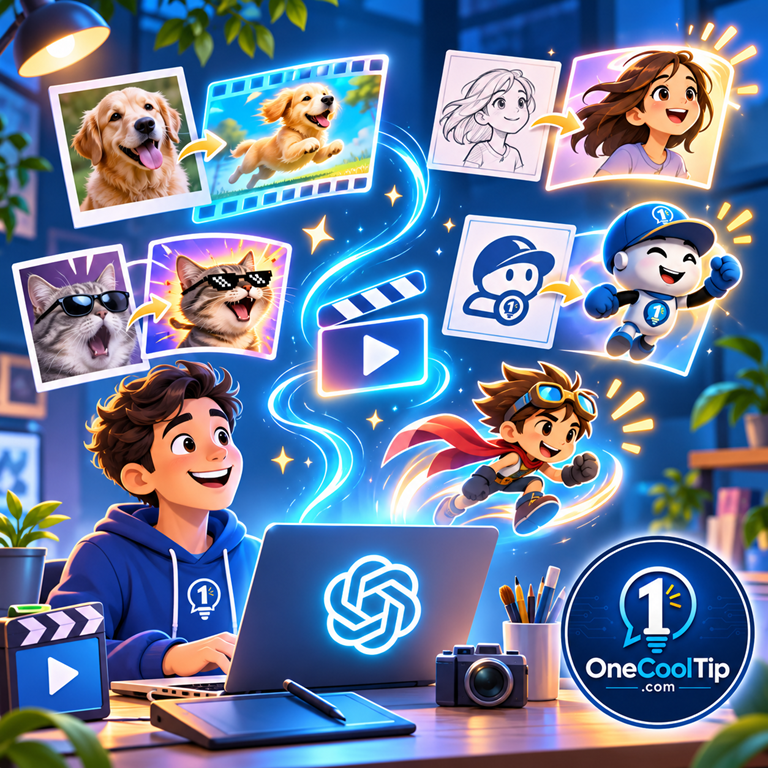
You can also upload a still image and describe how you want it animated.
-
Once a GIF has been created, open it to access available playback, save and sharing controls.
-
GIF creation is rolling out, so availability may vary by account.
Pros and Cons
Pros:
-
Easy to use: Natural-language prompts eliminate much of the complexity of traditional animation software.
-
Creative flexibility: Make reaction GIFs, animated characters, illustrations and promotional graphics.
-
Image animation: Bring existing artwork and photographs to life.
-
Simple revisions: Describe changes rather than rebuilding an animation manually.
-
Playback control: Adjust the speed of a generated GIF before sharing it.
Cons:
-
Gradual rollout: The feature may not be available in every ChatGPT account yet.
-
Occasional inconsistencies: Characters or objects may change slightly between frames.
-
Limited precision: Complex motion and exact timing may be difficult to control through prompts alone.
-
Upload limitation: ChatGPT cannot edit an animated GIF uploaded by the user.
Who Should Skip This?
ChatGPT GIF creation may not replace professional animation software for users who need precise timing, advanced motion effects or extensive control over individual frames.
It's also unnecessary for projects that only require a static image.
However, for quick animations, social media graphics and creative experiments, the feature offers an accessible starting point.
Real-World Examples
Small Businesses
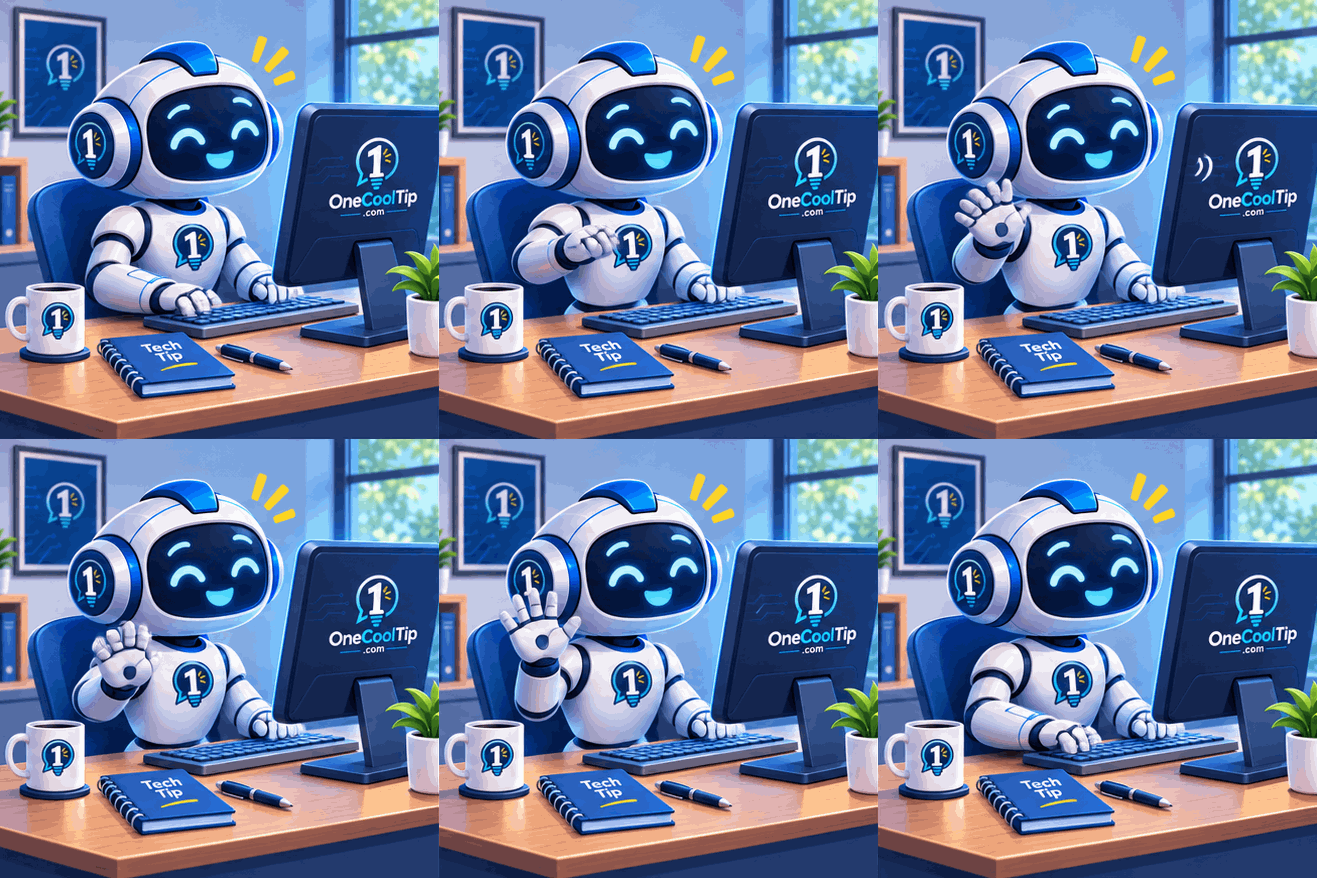
A local coffee shop could animate its mascot waving hello for a promotional post or customer newsletter.
Educators
A teacher could create a short animation of a plant growing from a seed to introduce a science lesson.
As with other AI-generated educational material, the illustration should be checked for accuracy.
Content Creators
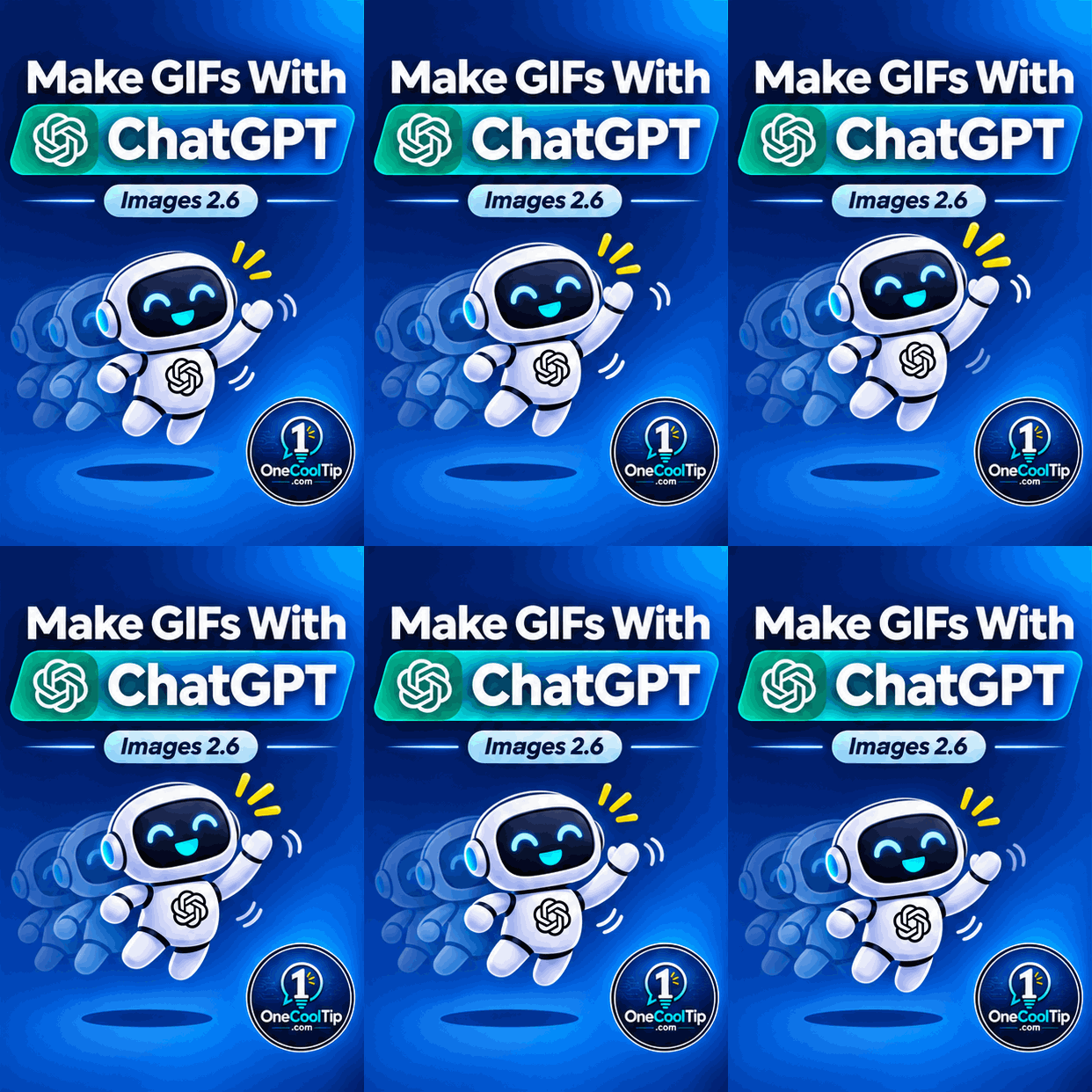
A technology blogger could animate a friendly computer character celebrating a useful keyboard shortcut, adding personality to a social media post.
Configuration Guide
You don't need to install separate animation software or enable a special setting to request GIFs in ChatGPT.
Start a conversation and describe the animation you want.
For better results, include these details in your prompt:
-
Subject: What should appear in the animation?
-
Movement: What action should occur?
-
Style: Should the image look realistic, illustrated or cartoon-like?
-
Background: What should remain visible or stationary?
-
Looping: Should the animation repeat smoothly?
After ChatGPT creates the GIF, open it to adjust playback speed, save it or share it.
There is no separately documented GIF creation toggle.
Troubleshooting and Limitations
Problem: The resulting image doesn't move.
-
Why it happens: ChatGPT may have generated a still image instead of an animation.
-
Fix: Ask specifically for a looping animated GIF and describe what should move.
Problem: The animation jumps when it repeats.
-
Why it happens: The final frame may not transition smoothly into the first.
-
Fix: Request a seamless loop in which the moving subject returns to its original position.
Problem: The character changes appearance between frames.
-
Why it happens: AI-generated animations can introduce visual inconsistencies.
-
Fix: Specify consistent clothing, colors, proportions, lighting and background details.
Problem: An uploaded GIF cannot be edited.
-
Why it happens: ChatGPT does not currently support editing an animated GIF uploaded by the user.
-
Fix: Upload the original still image, if available, and request a new animation.
Problem: GIF creation isn't available.
-
Why it happens: OpenAI is gradually rolling out the feature.
-
Fix: Check whether the feature has become available in your account.
Privacy and Data Notes
When you upload a picture to ChatGPT, its contents are processed to fulfill your request.
Avoid uploading confidential business graphics, private photographs or other sensitive materials without appropriate permission.
You can review your account's privacy preferences under Settings > Data controls.
Before publishing an animated GIF, check it for unwanted details, inaccurate text and anything you wouldn't want others to see.
Remember that images shared publicly may be copied or redistributed by other people.
Feature Access
- ChatGPT Images 2.6 is available globally across ChatGPT subscription tiers.
- OpenAI supports ChatGPT Images on the web, iOS and Android, with image-generation capabilities also available through Codex.
- Animated GIF creation is still rolling out in ChatGPT.
Cool Tip Score
Criterion | Score (0–10) | Justification
Value | 9
Makes short animations accessible to people without specialized design skills. Particularly useful for creative projects, marketing and social media.
Usability | 8
Natural-language prompts are easy to understand, although results may require refinement and the feature is still rolling out.
Wow Factor | 9
Turning a simple idea or still image into a moving graphic is an impressive creative capability.
Total: 26/30 | 🌟 Excellent
ChatGPT Images 2.6 makes simple animated GIF creation easier and more accessible, particularly for people who don't use traditional animation software.
Key Takeaways
ChatGPT Images 2.6 brings animated GIF creation into an everyday conversational interface.
Whether you're creating a funny reaction, animating a favorite picture or designing a promotional graphic, a clear prompt can turn a simple idea into something that moves.
Keep animations short, describe the desired movement precisely and experiment with follow-up prompts to improve the result.
Cool Tip Snapshot
-
Feature Name: Animated GIF Creation With ChatGPT Images 2.6
-
Platform(s): ChatGPT web, iOS and Android
-
Quick Benefit: Create animated GIFs using text prompts or existing pictures
-
Best For: Content creators, marketers, educators and home users
-
Access Type: Rolling Out
-
Difficulty: Easy
Learn More
OpenAI's official documentation explains how to create animated GIFs, animate still images, adjust playback speed and share your creations.
You can also read the official Images 2.6 announcement to learn more about the technology behind the update.
Try It Yourself
Ready to bring a picture to life?
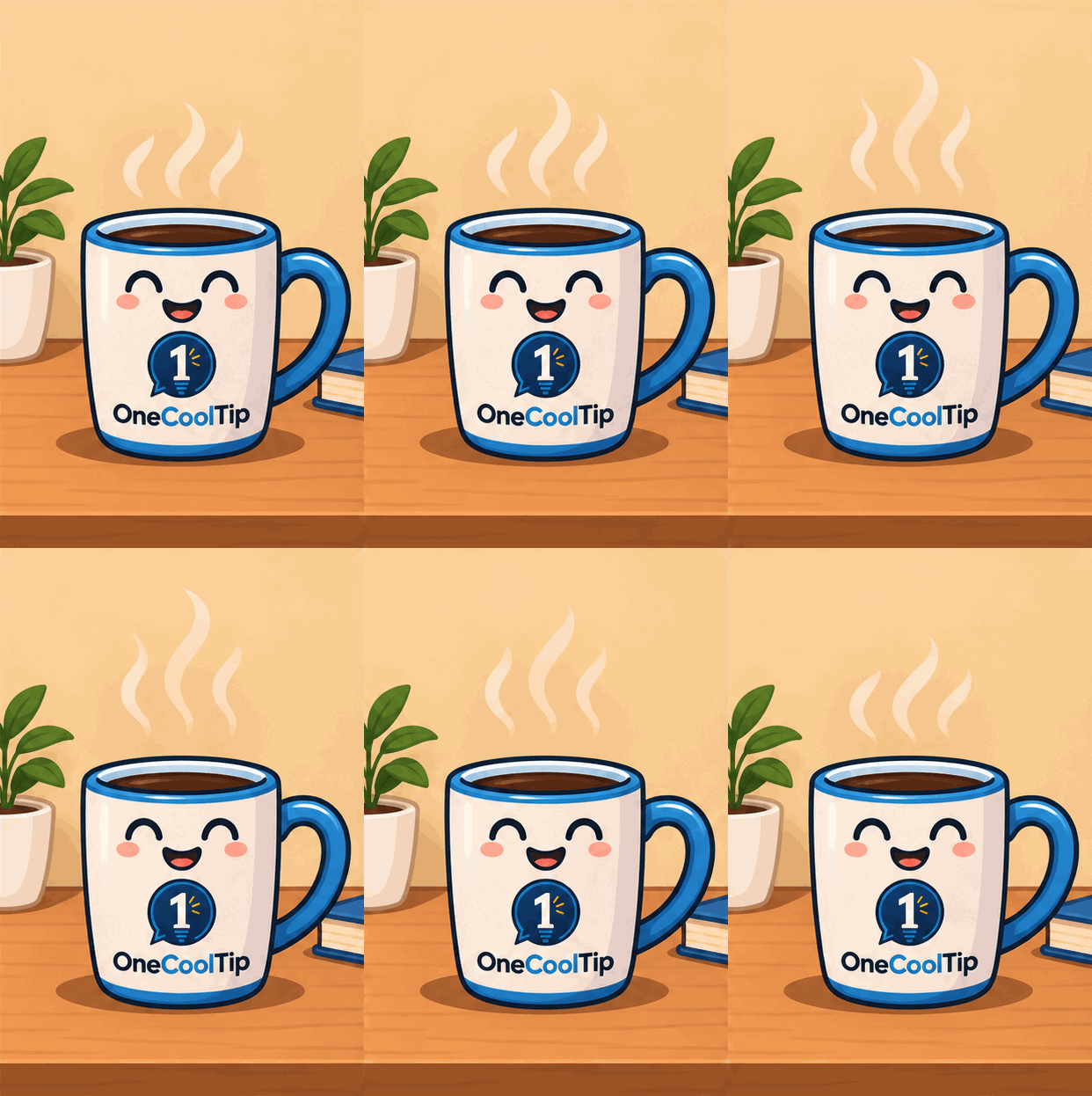
Open ChatGPT and try creating an animated GIF of a waving character, a steaming coffee cup or your own creative idea.
Share your results in the comments, subscribe to the free One Cool Tip newsletter for more practical technology tips.
And share this Cool Tip with family, friends and coworkers who might enjoy experimenting with AI animation.
READ MORE
Read the Full Cool Tip!
|