|
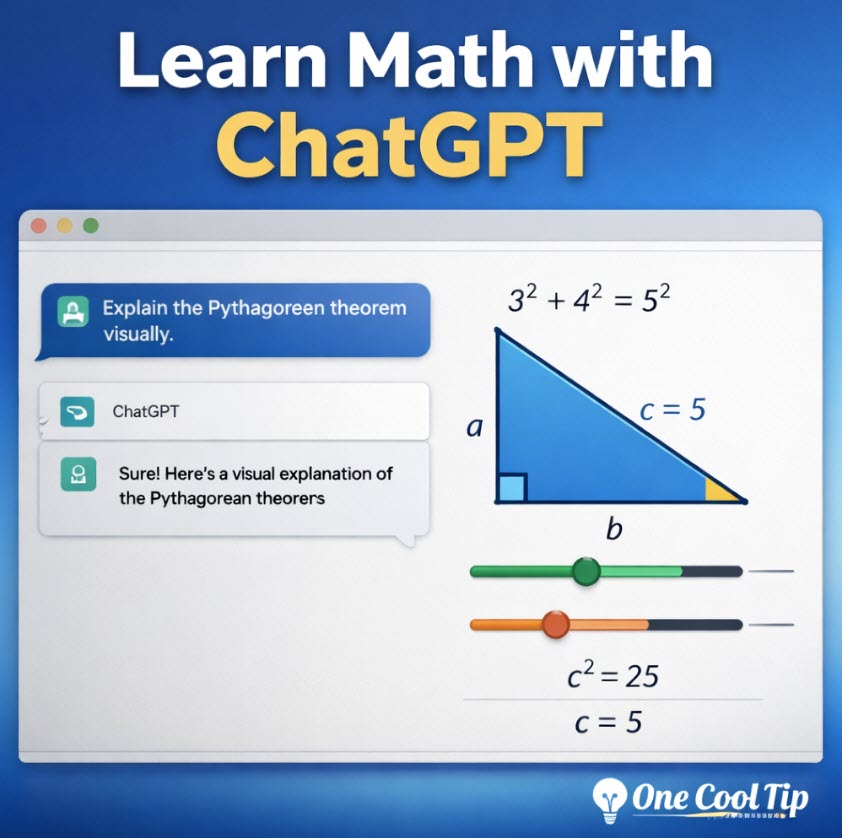
Learn Math with ChatGPT Using Interactive Visuals That Actually Make Sense
See formulas move, variables respond, and hard concepts click faster. ChatGPT’s new interactive math and science visuals turn abstract lessons into something you can test, tweak, and understand.
What if math stopped feeling like a wall of symbols and started behaving more like a live demo?
Here's a Cool Tip: Learn Math with ChatGPT.
ChatGPT has launched a new interactive learning experience for math and science.
This matters because the old pattern for AI study help was often too passive.
You asked a question, got an answer, and hoped it stuck.
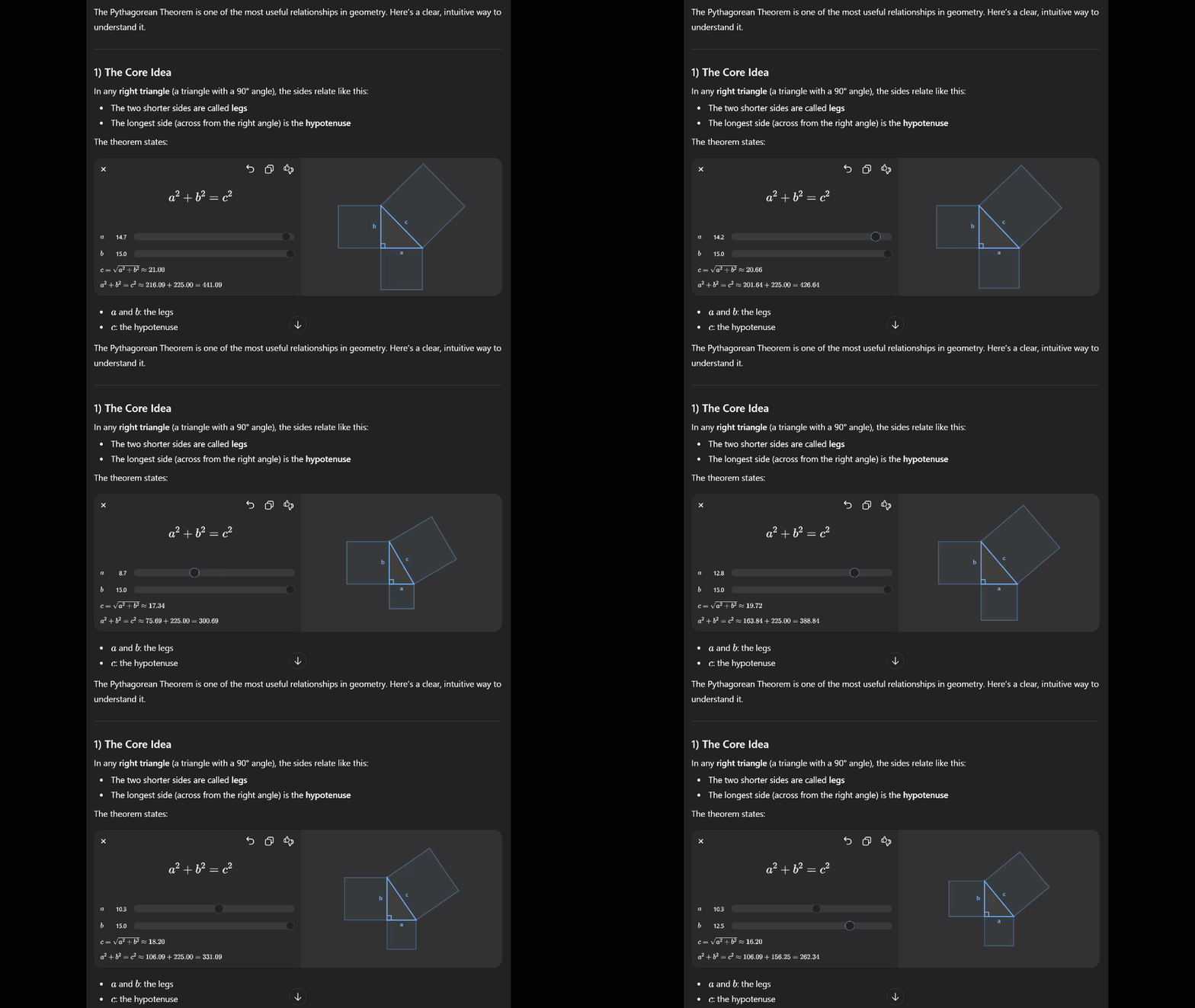
With these new visual modules, ChatGPT can show how relationships change as you adjust numbers, which is a much better fit for concepts like the Pythagorean theorem, circle area, ideal gas law, and lens equations.
The feature launched March 10, 2026, with more than 70 core math and science topics and is available globally across all plans.
Feature Explanation
ChatGPT can now recognize certain math and science topics and respond with an interactive visual module alongside its explanation.
Instead of only describing a formula, it can let you move sliders, change values, manipulate equations, and immediately see the effect on graphs or outcomes.
This is a way to make abstract ideas more concrete and exploratory.
This is separate from Study mode, but the two fit together well.
Study mode is OpenAI’s guided learning option that asks questions, adapts to your level, and helps you work step by step instead of jumping straight to the answer.
Used together, the visual module handles the “show me” part, while Study mode handles the “teach me” part.
What You’ll Gain
- Faster understanding of formulas that are easier to see than memorize.
- A more hands-on way to test “what happens if…” questions.
- Better study sessions for homework, review, or self-paced learning.
- A stronger bridge between explanation and intuition.
Step-by-Step Instructions
Here's how to do it.
Web/Desktop
-
Open ChatGPT .
-
Start a new chat while logged in to your account.
-
Enter a supported prompt such as: “Help me understand the Pythagorean theorem” or “Explain how PV = nRT works.”
-
If a visual module appears, adjust the variables and watch how the chart, geometry, or equation changes.
-
For a deeper lesson, open Tools in the prompt window and choose Study and learn.
-
Then ask ChatGPT to coach you through the same concept step by step.
|