One Cool Tip Newsletter

August 14, 2025

Your daily dose of tech-savvy brilliance!

😀Greetings! Happy Thursday, Cool Tipper!


Get ready to streamline your digital life with simple, actionable tips delivered straight to your inbox.


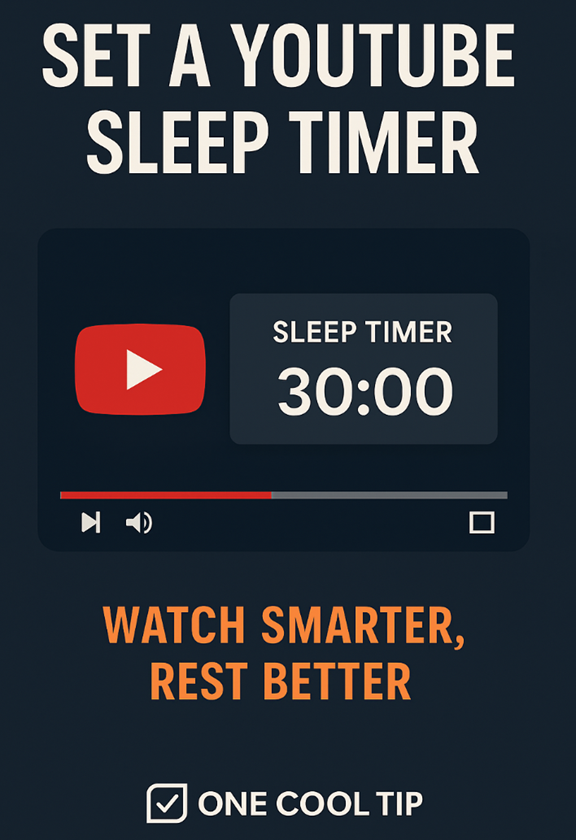
Today's Cool Tip Theme: YouTube's Sleep Timer


Enjoy today's abbreviated Cool Tip Newsletter while Cool Tip is searching the world for more Cool Tips.


New here? Subscribe to the One Cool Tip Newsletter for daily updates. It's FREE!


🔔 Is your email provider (Gmail, Yahoo, Outlook...) not delivering the newsletter? 


Check the Junk folder - Move the newsletter to your Inbox. And reply to this email with a “Hey, Rodger” or “I got it.” That tells your mail service you want this newsletter!

3️⃣

If you enjoy the One Cool Tip newsletter, please forward this newsletter to THREE friends or colleagues or share it on social media using the links below.


Share this One Cool Tip Newsletter!

X Share This Email
LinkedIn Share This Email
Pinterest Share This Email

Cool Deals

Help support One Cool Tip. Use this Amazon link when you shop online.


Look at these Cool Products:


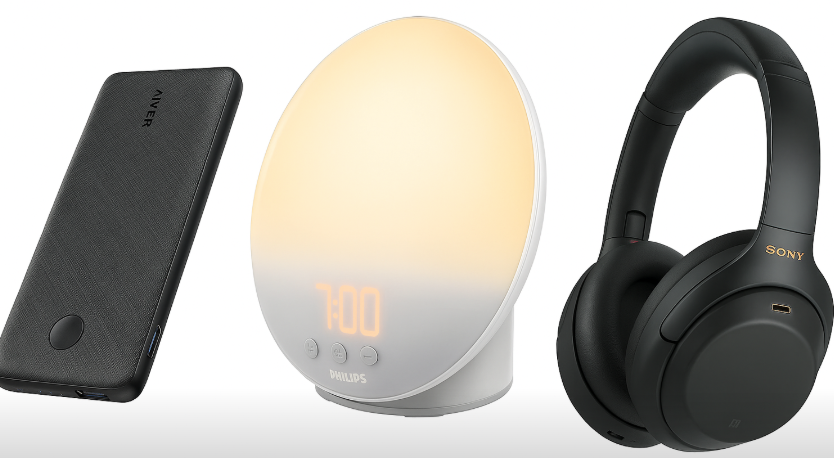
  • 📱 Anker PowerCore Slim 10000: Compact and reliable portable charger—perfect for overnight YouTube sessions. Check it out on Amazon!


  • 🛏️ Philips SmartSleep Wake-Up Light: Pair with YouTube’s sleep timer for a gentle wake-up routine. Check it out on Amazon!


  • 🎧 Sony WH-1000XM4 Noise Canceling Headphones: Ideal for immersive bedtime listening with YouTube’s timer. Save 43% Check it out on Amazon!


Fuel Your Adventure

Try Big Mike's Jerky!


bigmikesjerky.com


Now on TikTok!


Today's Cool Tip

How to Set YouTube’s Sleep Timer


Use YouTube’s built‑in sleep timer on both PCs and mobile phones to pause videos automatically. This is ideal for winding down, zoning in on productivity, or just not falling asleep to needless autoplay chaos.


Have you ever nodded off to a video, only to wake at 3 a.m. realizing you’re the star of an impromptu all‑night binge? 


Happens to the best of us. 


Here's a Cool Tip:  Set a YouTube Timer.


YouTube has a subtle but game‑changing little feature: the sleep timer. 


Not flashy, not front‑and‑center, but it’ll quietly pause playback when you’re ready to call it a night or just reclaim your attention.


What You'll Gain


Stop playback automatically when you're done or drifting off


Save battery and data, no more runaway overnight streaming


Regain control, whether for focus or bedtime sanity


What the Feature Is & Why It Matters


This isn’t a countdown to show you when to wrap up.


It’s a one‑and‑done sleep timer that pauses your video after the time you choose. 


For anyone trying to sleep, stay focused, or simply avoid unintentional marathon watching, it’s low‑warp but high‑utility.


Step-by-Step Instructions


On iOS and Android


  1. Open the YouTube app (Android / iOS) and start playing a video.
  2. Tap the video player to bring up the on-screen controls, then tap the Settings icon (the gear symbol) in the top-right corner.
  3. Select More.
  4. From the menu that appears, select Sleep timer.
  5. Choose your desired time limit: you can select a preset duration like 10, 15, 30 minutes, or choose for the video to stop at the end of the video.


On Desktop


  1. Navigate to the video you want to watch on YouTube's website.
  2. Click the Settings icon (the gear symbol) in the bottom-right corner of the video player.
  3. From the menu that appears, click on Sleep Timer.
  4. Choose your desired time limit from the preset options (e.g., 10, 15, 30 minutes) or select to have the video stop at the end of the current video.


Pros and Cons


Pros:


  • Simple, intuitive setup across devices
  • Ideal for bedtime routines or background listening.
  • Reduces screen time and battery usage.


Cons:


  • Timer resets require manual interaction.
  • No granular scheduling (e.g., recurring nightly timers).
  • Limited customization beyond duration.


Feature Access


Available to all YouTube viewers.


Score

Criterion Score (0–10) Justification
Value 7
Pauses playback when you want. It's simple but solves real problems with late-night watching and productivity.
Usability 6
Easy to use once you know how to do it.
Wow Factor 5
Not revolutionary, but quietly delightful once discovered. Practical rather than dazzling.
Total 18 / 30 Good. Worth adopting for most users.


Key Takeaways


The sleep timer is a small but underappreciated tool. 


Use it to save sleep and simplify your evening focus.


Try It Yourself


Set a sleep timer, see how it changes your ending-of-day routine. 


Share your best “I actually slept through Baby Shark” story in the comments. 


If this helps your team, share it. 


If you love it, subscribe to the One Cool Tip newsletter.


READ MORE


Read the Full Cool Tip

ICYMI - In Case You Missed It ...

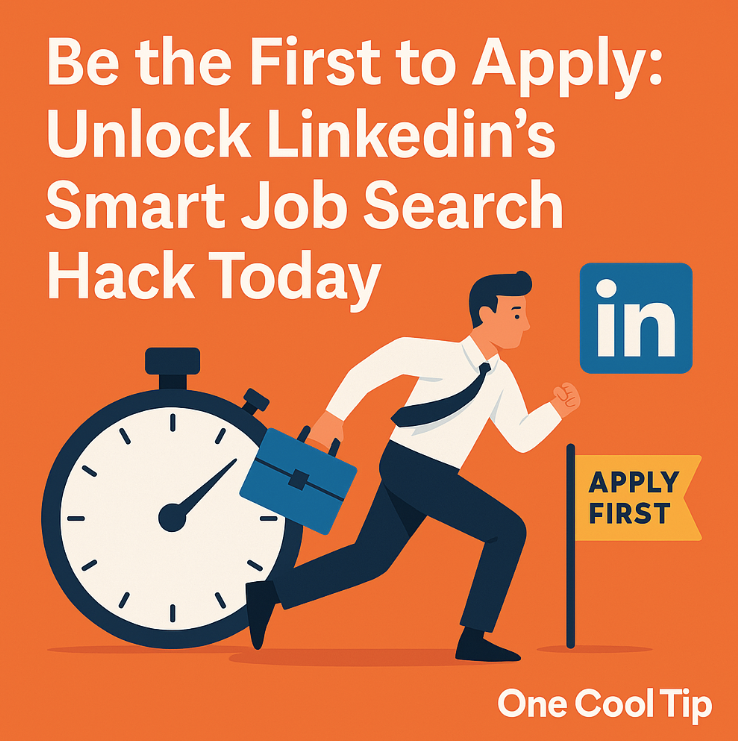
Unlock LinkedIn’s Hidden Edge: Be the First to Apply for Any Job


Don't just apply, be first. This overlooked LinkedIn trick gives you a crucial head start in the competitive job market, helping your application land on top of the pile.


Full Cool Tip

Looking for your next adventure?


Call Denise at Travel For You.

314.660.3039


Sign Up for the Monthly Newsletter


http://www.travelforyouvacations.com/


https://www.facebook.com/TRAVEL.FOR.U/


See You Tomorrow

Tomorrow's Cool Tip is waiting to amaze you.


Until then, go forth and conquer the tech world with your newfound knowledge!


Be sure to visit www.OneCoolTip.com for Cool Tech Tips for a Cooler Life!


And if you Like One Cool Tip, please support with TipJar!


Enjoy!


Rodger

Chief Cool Tipper

onecooltip.com@gmail.com


What Do You Think?

What do you think of today's OneCoolTip newsletter?

Please Share the One Cool Tip Newsletter!


You asked for it. You got it. There is now a One Cool Tip Newsletter archive. Did you delete a newsletter and want to read it again? Check it out HERE.


Want to help One Cool Tip grow? Please forward this email using the link above. And if you see an OCT social media post, please LIKE, COMMENT and SHARE!


Have you subscribed to the One Cool Tip YouTube channel? Subscribe HERE.

X Share This Email
LinkedIn Share This Email

Connect with One Cool Tip!!

Facebook  X  Instagram  Web  Pinterest  YouTube  LinkedIn
 

As an Amazon Associate, One Cool Tip may earn a small commission from qualifying purchases.


Our media content is intended solely for informational purposes only. Please do not construe anything here as legal, tax, investment, financial, marital or other advice.


Copyright © 2025 | www.OneCoolTip.com | All Rights Reserved