|
The AI Model That Finally Renders Perfect Text in Images: Meet Nano Banana Pro
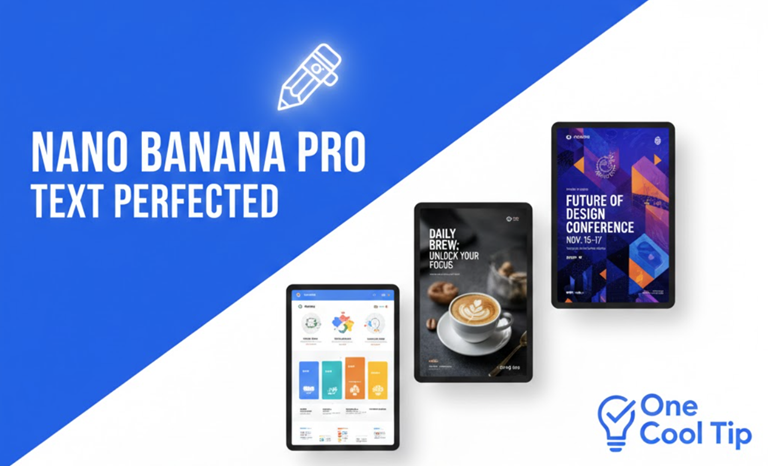
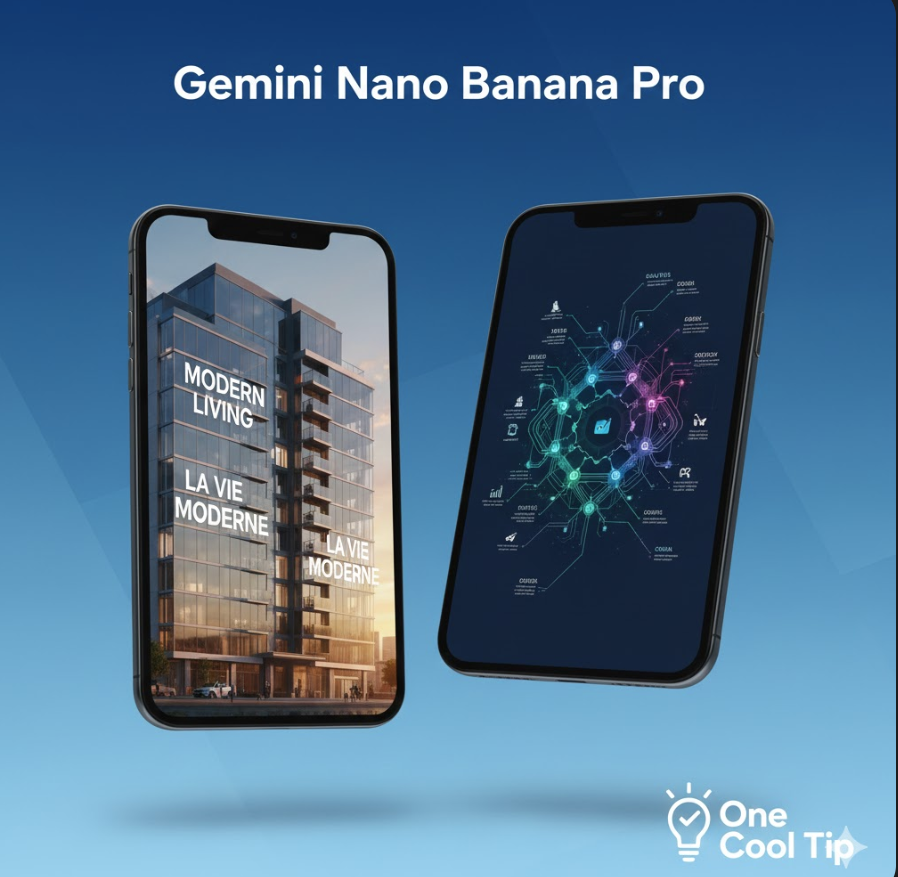
Google has unveiled Nano Banana Pro, the new state-of-the-art Gemini 3 Pro Image model that revolutionizes how we create and edit visuals. This powerful new tool can generate stunning, high-fidelity graphics with perfectly legible text in multiple languages, making professional design instant and accessible.
Anyone who has experimented with generative AI for image creation knows the immediate frustration of trying to include text.
You ask for a poster with a simple tagline, and the result is often a jumbled mess of letters, resembling something from an alien language.
Text rendering has been the final, glaring weakness in creative AI.
Here's a Cool Tip: Try Nano Banana Pro.
Google DeepMind has launched Nano Banana Pro, built on the core reasoning of Gemini 3 Pro, and it fundamentally changes the game for digital design and visualization.
This new model is not just faster; it uses its enhanced reasoning to generate professional-quality images, infographics, and mockups that consistently feature accurate, perfectly legible text in any language.
Feature Explanation
Nano Banana Pro, officially the Gemini 3 Pro Image model, is Google’s most advanced tool for visual creation and localized editing.
It represents a significant leap from previous models by solving the core problems of complex scene composition and, critically, text fidelity.
What It Is
It is a multimodal image generation and editing model.
It leverages the advanced world knowledge and reasoning capabilities of the underlying Gemini 3 Pro foundation to understand complex instructions, visualize data, and maintain visual consistency across multiple elements and people within a single composition.
How It Works
The secret lies in the model’s deeper reasoning about language.
Previous models treated text like any other visual element, often failing to recognize the specific placement and structure of letters and words.
Nano Banana Pro’s sophisticated architecture allows it to accurately render text directly in the image, whether it is a short slogan on a poster or a detailed paragraph on a mockup.
Furthermore, it excels at localized editing, allowing you to select small areas to transform the focus, adjust lighting from day to night, or even change camera angles, all while preserving the core elements of the image.
Why It Matters
For designers, marketers, and business professionals, this matters because it bridges the gap between concept and high-fidelity reality instantly.
You can go from a text prompt for an infographic to a 4K resolution, print-ready image with consistent branding and accurate data.
The ability to flawlessly render text unlocks practical commercial uses for AI imagery in advertising, presentation slides, and global marketing campaigns requiring multi-language content.
What You’ll Gain
-
Perfect Text Rendering: Generate posters, mockups, and logos with flawlessly legible and correctly placed text, in any language.
-
Advanced Creative Control: Selectively edit lighting, focus, and camera angles within the image for studio-quality results.
-
Complex Composition: Maintain visual consistency across up to five people and multiple objects in a single, intricate scene.
-
Instant Infographics: Visualize abstract data or complex recipes into ready-made, context-rich diagrams and educational explainers.
Step-by-Step Instructions
Here's how to do it.
Web
-
Open your web browser and go to gemini.google.com.
- Ensure you are logged into your Google account.
-
Verify that the advanced model (usually labeled Gemini Advanced or the "Thinking" model) is selected near the input box to guarantee Nano Banana Pro is utilized.
- In the chat box, type a prompt that requires image generation with complex, accurate text.
- After the image loads, review the rendered text for accuracy.
- Click the image, and then select the download option (usually an arrow icon) to save the high-resolution file to your device.
|