One Cool Tip Newsletter

March 25, 2026

Your daily dose of tech-savvy brilliance!

😀Greetings! Happy Wednesday, Cool Tipper!


Get ready to streamline your digital life with simple, actionable tips delivered straight to your inbox.


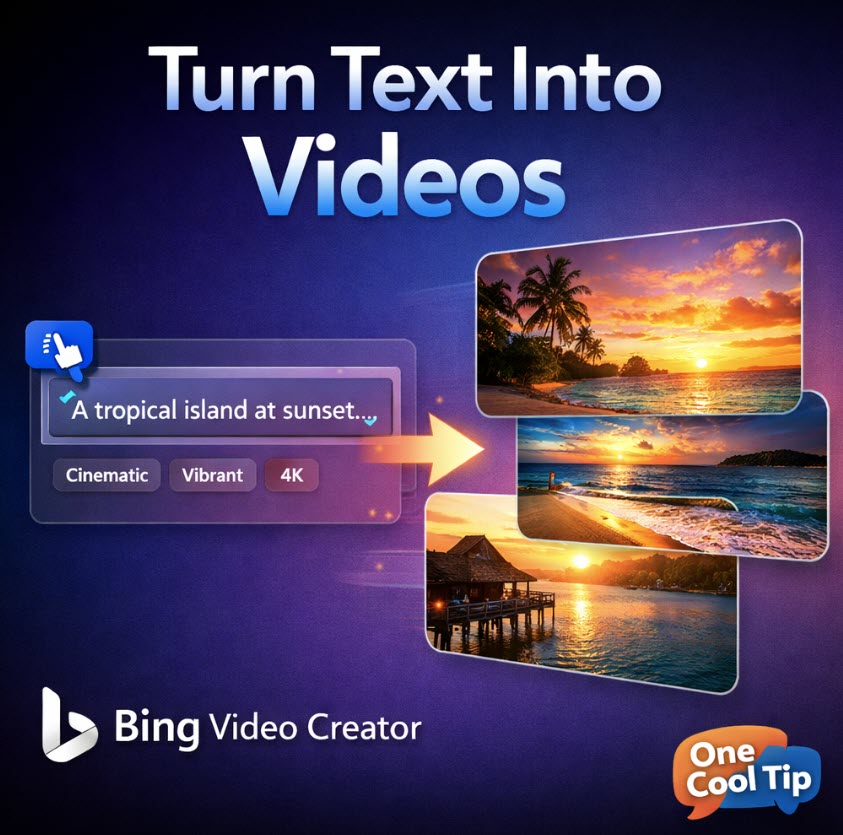
Cool Tip Theme: Improved Microsoft Bing Video Creator


New here? Subscribe to the One Cool Tip Newsletter for daily updates. It's FREE!

3️⃣

If you enjoy the One Cool Tip newsletter, please forward this newsletter to THREE friends or colleagues or share it on social media using the links below.


Leave a Tip!


Share this One Cool Tip Newsletter!

X Share This Email
LinkedIn Share This Email
Pinterest Share This Email

🚨OpenAI Shuts Down Sora Video Platform🚨


OpenAI is shutting down Sora, its AI video platform, as the company shifts focus and restructures its product lineup.


The company announced that Sora will be discontinued and that timelines for the app, API, and data preservation will be shared soon.


Sora launched with huge hype and rapid adoption, but OpenAI is now pulling back from costly standalone projects as it refocuses on core products like ChatGPT.


The company publicly thanked creators and acknowledged the disappointment many users feel as the platform winds down.


The shutdown also follows a wave of industry pressure and the collapse of a major partnership with Disney, which had planned a billion‑dollar investment tied to Sora’s video generation capabilities.


Cool Deals of the Day

Help support One Cool Tip. Use this Amazon link when you shop online.


Check out these Cool Deals:


🎥 Logitech StreamCam: Great for creators who want to mix AI video with real footage. Check it out on Amazon!


💡 Neewer LED Video Light Kit: Affordable lighting to improve any video setup. Check it out on Amazon!


🎤 Blue Yeti USB Microphone: Clear audio for narration and content creation. Check it out on Amazon!


*Prices accurate when originally published.

One Cool Tip may earn a commission from qualifying purchases.

Fuel Your Adventure

Try Big Mike's Jerky!


bigmikesjerky.com


Now on TikTok!


Today's Cool Tip

Improved Bing Video Creator: Turn Text Prompts into Shareable Videos in Seconds


Create short videos from simple prompts using Bing’s updated AI-powered Video Creator. It’s fast, visual, and built for everyday users who want content without complexity.


What if creating a short video was as easy as typing a sentence?


That’s exactly what Microsoft is aiming for with the improved Bing Video Creator. 


Instead of editing timelines or learning video software, you describe what you want, and the system builds it for you.


We first told you about this Bing feature in 2025.


Feature Explanation


Bing Video Creator is a generative AI tool built into Bing that turns text prompts into short, animated videos.


You describe a scene such as “a futuristic city at sunset with flying cars,” and the system generates a video clip based on that idea. 


It combines image generation, motion effects, and transitions into a finished output.


Why it matters:


  • Video creation is one of the most time-consuming forms of content
  • Most users don’t have editing skills or software
  • AI removes friction between idea and output
  • This shifts video creation from production-heavy to idea-driven.


New in 2026:


  • More consistent audio generation.
  • Better scene motion.
  • Higher fidelity in fast mode.


The updated Video creator uses technology based on OpenAI's Sora tool.


OpenAI announced in March 2026 that they were discontinuing Sora.


So it will be interesting to see how Microsoft adapts, if any, to this change.


What You’ll Gain


  • Faster content creation for social media and presentations.
  • No editing skills required.
  • Visual storytelling from simple prompts.
  • Rapid prototyping for ideas.


Step-by-Step Instructions


Here's how to do it.


Microsoft Web/Desktop


  1. Go to Bing, www.Bing.com, in your browser.
  2. Navigate to Bing Video Creator (may be labeled under AI tools).
  3. Enter a detailed prompt describing your video.
  4. Choose style or tone if options are available.
  5. Click Generate.
  6. Wait for rendering.
  7. Preview and download or share.


Example:


Type: “A calm beach with waves rolling in at sunrise, soft lighting, relaxing mood”

Output: A short ambient video suitable for presentations or social media.


fig. 1 - Bing Create Video example (converted to GIF)

iOS


  1. Open the Bing app.
  2. Tap AI tools or Video Creator.
  3. Enter your prompt.
  4. Tap Generate.
  5. Save or share the video.


Android


  1. Open the Bing app.
  2. Access Video Creator from AI tools.
  3. Enter your description.
  4. Tap Generate.
  5. Export or share.


Pros and Cons


Pros:


  • Extremely fast creation workflow.
  • No technical barrier to entry.
  • Great for social media content.
  • Ideal for brainstorming visuals.


Cons:


  • Limited control over fine details.
  • Output quality may vary.
  • Not suitable for professional-grade editing.
  • Short-form focus limits long storytelling.


Feature Access


Bing Video Creator is currently rolling out through Microsoft Bing AI tools.


Availability may vary by region and account type.


Score

Criterion | Score (0–10) | Justification
Value 9
Removes major friction in video creation and opens it to everyone.
Usability 9
Prompt-based interface is simple and intuitive.
Wow Factor 8
Impressive results, though still evolving in quality.
Total: 26/30 | 🌟 Excellent
A strong step toward everyday AI video creation, similar in impact to early image generators but not yet a full replacement for editing tools.


Key Takeaways


Bing Video Creator lowers the barrier to video production by turning ideas into visual output instantly.


It’s best used for short, creative content rather than polished productions. 


Expect rapid improvements as the technology matures.


Cool Tip Snapshot


  • Feature Name: Bing Video Creator
  • Platform(s): Web, iOS, Android
  • Quick Benefit: Create videos from text prompts instantly
  • Access Type: Currently rolling out


Try It Yourself


Open Bing, type a creative prompt, and generate your first AI video. 


Share it with your team or family, then subscribe to the One Cool Tip newsletter for more practical tech ideas you can use right away.


READ MORE


Read the Cool Tip on OneCoolTip.com.

Check out these Cool Tips & Tricks.


  • Prompt Detail: Be specific to improve results. Include lighting, mood, and style.


  • Scene Focus: Keep prompts simple for cleaner output. Use one main idea.


  • Style Control: Add words like cinematic or animated to influence visuals.


  • Length Awareness: Expect short clips. Plan accordingly.


  • Iteration: Run multiple versions of the same prompt to refine output.


  • Mood Tags: Add emotional cues like calm or energetic.


  • Use Cases: Try product demos or concept previews.


  • Mobile First: Create quick clips directly from your phone.


  • Combine Tools: Pair with editing apps for finishing touches.


  • Experiment: Treat it like brainstorming, not final production.

ICYMI - In Case You Missed It ...

Extract Text from Any Image with the Windows Photos App


Windows 11 hides a powerful OCR tool inside the Photos app that instantly pulls text from images. If you take screenshots, snap whiteboards, or store receipts as photos, this feature can save you hours of retyping.


Read the Full Cool Tip.


Read the Newsletter Version.

Looking for your next adventure?


Call Denise at Travel For You.

314.660.3039


Sign Up for the Monthly Newsletter


http://www.travelforyouvacations.com/


https://www.facebook.com/TRAVEL.FOR.U/


See You Tomorrow

Tomorrow's Cool Tip is waiting to amaze you.


Until then, go forth and conquer the tech world with your newfound knowledge!


Be sure to visit www.OneCoolTip.com for Cool Tech Tips for a Cooler Life!


And if you Like One Cool Tip, please support with TipJar!


Enjoy!


Rodger

Chief Cool Tipper

onecooltip.com@gmail.com


What Do You Think?

What do you think of today's OneCoolTip newsletter?
Positive        Neutral        Negative
X Share This Email
LinkedIn Share This Email

Connect with One Cool Tip!!

Facebook  X  Instagram  Web  Pinterest  YouTube  LinkedIn
 

As an Amazon Associate, One Cool Tip may earn a small commission from qualifying purchases.


Our media content is intended solely for informational purposes only. Please do not construe anything here as legal, tax, investment, financial, marital or other advice.


Copyright © 2026 | www.OneCoolTip.com | All Rights Reserved