One Cool Tip Newsletter

July 7, 2026

Your daily dose of tech-savvy brilliance!

😀Greetings! Happy Tuesday, Cool Tipper!


Get ready to streamline your digital life with simple, actionable tips delivered straight to your inbox.


Cool Tip Theme: New Google Finance


New here? Subscribe to the One Cool Tip Newsletter for daily updates. It's FREE!

3️⃣

If you enjoy the One Cool Tip newsletter, please forward this newsletter to THREE friends or colleagues or share it on social media using the links below.


Leave a $$$ Tip!


Share this One Cool Tip Newsletter!

X Share This Email
LinkedIn Share This Email
Pinterest Share This Email

🚨 AI Fake Receipts Are Fueling a Surge in Expense Fraud🚨


Artificial intelligence is making it easier than ever to create convincing fake receipts, and the trend is growing fast.


New data shows AI-generated receipts now account for nearly 71% of flagged expense fraud cases, up from virtually zero just over a year ago.


Employees can use free AI tools to produce realistic-looking receipts in seconds, making traditional visual checks far less effective.


Experts say businesses and consumers alike should remember that AI-generated documents can look authentic, so extra verification is becoming more important than ever.


And in Other News...


  • Google Adds Social Media Analytics to Search Console


Google is rolling out a new Search Console feature that lets creators and businesses track how their Instagram, TikTok, X, and YouTube content performs in Google Search.


Users will be able to see which search terms drive traffic to their posts, along with clicks, impressions, and audience engagement data.


The update is designed to give creators a more complete view of how people discover their content, even if they don't have a traditional website.


The feature is rolling out gradually over the coming weeks.


Cool Deals of the Day

Help support One Cool Tip. Use this Amazon link when you shop online.


Check out these Cool Deals:

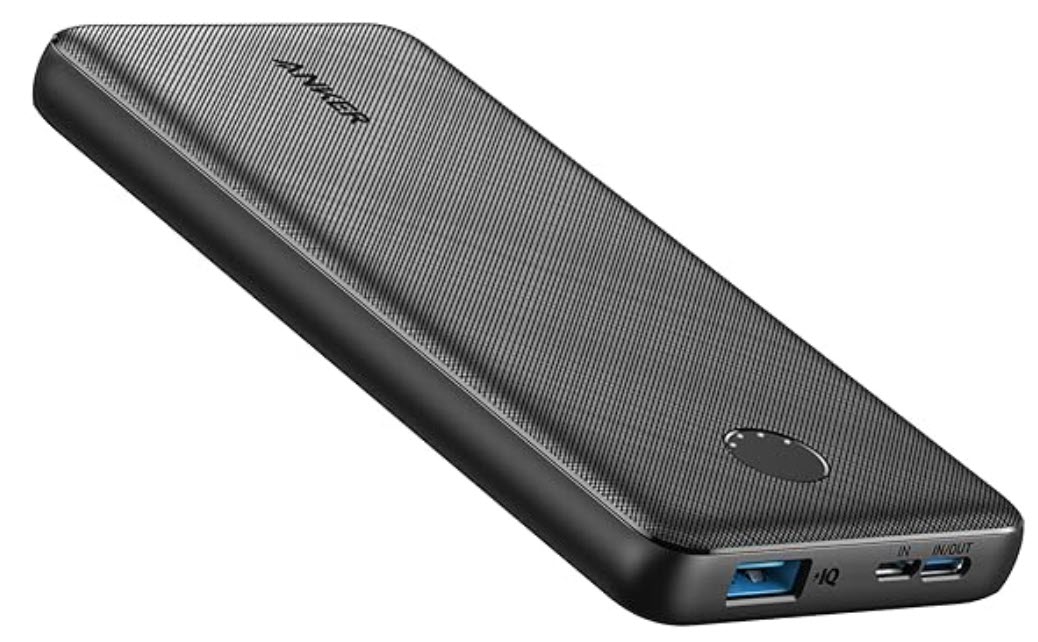
🔋 Anker PowerCore 10000 Portable Charger: Keep your phone charged while tracking the markets on the go.

Save 15%. $21.99. 4.5 Stars. Check it out on Amazon!


📱 Google Pixel 10: Experience the new Google Finance app perfectly on a pure Android device.

$899. 4.4 Stars. Check it out on Amazon!


🖥️ KYY 15.6-inch Portable Monitor: A portable second screen is useful for keeping Google Finance, a brokerage page, or spreadsheet visible while working.

Save 5%. $66.49. 4.4 Stars. Check it out on Amazon!


*Prices accurate when originally published.

One Cool Tip may earn a commission from qualifying purchases.

Fuel Your Adventure

Try Big Mike's Jerky!


bigmikesjerky.com


Now on TikTok!


Today's Cool Tip

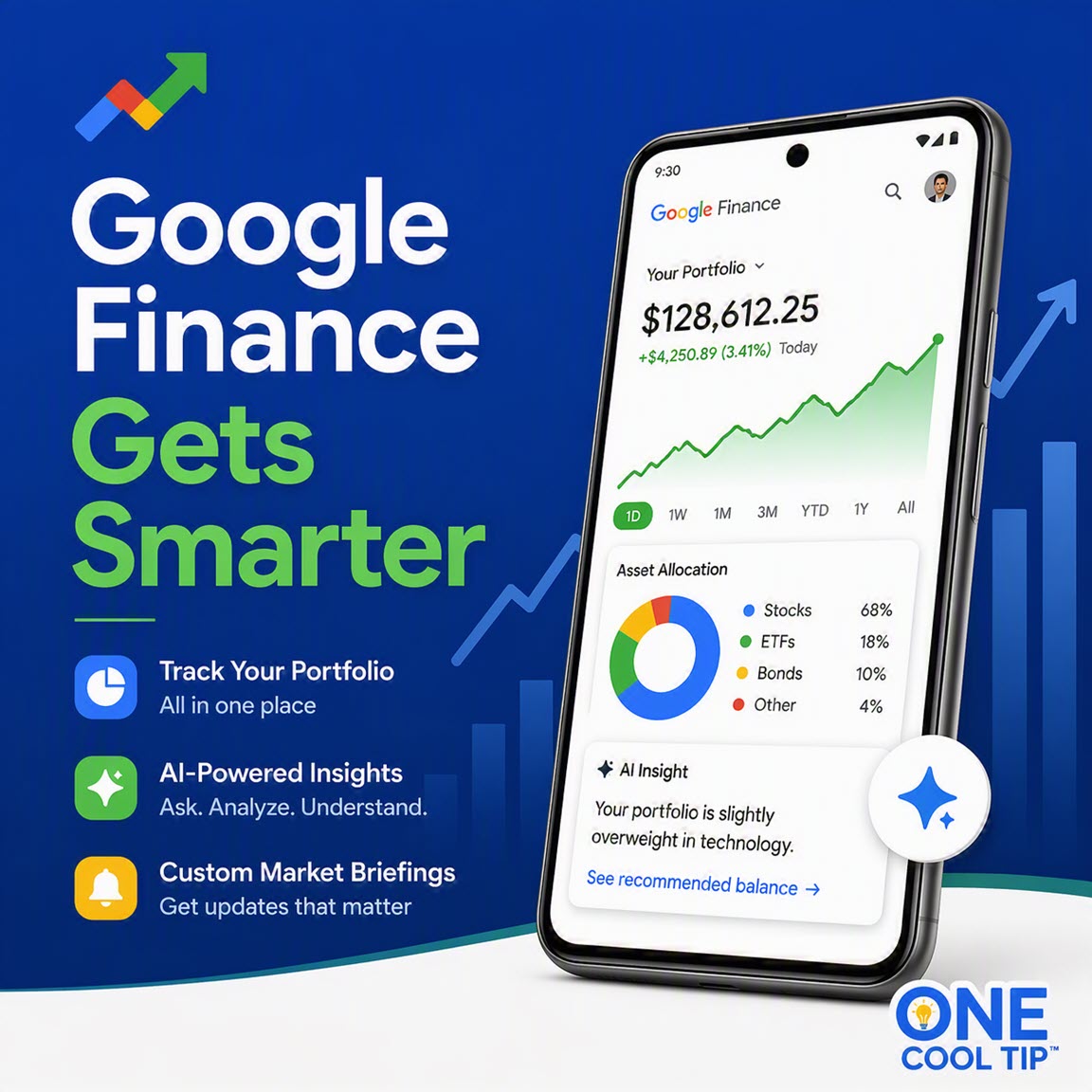
Master Your Investments With the New Google Finance App and AI Tools


Google Finance is rolling out powerful portfolio tracking tools and a brand new Android app. Discover how custom AI briefings and smart insights can help you make better financial decisions.


Keeping track of multiple investments across different platforms often leads to frustration. 


Here is a Cool Tip: Automate Your Morning Market Research With The New Google Finance.


Google Finance recently updated its platform to solve the problem by consolidating your financial data and introducing smart analysis tools. 


With a new dedicated Android app and AI research features moving out of beta, managing your money is now much simpler. 


Whether you need a daily crypto briefing or a breakdown of your asset allocation, these updates offer significant value.


Feature Explanation


Google Finance now features a comprehensive portfolio dashboard and a dedicated Android application. 


The web platform has officially moved its advanced portfolio tracking out of beta, allowing users around the world to consolidate their investments in one place. 


You can create a portfolio manually, upload CSV or PDF files, or even drop in screenshots of your current holdings.


The update also includes a highly capable AI research tool. 


You can ask specific questions about your asset allocation or request custom market briefings. 


For example, you can schedule a daily notification analyzing overnight stock movements. 


The new Android app brings these real-time data feeds, live financial news, and AI-powered key moments directly to your smartphone.


What You'll Gain


  • Save time by consolidating all your investment data into a single dashboard.
  • Reduce confusion when analyzing market trends with AI-generated key moments.
  • Make daily work easier by receiving scheduled custom briefings directly to your phone.
  • Improve financial planning by understanding asset allocation and underrepresented sectors.


Step-by-Step Instructions


Here's how to do it.


Web/Desktop:


  1. Open your web browser and go to Google Finance.
  2. Click on the Portfolios tab to view the new dashboard.
  3. Select the option to create a new portfolio.
  4. Upload a CSV file, drop a screenshot of your holdings, or type a description of your assets.
  5. Use the research panel to type a prompt like "What sectors are currently underrepresented in my portfolio?"


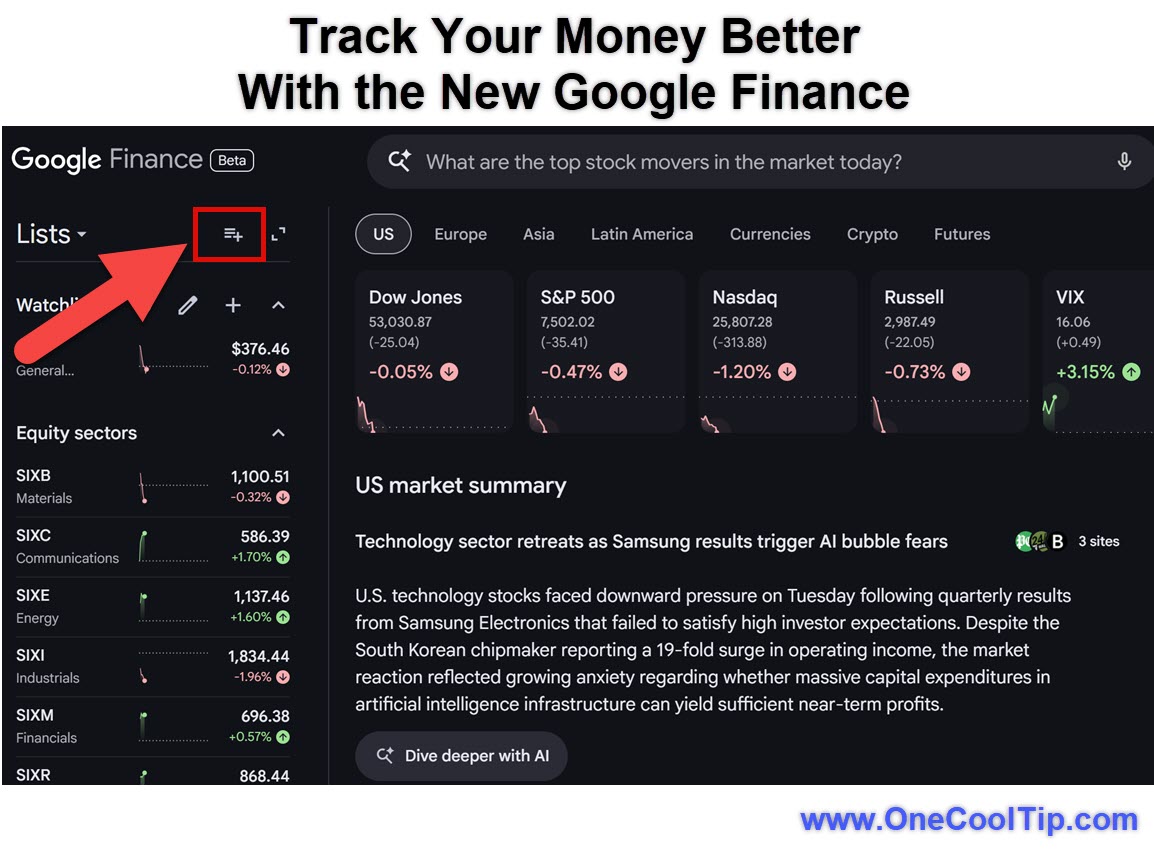
fig. 1 - Track Your Money Better with the New Google Finance

Android:


  1. Download the Google Finance app and Install.
  2. Open the app and sign in with your Google account.
  3. Browse your watchlist, view real-time data, and check the AI-powered key moments for specific stocks.


iPhone/iPad:


  • Not currently available on iOS, based on available source information. 
  • An iOS app is expected later this year.


Pros and Cons


Pros:


  • Automates complex market research with custom AI briefings.
  • Makes portfolio creation simple through document and screenshot uploads.
  • Provides on-the-go access with a dedicated Android application.
  • Explains stock movements clearly using AI key moments.


Cons:


  • The iOS application is not yet available.
  • Some web features like live earnings calls are still rolling out to the mobile app.
  • Requires sharing detailed financial data with your Google account to get personalized insights.


Feature Access


The new portfolio tracking and custom briefing features are currently rolling out globally on the web.


The Google Finance app is available now for Android devices. Some web capabilities will arrive on the mobile app in the coming months. 


An iOS version is scheduled for release later this year. These features require a standard Google account.


Score

Criterion | Score (0 to 10) | Justification
Value | 9
Consolidating financial tracking and automated market research saves significant time for active investors.
Usability | 8
Uploading files or screenshots to build a portfolio is highly intuitive, though some features are still pending for mobile.
Wow Factor | 8
The AI-driven key moments and custom scheduled briefings are clever additions to standard market tools.
Total: 25/30 | 🌟 Excellent
Google Finance provides an excellent, modernized toolset for market tracking that serves as a strong alternative to dedicated brokerage apps for casual research.


Key Takeaways


The latest Google Finance update offers powerful new ways to track your investments and analyze the market. 


With the ability to upload documents to build your portfolio and set up custom AI briefings, staying informed takes less effort. 


The new Android app ensures you have real-time data and news wherever you go.


Cool Tip Snapshot


  • Feature Name: Google Finance Portfolios and App
  • Platform(s): Web, Android
  • Quick Benefit: Automate market research and track investments easily.
  • Best For: Personal investors and business professionals.
  • Access Type: Free
  • Difficulty: Easy


Try It Yourself


Log into Google Finance on the web today and ask the AI research tool a question about your favorite stock. 


Please share this Cool Tip with your family, friends, and coworkers.


READ MORE


Read the Full Cool Tip.

Check Out These Cool Tips & Tricks


  • Quick Upload: Save time. Drop a PDF of your brokerage statement directly into the portfolio builder.


  • Custom Briefings: Stay informed. Ask the AI to send you a daily pre-market summary of your favorite stocks.


  • AI Explanations: Understand the market. Check the key moments section to see exactly why a stock moved today.


  • Sector Analysis: Balance your assets. Ask the research tool which sectors are underrepresented in your holdings.


  • Live Feed: Catch the news. Use the Android app to scroll through a live financial news feed during the day.


  • Screen Capture: Easy entry. Take a screenshot of your current investments and upload it to start a new portfolio.


  • Adjust Schedules: Total control. Edit the delivery time for your custom market briefings in the web research panel.


  • Track Crypto: Beyond stocks. Add major cryptocurrencies to your custom briefing instructions.


  • Mobile Watchlist: Quick access. Pin your most important stocks to your watchlist in the Android app for fast viewing.


  • Multi-Device Sync: Always updated. Ensure you are signed into the same Google account on web and mobile to keep your data synced.


ICYMI - In Case You Missed It ...

Send Messages Later on iPhone


Scheduling a text helps you stay organized and communicate on time without setting reminders. This feature in iOS lets you write a message now and deliver it automatically at the best moment.


Read the Full Cool Tip.


Read the Newsletter Version.

Looking for your next adventure?


Call Denise at Travel For You.

314.660.3039


Sign Up for the Monthly Newsletter


http://www.travelforyouvacations.com/


https://www.facebook.com/TRAVEL.FOR.U/


See You Tomorrow

Tomorrow's Cool Tip is waiting to amaze you.


Until then, go forth and conquer the tech world with your newfound knowledge!


Be sure to visit www.OneCoolTip.com for Cool Tech Tips for a Cooler Life!


And if you Like One Cool Tip, please support with TipJar!


Enjoy!


Rodger

Chief Cool Tipper

onecooltip.com@gmail.com


What Do You Think?

What do you think of today's OneCoolTip newsletter?
Positive        Neutral        Negative
X Share This Email
LinkedIn Share This Email

Connect with One Cool Tip!!

Facebook  X  Instagram  Web  Pinterest  YouTube  LinkedIn
 

As an Amazon Associate, One Cool Tip may earn a small commission from qualifying purchases.


Our media content is intended solely for informational purposes only. Please do not construe anything here as legal, tax, investment, financial, marital or other advice.


Copyright © 2026 | www.OneCoolTip.com | All Rights Reserved