One Cool Tip Newsletter

April 3, 2026

Your daily dose of tech-savvy brilliance!

😀Greetings!, Happy Friday Funday, Cool Tipper!


Get ready to streamline your digital life with simple, actionable tips delivered straight to your inbox.


Today's Cool Tip Theme: Fun with Food Mood


IN THIS ISSUE


  • ⚠️ Scam Alert: FTC warns about rising “unclaimed funds” scams targeting consumers.
  • 🤖 AI Prompt: Turn your Food Mood creation into a full recipe and pairing plan.
  • 🍜 Feature Spotlight: Google Food Mood creates AI-powered fusion recipes.
  • 🎻 Fun Experiment: Play music with Viola the Bird using your mouse.
  • 🎨 AI Creativity Game: Match music to art with One Sound Two Frames.
  • 🥖 Interactive Game: Collect baguettes in Google’s playful art world.


New here? Subscribe to the One Cool Tip Newsletter for daily updates. It's FREE!


  • 😂 Laugh with Us! Enjoy our Tech Joke of the Day, Haiku and Cool Tip Comics.


  • 🌐 Stay Informed! Check out ICYMI, and our One Cool Tip Video.


3️⃣

If you enjoy the One Cool Tip newsletter, please forward this newsletter to THREE friends or colleagues or share it on social media using the links below.


Leave a $$$ Tip!


Share this One Cool Tip Newsletter!

X Share This Email
LinkedIn Share This Email
Pinterest Share This Email

Today's Tech Trivia


Which company created the first commercial microprocessor, paving the way for modern computing?


A) Motorola

B) Intel

C) IBM

D) Texas Instruments


Answer at the end of this newsletter.

🔥Hot Topics 🔥

⚠️Scam Calls About “Unclaimed Funds” Are Spiking⚠️


The FTC is warning consumers about a new wave of scam calls and texts claiming you’re owed unclaimed money.


The pitch sounds official, often referencing government agencies, specific dollar amounts, or urgent deadlines.


The goal is simple: trick you into paying bogus fees or handing over personal information.


Real government agencies never call, text, or pressure you to pay to search for unclaimed property.


How to Protect Yourself


  • Hang up immediately if someone calls about unclaimed funds. Legitimate programs do not contact you this way.
  • Don’t click links in unexpected texts. Scammers often spoof government names or logos.
  • Never pay a “processing fee.” State unclaimed property searches are always free.
  • Verify safely. Use the official national directory at unclaimed.org/search to check for real unclaimed property.
  • Report suspicious calls at ReportFraud.ftc.gov to help stop the scam cycle.


Share this alert with your team, family, and friends so they know what to watch for before the next call hits their phone.


Try this Cool AI prompt. Copy and paste to ChatGPT, Gemini or Copilot.


"I just used Google Food Mood to create a [Insert Fusion Dish Name].


Can you provide a detailed shopping list for these ingredients, suggest a wine or beverage pairing that complements both cultures, and give me three 'pro-tips' for a beginner cook attempting this specific fusion style?"


Today's Cool Tip

Mixing Your Palette: Google’s Food Mood Brings AI Art to the Kitchen


Discover how Google’s latest AI experiment blends cultural recipes to create unique, visually stunning fusion dishes that inspire your next real-world meal. Google Arts & Culture has launched Food Mood, a generative AI tool that lets users combine two different national cuisines into a singular, innovative recipe.


Have you ever stared at a pack of tortillas and a jar of kimchi and wondered if they belonged together? 


Most of us stick to the culinary scripts we know, but the digital age is rewriting the cookbook. 


Here's a Cool Tip: Create Recipes with Food Mood and Google Gemini AI.


The new "Food Mood" experiment is part of a broader push to show how artificial intelligence can bridge cultural gaps through the universal language of food. 


It is not just about weird combinations; it is about using massive cultural databases to find the hidden threads between a spicy Nigerian jollof and a creamy Italian risotto. 


If you are tired of the same three rotating dinner options, this tool might be the spark your kitchen needs.


Feature Explanation


Food Mood is a web-based experiment developed by Google Arts & Culture in collaboration with artists in residence. 


At its core, it uses a refined generative AI model to process the flavor profiles, techniques, and staple ingredients of dozens of world cuisines.


The interface is intentionally simple. You select two countries, and the AI "cooks" a brand new dish that merges them. 


It provides a title, a high resolution AI-generated image of what the result should look like, and a full recipe including ingredients and instructions. 


It matters because it moves AI away from sterile data processing and into the realm of creative inspiration, helping users explore global cultures through their taste buds.


What You’ll Gain


  • Creative Inspiration: Break out of cooking ruts with flavor pairings you would never find in a traditional cookbook.
  • Cultural Education: Learn about the staple ingredients and spices that define different nations.
  • Visual Planning: See a realistic rendering of the fusion dish before you ever turn on the stove.


Step-by-Step Instructions


Here's how to do it.


Web


  1. Navigate to the Food Mood website.
  2. Click the first "Country" bubble and scroll or type to select a home cuisine, such as "Mexico."
  3. Click the second "Country" bubble to choose a partner cuisine, such as "Japan."
  4. Adjust the "Servings" toggle if you are cooking for a crowd.
  5. Click the "Let’s Cook" button. 
  6. Scroll down to read the full recipe and ingredient list.


fig. 1 - Create Fusion Recipes with Food Mood Example

iOS and Android


  1. Open your mobile browser or the Google Arts & Culture App (iOS / Android).
  2. Search for "Food Mood" in the experiment gallery.
  3. Tap the two circular flags to swap between different global regions.
  4. Use the "Surprise Me" shuffle icon if you want a random pairing.


Example: Select "USA" and "India." The AI generates "Tandoori Fried Chicken Mac and Cheese," providing a specific spice blend for the flour and a method for infusing the cheese sauce with garam masala.


Pros and Cons


Pros:


  • Encourages culinary bravery by suggesting scientifically backed flavor pairings.
  • The interface is incredibly fast and works on almost any device with a browser.


Cons:


  • Some recipes may require niche ingredients that are difficult to find at local grocery stores.
  • As with all generative AI, the cooking times are estimates and may need adjustment based on your specific equipment.


Feature Access


Food Mood is a free experiment available globally via the web. It was part of a rollout of generative AI experiments from Google Arts & Culture.


It requires no subscription and is accessible on any modern web browser.


Score

Criterion | Score (0–10) | Justification
Value 8
Provides genuine creative utility for meal planning and cultural learning.
Usability 10
One of the most intuitive AI interfaces available today.
Wow Factor 9
The image generation is high quality and the fusion ideas are genuinely surprising.
Total: 27/30 |  🌟 Excellent
Food Mood is a delightful and practical application of generative AI that turns abstract data into a delicious evening meal.


Key Takeaways


Food Mood removes the intimidation factor from fusion cooking by providing a clear roadmap for combining disparate flavors. 


It is a perfect example of AI acting as a creative partner rather than a replacement for human skill.


Cool Tip Snapshot


  • Feature Name: Food Mood
  • Platform(s): Web, iOS, Android (via browser or Google Arts & Culture app)
  • Quick Benefit: Instantly creates fusion recipes and images from two selected countries.
  • Access Type: Free


Try It Yourself


Head over to the Food Mood experiment today and try pairing your favorite comfort food with a cuisine you have never tried before. 


You might just find your new signature dish! 


If you enjoyed this tip, share this guide with your favorite home chef.


READ MORE


Read the Cool Tip on One Cool Tip.com.

Cool Products of the Day

Help support One Cool Tip. Use this Amazon link when you shop online.

🌡️ ThermoPro Digital Meat Thermometer: Ensure your fusion creations are cooked to perfection every time. Save 35% Now $12.98 Check it out on Amazon!


⚖️ Etekcity Luminary Kitchen Scale: Precision is key when mixing international spice ratios. #1 Best Seller $29.99 Check it out on Amazon!


📱 Lamicall Tablet Stand: Keep your tablet at eye level and away from flour spills while reading Food Mood recipes. Save 38% Now $9.99 Check it out on Amazon!


Prices accurate at time of publication

One Cool Tip may earn a commission from qualifying purchases.

Cool Thoughts

🆒Tell Me More


  • Artist in Residence Origins: Food Mood was not developed by a standard product team but by a Google Artist in Residence. This program allows creators to play with Google’s massive data sets to find "poetic" or unexpected ways to use AI beyond traditional productivity.


  • A Massive Menu: The underlying model is trained on cultural data from thousands of years of human history. While the interface is simple, it is drawing from a database of over 1,200 unique cuisine combinations, ensuring that a "Greek-Thai" mashup is grounded in actual flavor profiles from both regions.


  • The "Vibe" Engine: Unlike a standard Google Search for "fusion recipes," Food Mood is designed as a creative starter. It prioritizes the visual aesthetic of the dish through high-fidelity image generation, helping you see the cultural marriage before you read the first instruction.


  • Cultural Preservation: Many of the cuisines included in the experiment are part of the Google Arts & Culture mission to preserve "intangible heritage." By mixing them, the tool actually introduces users to rare or underrepresented cooking traditions they might never have searched for manually.


  • Beyond the Plate: The experiment is a "living lab" for how humans interact with generative AI. Google uses the engagement data to see which cultural pairings are most popular, which helps refine how AI understands the nuances of human taste and preference.


⏩Quick Tips


  • 🎲 Surprise Me: Tap the shuffle icon between the flags to let the AI pick a completely random cultural mashup.


  • 🖼️ Visual Guide: Use the generated image as a plating guide; the AI often suggests creative ways to garnish fusion food.


  • 📝 Save the Link: Food Mood doesn't have a "save" button, so bookmark the specific URL or print the page to PDF if you love a result.


  • 🌶️ Spice Safety: If the AI suggests a spicy pairing, start with half the recommended peppers and taste as you go.


  • 🥗 Dietary Tweaks: If you're vegan or gluten-free, use the AI recipe as a flavor map and swap proteins for plant-based alternatives.


✅ More Must-Read Tech Tips

👀 How Do I Become a Virtual Musician ?


Ever wished you could play a musical instrument without years of practice? 


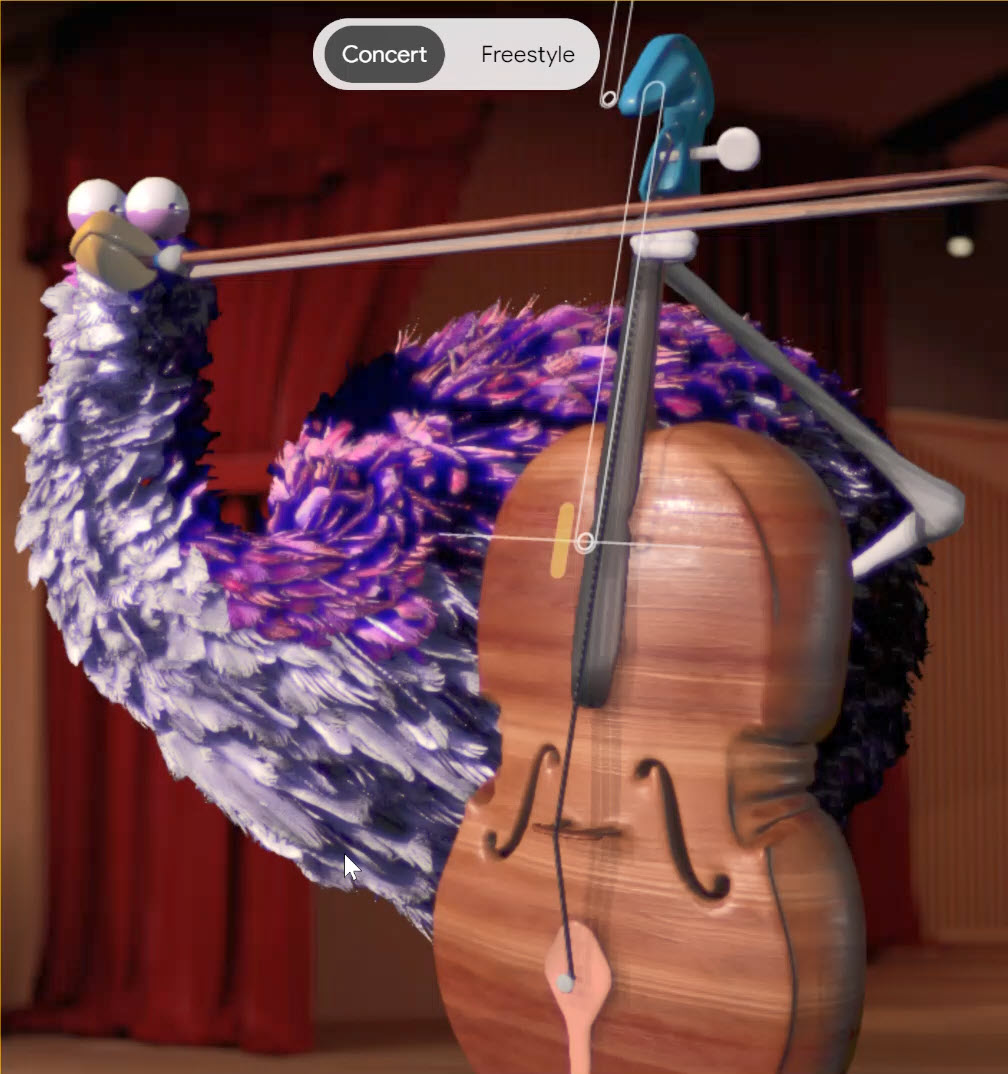
Viola the Bird is a whimsical, interactive website that lets you "play" a virtual cello or violin. 


Powered by machine learning, it translates your mouse movements into realistic musical notes. 


How to Use Viola the Bird: Step-by-Step Guide


  1. Go to the Viola the Bird experiment on Google Arts & Culture 
  1. Select either the cello or violin.
  2. You'll see a virtual instrument and the adorable Viola the Bird waiting for your lead.
  3. Gently move your mouse horizontally across the strings to produce notes. Moving higher on the strings creates higher pitches and vice versa. Experiment with speed and motion to create different musical effects.
  4. Play Along to Music (Concert Mode): For a structured experience, try "Concert Mode" and play along to famous musical pieces.
  5. Get Creative (Freestyle Mode): Select "Freestyle Mode" to compose your own melodies!


Whether you're a music enthusiast or simply looking for a creative outlet, this experiment is sure to bring joy and spark your inner musician.


Discover more HERE. 

🤔 Have You Ever Wondered How to Play One Sound, Two Frames?


Have you ever wondered how a painting would sound if it were music? 


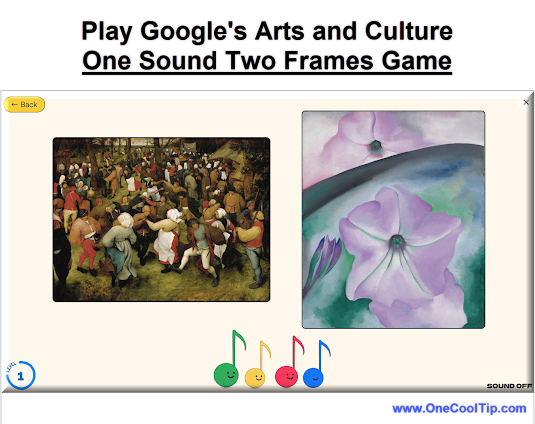
Google Arts & Culture's "One Sound Two Frames" is a fascinating new experiment that invites you to do just that. 


Here's how to do it.


  1. Access the game through the Google Arts & Culture website or app (available on iOS and Android).
  2. Select "One Sound Two Frames".
  3. Find the game under the "Play" tab or search for it directly.   OR HERE.
  4. The game presents you with a piece of AI-generated music.
  5. Choose from two pieces of artwork. 
  6. Select the one you believe the music was based on.
  7. The game reveals if you were right or wrong, offering insights into the connection between the music and the artwork.
  8. Continue matching music to art to see how well your instincts align with the AI's interpretations.


By blurring the lines between music and visual art, it invites us to think differently about creativity and how we perceive the world around us.


Find out more HERE.

🙋‍♂️ Here's How to Dash to Collect Baguettes.


Have you ever found yourself immersed in a world where art and technology blend seamlessly, creating an engaging experience that's both entertaining and culturally enriching? 


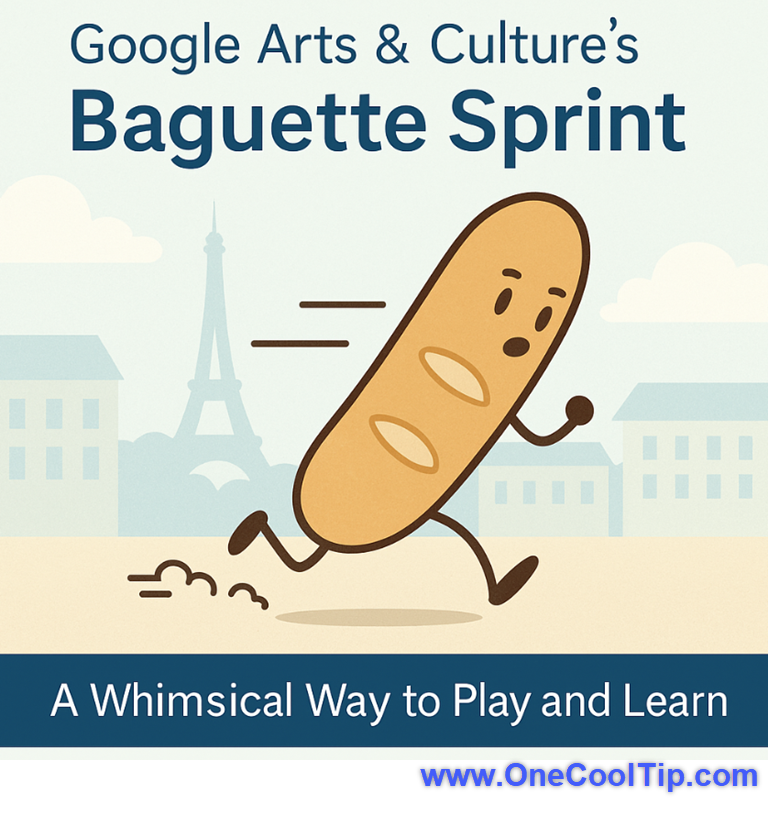
Google Arts & Culture's Baguette Sprint is one such experience that combines the thrill of a game with the richness of art and culture.


Step-by-Step Instructions


  1. Open Google Arts & Culture on your web browser or mobile device, artsandculture.google.com/.
  2. Search for "Baguette Sprint" and select the game from the results.
  3. Click or tap the "Play" button to start the game.
  4. Use your keyboard or touchscreen to navigate and collect baguettes.


Give Baguette Sprint a try today and discover the joy of collecting baguettes in a vibrant art-inspired world. 


Learn more HERE. 

❓Did you share this newsletter with three friends yet?


😎 Cool Facts


  • 2,000+: Google Arts & Culture currently features over 2,000 cultural institutions across more than 80 countries. Source.


  • 30%: Current market data for 2026 shows that the AI-generated cooking and creative industries market is growing at a Compound Annual Growth Rate (CAGR) of approximately 30-32%. Source.


  • 1,200+: The Food Mood experiment allows for over 1,200 unique pairings based on the dozens of national cuisines available for selection. Source.


⌨️Today's Cool Shortcuts


  • 🪟 Windows/Chrome: Ctrl + D: Quickly bookmark your favorite fusion recipe page.


  • 🍎 macOS: Cmd + P: Open the print menu to save your recipe as a PDF.


  • 🌐 Universal Browser: F11: Enter full-screen mode to see the high-res food art without distractions.


😜 Tech Joke of the Day 😅


Why don’t computers cook?


Too many bytes already.


🔎 Do you have a Cool Tip or tech question? Email us at onecooltip.com@gmail.com.

Cool Tip Haiku

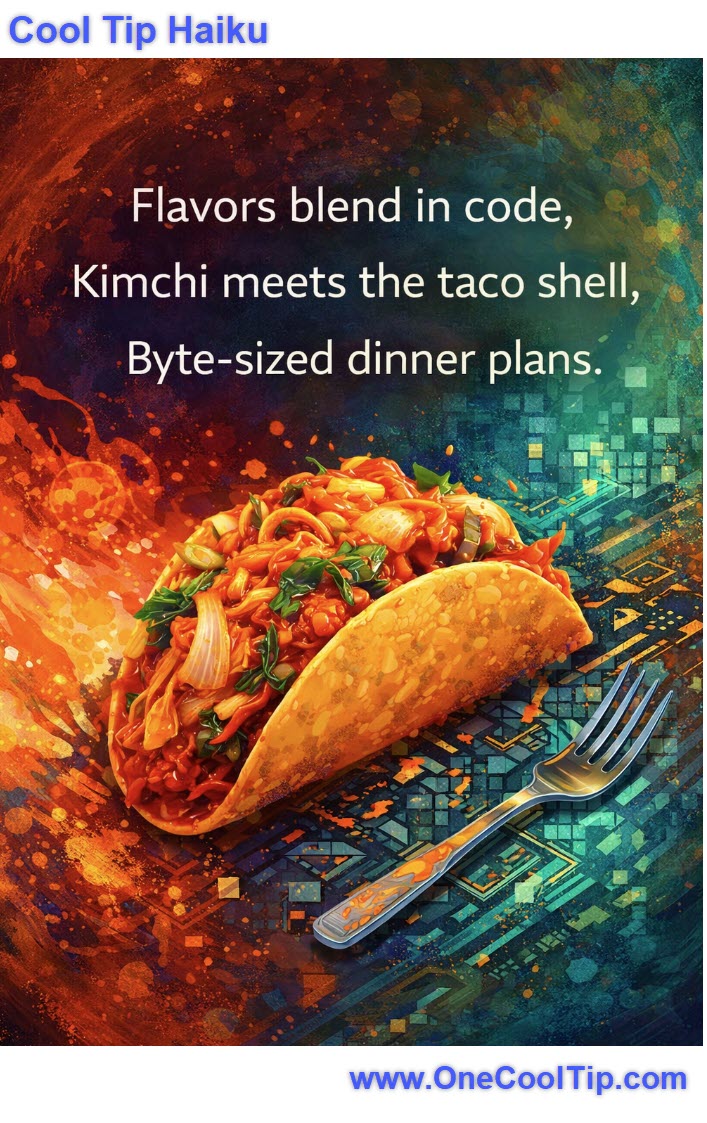
Flavors blend in code,

Kimchi meets the taco shell,

Byte-sized dinner plans.

Cool Tip Pulse

🤔 Would you actually eat a meal designed entirely by an AI?


Fuel Your Adventure

Try Big Mike's Jerky!


bigmikesjerky.com


Now on TikTok!

Did You See These Cool Tips This Week?

Talk to ChatGPT in Apple CarPlay

Turn your car into a rolling AI assistant with hands-free conversations that actually help. Apple CarPlay is no longer just for maps and music. With the latest iOS update, you can now talk to ChatGPT directly while driving, unlocking a new level of hands-free productivity and convenience.


Read the Newsletter Version.

Happy April Fool’s Day: Try These 3 Harmless Tech Tricks That Fool Anyone Fast

Turn everyday devices into harmless pranks that surprise, confuse, and entertain. These quick tricks take under a minute and reset just as fast. A few small tech tweaks can create big reactions. These three April Fools tricks are safe, reversible, and surprisingly effective.


Read the Newsletter Version.

Find Your Adventure

Looking for your next adventure?


Call Denise at Travel For You.

314.660.3039


Sign Up for the Monthly Newsletter - Deals and Specials


http://www.travelforyouvacations.com/


https://www.facebook.com/TRAVEL.FOR.U/


ICYMI - In Case You Missed It ...

Create Professional Videos with Google Veo 3.1 Templates

Create high-quality, consistent videos in seconds using the new Gemini-powered Veo 3.1 templates designed for business and personal storytelling. The future of AI video just got a lot more structured. Google is rolling out Veo 3.1 templates to help users skip the blank-page syndrome and generate professional-grade clips with ease.


Read the Newsletter Version.

One Cool Tip Video

Waddle on Over to the Saint Louis Zoo Penguin Cam


Do you love penguins? 


If so, you'll be excited to know that you can watch them live from the comfort of your own home! 


And without the smell!


Watch

Cool Tip Comics

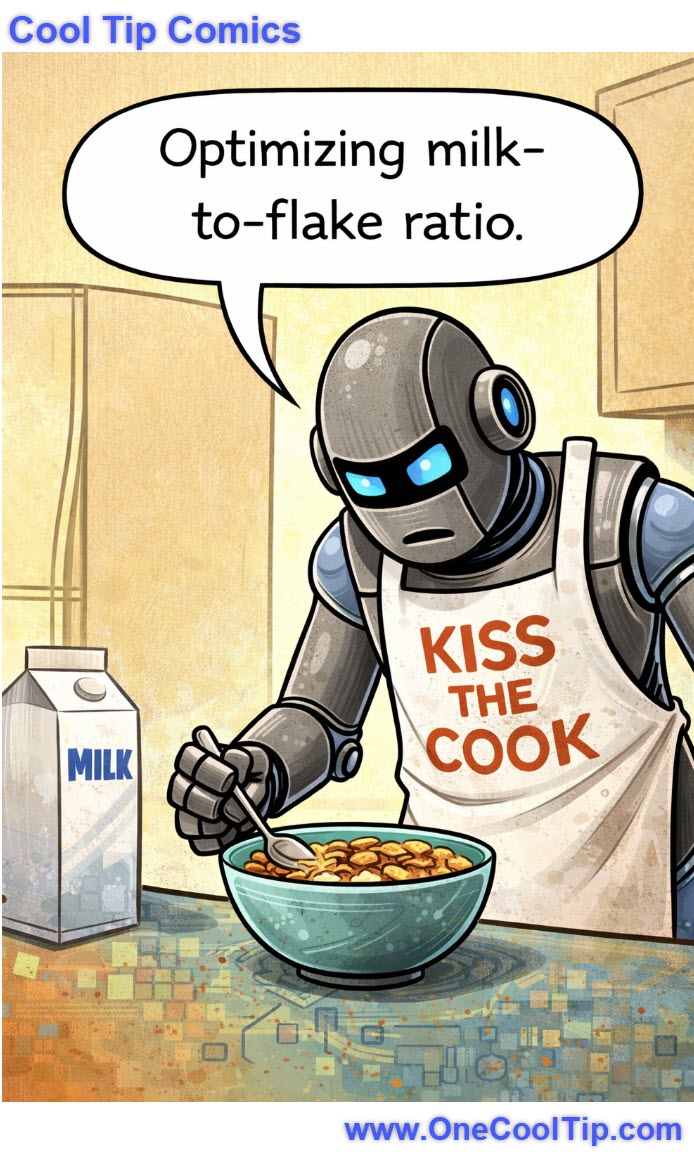
Finally… a breakfast routine driven by data, not soggy regret.


See You Tomorrow

Trivia Answer: B) Intel


Intel introduced the Intel 4004 in 1971, a 4-bit CPU originally designed for calculators.


It marked the beginning of the microprocessor era, enabling computers to shrink from room-sized machines to desktop devices.


This single chip changed the trajectory of personal computing forever.


----------


Tomorrow's Cool Tip is waiting to amaze you.


Until then, go forth and conquer the tech world with your newfound knowledge!


Be sure to visit www.OneCoolTip.com for Cool Tech Tips for a Cooler Life!


And if you Like One Cool Tip, please support with TipJar!


Enjoy!


Rodger

Chief Cool Tipper

onecooltip.com@gmail.com


What Do You Think?

What do you think of today's OneCoolTip newsletter?
Positive        Neutral        Negative

Please Share the One Cool Tip Newsletter!


You asked for it. You got it. There is now a One Cool Tip Newsletter archive. Did you delete a newsletter and want to read it again? Check it out HERE.


Want to help One Cool Tip grow? Please forward this email using the link above. And if you see an OCT social media post, please LIKE, COMMENT and SHARE!


Have you subscribed to the One Cool Tip YouTube channel? Subscribe HERE.

X Share This Email
LinkedIn Share This Email

Connect with One Cool Tip!!

Facebook  X  Instagram  Web  Pinterest  YouTube  LinkedIn
 

As an Amazon Associate, One Cool Tip may earn a small commission from qualifying purchases.


Our media content is intended solely for informational purposes only. Please do not construe anything here as legal, tax, investment, financial, marital or other advice.


Copyright © 2026 | www.OneCoolTip.com | All Rights Reserved