|
Paint Abstract AI Masterpieces With Google Splash Canvas
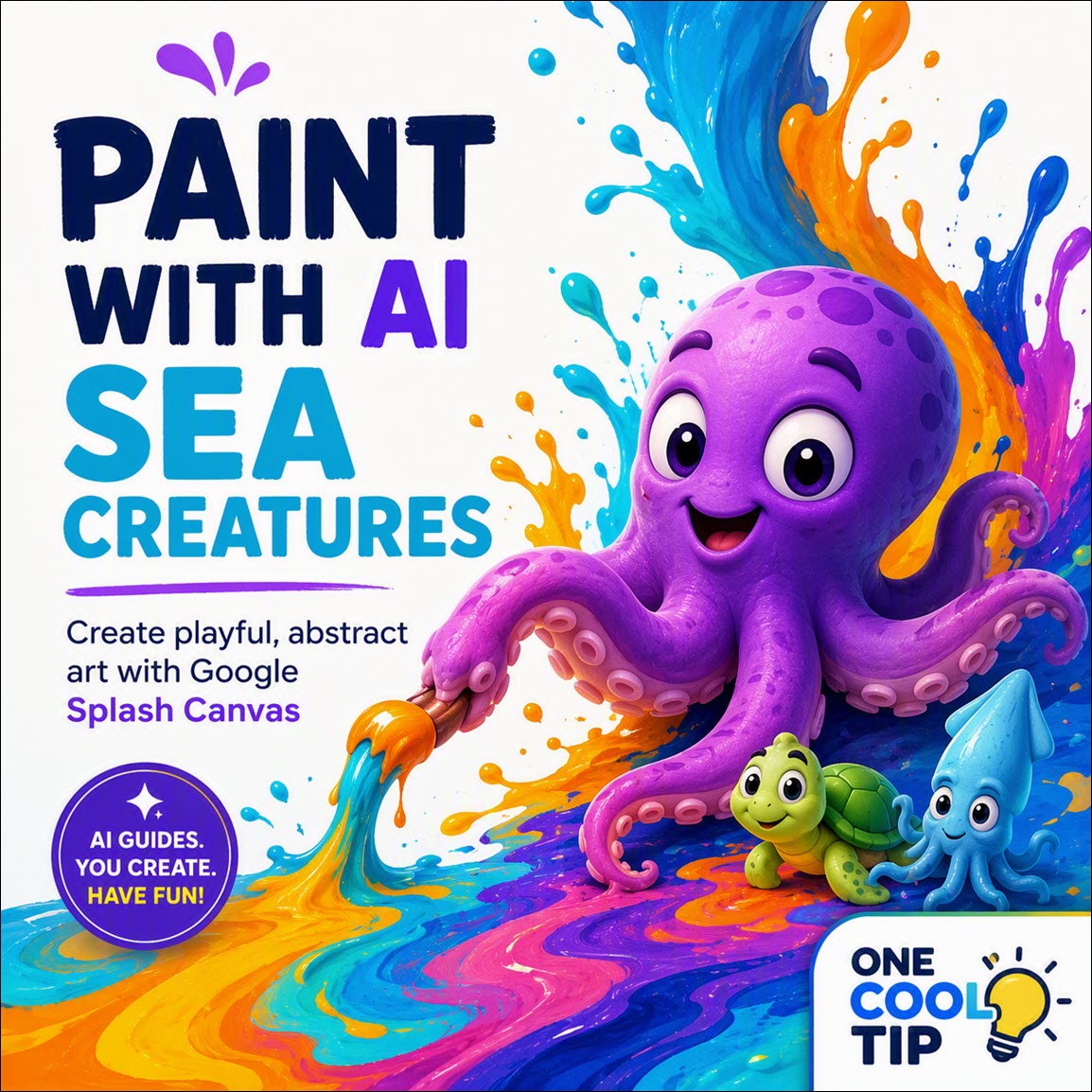
Create digital masterpieces using playful sea creatures as your paintbrushes. Google Arts and Culture Splash Canvas brings fluid physics and artificial intelligence together for a highly interactive creative experience.
Digital painting tools often feel sterile and overly technical.
Staring at a blank digital canvas with a massive toolbar of brushes can intimidate even an experienced artist.
Here's a Cool Tip: Turn sea creatures into digital paintbrushes.
Google Arts and Culture recently introduced a web experiment that changes the atmosphere entirely.
Splash Canvas turns your web browser into an interactive studio filled with opinionated sea creatures.
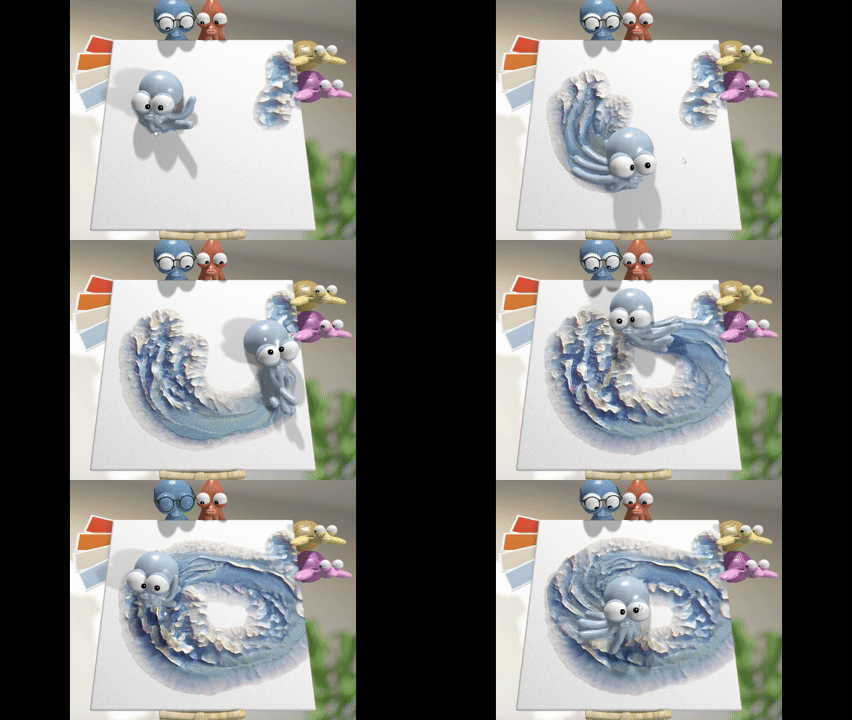
Instead of selecting a standard brush, you drag an animated octopus or squid across the screen.
These characters bring the canvas to life with realistic fluid physics, synthesizing sounds as you create.
Feature Explanation
Splash Canvas is a browser-based digital art experiment created by David Li for Google Arts and Culture.
The tool allows you to paint using animated sea creatures that act as your brushes.
The characters include an octopus named Splosh, a squid named Splat, and two turtles named Smudge and Scrape.
As you move these creatures across the screen, a hybrid fluid and particle simulation models realistic paint spreads and color mixing.
The paint behaves like real liquid.
The tool is powered by a combination of procedural physics and Google Gemini artificial intelligence.
The AI gives the sea creatures distinct personalities, allowing them to offer playful critiques and share facts about art history while you work.
The experience is fully interactive.
Your brush strokes generate accurate, synthesized soundscapes in real-time.
The audio feedback matches the movement and speed of your actions.
This tool solves the problem of rigid digital art interfaces by making the creation process highly engaging and delightfully squishy.
It appeals most to casual creators, families, and art enthusiasts who want a fun way to interact with artificial intelligence.
What You'll Gain
- Create abstract art easily without needing complex software.
- Learn interesting art history facts from AI-generated commentary.
- Enjoy a relaxing, sensory-rich experience with fluid physics and adaptive soundscapes.
- Save your completed virtual artwork in amusing locations like a museum or dentist office.
Step-by-Step Instructions
Here's how to do it.
Web/Desktop:
-
Open your computer web browser and visit the Google Arts and Culture Splash Canvas page.
-
Click to launch the experiment.
-
Select one of the primary sea creatures, such as Splosh the octopus or Splat the squid.
-
Click and drag the creature across the blank canvas to splash colorful paint.
-
Select the Smudge turtle to blend the colors together, or select the Scrape turtle to remove paint.
-
Listen and read along as the creatures provide real-time art history facts and feedback on your painting style.
-
Click the finish button when you are satisfied with your work, and select a virtual destination for your art.
|