One Cool Tip Newsletter

July 30, 2026

Your daily dose of tech-savvy brilliance!

😀Greetings! Happy Thursday Cool Tipper!


Get ready to streamline your digital life with simple, actionable tips delivered straight to your inbox.


Cool Tip Theme: iOS 26.6 Update.


New here? Subscribe to the One Cool Tip Newsletter for daily updates. It's FREE!

3️⃣

If you enjoy the One Cool Tip newsletter, please forward this newsletter to THREE friends or colleagues or share it on social media using the links below.


Leave a $$$ Tip!


Share this One Cool Tip Newsletter!

X Share This Email
LinkedIn Share This Email
Pinterest Share This Email

🚨 The Million-Dollar Life Insurance Letter Is Back. 🚨


A scam that sounds like something out of a movie is showing up in mailboxes again.


The FTC warns that scammers are sending letters claiming you’re the heir to an unclaimed life insurance policy because you share a last name with someone who supposedly died.


In reality, there is no policy, no inheritance, and no payout.


The goal is to trick you into sharing personal information, financial details, or even sending money.


If you receive one of these letters, do not respond or provide any information. Instead, report it to the FTC and warn friends and family who may be tempted by the promise of a surprise fortune.


And in Other News...


Thinking About a New iPhone? Apple’s New Upgrade Plan Could Change How You Buy Tech


Apple has launched Apple Upgrade, a new leasing program that lets U.S. customers get eligible iPhones, iPads, Macs, and Apple Watches with monthly payments instead of paying the full price upfront.


Plans start at $17.99 per month for an iPhone and are available online, in the Apple Store app, and at Apple retail locations.


Customers can choose from different lease lengths, trade in an existing device to lower payments, and complete a soft credit check that does not affect their credit score.


At the end of the lease, you can upgrade to a newer device, buy the one you have, or simply return it.


Before signing up, be sure to understand that this is a leasing program, not a traditional purchase plan.


For people who like having the latest Apple gear, it could offer a more flexible way to stay current.


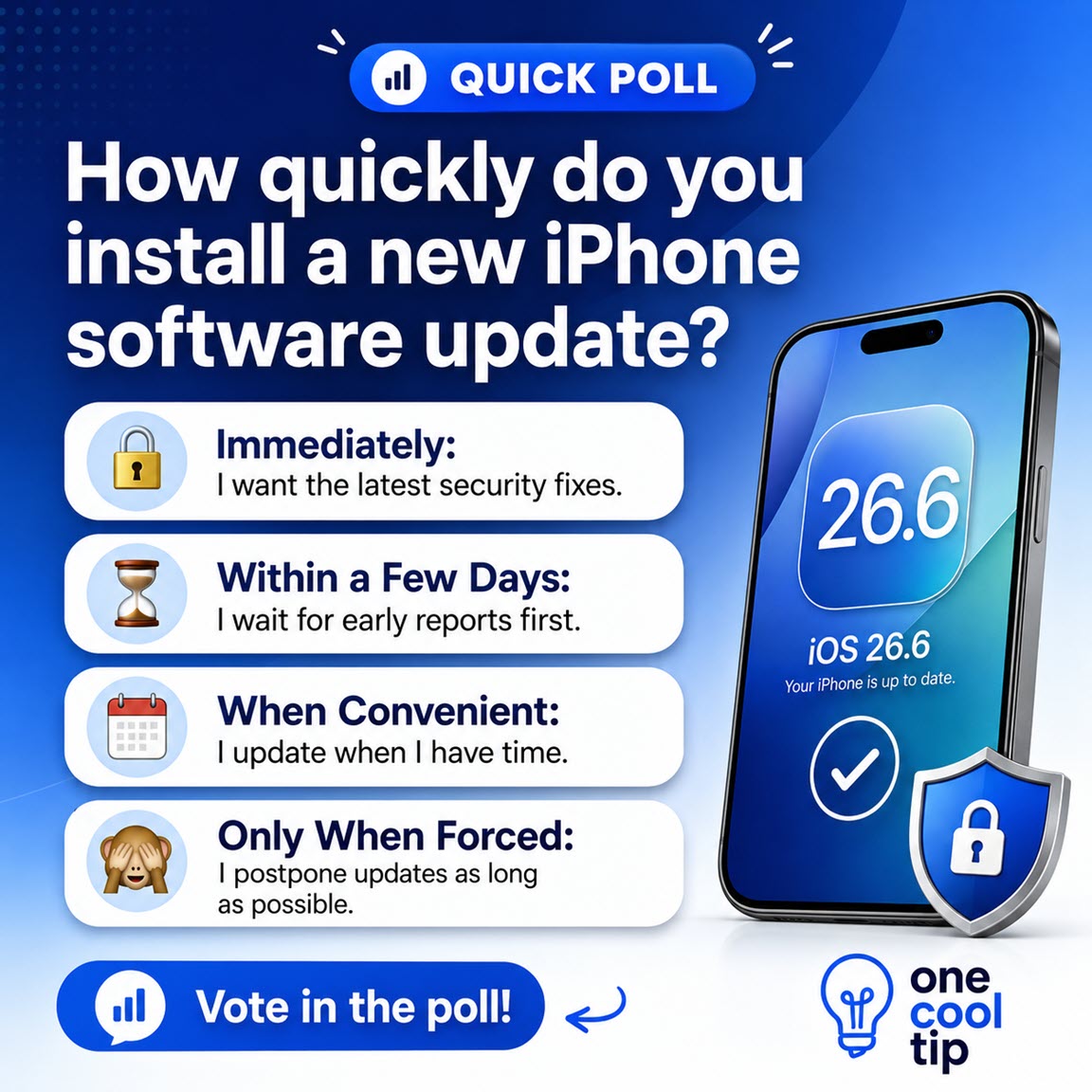
Quick Poll

🤔 How quickly do you install a new iPhone software update?

Cool Deals of the Day

Help support One Cool Tip. Use this Amazon link when you shop online.


Check out these Cool Deals:

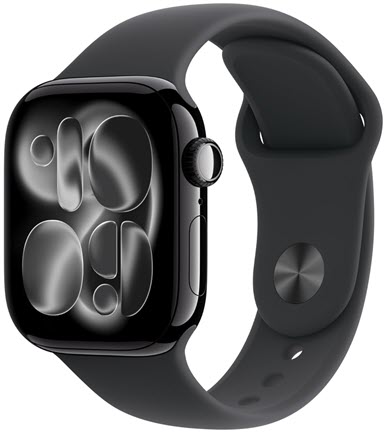
Apple Watch Series 11: A strong everyday health and fitness companion with advanced wellness insights, activity tracking, convenient notifications, and improved durability for life on the go. 

Save 25%. Now $299. 4.7 Stars. Check it out on Amazon!


Apple AirTag (2nd Gen, 4-pack): Keep track of keys, luggage, bags, and other important items with improved Precision Finding and a louder built-in speaker through Apple’s Find My network.

Save 10%. Now $89. 4.6 Stars. Check it out on Amazon!


Apple AirPods Pro 3 Wireless Earbuds: Enjoy immersive sound, powerful noise cancellation, improved battery life, a more secure fit, and useful extras such as workout heart-rate tracking and Live Translation.

Save 20%. Now $199. 4.5 Stars. Check it out on Amazon!


*Prices accurate when originally published.

One Cool Tip may earn a commission from qualifying purchases.

Fuel Your Adventure

Try Big Mike's Jerky!


bigmikesjerky.com


Now on TikTok!


Today's Cool Tip

Why You Should Install iOS 26.6 Now


iOS 26.6 may not deliver a collection of flashy new tools, but it includes important security fixes and system improvements. The update also optimizes Spotlight search in preparation for iOS 27.


Not every worthwhile iPhone update changes the Home Screen or adds a feature you can immediately try.


Some updates work quietly in the background, repairing security weaknesses, fixing software problems, and preparing your device for what comes next. 


That is exactly what Apple is doing with iOS 26.6.


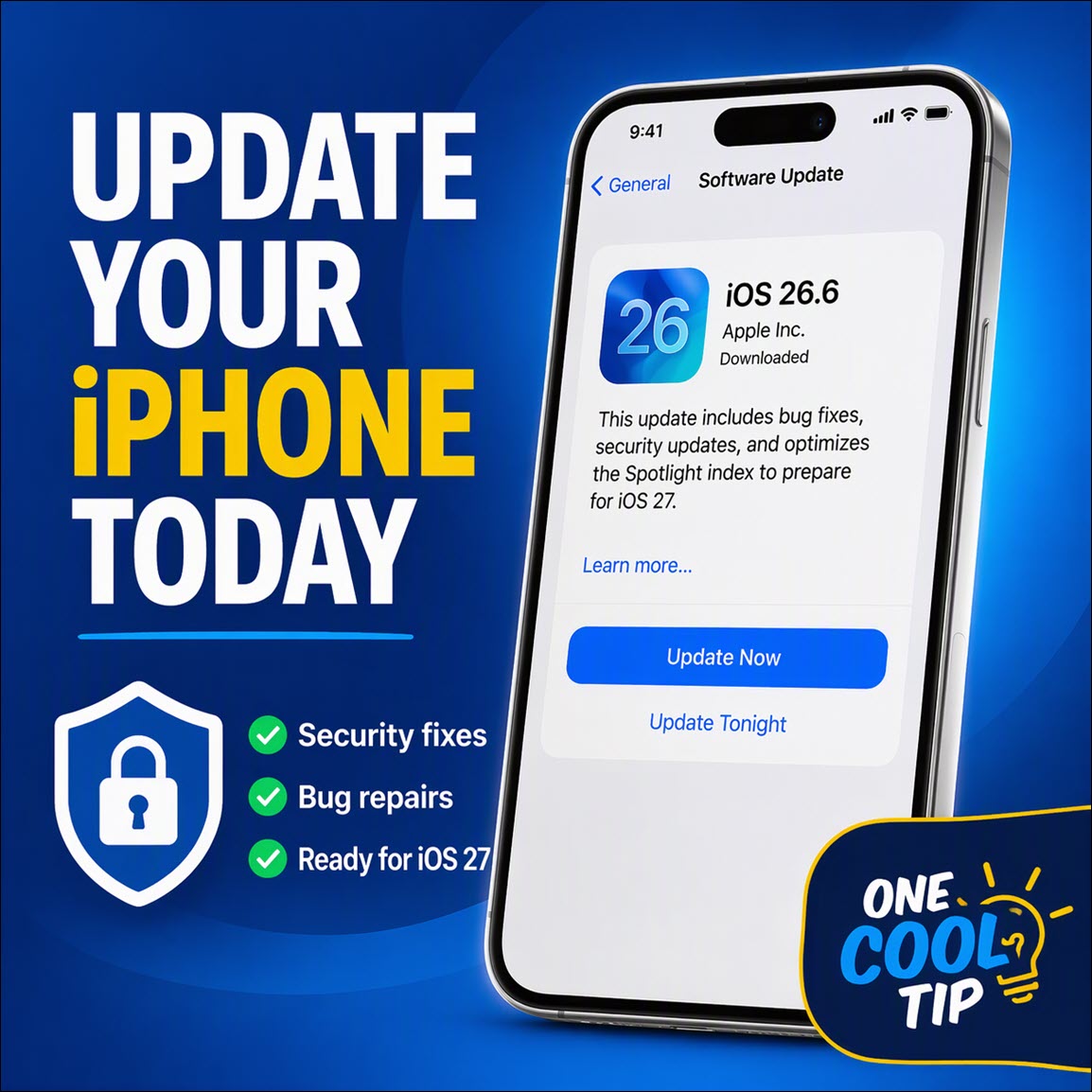
Here’s a Cool Tip: Update to iOS 26.6 Now to Protect Your iPhone and Prepare Spotlight for iOS 27.


iOS 26.6 includes bug fixes, security updates, and an optimization of the Spotlight index in preparation for iOS 27.


Feature Explanation


iOS 26.6 is primarily a maintenance and security release rather than a major feature update.


Its most interesting change involves Spotlight, the search system that helps you find apps, contacts, messages, emails, settings, photos, and other information stored on your iPhone.


iOS 26.6 “optimizes the Spotlight index to prepare for iOS 27.” 


An index works like a catalog of information on your device. 


Instead of searching through every app and file from the beginning each time, Spotlight uses its index to locate relevant results more quickly.


The update also repairs numerous security vulnerabilities affecting components including the App Store, Contacts, ImageIO, Siri, WebKit, Wi-Fi, the kernel, and the Apple Neural Engine. 


Some of the documented vulnerabilities could have allowed unauthorized access to data, application crashes, sandbox escapes, or arbitrary code execution.


There is also one small visible improvement. 


iOS 26.6 displays a clearer warning when an iPhone reaches its limit for blocked contacts. 


The alert instructs the user to remove an existing blocked contact before adding another one. 


What You’ll Gain


  • Improve security: Install Apple’s latest protections for apps, files, websites, wireless connections, and personal information.
  • Prepare for iOS 27: Allow the iPhone to optimize its Spotlight search index before the next major operating-system upgrade.
  • Reduce software problems: Receive Apple’s latest bug fixes and reliability improvements.
  • Improve business controls: Give administrators more reliable management of Private Wi-Fi Address settings.


Step-by-Step Instructions


Here's how to do it.


iPhone and iPad:


  1. Back up your device using iCloud or a computer.
  2. Connect the device to a reliable Wi-Fi network.
  3. Plug the device into power.
  4. Open Settings.
  5. Tap General.
  6. Tap Software Update.
  7. Wait while the device checks for an available update.
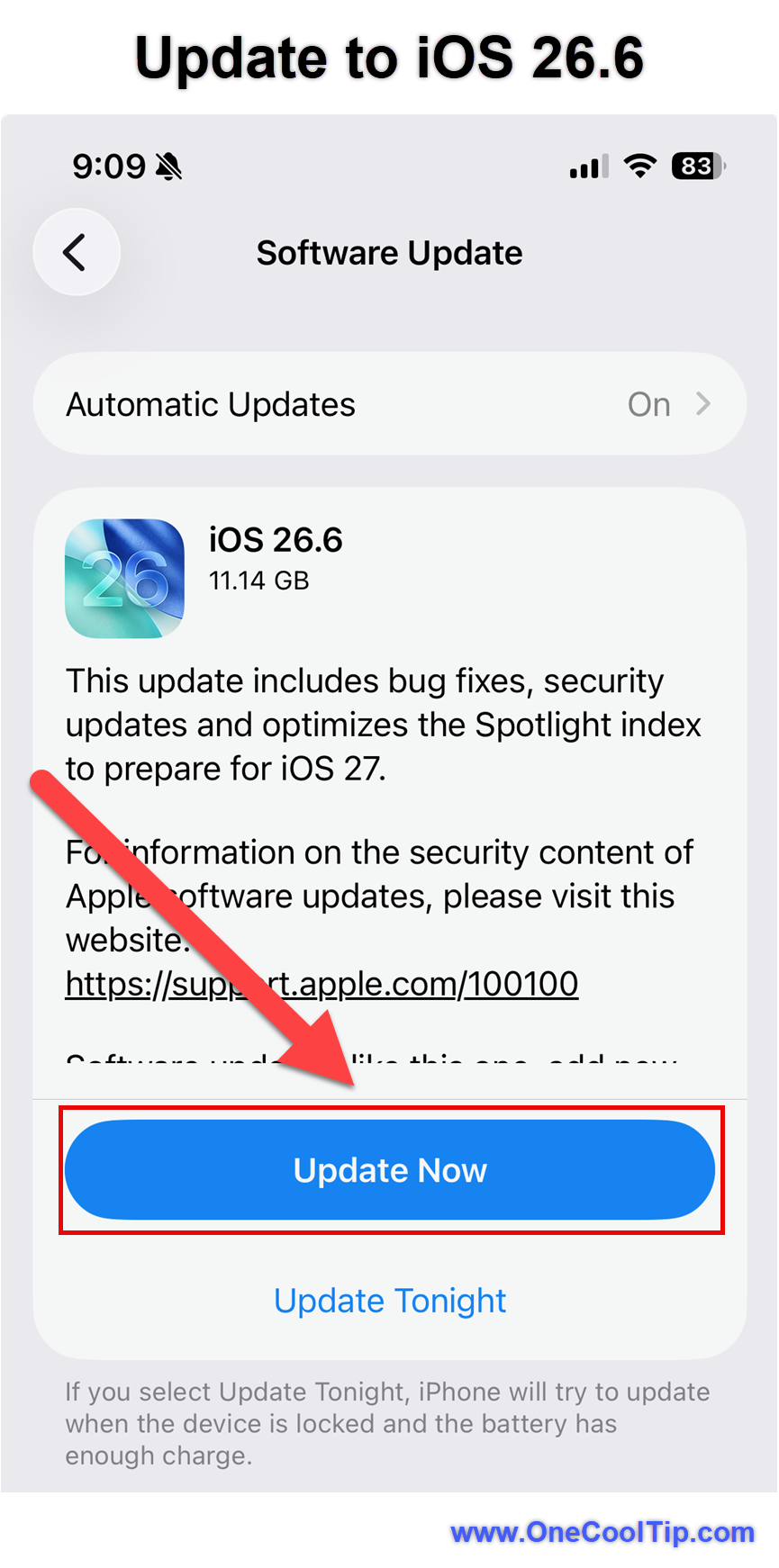
  8. Tap Update Now, Install Now, or Download and Install, depending on the option displayed.
  9. Enter your passcode if prompted.
  10. Allow the device to restart and complete the installation.


fig. 1 - Update to iOS 26.6

Turn On Automatic Updates:


  1. Open Settings.
  2. Tap General.
  3. Tap Software Update.
  4. Tap Automatic Updates.
  5. Turn on Automatically Install.
  6. Turn on Automatically Download, if the option is available.
  7. Under System Files, turn on Automatically Install.


When automatic installation is enabled, the iPhone can download and install an available update overnight while it is charging and connected to Wi-Fi. 


Pros and Cons


Pros:


  • Repairs numerous documented security vulnerabilities.
  • Prepares the Spotlight search index for iOS 27.
  • Requires no additional application or paid subscription.
  • Uses the familiar Software Update installation process.
  • Corrects a device-management problem affecting enterprise Wi-Fi controls.
  • Adds a clearer warning when the blocked-contacts limit is reached, according to 9to5Mac.


Cons:


  • Adds few changes that most users will immediately see.
  • Apple provides little technical detail about the Spotlight optimization.
  • Installation requires a restart and temporary device downtime.
  • Background indexing and synchronization may temporarily affect battery life or performance.
  • A theft-protection feature discovered in beta code is not enabled in the public release.


Feature Access


  • Release Status: Public release, July 27, 2026
  • Subscription Requirement: None
  • Business Devices: Installation may be controlled or delayed by an administrator
  • Supported iPhones: iPhone 11 series and later, iPhone Air, and iPhone SE second generation and later
  • Supported iPads: iPad Pro 12.9-inch third generation and later, iPad Pro 11-inch first generation and later, iPad Air third generation and later, iPad eighth generation and later, and iPad mini fifth generation and later


Score

Criterion | Score (0–10) | Justification
Value |  9
The update repairs numerous security weaknesses and prepares Spotlight for the next major iOS release.
Usability |  9
Installation uses the familiar Software Update screen and requires little configuration.
Wow Factor |  4
The Spotlight preparation is technically interesting, but most improvements are invisible to the user.
Total: 22/30 |  👍 Good
iOS 26.6 is a valuable maintenance update that trades visible features for security, stability, and preparation for iOS 27. Compared with feature-focused releases such as iOS 26.4 and iOS 26.5, iOS 26.6 concentrates on system maintenance and future readiness.


Key Takeaways


iOS 26.6 is a practical update with meaningful security benefits, even though it does not dramatically change how the iPhone looks or works. 


Installing it protects your device, fixes software problems, and prepares the Spotlight index for iOS 27.


Cool Tip Snapshot


  • Feature Name: iOS 26.6
  • Platform(s): iPhone and iPad
  • Quick Benefit: Security fixes, bug repairs, and Spotlight preparation
  • Best For: Nearly every user with a compatible device
  • Access: Type: Free
  • Difficulty: Easy


Try It Yourself


Open Settings > General > Software Update and install iOS 26.6. 


Tell us about your experience in the comments, and share this article with your family, friends, and coworkers.


READ MORE


Read the Full Cool Tip.

Check Out These Cool Tips & Tricks


  • Back Up First: Create a current backup before installing an operating-system update. Go to Settings > [Your Name] > iCloud > iCloud Backup, and then tap Back Up Now.


  • Check Compatibility: Confirm that your iPhone supports iOS 26 before troubleshooting a missing update. Open Settings > General > About to identify your model.


  • Use Wi-Fi: Download system updates over a trusted and stable Wi-Fi connection. Connect under Settings > Wi-Fi before opening Software Update.


  • Plug It In: Keep the device connected to power during installation. Attach a charger before tapping Update Now.


  • Free Storage: Remove unused downloads or large videos when an update needs more space. Open Settings > General > iPhone Storage to review Apple’s recommendations.


  • Schedule Overnight: Automatic installation can reduce interruptions during the day. Turn it on under Settings > General > Software Update > Automatic Updates.


  • Control Search: Choose which apps appear in Spotlight results. Open Settings > Search, select an app, and adjust its available search controls.


  • Restart Once: A manual restart can resolve minor problems after an update. Turn the iPhone off, wait several seconds, and turn it back on.


  • Update Apps: Older applications may behave poorly after an operating-system update. Open the App Store, tap your profile picture, and install available updates.


  • Watch Battery: Temporary battery drain can occur while indexing and synchronization finish. Leave the iPhone charging on Wi-Fi overnight before judging post-update battery performance.

ICYMI - In Case You Missed It ...

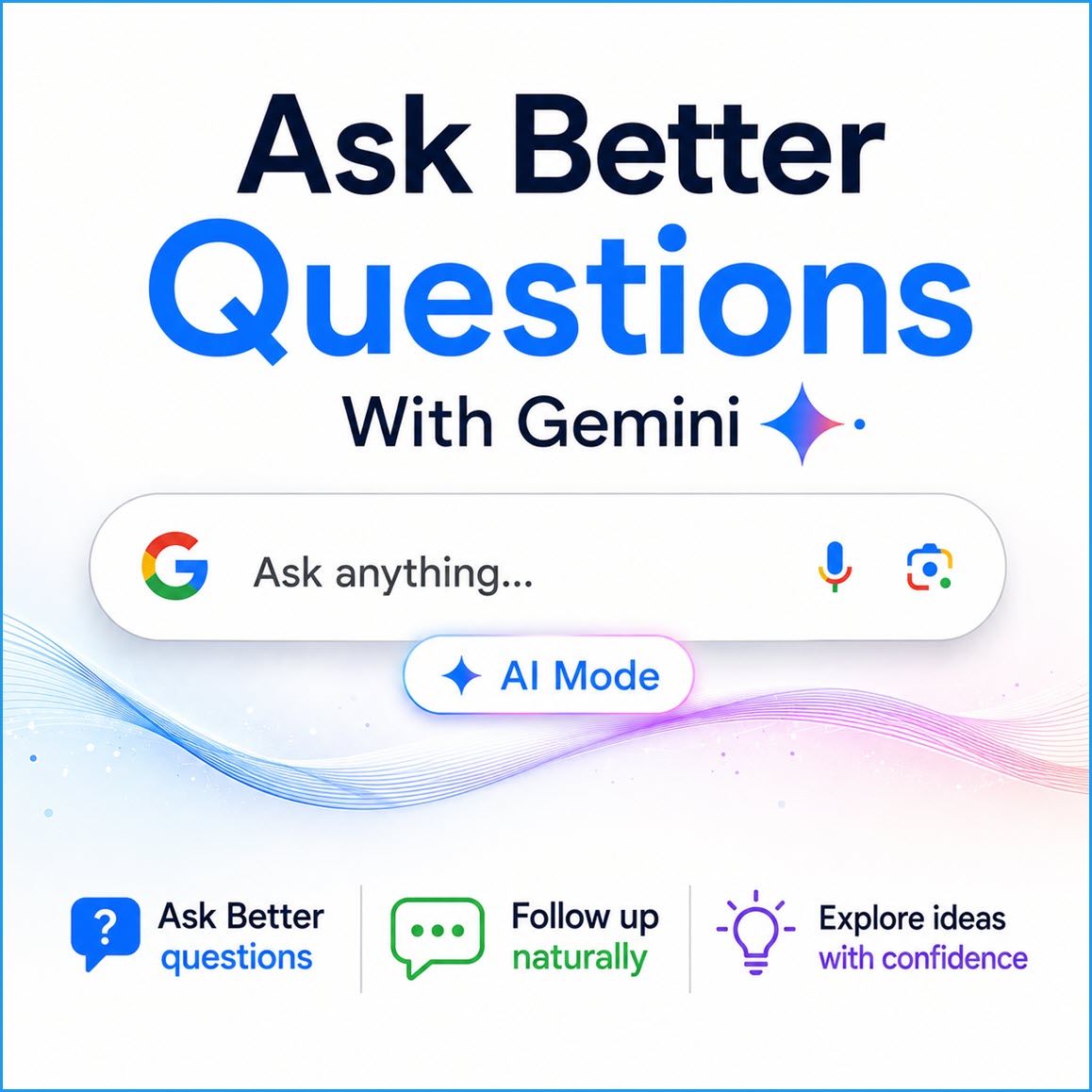
Get Faster Answers With Google Gemini 3.5 AI Search


Google recently upgraded its search experience with Gemini 3.5 Flash, an advanced model that provides incredibly fast and interactive answers. This upgrade transforms how you find information by handling complex, multi-step queries directly within your browser or mobile app.


Read the Full Version.


Read the Newsletter Version.

Looking for your next adventure?


Call Denise at Travel For You.

314.660.3039


Sign Up for the Monthly Newsletter


http://www.travelforyouvacations.com/


https://www.facebook.com/TRAVEL.FOR.U/


See You Tomorrow

Tomorrow's Cool Tip is waiting to amaze you.


Until then, go forth and conquer the tech world with your newfound knowledge!


Be sure to visit www.OneCoolTip.com for Cool Tech Tips for a Cooler Life!


And if you Like One Cool Tip, please support with TipJar!


Enjoy!


Rodger

Chief Cool Tipper

onecooltip.com@gmail.com


What Do You Think?

What do you think of today's OneCoolTip newsletter?
Positive        Neutral        Negative
X Share This Email
LinkedIn Share This Email

Connect with One Cool Tip!!

Facebook  X  Instagram  Web  Pinterest  YouTube  LinkedIn
 

As an Amazon Associate, One Cool Tip may earn a small commission from qualifying purchases.


Our media content is intended solely for informational purposes only. Please do not construe anything here as legal, tax, investment, financial, marital or other advice.


Copyright © 2026 | www.OneCoolTip.com | All Rights Reserved