|
WhatsApp’s Improved About Feature Finally Makes Status Updates Useful Again
Short updates. Clear context. Less noise. WhatsApp’s refreshed About feature brings subtle but meaningful improvements to how you share what you’re up to, especially in professional and group-heavy conversations.
How often have you opened a chat and wondered whether the other person is available, busy, traveling, or simply ignoring messages?
For years, WhatsApp’s About field existed but felt outdated and easy to forget.
Here's a Cool Tip: Check Out WhatsApp's Improved About Feature.
The newly improved version repositions About as a lightweight status signal that actually fits how people communicate today.
This is not a flashy redesign. It is a small change with outsized impact on clarity, expectations, and context.
Feature Explanation
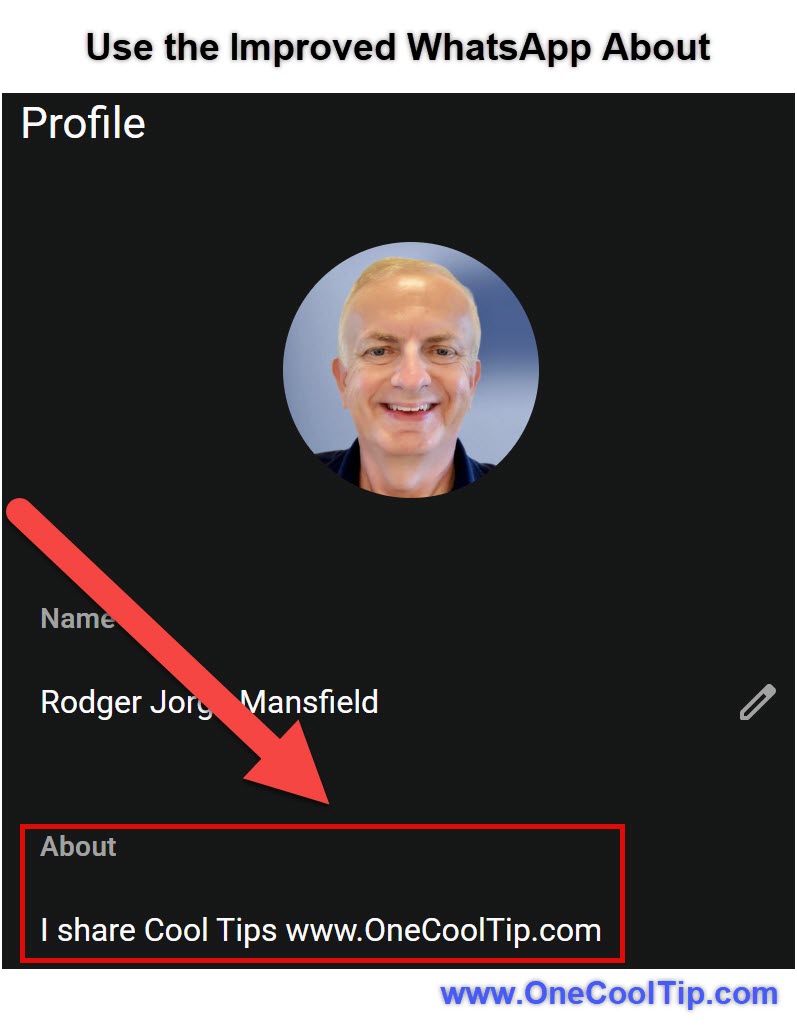
The improved About feature in WhatsApp modernizes the short profile message that appears under your name in chats and profile views.
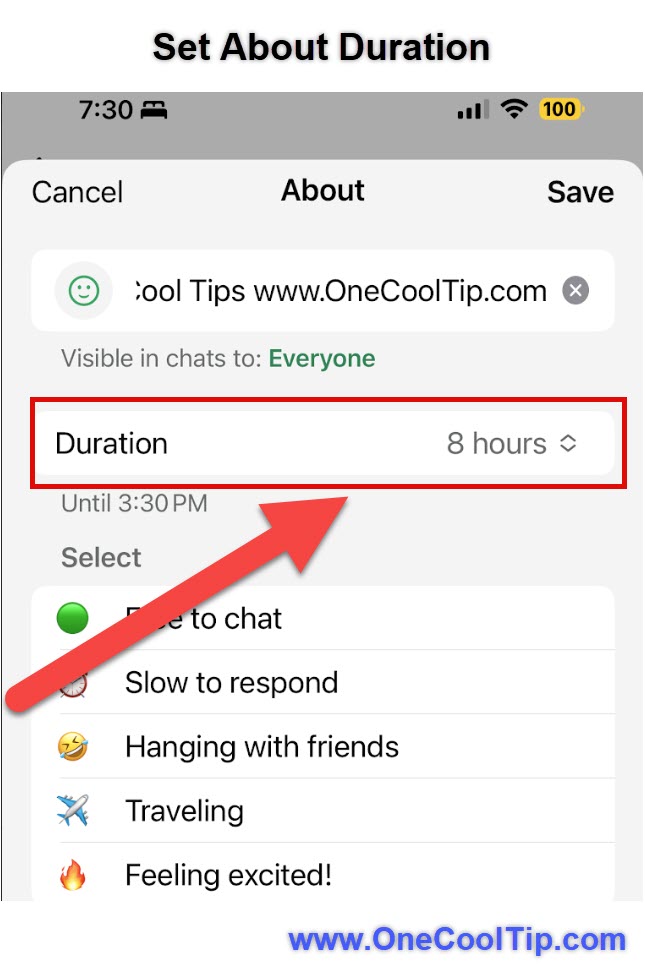
Instead of feeling like a static bio line, About now works as a flexible, timely indicator of what you are doing, how reachable you are, or what matters right now.
You can update it more fluidly, and others see those updates more prominently in the places where context matters most.
Why it matters:
- It reduces friction in one-to-one and group conversations.
- It provides soft context without broadcasting a full status post.
- It supports professional signaling without forcing a formal profile rewrite.
- Think of it as a quiet status layer that sits between “online” indicators and full Status stories.
What You’ll Gain
- Clearer availability signals for colleagues and contacts.
- Fewer interruptions during focus time or travel.
- Better context inside busy group chats.
- A low-effort way to communicate intent without messaging everyone.
Step-by-Step Instructions
Here's how to do it.
Web and Desktop (Windows)
-
Open WhatsApp Desktop or WhatsApp Web.
-
Click your profile photo in the top-left corner.
-
Select your current About text.
-
Type a short update such as “In meetings until 3 PM” or “On vacation.”
-
Save changes.
|