|
Grok X Connectors: Turn Your Everyday Apps into AI-Powered Workflows
Stop switching tabs. Get Grok to pull live data from your email, files, calendar, and team tools right inside the chat.
Imagine asking your AI to summarize yesterday’s client emails, update a shared spreadsheet, and schedule follow-up meetings, all without copying a single link.
Here's a Cool Tip: Grok Connectors.
xAI launched Connectors on May 6, 2026, bringing deep, secure integrations with the tools professionals already rely on.
No more time lost switching between apps or manual data entry.
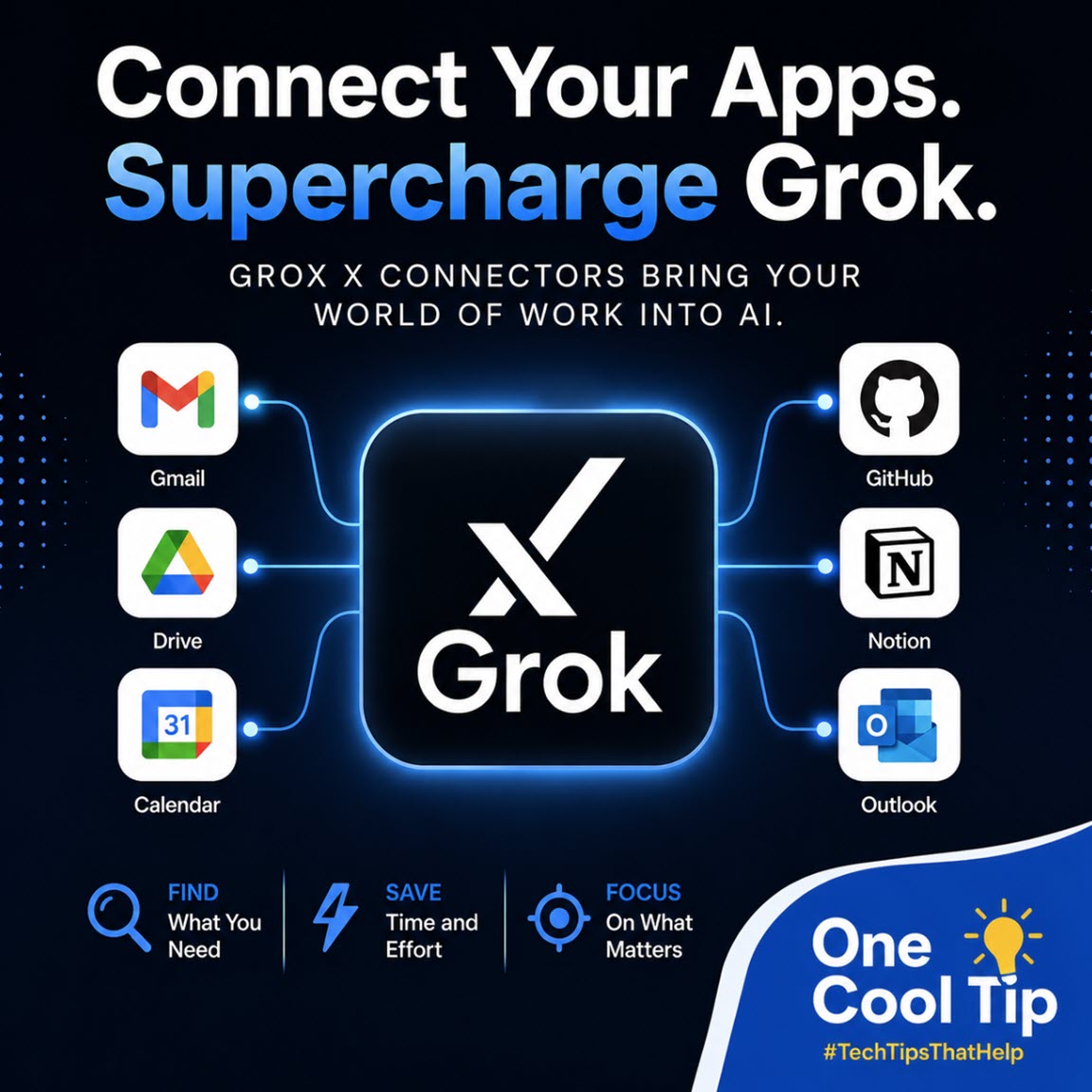
Grok now works end-to-end with your Microsoft 365, Google Workspace, Notion, GitHub, Linear, and more.
Feature Explanation
Grok Connectors are native OAuth-based links that let Grok read from (and, where permitted, write to) your external apps directly during conversations.
Built-in connectors handle popular services with minimal setup.
A catalog covers additional tools, and custom MCP (Model Context Protocol) support lets teams plug in proprietary systems.
How it works
You connect once via secure sign-in. Grok then discovers available tools and uses them on demand when your query matches.
Permissions stay scoped to what Grok needs, and you control everything from a central connectors page.
Why it matters
Fragmented workflows kill productivity. Connectors collapse the gap between chat and action, letting knowledge workers focus on decisions instead of data gathering.
What You’ll Gain
-
Instant context: Pull live emails, files, or issues without leaving Grok.
-
End-to-end actions: Draft, edit, schedule, and create across apps.
-
Team-scale efficiency: Synthesize SharePoint libraries or GitHub repos in seconds.
-
Custom flexibility: Bring internal tools for enterprise workflows.
Step-by-Step Instructions
Here's how to do it.
Grok Web
-
Go to grok.com and sign in.
-
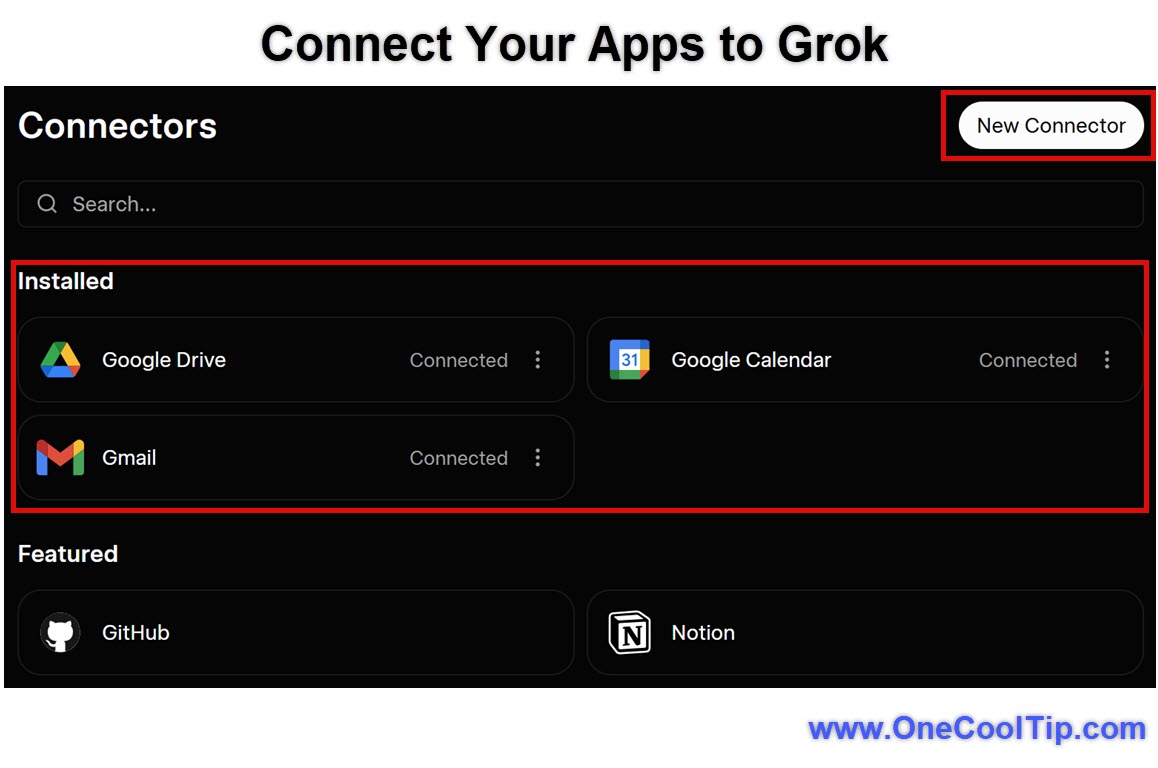
Click the + button or navigate to Connectors (direct link: grok.com/connectors).
-
Select New Connector and choose your service (e.g., Gmail, Outlook, GitHub).
-
Complete the OAuth authorization. Grok requests only necessary permissions.
-
Return to chat and ask something relevant, like “Summarize my unread Outlook emails from last week” or “Find the latest version of the Q2 budget in OneDrive.”
|