|
Dear Cathy,
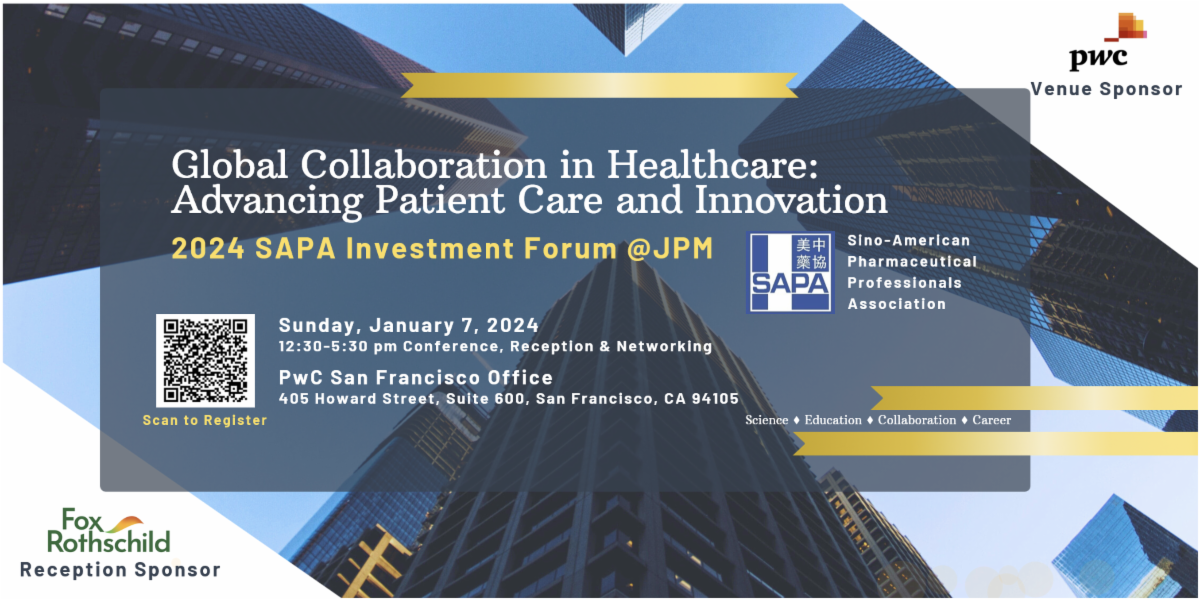
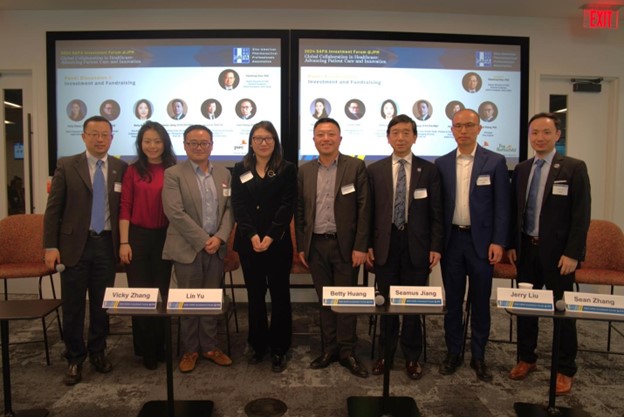
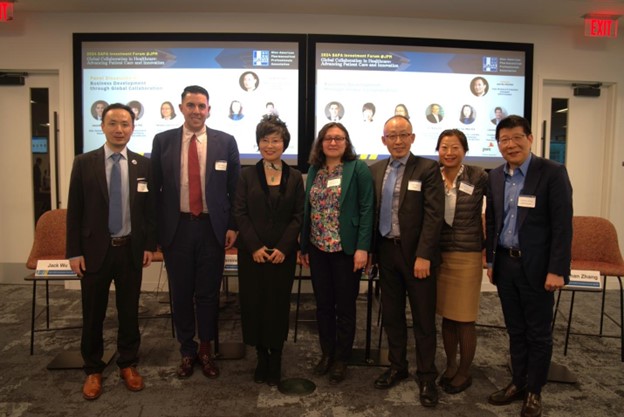
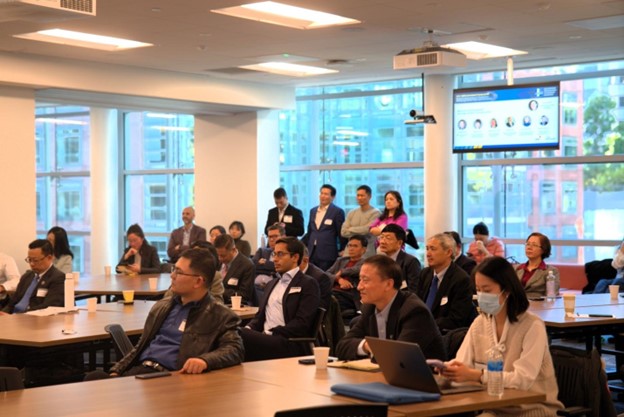
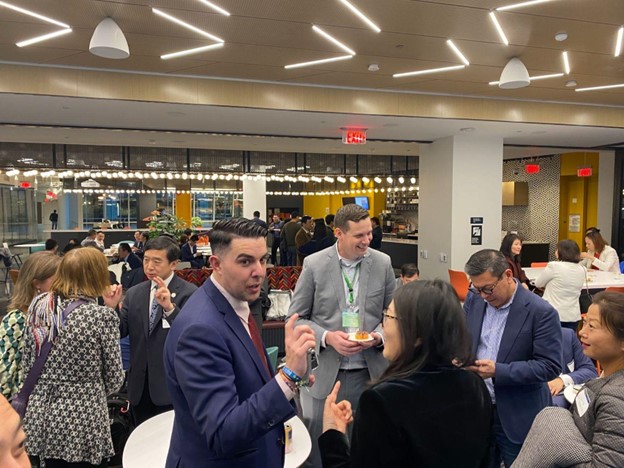
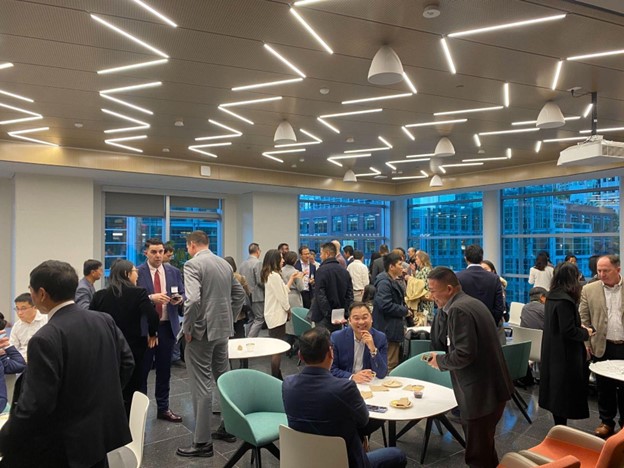
On January 7th, 2024, The Sino-American Pharmaceutical Professionals Association (SAPA) successfully hosted its Investment Forum during the 42nd JP Morgan Healthcare Conference in San Francisco, California. SAPA invited a group of executives, experienced investors, business consultants, and legal professionals to present and discuss perspectives on recent market dynamics in investment and business development. This event was joined by twelve speakers participating in two-panel discussions and attracted around 200 attendees.
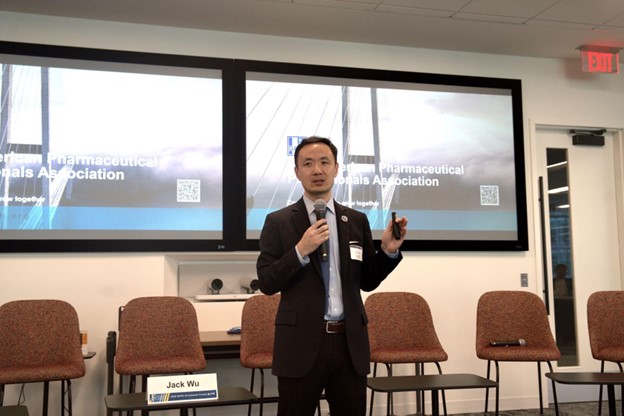
Dr. Jack Wu (Head of BD Search & Evaluation at Antengene), the SAPA President, started the event by welcoming all attendees. Dr. Wu introduced SAPA as one of the largest and most influential pharmaceutical professional organizations, with five chapters across the U.S. and one in China. He welcomed everyone to join the SAPA community and attend upcoming SAPA events. Ms. Eugenia Gao (APAC Inbound Tax Leader, Partner at PwC US) and Mr. Seamus Jiang (U.S./China Cross-Border Deals Leader, Managing Director at PwC US), as representatives of the Venue Sponsor of this event, also welcomed the meeting participants and expressed appreciation to support SAPA for such an amazing event at JPM week.
|