|
When people compare large touchscreens, the first questions are usually simple: Is it 4K? Is it touch?
Those matter—but they are only the beginning.
If someone is going to spend hours reviewing plans, estimating, managing facilities, inspecting drawings or coordinating projects, the workstation has to fit the way that person actually works.
That means considering more than the display itself.
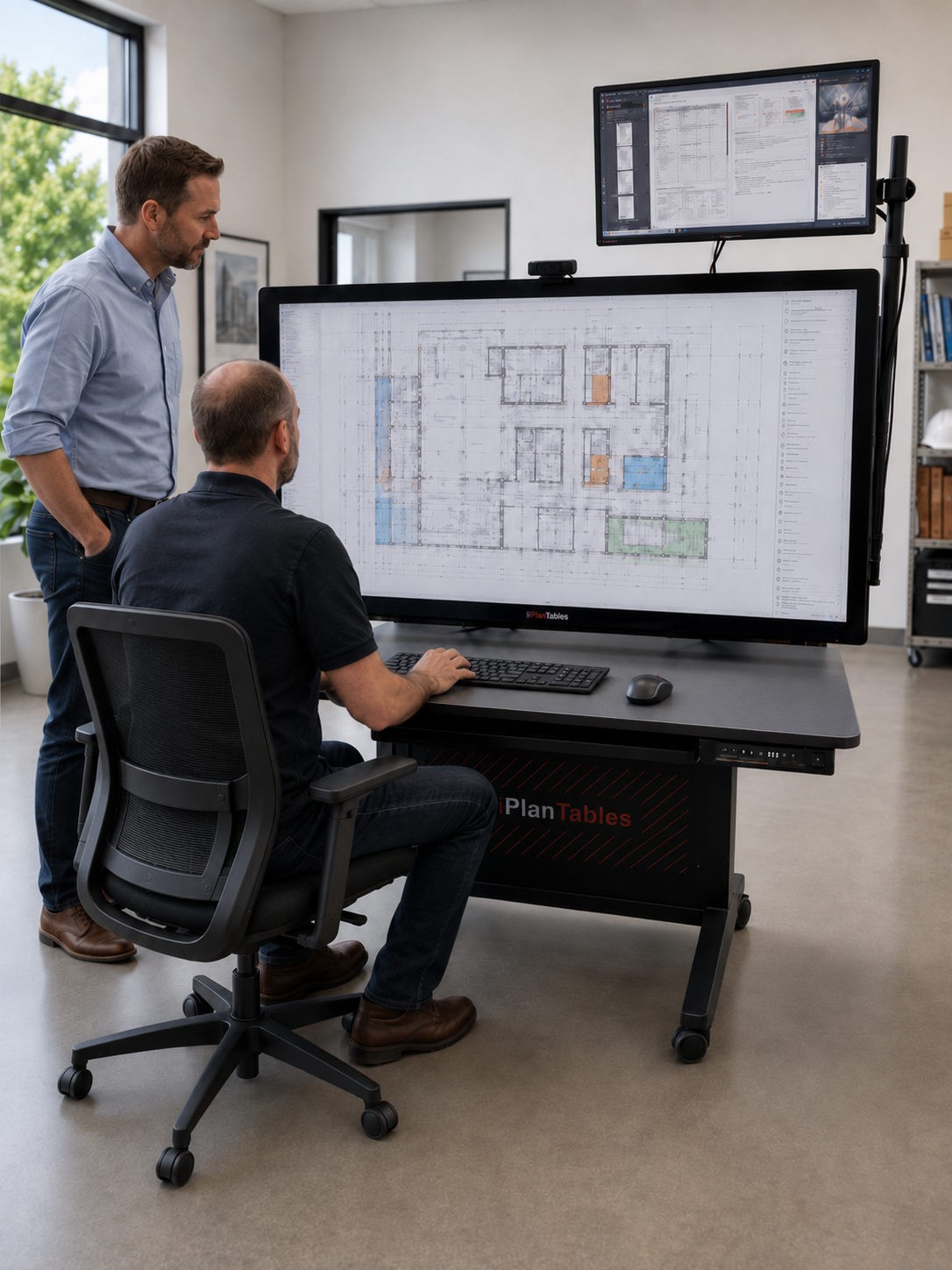
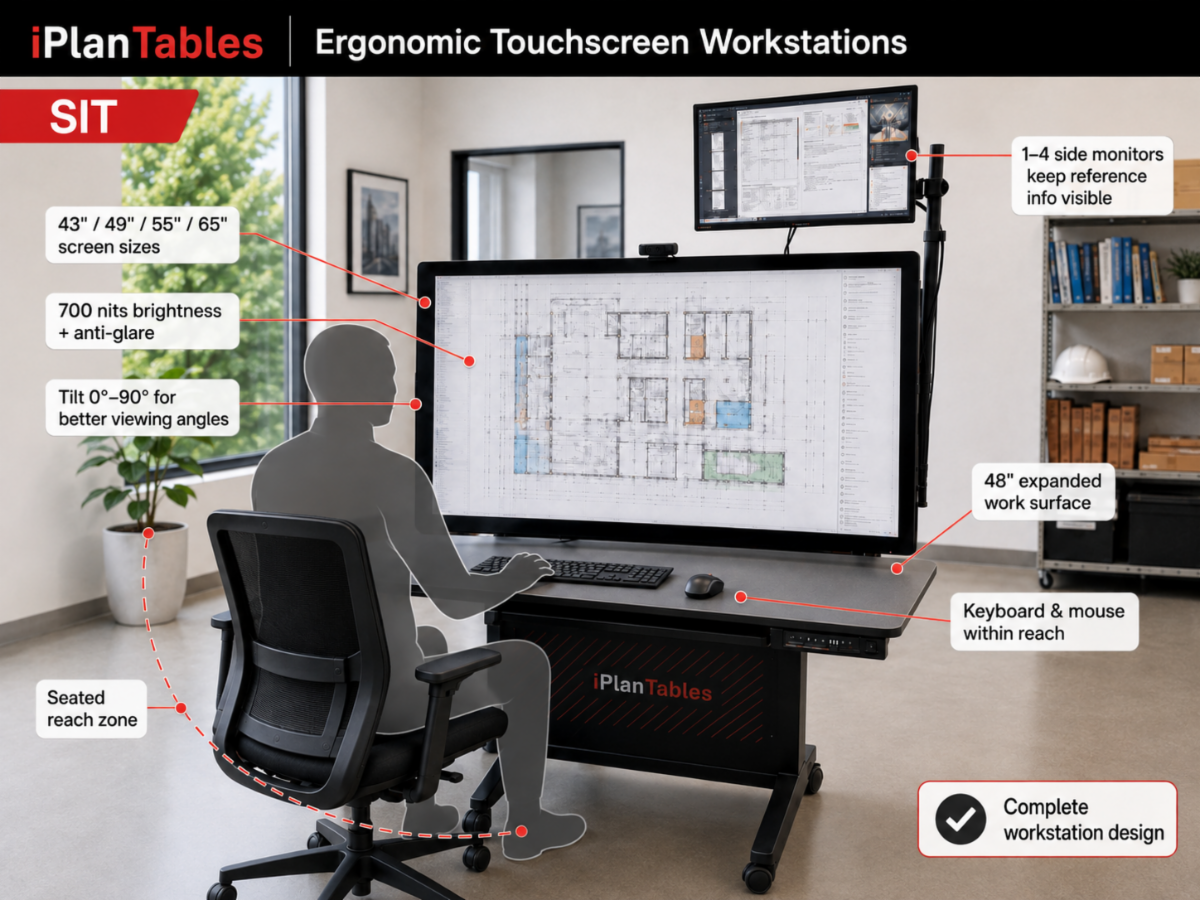
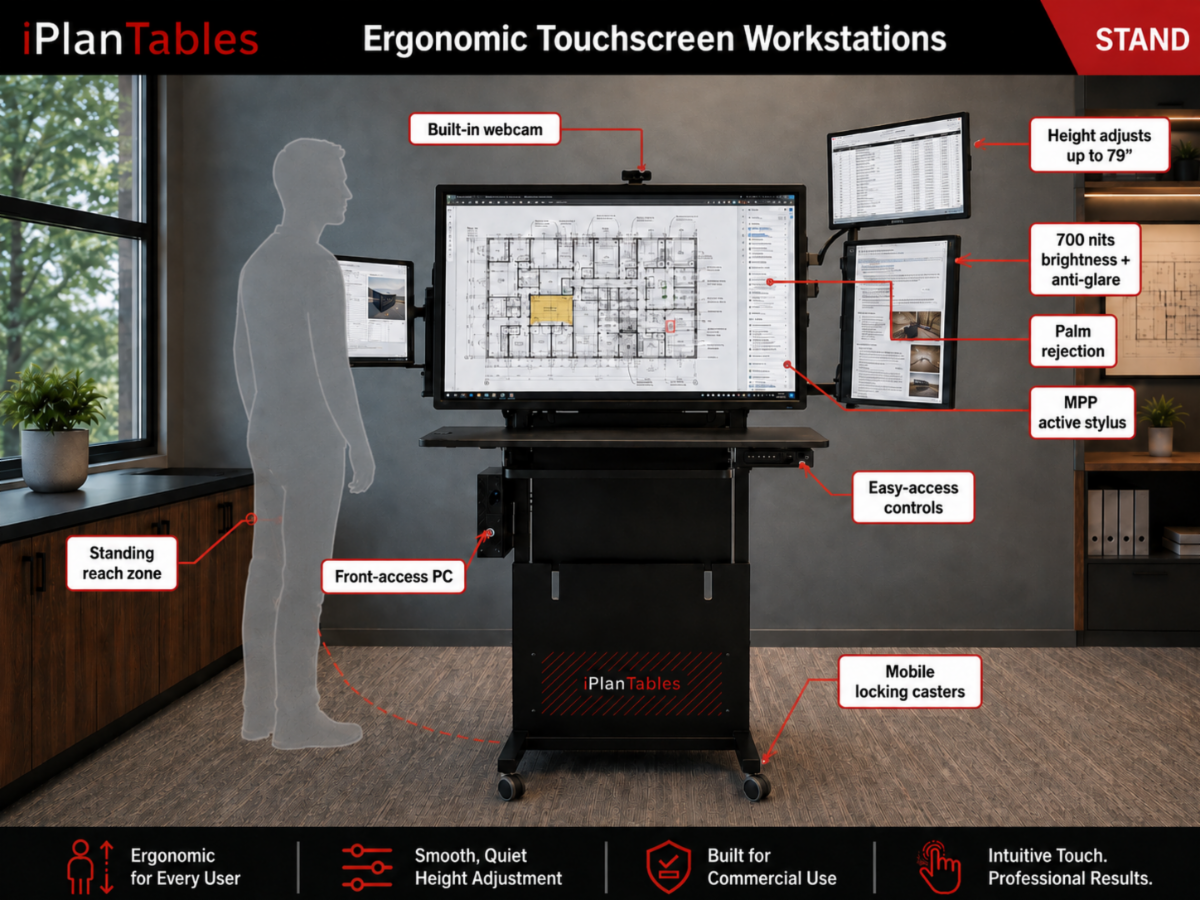
Brightness and anti-glare affect how clearly information can be seen throughout the day. Palm rejection and an active stylus make detailed markups feel more natural. Screen size, viewing distance, reach, tilt and height adjustment all affect how comfortably someone can work—whether sitting, standing or presenting to a group.
Then there is everything around the screen.
Where does the keyboard sit? Are supporting monitors positioned where they are actually useful? Is the PC easy for IT to access? Can the workstation adjust for different users, tasks and working heights?
Those details may not appear at the top of a touchscreen specification sheet, but they can make a very real difference in everyday use.
That is why iPlanTables designs the entire workstation around the person using it—not just the screen they are touching.
|