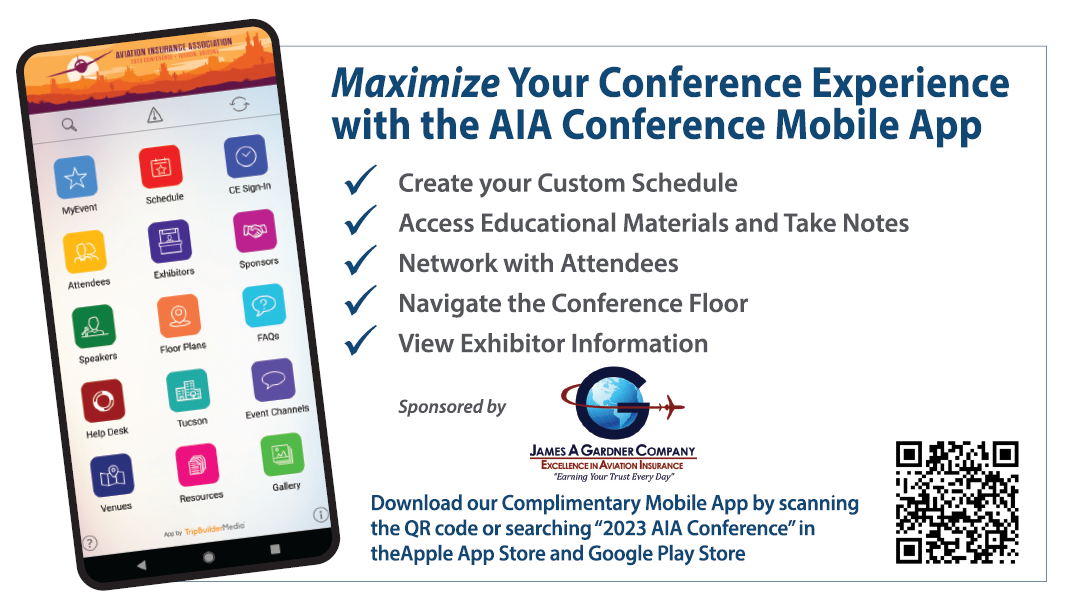
Downloaded the App? Here's how to log-in for the first time.
Username: Email Used for Your Conference Registration
Temporary Password: aia2023
Note, this password is case-sensitive. You can change your password from the app login page by clicking “reset password,” and entering the email used for your conference registration.
Then, update your MyProfile.
Review and update your profile by clicking the MyProfile icon and then the “edit” button in the top right. From this page, you can add your contact information, a photo, and manage your data privacy. Please note, your MyProfile icon may appear on the second page.