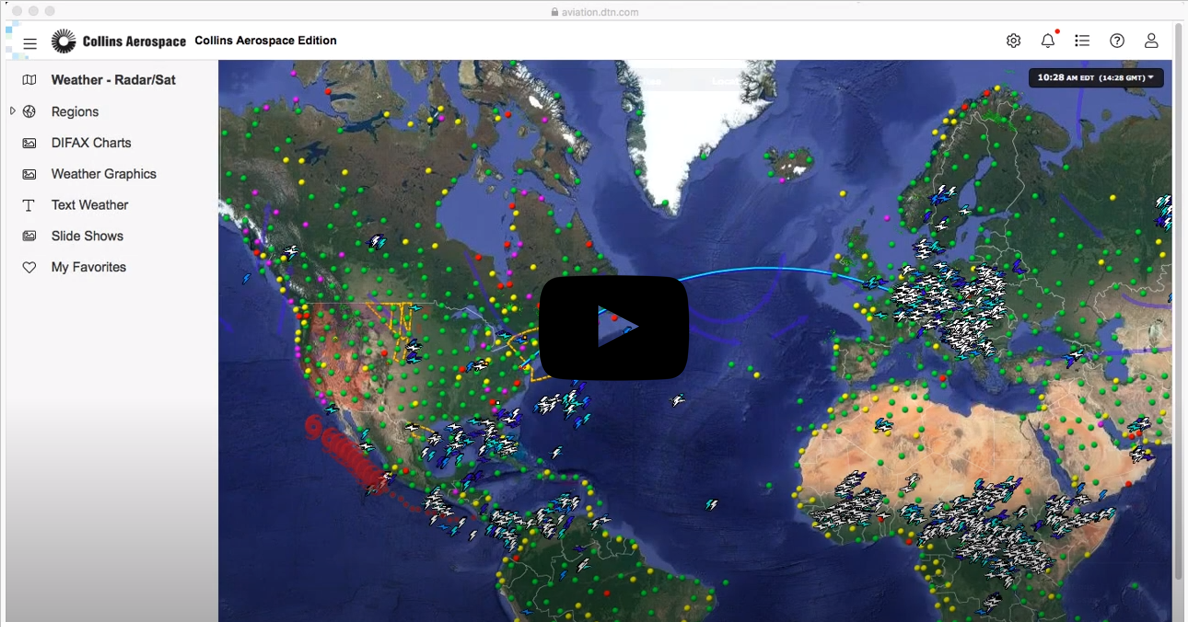
Timely, tailored alerts about weather phenomena at locations you care about are crucial to any operation. At ARINCDirect, we’ve made creating and monitoring these alerts easy for everyone in the flight department. And through our partnership with DTN, a reliable and innovative source for weather content, these alerts are now more meaningful than ever before.
The Graphical Weather Application, where these alerts can be configured and monitored, is accessible by logging into the website then clicking the "Weather" tab on the landing page. There are two methods of displaying the map. Click on the "Graphical Weather" tab on the side panel of the left side of the screen, or click the Weather icon located in the upper right-hand corner and navigate to "Graphical Weather" in the menu. Once there, you can create Alerts by clicking on the settings icon in the upper right-hand corner.
To set up alerts, first a fixed location must be added. This can be either a street address, lat/long, or airport. Then, we find it best to set up recipients. A mobile phone number or email address can be loaded for those who should receive the alerts. Recipients can determine quiet periods based on a time zone, which can be especially helpful for crew members that are engaged in crew rest. Elections for quiet periods to be overridden if severe weather conditions are present is also possible.
Once one or multiple locations and recipients have been added, you can determine the Alert Criteria. The Storm Corridors and Forecast Conditions are alerts created by data that flows from DTN’s proprietary weather forecast system. Other alert types, such as the Weather Bulletins, are sourced from the National Weather Service. These include Dense Fog Advisories, Hurricane Warnings, Dust Storm Warnings, High Wind Warnings, and more. But there are international options, as well, including sourced data from Australia, Canada, and Europe.
Many of the alerts may be customized by the lead time, distance from location, temperature, height, percentage, speed, and so on. This allows individual users to structure alerts in ways that are relevant to them. Check out more about the tool below.