|
Overview
Flight Risk Assessment Tools (FRATs) are intended to assess and mitigate risks ahead of a flight. But there is more to the process than simply identifying the risks.
Challenge
When risks identify deviations with Federal Aviation Regulations (FARs), Aircraft Flight Manuals, your Flight Operations Manual, and/or a safety lesson learned within the operation, the operator may require a ‘Waiver’ to actually approve the deviation before takeoff. The waiver explains the problem, justifies why the crew believes it is still safe to proceed, why the risk is low and can be accepted by the business, and recommends the risk mitigation strategy to be followed to realize the mission safely. The waiver is normally reviewed by a manager or management team, and they decide if the flight is a go or no-go accordingly. This process can often be cumbersome, decoupled from the FRAT itself, and take time to process, let alone be difficult to track progress against during the high pace of operations.
The second aspect to safe flying is the criticality of debriefing the flights after landing. Crews should take the time to debrief how the flight went, were there any surprises, could there have been a different way of making the flight even better or safer, etc. Formally capturing this type of information, processing it, learning from it, sharing it across the operation, and subsequently incorporating the lessons learned into future FRAT processing can really foster continuous improvement like nothing else. Debriefing though can be cumbersome, take time, and often times not result in the realization of lessons that push the operation forward.
Solution
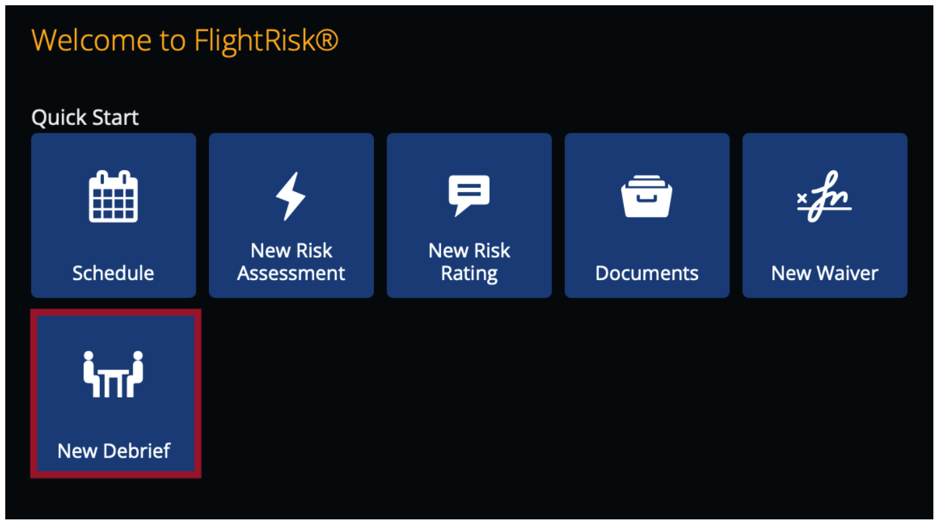
ARINCDirect’s integration with FlightRisk includes both a Waiver feature and a Debrief feature. Both of these embedded elements of FlightRisk help simplify the process, enhance visibility across the operation, and ensure that lessons learned are not only captured, but continually utilized to fly as safely as possible.
Waivers:
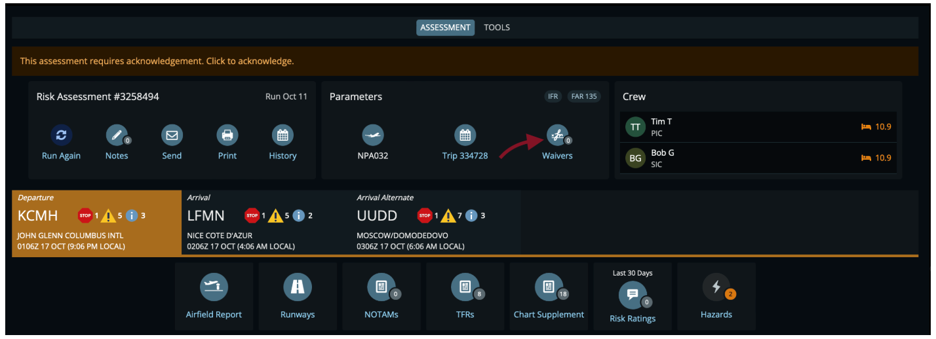
FlightRisk users have the option to submit waivers for approval on specific flights (e.g. situations such as aircraft performance different than established procedures, extended duty days, crew pairing, and runway availability to name a few). This feature provides a formalized ‘deviation from established procedures’ process from submission through a review/approval process to maintain safety standards. Users can request a waiver and submit it for approval, while the operation will review and disposition the waiver and be able to track types, dates, and status of waivers over any specified timeframe to utilize in your safety program.
|