One of the reasons that QuickBooks is so popular is that it can be used by a wide variety of business types, from pet stores to landscaping companies to coffee shops. Many companies are satisfied with the software as is and don’t need to make any modifications.
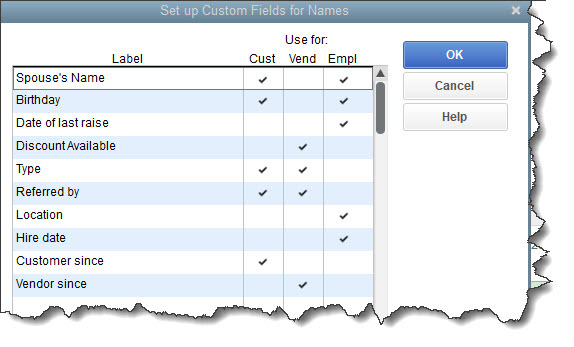
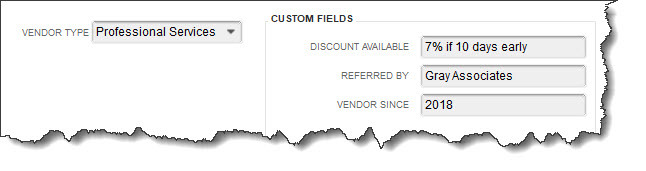
But have you ever needed to include more information in your customer records? Do your transaction forms need an additional field or two? QuickBooks makes this possible by supporting custom fields that you can define for yourself. It’s not difficult to do, and it can help you, for example:
- Generate more focused reports.
- Make customer and vendor records more detailed.
- Create records for similar-but-different inventory items.
Here’s how it works.
Changing QuickBooks Forms
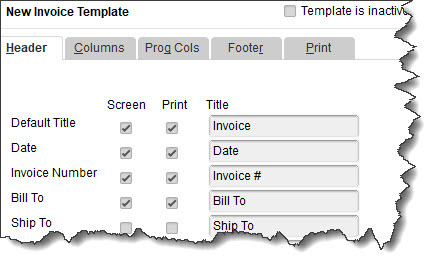
You may already know that you can change the structure and content of some QuickBooks forms, including invoices, estimates, sales receipts, statements, and purchase orders. To see what’s possible, open the Lists menu and select Templates. Right-click on the screen and select New. Choose the form you want to create and click OK. You can make changes in the window that opens and click Additional Customization to make more modifications.