|
One Cool Tip Newsletter
May 31, 2026
| Your daily dose of tech-savvy brilliance! | |
😀Greetings! Happy Sunday, Cool Tipper!
Get ready to streamline your digital life with simple, actionable tips delivered straight to your inbox.
Cool Tip Theme: Be AI Ready
New here? Subscribe to the One Cool Tip Newsletter for daily updates. It's FREE!
| |
3️⃣
If you enjoy the One Cool Tip newsletter, please forward this newsletter to THREE friends or colleagues or share it on social media using the links below.
Leave a $$$ Tip!
Share this One Cool Tip Newsletter!
| | |
🚨FTC Fines Firms for Misleading “Active Listening” AI Claims🚨
The FTC has ordered Cox Media Group and two partner marketing firms to pay $930,000 after falsely claiming they offered an AI tool that could target ads by “listening” to conversations captured by smart devices.
Investigators found the service didn’t use voice data at all, instead, the companies resold email lists from data brokers while telling businesses that consumers had “opted in.”
Why it matters:
- No smart‑device listening occurred, despite the companies’ marketing claims.
- Consumers never consented, and clicking through app terms of service does not count as opt‑in for voice data collection.
- The firms are now banned from misrepresenting AI capabilities, data collection, consent, or ad‑targeting features.
If a company claims its AI can “listen” to your devices, treat it as a red flag.
And in Other News...
- Install Samsung’s May 2026 Security Update Right Away
Samsung is rolling out its May 2026 security patch across Galaxy devices (S22 series and newer, plus mid-range models).
It fixes dozens of vulnerabilities (including critical ones from Google) for better protection against threats.
Cool Tip:
Go to Settings > Software update on your Galaxy phone/tablet and install immediately. Enable auto-updates for peace of mind.
Pair this with good habits like using a password manager and avoiding sketchy apps; essential as AI-powered threats grow.
| | |
Help support One Cool Tip. Use this Amazon link when you shop online.
Check out these Cool Deals:
📱 Anker Portable Charger, USB-C Power Bank: Useful for keeping your phone charged while taking text-based lessons or using AI tools on the go. Check it out on Amazon!
🎧 Soundcore by Anker Wireless Earbuds: Helpful for listening to AI training videos, podcasts, and follow-up lessons after completing the text course. Check it out on Amazon!
🖥️ Logitech C920x HD Pro Webcam: A reliable webcam for AI training webinars, remote meetings, and online classes. Check it out on Amazon!
⌨️ Logitech MX Keys S Wireless Keyboard: A comfortable keyboard makes prompt writing, editing, and AI-assisted drafting easier.
Check it out on Amazon!
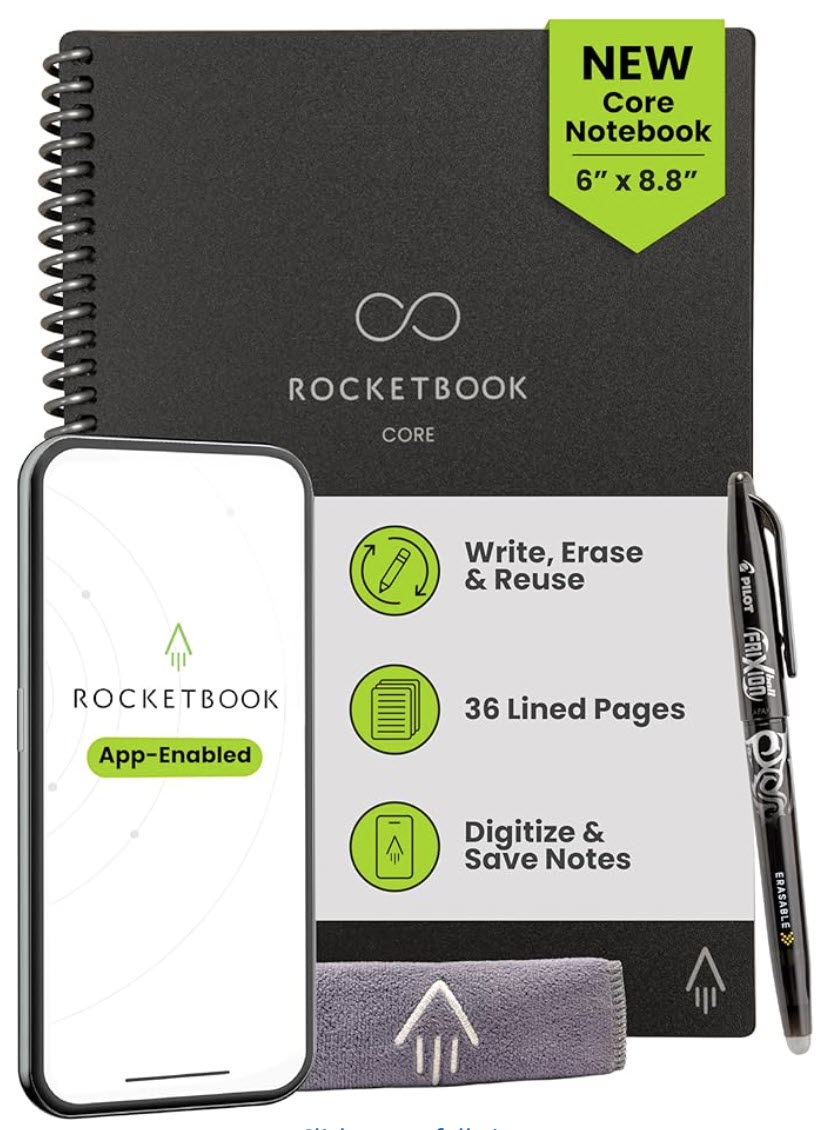
📓 Rocketbook Smart Reusable Notebook: Good for capturing AI prompts, lesson notes, and reusable checklists, then saving them digitally. Check it out on Amazon!
*Prices accurate when originally published.
One Cool Tip may earn a commission from qualifying purchases.
| | |
Be AI Ready in Just 10 Minutes a Day
AI skills are becoming basic workplace skills, but not everyone has time for a formal class or access to a laptop. The U.S. Department of Labor’s free Make America AI-Ready course delivers short AI lessons by text message, making it one of the easiest ways to start learning.
Many workers know they should learn more about artificial intelligence, but the starting point can feel messy.
Which tool should you try first?
What is safe to paste into an AI chatbot?
How do you know whether an AI answer is useful or just confidently wrong?
Here's a Cool Tip: Be AI Ready with the DOL AI Literacy Course.
The U.S. Department of Labor has launched a practical answer: Make America AI-Ready, a free AI literacy course delivered entirely through text messages.
The course is designed for workers who want a simple introduction without downloading an app, buying software, or sitting through a long online class.
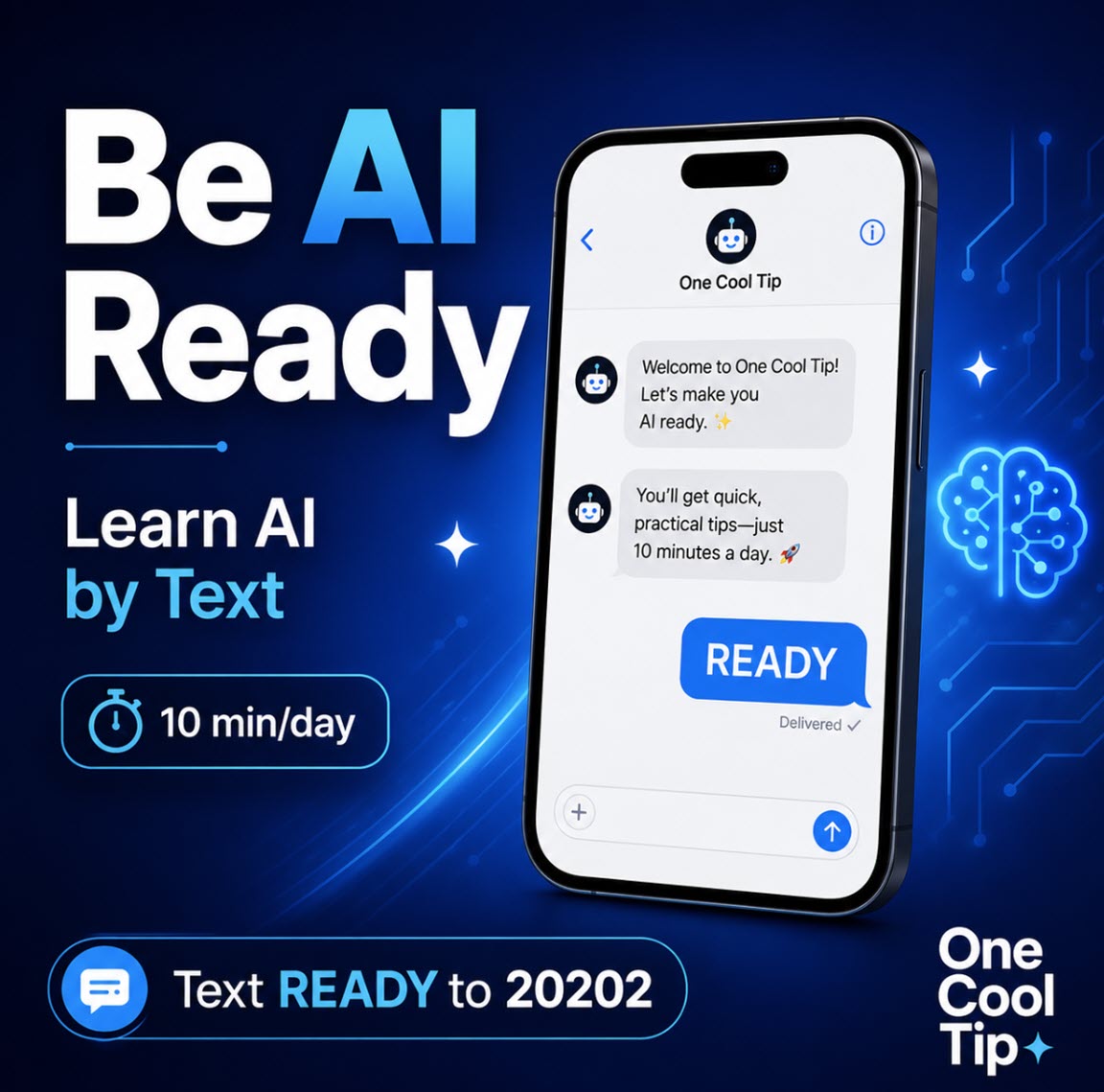
According to the Department of Labor, users can sign up by texting READY to 20202, then complete the course in seven days with about 10 minutes of daily participation.
Feature Explanation
Make America AI-Ready is a free, text-based AI literacy course from the U.S. Department of Labor.
Instead of using a website, app, video platform, or learning management system, the course sends daily lessons and short activities by SMS text message.
That delivery choice matters.
It lowers the barrier for people who may not have regular computer access, reliable broadband, or time for a traditional online course.
The official AI Ready page says the course requires no laptop, no app, and no Wi-Fi, and that any cell phone can be used, including basic flip phones.
The course is built around five AI literacy areas:
- Understanding AI principles,
- Exploring AI uses,
- Directing AI effectively,
- Evaluating AI outputs, and
- Using AI responsibly.
The Department of Labor describes those areas as the foundation for helping workers understand what AI can do, where it fits into everyday work, how to write better prompts, how to check AI-generated answers, and how to protect sensitive information.
This is not a replacement for deep technical training, prompt engineering certification, coding bootcamps, or enterprise AI governance programs.
It is better understood as a fast on-ramp.
For many workers, that is exactly what is needed.
What You’ll Gain
- Build basic AI confidence without installing an app or buying software.
- Learn how to ask better AI questions with clearer context.
- Practice checking AI answers before trusting them.
- Understand privacy basics before using AI at work or school.
Step-by-Step Instructions
Here's how to do it.
Mobile Phone:
- Open the Messages app on your phone.
- Start a new text message.
-
In the recipient field, enter 20202.
-
In the message field, type READY.
-
Send the message.
-
Follow the prompts you receive by text.
-
Set aside about 10 minutes per day for the seven-day course.
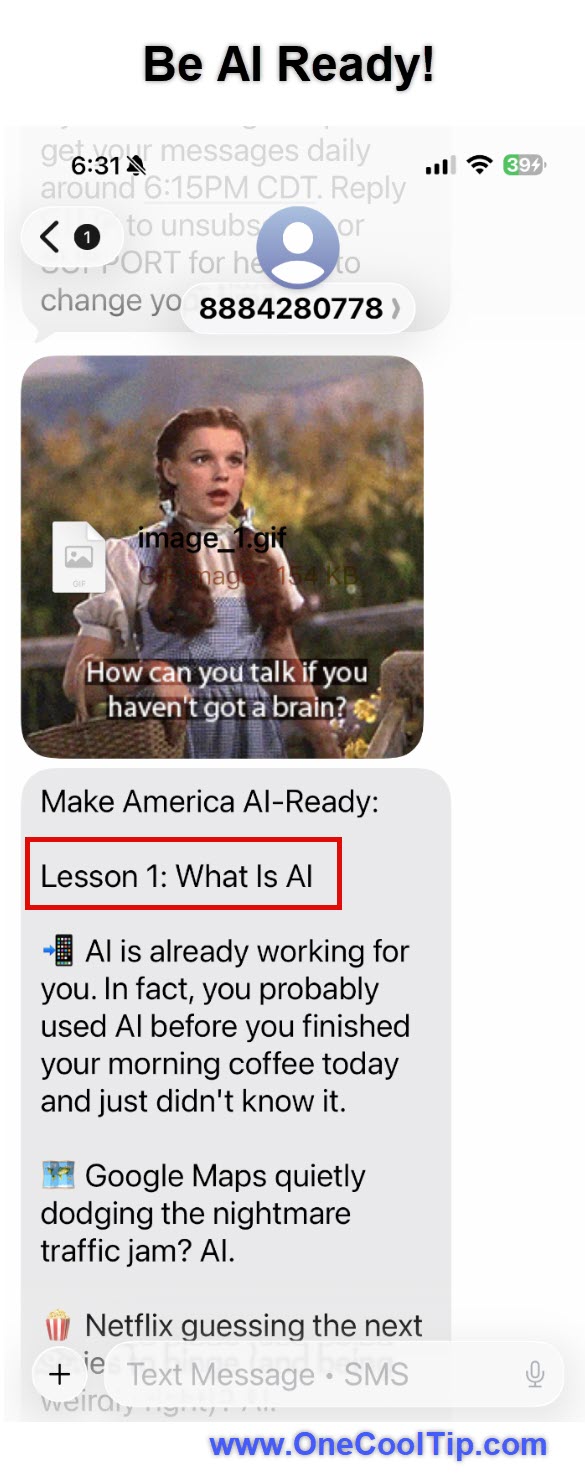
| | fig. 1 - Be AI Ready Lesson One | | fig. 2 - I Want You to Benefit From AI - DOL Ad | | |
Web/Desktop:
-
Visit the Department of Labor’s AI Ready page, https://beta.dol.gov/ai-ready.
-
Review the course description and privacy note.
-
Use the sign-up link or follow the text-message instructions.
-
Continue the course from your phone.
Windows, macOS, iPhone/iPad, Android:
- The course itself is not platform-specific. It works through standard text messaging, so the key requirement is a phone that can send and receive SMS messages.
Pros and Cons
Pros:
-
Low barrier to entry: No app, laptop, or paid account is required.
-
Small time commitment: The official course page lists 10 minutes per day over one week.
-
Good for beginners: It starts with foundational concepts rather than advanced technical jargon.
-
Practical framework: The five pillars cover prompting, evaluation, responsible use, and real-world AI use cases.
-
Accessible format: Text delivery can reach workers who may not normally take online courses.
Cons:
-
Not advanced training: It will not teach machine learning, coding, automation design, or enterprise AI policy in depth.
-
Text format is limited: SMS lessons are convenient, but not ideal for screenshots, demos, charts, or long examples.
-
U.S.-focused framing: The Department of Labor describes the initiative for American workers, so international availability and carrier behavior may vary.
-
Employer policy still matters: Workers should follow their organization’s AI, privacy, and data-use rules before using AI tools on company information.
Feature Access
Make America AI-Ready is a free course for American workers.
It is delivered by text message, lasts one week, and is designed to require about 10 minutes per day.
Supported platforms are best described as SMS-capable phones, not Windows, macOS, iOS, Android, or web in the usual app sense.
Score
Criterion | Score (0–10) | Justification
Value | 8
AI literacy is now practical workplace knowledge, and this course removes many barriers by using text messages.
Usability | 9
Texting READY to a short code is simple, and the daily time commitment is low.
Wow Factor | 6
The content is introductory, but the SMS-first design is clever and unusually accessible.
Total: 23/30 | 👍 Good
Make America AI-Ready is a strong beginner-friendly way to build AI confidence without signing up for another app or course platform.
Compared with LinkedIn Learning, Coursera, or YouTube tutorials, this is lighter and less comprehensive, but much easier to start.
Key Takeaways
Make America AI-Ready is useful because it makes AI literacy feel manageable.
In one week, users can learn the basics of what AI does, how to ask better questions, how to judge answers, and how to think about responsible use.
Cool Tip Snapshot
-
Feature Name: Make America AI-Ready.
-
Platform(s): SMS text messaging.
-
Quick Benefit: Learn AI basics in short daily lessons.
-
Best For: Workers, students, beginners, small businesses, older adults.
- Access Type: Free.
-
Difficulty: Easy.
Try It Yourself
Text READY to 20202, try the first lesson, and share this article with family, friends, and coworkers who want a simple AI starting point.
READ MORE
Read the Cool Tip on OneCoolTip.com.
| | |
Check out these Cool Tips & Tricks.
-
Start Small: Use AI for one low-risk task before using it for important work. Try asking it to summarize public information or draft a simple checklist.
-
Add Context: Better AI answers usually come from better background details. Include the goal, audience, tone, format, and constraints in your prompt.
-
Check Facts: Treat AI answers as drafts, not final truth. Verify names, dates, prices, statistics, and instructions against reliable sources.
-
Protect Data: Do not paste private information into AI tools unless your organization allows it. Remove names, account numbers, customer details, and confidential material first.
-
Ask Twice: A second prompt often improves the result. Ask the AI to make the answer shorter, clearer, more practical, or better organized.
-
Use Examples: AI performs better when it can imitate a pattern. Provide a sample email, outline, table, or style guide before asking for the final output.
-
Save Prompts: Keep your best prompts in a note or document. Reuse and refine them for recurring tasks such as emails, reports, newsletters, or meeting notes.
-
Compare Tools: Different AI tools have different strengths. Test the same prompt in two tools and compare accuracy, tone, formatting, and usefulness.
-
Set Boundaries: Tell the AI what not to do. Add limits such as “do not invent facts,” “use bullets,” or “ask only if something is unclear.”
-
Review Output: Always read the final result before sharing it. Edit for accuracy, voice, privacy, and common sense.
| | ICYMI - In Case You Missed It ... | | | | |
Take a Virtual Seat on the Artemis II Mission to the Moon
See the mission that brought humans back around the Moon, with stunning visuals, real footage, and behind-the-scenes moments now available on demand.
Read the Full Cool Tip.
Read the Newsletter Version.
| | |
Tomorrow's Cool Tip is waiting to amaze you.
Until then, go forth and conquer the tech world with your newfound knowledge!
Be sure to visit www.OneCoolTip.com for Cool Tech Tips for a Cooler Life!
And if you Like One Cool Tip, please support with TipJar!
Enjoy!
Rodger
Chief Cool Tipper
onecooltip.com@gmail.com
| |
| What do you think of today's OneCoolTip newsletter?
| | | | Connect with One Cool Tip!! | | |
|
As an Amazon Associate, One Cool Tip may earn a small commission from qualifying purchases.
Our media content is intended solely for informational purposes only. Please do not construe anything here as legal, tax, investment, financial, marital or other advice.
Copyright © 2026 | www.OneCoolTip.com | All Rights Reserved
|
| | | |