Learn21's Weekly EdTech Update

October 3, 2024

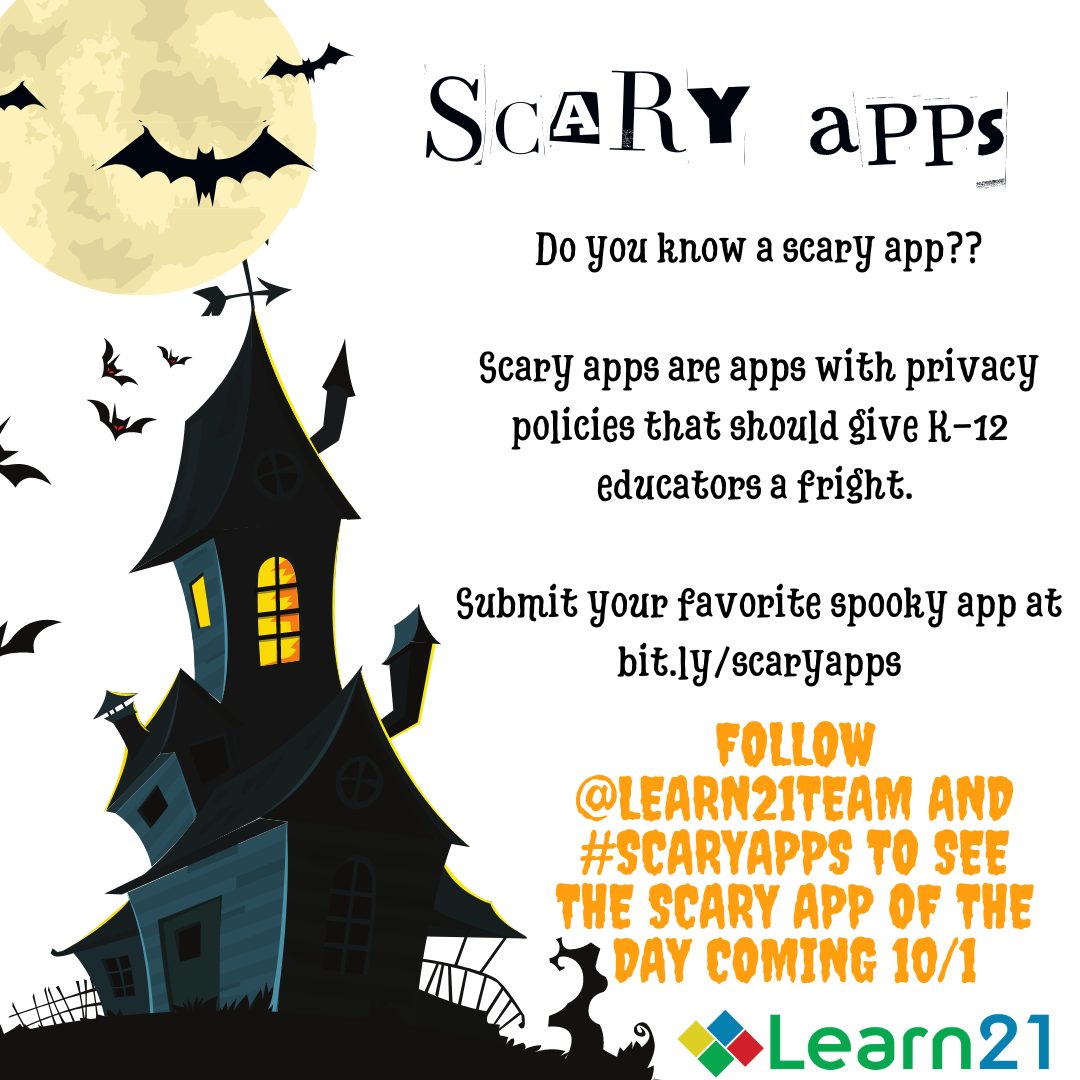
Get Ready for a Spook-tacular October: Follow Our Scary Apps Campaign!

This October, things are about to get spooky in the world of educational technology. We’re launching the second annual Scary Apps Campaign on October 1st, and it’s time to shine a ghostly light on the scariest data privacy practices lurking in the apps used in K-12 education. At Learn21 and ETLA, we are fierce advocates for student data privacy, and with Ohio’s SB29 going into effect on October 24th, there has never been a more critical time to ensure that the tools we use in schools keep our students’ personal information safe.


Each day, we’ll reveal a new app with questionable privacy practices. From popular platforms to niche tools, these apps are creeping into classrooms and collecting personally identifiable information (PII), storing data in unsecured locations, and sharing it for targeted ads. All without the protections schools and families expect. You can follow along at edtechleadersalliance.org/scaryapps or on our social media channels, where we’ll post each day’s "scary app" with a Halloween-themed twist. Get ready for puns, scares, and essential information you need to protect students' data.


But it’s not just about having fun with Halloween themes. Student data privacy is a serious issue. With SB29, schools across the state of Ohio will need to comply with strict data privacy regulations. This law aims to safeguard the personal data of students, making campaigns like Scary Apps all the more important in raising awareness and ensuring schools choose the right tools for learning.


At Learn21 and ETLA, we’re here to help schools navigate this ever-evolving digital landscape. Whether it’s through advocacy, resources, or events like the upcoming ETLA conference, we’re committed to giving educators the tools they need to protect student data and comply with new regulations.


So, don’t miss out on the scare! Follow our Scary Apps Campaign every day this October and make sure the apps your school uses are treating student data with the care it deserves.


Join us as we advocate for a safer digital world, and remember—just because an app looks fun doesn’t mean it’s not lurking with privacy frights!

Stay connected at edtechleadersalliance.org/scaryapps and on our social media platforms!

Taking Gmail, Google Docs, and other web apps out of your tab

For many teachers in Google schools, living in tabs in Google Chrome is a way of life. However, it can often lead to disorganization and inefficiency as we have to navigate between endless tabs to get to the right application. There is a way to bring some order to this chaos by installing Google apps such as Gmail and Docs as stand-alone applications on your desktop.


The advantages of using stand-alone applications

There are several key advantages to using stand-alone applications. They offer a clear, uncluttered user interface. They also allow users to more quickly navigate to the app they want to use. I normally have around 150-200 tabs open for some reason, so I use tab search a lot. This helps me quickly find the tab I need, but having webapps that I’m using constantly as a separate app disconnected from my browser is even faster.


Other advantages

There are a couple of other advantages to installing these as apps.

  • Notifications - Each of these apps has its own controls for notifications, giving you more control over them.
  • Separate windows - This is huge for macOS users. When bringing up the app switcher, apps will show up separately from Chrome. No more command tabbing to Chrome and then navigating to the correct tab.
  • Ease of access - You can easily pin these apps to your taskbar or dock, so they're just a click away.

Conclusion

Installing web apps as applications is a great first step to bringing order to your tabs. By installing your Google Workspace apps as stand-alone desktop applications, you can save time, reduce clutter, and focus more on your tasks, leading to a more organized and efficient work experience.

Tips and Tricks

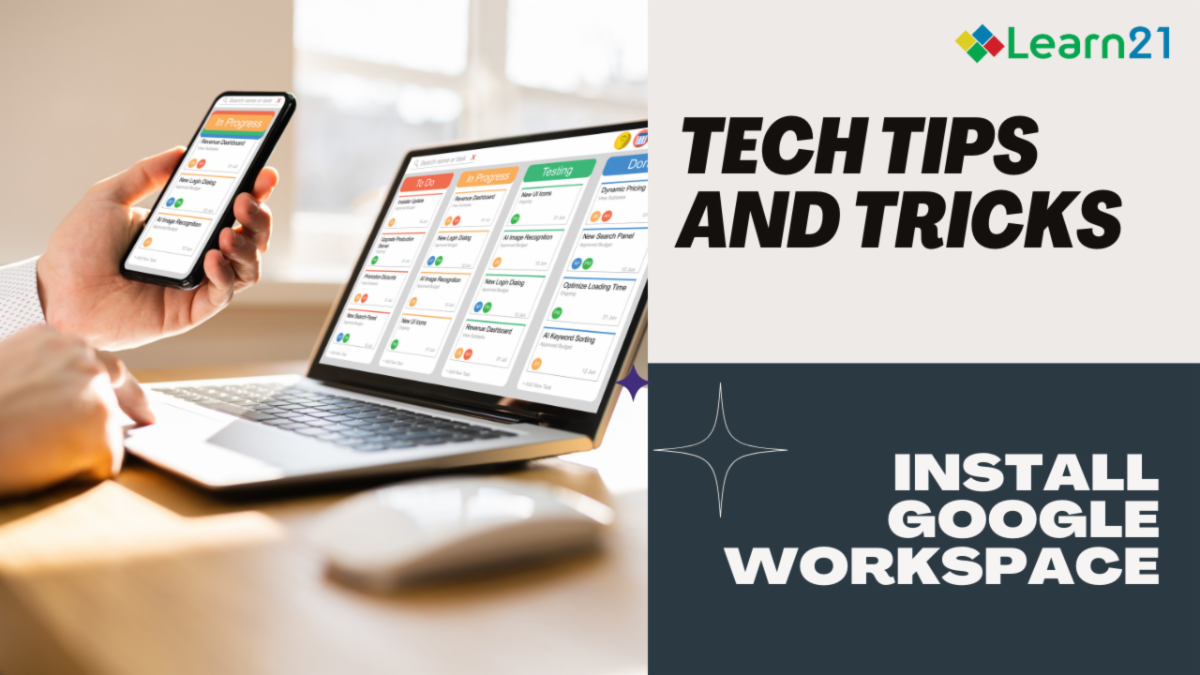
Installing Google Workspace Apps as Applications


The following steps will show you how this works with Gmail, but the process is the same for any of the Google Workspace apps such as Docs or Sheets. 

First, open up your browser and navigate to your Gmail inbox. Once there, click on the three dot menu in the upper right. From the drop-down menu, select Cast, Save, and Share, then Install page as app....

You can then name the app, I like to put the account name in the app, and then click Install.


macOS

The icon to start the app on the Mac is placed Home Folder > Applications > Chrome Apps. These apps can be placed in your Dock for quick access.


Windows

When you initially install the app in Windows, Chrome will ask if you want to place the app in your taskbar.

You can also find the app in the start menu under the Chrome Apps folder.

Learn21's Media Literacy Minute

Every week Learn21 publishes information on educators who are finding inventive ways to teach media literacy. You can see these posts on our LinkedIn every Monday or the Learn21 Blog. You can also send up articles or initiative that you would like to see featured in Media Literacy Minute at engagements@learn21.org.


This week we wanted to share a bit of our post this week as a little treat! Welcome to this week’s edition of Media Literacy Minute! We’re spotlighting new resources, tools, and insights to enhance media literacy education. Here’s what’s happening:


📖 How to Be Media Literate: Hiawatha World Online shares strategies for developing critical media literacy skills, helping readers better navigate and evaluate the overwhelming digital landscape.


🎓 U.S. Media Literacy Week Presentations at Penn State: Penn State's Bellisario College of Communications hosted a series of presentations to celebrate U.S. Media Literacy Week, emphasizing the importance of media literacy in higher education [Penn State News].


📚 Pennsylvania's Information Literacy Toolkit: Pennsylvania has unveiled a new information literacy toolkit for educators and families, designed to equip students with the skills to critically evaluate information and avoid misinformation [Local News 1].


🧠 Content Authenticity and AI: Adobe highlights the growing momentum of content authenticity and transparency across social media platforms, driven by consumer awareness and AI advancements.


🎮 Civics and Media Literacy Online Game: KUOW features an online game designed to make civics and media literacy engaging and fun by adding a competitive edge to learning these critical skills.


🗓️ Baylor’s Media Literacy Week Events: Baylor University is hosting a series of events for U.S. Media Literacy Week, offering students and educators opportunities to explore the latest trends in media literacy Baylor University.


For further insights on integrating media literacy into your community or educational programs, reach out to Learn21 at engagements@learn21.org or explore our resources at bit.ly/medialitlaws.

Extra Credit

Wesley Fryer has a great demonstration of using Google NotebookLM to create a podcast from his 1991 senior research paper about American POWs in Southeast Asia. I have not had the chance to dig into Google NotebookLM, but the audio created is pretty impressive. This is not something I would use with every piece of information in my classroom, but it would come in handy when it comes time to summarize a large body of work for the students.


Researchers are on a mission to fix AI hallucinations by giving it the power to verify its own math answers. A start-up named Harmonic is working on systems that can provide not just answers, but proofs that they're correct. The idea is to start with math since it has clear rights and wrongs, but the goal is to expand this line of reasoning into other realms like computer programming.


In a chat with Tomas Apodaca, assistant professor Maywa Montenegro discusses her AI policy, which she developed to address the rising influence of AI in education. She is looking at an approach that empowers students rather than policing them. Highlighting the debate around AI's role in education, Montenegro emphasizes the need for meaningful dialogues about who benefits from AI technologies. While AI detection software could turn educators into enforcers, Montenegro focuses on enlightening students about AI's far-reaching impacts, fostering critical thinking rather than punitive measures, and promoting respectful conversations about technology's role in learning environments.

🙋‍♂️ Bytes and Insights is co-authored by Eduk8me’s Ryan Collins who writes about education and educational technology. He is also the Director of Technology for Kenton City Schools in Ohio. Sign up for his Of Bits and Bytes newsletter at https://eduk8.me!


If you'd like to take a hiatus from Bytes & Insights, please use the Update Profile link below. This will allow you control over which emails you receive from Learn21.

X Share on X
LinkedIn Share on LinkedIn

www.learn21.org

LinkedIn        X        YouTube        Instagram