|
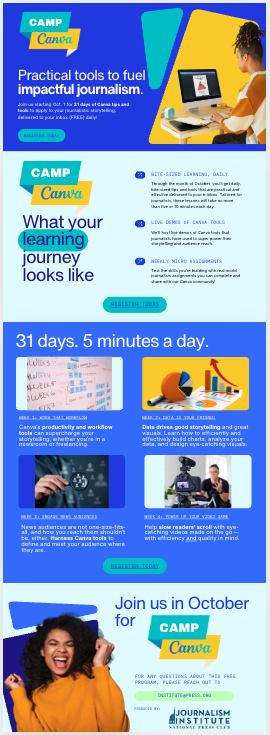
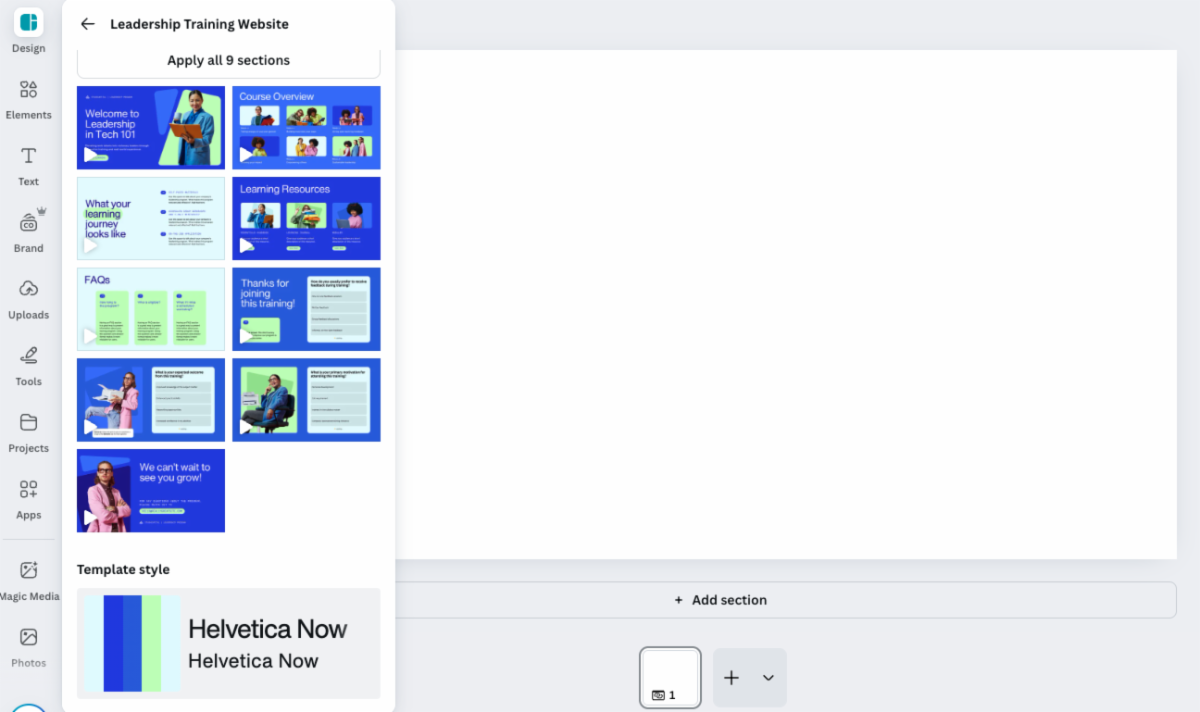
That’s right: A blank website page within Canva, and a template that had the energy we liked. And now, here you are!
Today, we’re going to share the five core steps to building and publishing your site from scratch in minutes using Canva Websites. This will set you up for tomorrow’s practical assignment: building your personal portfolio site to showcase your journalistic work.
Let’s get started:
Step One: Answer the big questions: Who are you trying to reach, and why?
Content should always dictate design, and purpose should drive your content choices. So, who is your audience and what do you want them to do?
📧 A news entrepreneur pushing your Substack newsletter = subscribe
🎥 A project-based documentary producer = watch the doc ... or hire me!
📖 An author promoting your book = purchase the book
💼 A working journalist = view my work ... or hire me!
Knowing who you want to reach and your call to action should give you the function of your site. (Review this brainstorm template on defining your audience for some inspiration.)
For our Camp Canva site, our goal was to attract working journalists like you to subscribe to this e-learning series.
Step Two: Gather your content
Once you know who and what you’re trying to achieve, gather your content. Do you have a bio and headshot ready to go? Will you need a payment function, a subscribe button, etc.? Do you have a bio and headshot ready to go?
Here’s a short list of “assets” to gather:
- Your current bio, headshot, and resume
- Testimonials from clients, employers, or sources
- Links, your reel, or other files of your best work
- Photos or videos of you at work (in the field, at your desk, etc.)
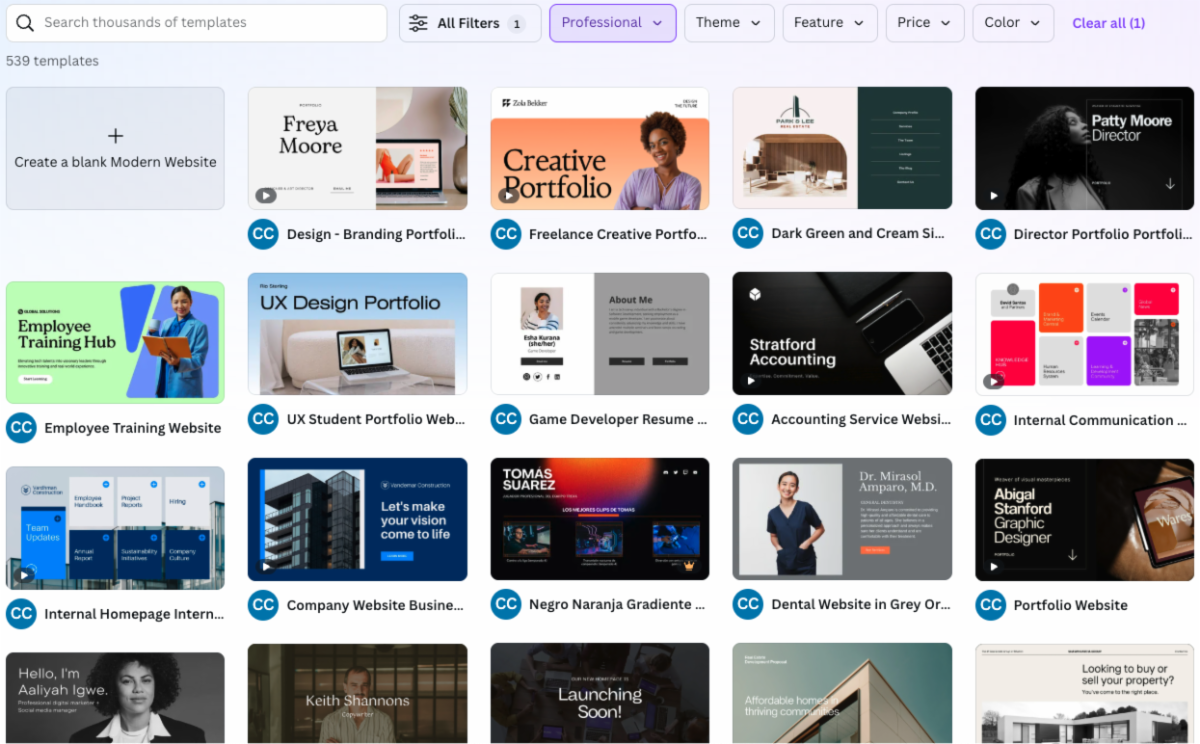
Step Three: Explore templates
|