|
Hands-on exercise: Let's design an infographic
In Sunday's installment of Camp Canva, we introduced its Infographics tool as another format for visual storytelling. Today, we want you to take a few minutes to practice building an Infographic. Your assignment is to tell a visual story about the highest paid athletes in the world.
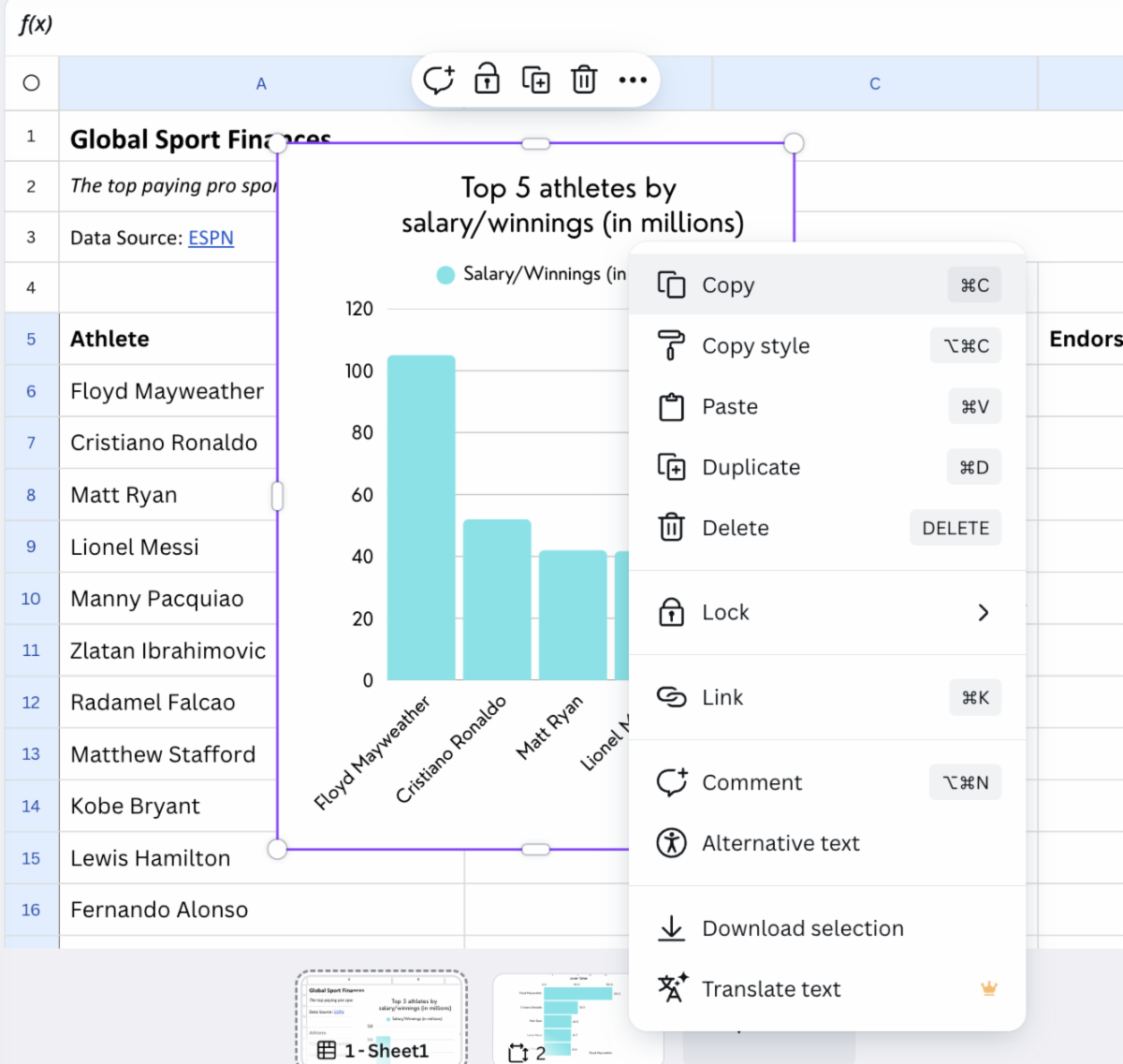
📝 Using this link, click View Template to open the dataset in Canva Sheets.
-
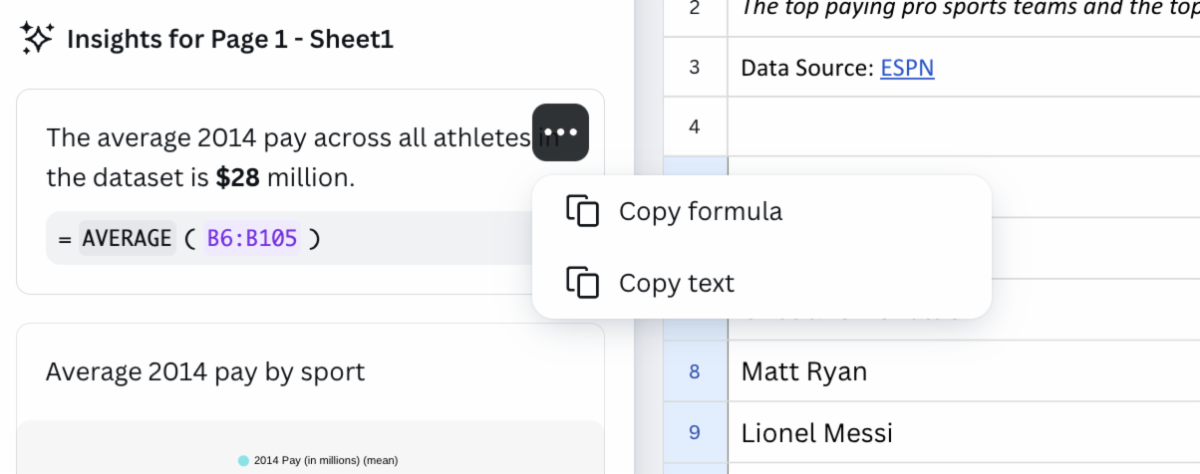
Start collecting interesting datapoints from your spreadsheet. First, run a Magic Insights query to see what trends emerge.
-
Next, ask Magic Insights specific questions, such as “Which sport has the highest average pay?”
-
Think about other pieces of information you can glean from Magic Insights or Magic Formulas. For example, try getting a breakdown of the average pay or the average endorsement by sport.
-
Once you have some insights handy, it’s time to design your infographic!
-
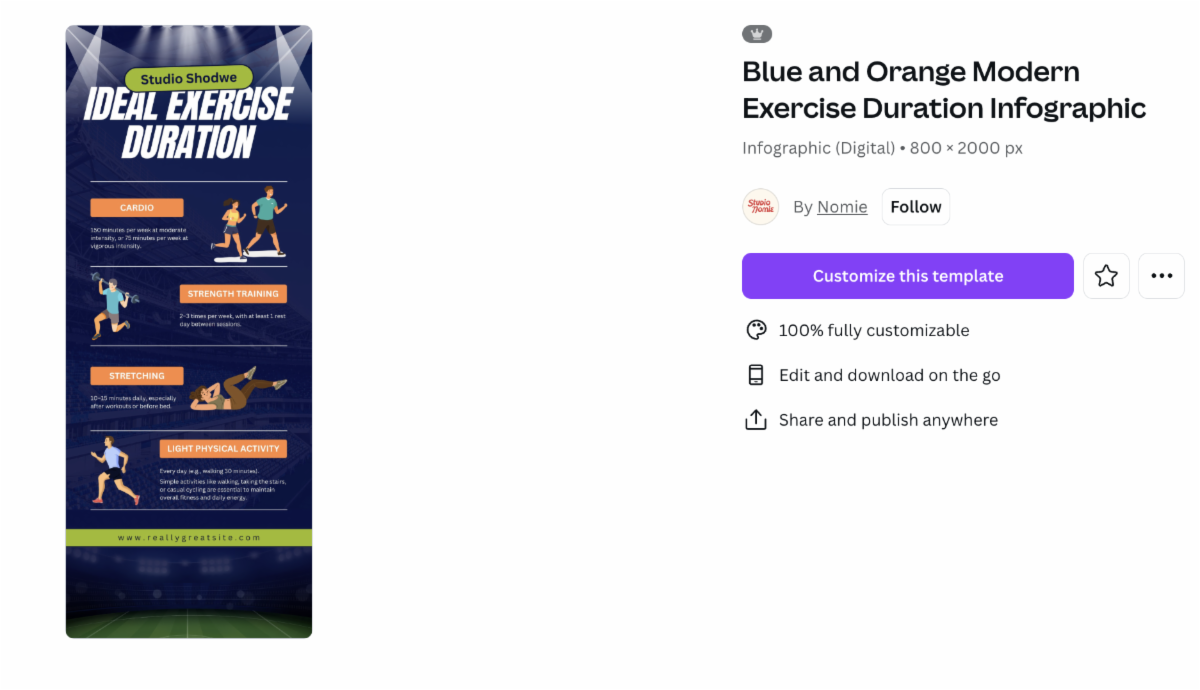
While keeping your Canva Sheet open, launch a new tab and search through these free sports infographic templates.
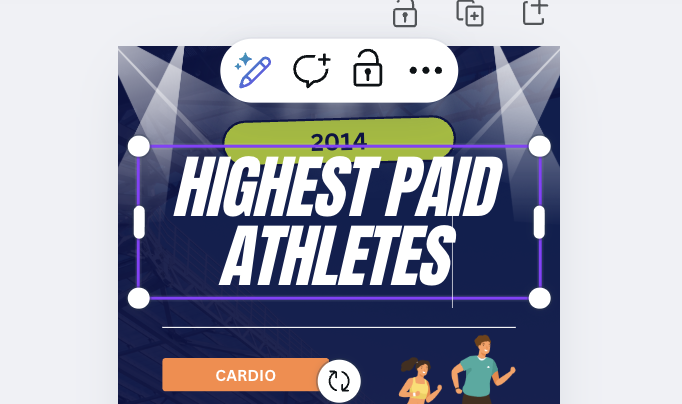
- Find a design you like and click on "Customize this template". (It’s okay if the text or images don’t line up exactly with your data — you will update each section with your own content.)
|