|
October 16, 2026 - Issue 206
Cybersecurity Awareness Month - Week 3
| | Cybersecurity Awareness Month is a reminder that passwords alone are not enough. CISA recommends turning on multifactor authentication because it adds an additional identity check and can help protect accounts even if a password is stolen. Even if a criminal steals or guesses your password, MFA can make it much harder for that person to get into your account. | | This Week's Cybersecurity All-Stars | | |
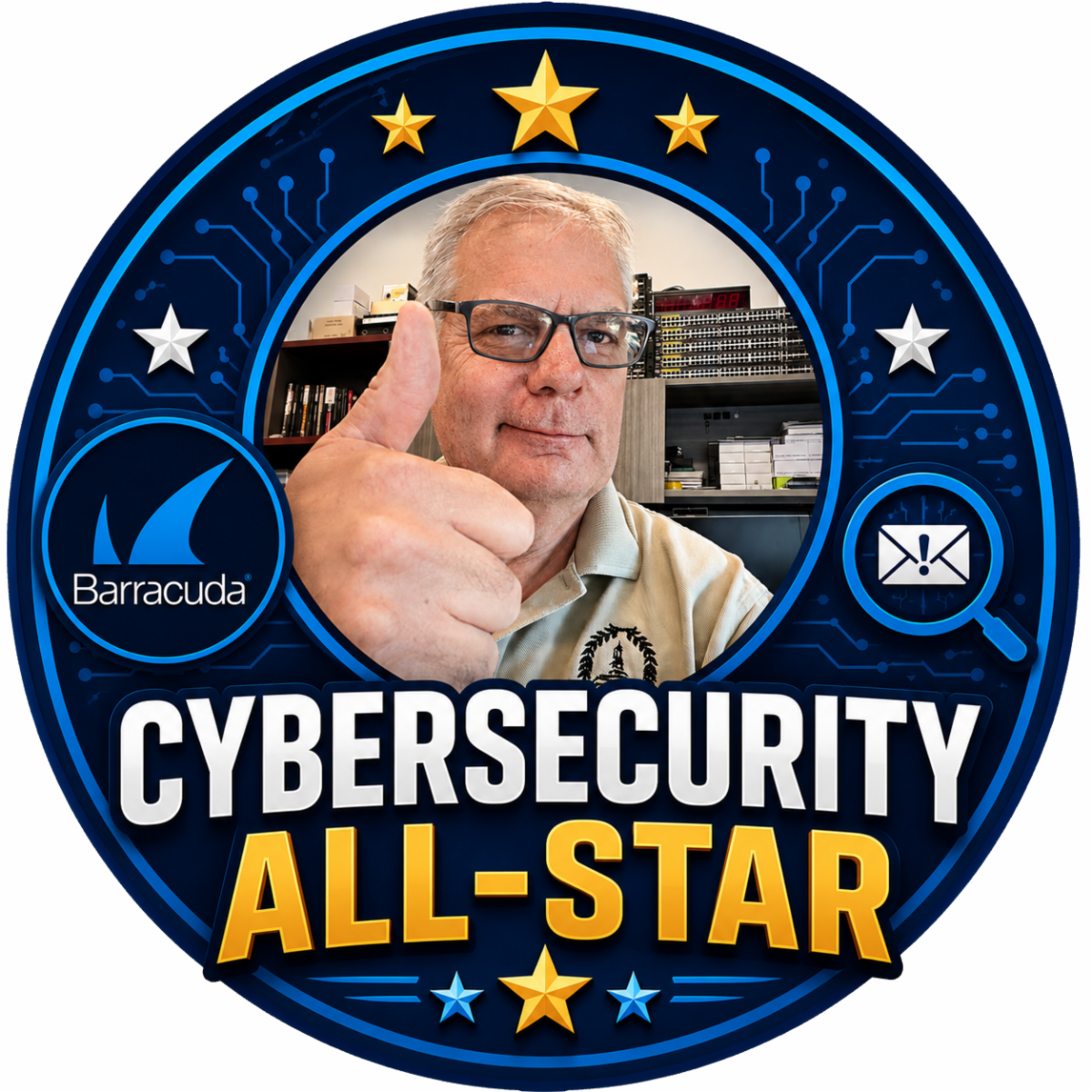
This week's issue brings the return of recognizing our weekly "Cybersecurity All-Stars". I had stopped doing this for some reason. So, beginning this week that error will be corrected.
Week of October 4 - October 10, 2026
- Kris Hines
- Corday Roberts
- Joe Miles
Well done. Stop by the IT Department to claim your All-Star merch and show off your cybersecurity skills to your work mates.
| | Latest Vulnerabilities Report | |
As a Chief Information Security Officer, I receive regular reports from the Center for Internet Security (CIS). I am not sure why I haven't thought of this sooner, but "Cybersecurity Friday" is a great place to share these important security alerts. Beginning with this issue, I will share the alerts I have received.
Take the time to review them and if they apply to you, take action and as always, feel free to reach out to me with any questions.
| | News Alert! Giant Struck in Cyber Incident | | |
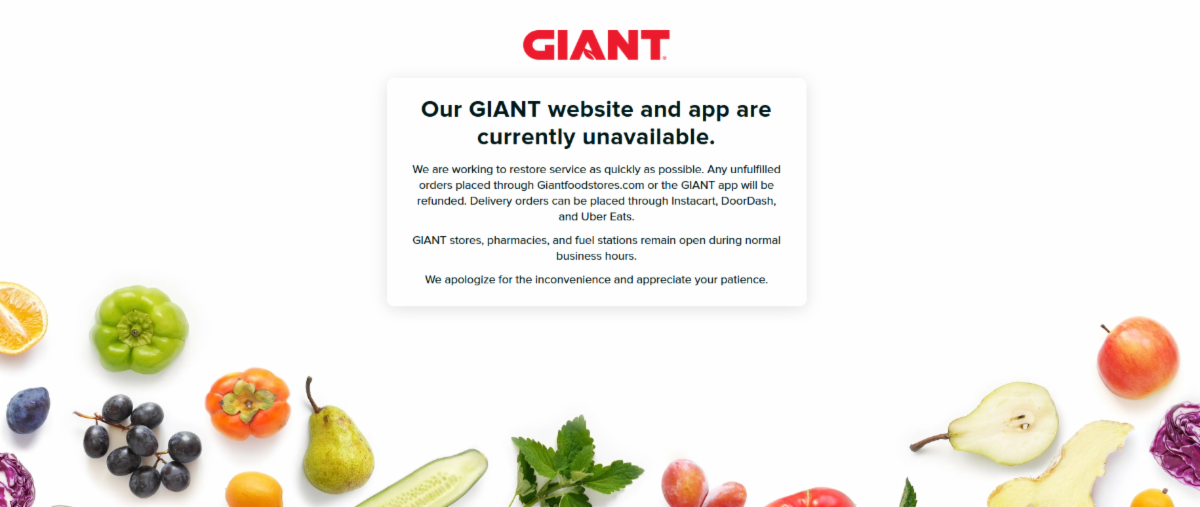
Giant customers, including yours truly, recently encountered unavailable websites, mobile apps, digital coupons, and online ordering when trying to access Giant.
Giant reported that it took some systems offline as a precaution, brought in external cybersecurity experts, and contacted appropriate authorities
As of its October 14 update, the investigation was still underway, and the company said it had no evidence at that time that customer, associate, or partner data had been taken.
That last point is important: a service outage does not automatically mean personal information was stolen. The cause, full scope, and any long-term impact had not yet been publicly confirmed. Customers should rely on official updates and avoid rumors that label the event as ransomware or a data breach without evidence.
| |
Giant Ciutomer's Be Aware
Cyber incidents often create opportunities for follow-up scams. Criminals may send fake refund notices, loyalty-point alerts, coupon offers, password-reset messages, or delivery updates that appear to come from Giant. A real service disruption makes those messages more believable because customers are already expecting information.
Also
- Use Giant’s official app or type the known website address yourself instead of following links in unexpected messages.
- Be skeptical of urgent refund, coupon, loyalty-account, or password-reset notices.
- Never share a password, payment information, or one-time security code in response to an unsolicited message.
The Giant incident is a reminder that cybersecurity problems at large companies can quickly affect ordinary services such as shopping, coupons, rewards, and deliveries. Taking systems offline may be inconvenient, but it is a responsible containment step while investigators determine what happened.
| | Turn on Multi-Factor Authencation | | |
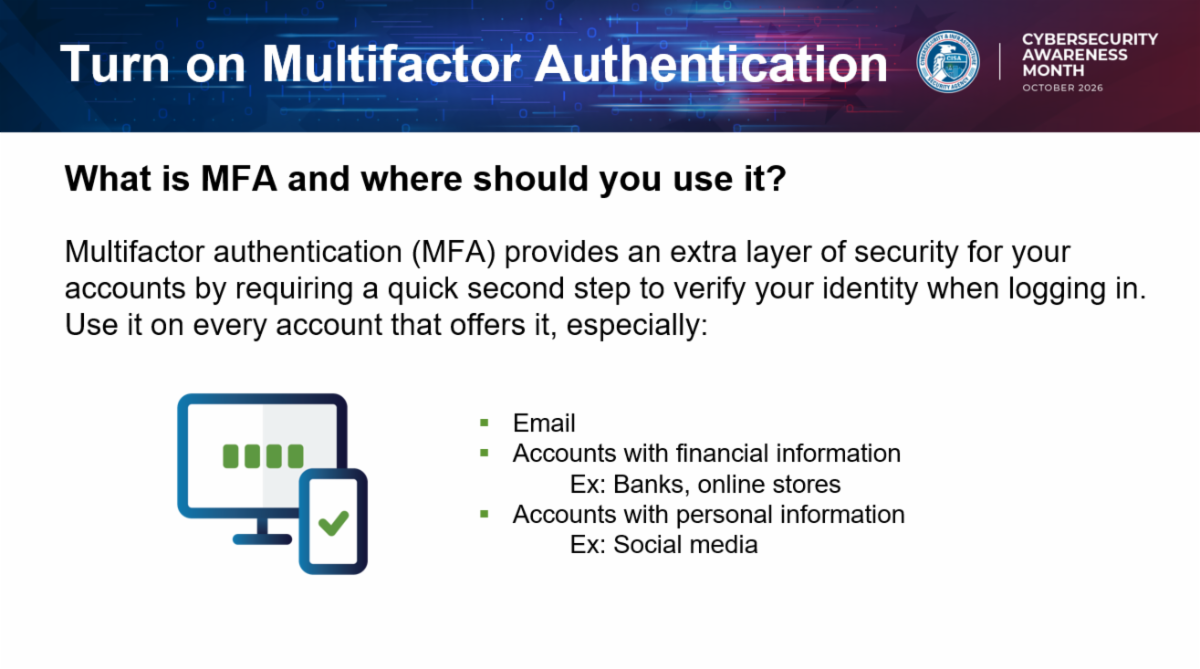
MFA means proving who you are in more than one way. That might include something you know, such as a password; something you have, such as a phone, authenticator app, or security key; or something you are, such as a fingerprint or face scan. The extra step may take only a few seconds, but it can stop many account takeover attempts.
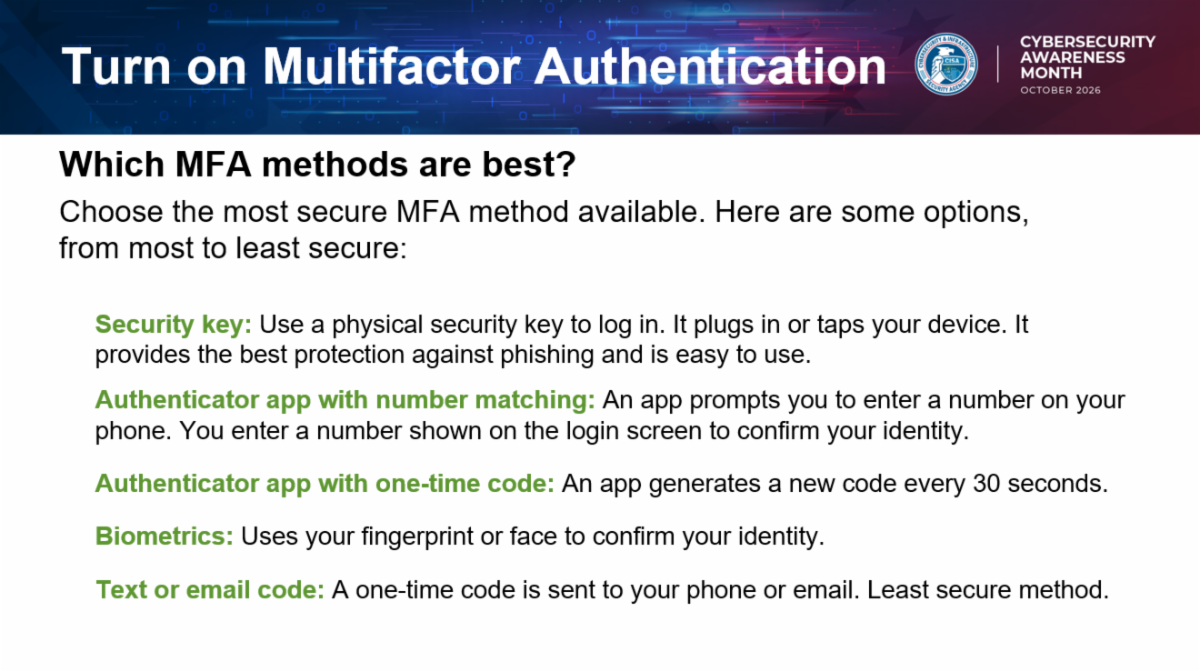
Not all MFA methods are equal. Text-message codes are better than having no MFA, but authenticator apps, passkeys, and security keys are usually stronger because they are harder for criminals to intercept or trick away. Phishing-resistant MFA is especially valuable for important work, email, banking, and administrator accounts.
One important habit is to approve MFA prompts only when you started the sign-in yourself. Criminals sometimes steal a password and then repeatedly send approval prompts, hoping the account owner will tap “approve” just to make the interruption stop. If you receive an unexpected MFA prompt, deny it, change your password from a trusted device, and report the activity if it involves a work account.
| |
- Turn on MFA for email, banking, cloud storage, work, social media, and shopping accounts.
- Use an authenticator app, passkey, or security key where available.
- Do not approve sign-in prompts you did not start.
- Never share one-time codes with anyone by phone, text, email, or chat.
- Report unexpected MFA prompts or account alerts quickly.
| | The History of Multi-factor Authentication | | |
Passwords have protected accounts for decades, but they have always had a weakness: they can be guessed, stolen, reused, or tricked away. Multi-factor authentication, commonly called MFA, developed from a simple security idea—access should depend on more than one piece of proof.
MFA is Not New
The basic concept appeared long before the term MFA became common. Automated teller machines combined something a customer had—the bank card—with something the customer knew—the personal identification number. High-security workplaces later used badges, passwords, tokens, and biometric checks in similar combinations. As online banking, remote work, cloud services, and smartphones expanded, organizations began applying the same approach to digital accounts.
Early online systems often relied on small hardware tokens that generated temporary codes. Text-message codes later made an extra sign-in step easier for the public to use. Authenticator apps, push notifications, fingerprint and face recognition, security keys, and passkeys followed. Each generation has tried to make the second check both stronger and more convenient.
Why MFA Works
MFA works because it requires proof from different categories: something you know, such as a password; something you have, such as a phone or security key; or something you are, such as a fingerprint or face scan. A criminal who steals a password still needs the other factor. That extra barrier can stop many automated attacks, password-reuse attacks, and ordinary account-takeover attempts.
MFA is not perfect, and some methods are stronger than others. Text-message codes provide useful protection but can be vulnerable to SIM swapping or interception. Unexpected approval prompts can also be abused if a user approves one out of habit. Authenticator apps are generally stronger, while security keys and passkeys offer phishing-resistant protection because they are tied to the legitimate website or service.
Multi-factor authentication works so well because it assumes a password may eventually be exposed and adds another lock before access is granted. Turn it on for email, banking, work, cloud storage, and social media accounts. Whenever possible, choose a passkey, security key, or authenticator app—and never approve a sign-in request you did not start.
| | MFA is one of the strongest everyday protections available because it helps protect accounts even when a password is exposed. It is not a nuisance; it is a safety check. Turning it on for important accounts is one of the best Cybersecurity Awareness Month actions you can take. | | Cybersecurity Awareness Month continues next week as we change our focus to the importance of Software Updates. | | |
William Mann, CGCIO | Borough of West Chester | | | | | |