|
October 9, 2026 - Issue 205
Cybersecurity Awareness Month - Week 2
| | During Cybersecurity Awareness Month, CISA reminds everyone that strong passwords are one of the simplest ways to block criminals from accessing accounts. Passwords protect email, banking, shopping, cloud storage, social media, work systems, school portals, and many other parts of daily life. CISA recommends long, random, unique passwords and notes that a password manager can help create and store them safely. When passwords are weak or reused, one breach can quickly become many problems. | | This Week's Cybersecurity All-Stars | | |
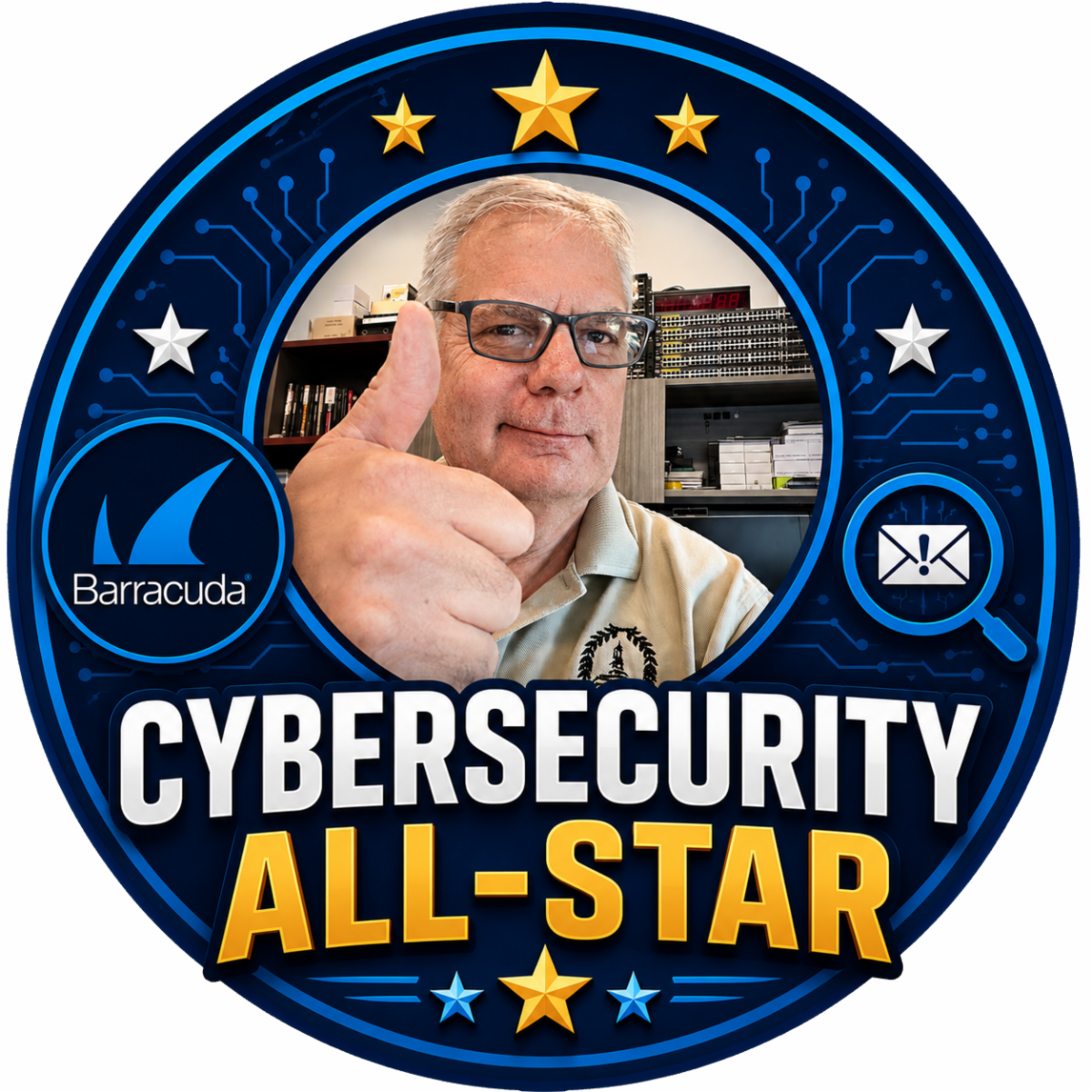
This week's issue brings the return of recognizing our weekly "Cybersecurity All-Stars". I had stopped doing this for some reason. So, beginning this week that error will be corrected.
Week of September 27 - October 4, 2026
- Kris Hines
- Kathy Brooks
- Maria Kullman
- Michele Wholey
Well done. Stop by the IT Department to claim your All-Star merch and show off your cybersecurity skills to your work mates.
| | Latest Vulnerabilities Report | |
As a Chief Information Security Officer, I receive regular reports from the Center for Internet Security (CIS). I am not sure why I haven't thought of this sooner, but "Cybersecurity Friday" is a great place to share these important security alerts. Beginning with this issue, I will share the alerts I have received.
Take the time to review them and if they apply to you, take action and as always, feel free to reach out to me with any questions.
| |
Use Strong Passwords and a
Password Manager
| | |
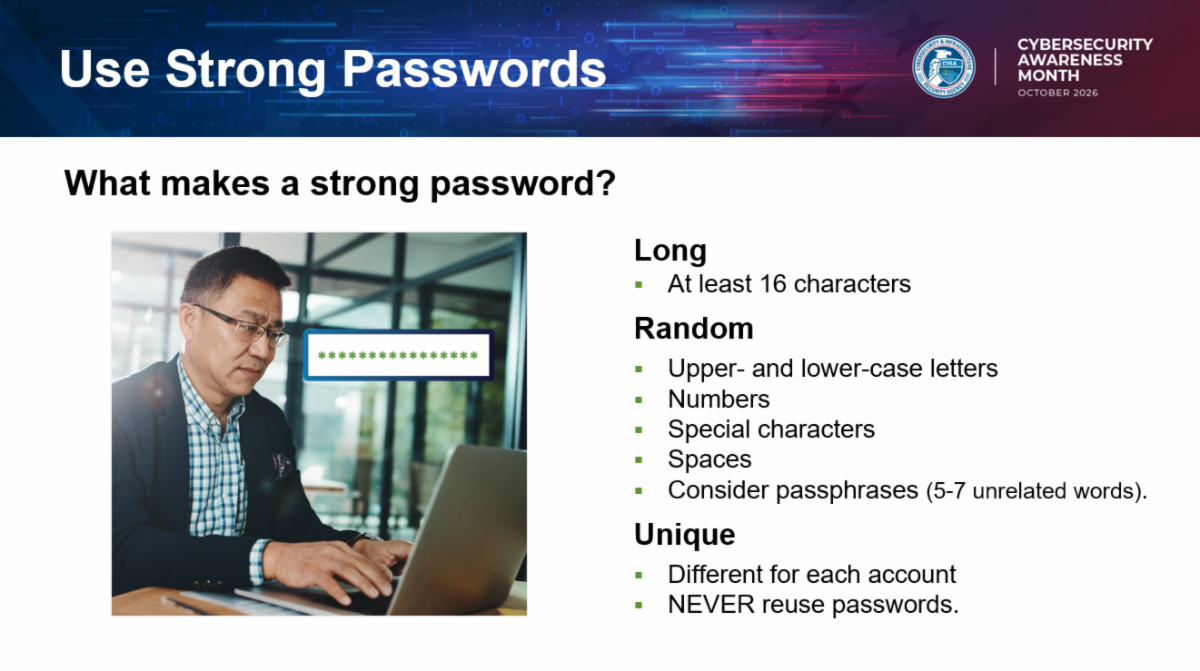
A strong password should be long, unique, and hard for someone else to guess. It should not be a pet’s name, birthday, favorite team, street name, or a simple pattern such as Password123. Criminals use automated tools to test common passwords and stolen password lists very quickly. If you reuse the same password across multiple accounts, a criminal who gets into one account may try that same password everywhere else.
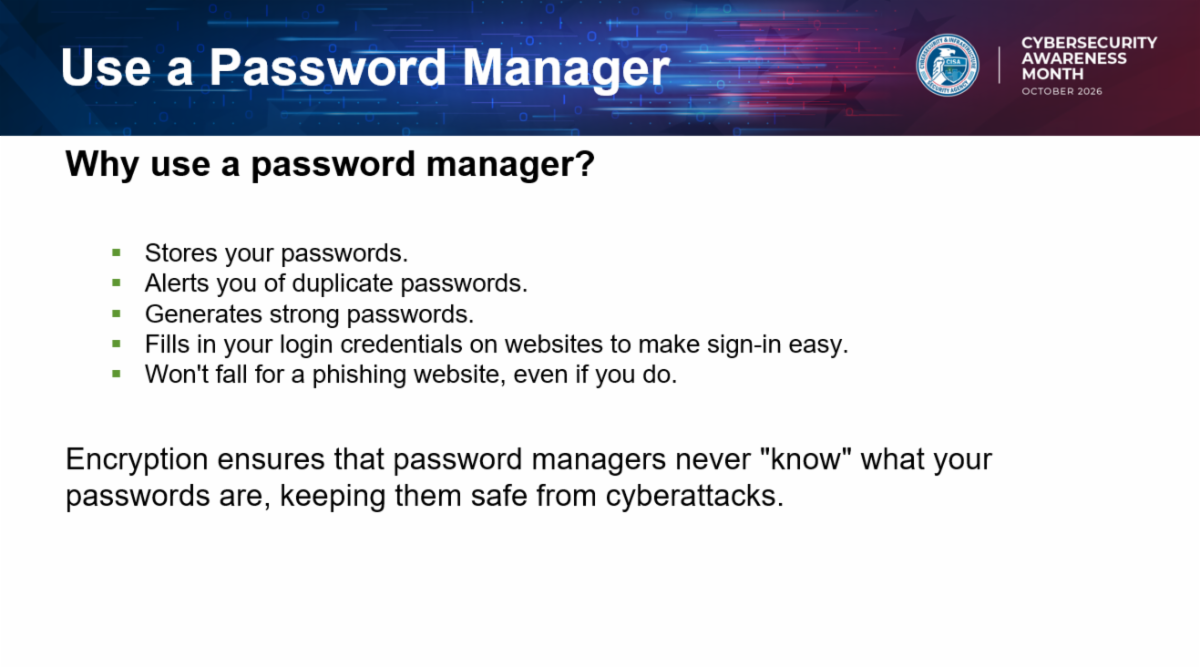
A password manager can make strong passwords much easier to use. Instead of trying to remember dozens of complicated passwords, you remember one strong master password and let the password manager create and store unique passwords for each account. This helps reduce password reuse and makes it easier to change a password if one service is breached.
Passphrases can also help. A passphrase uses several words together, making it longer and easier to remember than a short random password. The key is to make it unique and not based on information someone could easily find or guess. For example, a phrase that only makes sense to you is better than a phrase built around your address, child’s name, or favorite sports team.
| |
- Use a different password for every important account.
- Make passwords long and hard to guess.
- Consider using a trusted password manager.
- Change passwords quickly if an account is breached or suspicious activity appears.
- Never share passwords by email, text message, chat, or phone call.
| | Why I Recommend 1Password | | I recommend 1Password because it makes one of the most important cybersecurity habits—using a different strong password for every account—much easier to follow. Instead of remembering dozens of passwords or reusing the same one, you remember one strong account password while 1Password generates, saves, and fills unique passwords for you. | | |
What sets 1Password apart for me is its balance of strong security and everyday usability. It protects vault data with end-to-end encryption and combines your account password with a separate Secret Key. Its apps and browser extensions work across Windows, macOS, Linux, iPhone, Android, and major browsers, so secure sign-ins are convenient wherever you work. Watchtower also warns about weak or reused passwords and known breaches, while secure vaults make it possible to store passkeys, payment cards, notes, software licenses, and other sensitive information.
Pricing Options
- Individual: $2.99 per month when paid annually, or $3.99 with monthly billing.
- Families: $4.49 per month when paid annually, or $5.99 with monthly billing. The base plan includes up to five family members, private vaults, and shared vaults.
- Teams Starter Pack: $24.95 per month when paid annually and includes up to 10 members.
-
Business: $8.99 per user, per month when paid annually, with added administration, identity-provider integrations, reporting, and access controls.
For one person, the Individual plan is usually the simplest choice. For a household, the Families plan offers the best overall value because it protects several people for only a little more than the Individual plan. Organizations should compare the Teams and Business plans based on the number of users and the administrative controls they need.
No password manager can eliminate every risk, but 1Password removes much of the friction that leads people to reuse weak passwords or store them insecurely. In my view, the combination of cross-device support, clear security features, breach alerts, and practical family and business options makes it a worthwhile investment.
You can learn more about 1Password here.
| | Passwords are still a major part of everyday security, but they do not have to be a burden. Strong, unique passwords and a password manager can make your accounts harder to break into and easier to manage. Think of strong passwords as digital door locks: each important account deserves its own key. | | Cybersecurity Awareness Month continues next week as we change our focus to the importance of Multi-Factor Authenication. | | |
William Mann, CGCIO | Borough of West Chester | | | | | |