|
October 30, 2026 - Issue 208
Cybersecurity Awareness Month - Week 5
| | Cybersecurity Awareness Month may be ending, but the habits covered during the past four special issues matter all year. We focused on four practical actions recommended through CISA’s Secure Our World guidance: recognize and report phishing, use strong and unique passwords, turn on multifactor authentication, and keep software updated. Each action is useful on its own, but together they provide stronger protection for our accounts, devices, information, and organizations. | | This Week's Cybersecurity All-Stars | | |
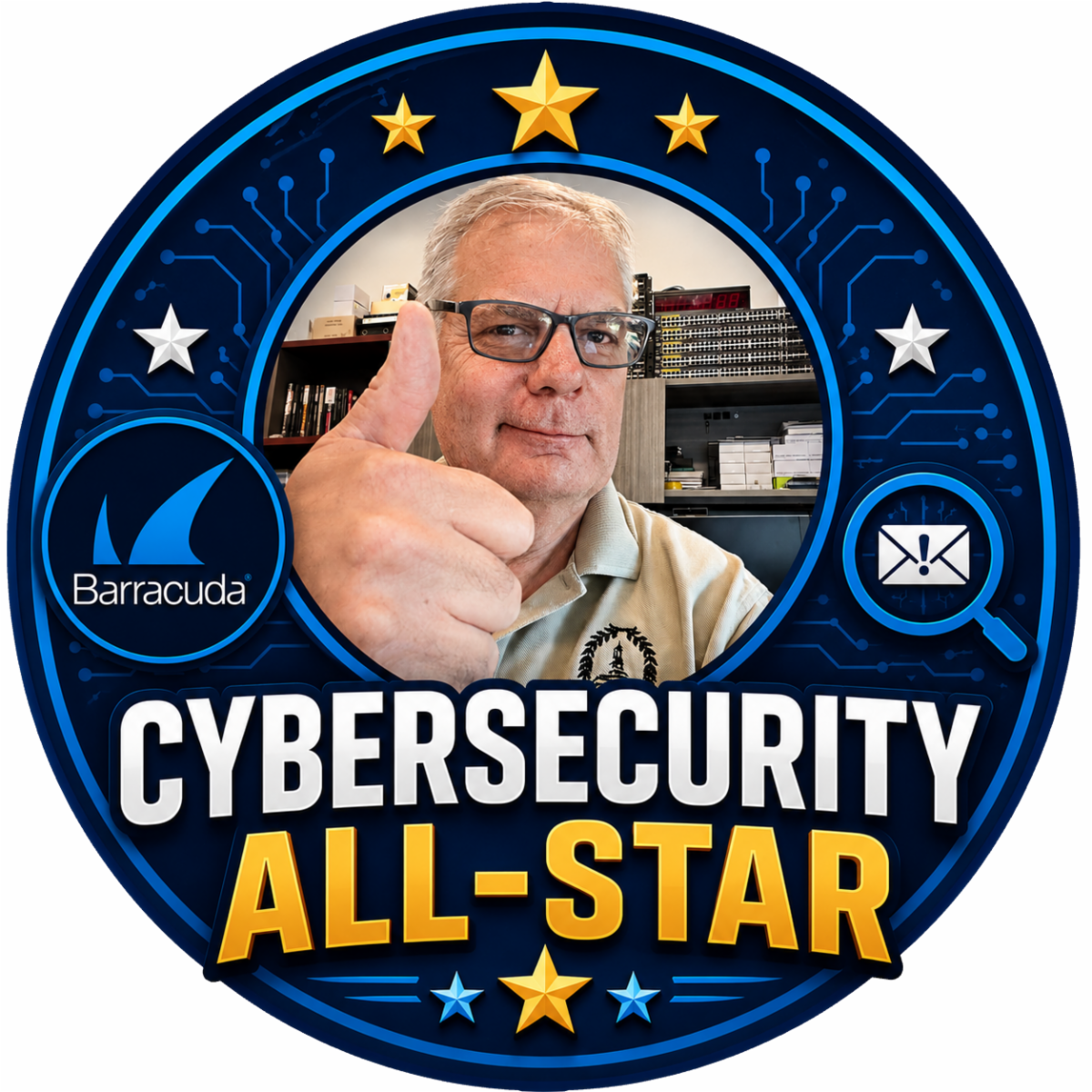
This week's issue brings the return of recognizing our weekly "Cybersecurity All-Stars". I had stopped doing this for some reason. So, beginning this week that error will be corrected.
Week of October 18 - October 25, 2026
- Theresa Eadie
- Marie Kullman
- Kris Hines
- Corday Roberts
Well done. Stop by the IT Department to claim your All-Star merch and show off your cybersecurity skills to your work mates.
| | Latest Vulnerabilities Report | |
As a Chief Information Security Officer, I receive regular reports from the Center for Internet Security (CIS). I am not sure why I haven't thought of this sooner, but "Cybersecurity Friday" is a great place to share these important security alerts. Beginning with this issue, I will share the alerts I have received.
Take the time to review them and if they apply to you, take action and as always, feel free to reach out to me with any questions.
| | |
Recently I have been asked by more than one co-worker, "what is a passkey". This is an excellent question as many websites and account logins are asking today, "Do you want to use your passkey".
I love passkeys, and so should you!
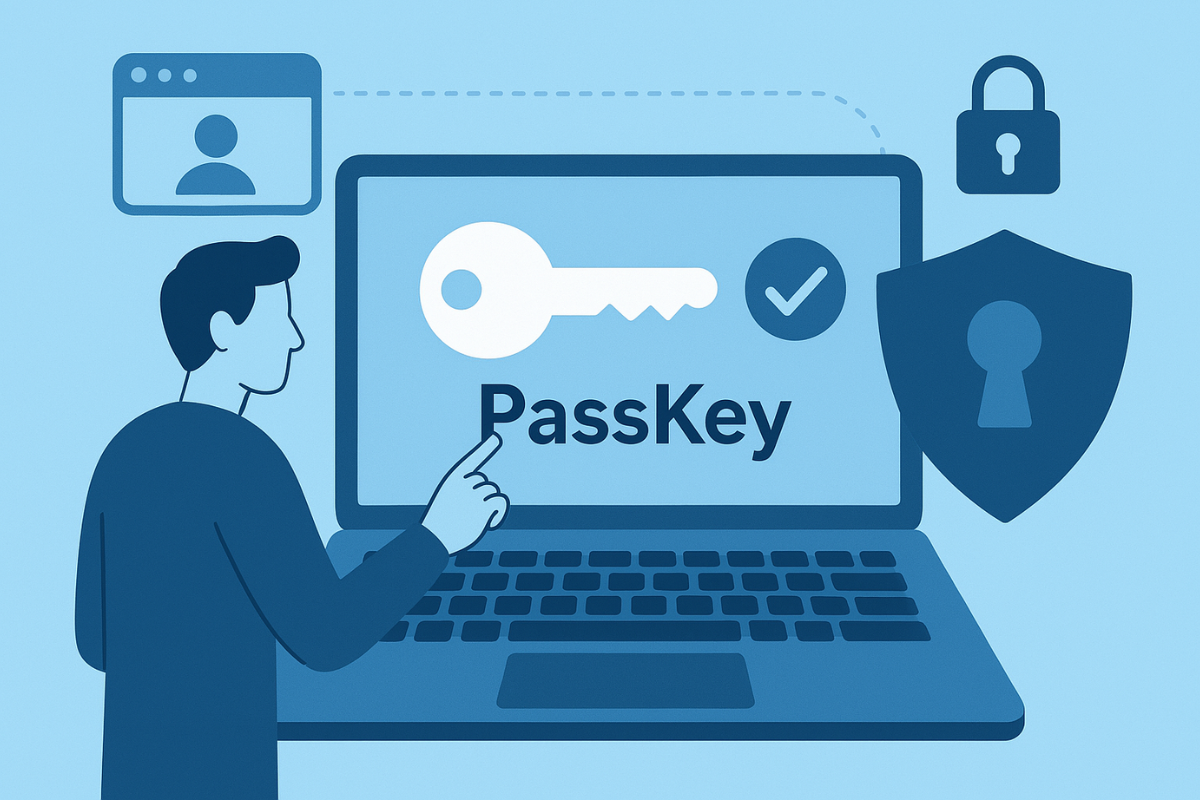
What Is a Passkey?
We have been using passwords to protect our online accounts for decades, but passwords have some serious weaknesses. They can be forgotten, reused, stolen, or tricked out of us through phishing attacks. Passkeys offer a newer and more secure way to sign in.
A passkey is a replacement for a traditional password. Instead of typing a password, you typically sign in using the same method you already use to unlock your phone or computer, such as a fingerprint, facial recognition, PIN, or device security feature.
Behind the scenes, passkeys use cryptography. Your device keeps a private cryptographic key, while the website or service holds a corresponding public key. Your private key is not sent to the website when you sign in.
|
Why Are Passkeys Better?
Passkeys provide several important benefits:
- No password to remember.
- Much harder to steal through phishing. A fake login page cannot simply trick you into revealing a reusable password.
- No password reuse. Each passkey is associated with the service for which it was created.
- Fast and convenient. Signing in can be as simple as using Face ID, Windows Hello, a fingerprint, or your device PIN.
- Better protection against credential theft. There is no traditional password for an attacker to capture and reuse.
Major technology platforms increasingly support passkeys, making them a practical option for both personal and workplace accounts.
Should You Use a Passkey?
If a trusted website or application offers you the option to create a passkey, it is generally worth considering. You may still need to keep recovery methods available, particularly while organizations transition from passwords to passwordless authentication.
The bottom line: A passkey combines stronger security with an easier login experience. Instead of trying to create and remember ever-more-complicated passwords, the future of authentication may be not having to type a password at all.
| | Cybersecurity Awareness Month Recap | |
Take Your Time with Email, Text Messaging and Report Phishing
Phishing does not always look suspicious anymore. A message can use polished writing, familiar branding, personal details, and believable timing while still trying to steal a password, security code, payment, or personal information. The safest response is to slow down and verify the request through an official app, a known website, or a trusted phone number. Do not use the link or contact information in the message. If the message is suspicious, report it quickly so others can be warned and protected.
Take Password Management Seriously
Weak or reused passwords allow one stolen credential to unlock several accounts. Important accounts should have long, unique passwords that are difficult to guess. A trusted password manager can create and store those passwords, so you do not have to remember each one. Protect the password manager with a strong master password, and never share passwords through email, text messages, chat, or phone calls.
Use Multi-Factor Authentication
Multifactor authentication, or MFA, helps protect an account even when the password is stolen. Turn it on for email, banking, cloud storage, work, shopping, and social media accounts. Authenticator apps, passkeys, and security keys are generally stronger choices than text-message codes. Most importantly, never approve a sign-in prompt or share a one-time code unless you started the sign-in yourself. An unexpected prompt may mean someone already has your password.
Keep Your Software & Devices Up-to-Date
Software updates often repair known security weaknesses in computers, phones, browsers, apps, routers, and smart devices. Turn on automatic updates where possible, restart devices when required, and replace products that no longer receive security support. Be cautious of fake update alerts: install updates through built-in settings, official app stores, trusted vendor websites, or your organization’s approved process—not through unexpected links, ads, emails, or text messages.
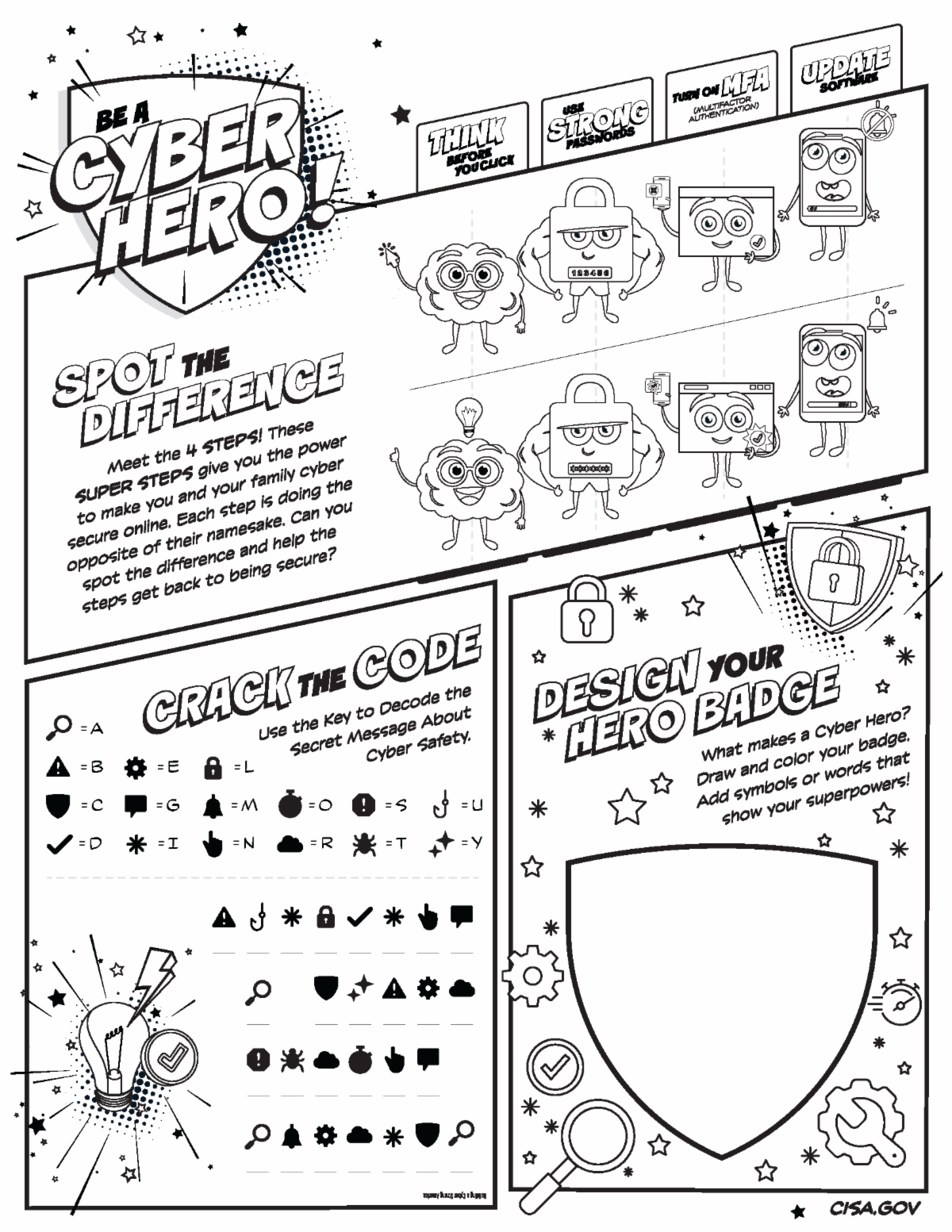
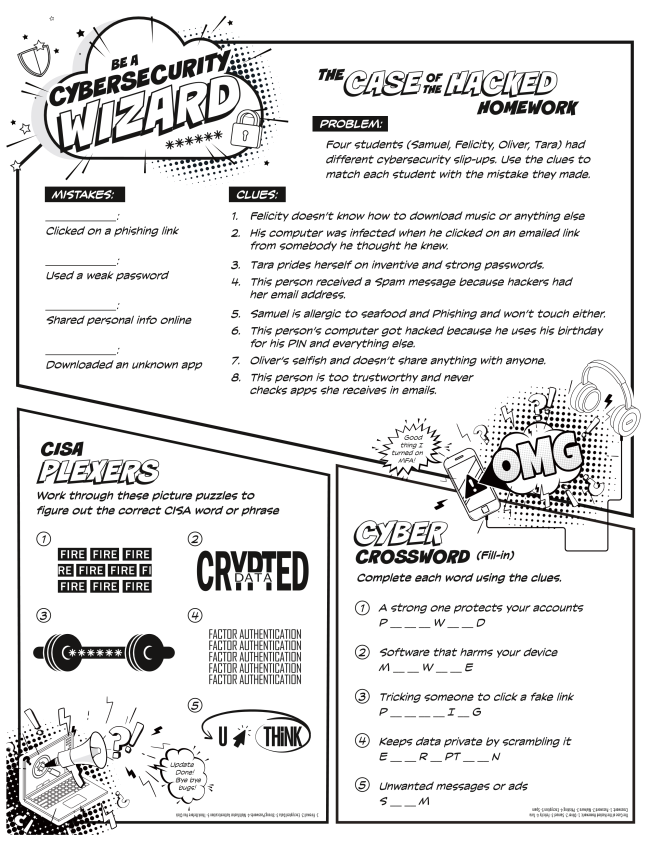
| | Be a Cyber Hero with these Puzzles! | | Have fun with these puzzles, You can click on each one for a full, downloadable copy. | | Cybersecurity Awareness Month gives us a reason to focus on safer habits, but cybersecurity is not a once-a-year activity. Phishing, stolen passwords, account takeover, and unpatched software remain everyday risks. The encouraging part is that the response is within reach: pause and verify, use strong unique passwords, turn on MFA, install updates, and report suspicious activity. Practiced consistently, these four habits can prevent many common attacks and make us much harder targets. | | With Cybersecurity Awareness Month 2026 is the rear-view mirror and our brains full of security best practices we will be taking next week off and returning with a new issue of Cybersecurity Friday on November 13, 2026. | | |
William Mann, CGCIO | Borough of West Chester | | | | | |