October 23, 2026 - Issue 207

Cybersecurity Awareness Month - Week 4

This Week

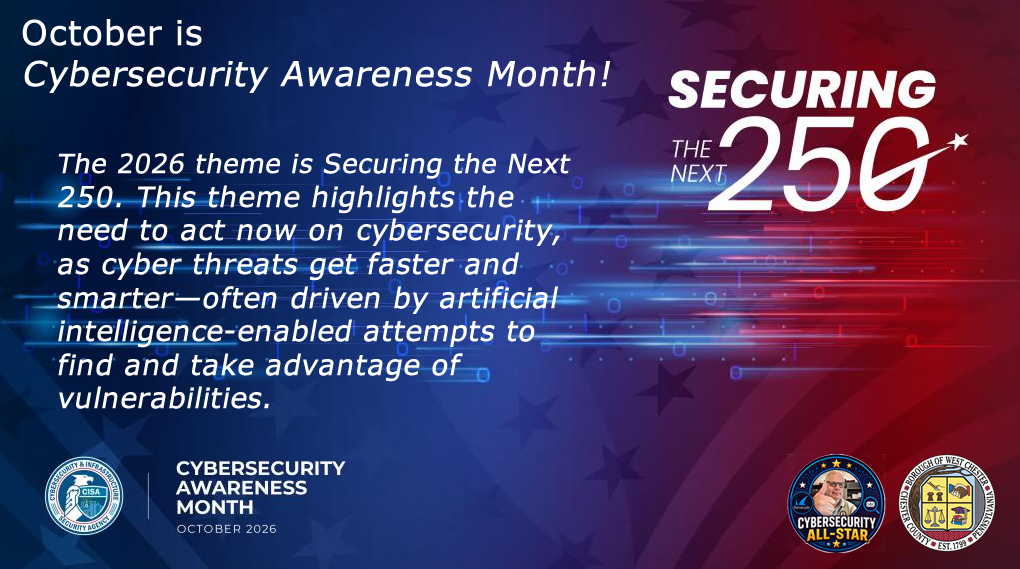
The final topic in this Cybersecurity Awareness Month series is one of the easiest to postpone: software updates. CISA advises installing updates promptly and turning on automatic updates because many software updates fix security risks that criminals may try to exploit. Updates often include security fixes that close those weaknesses before attackers can use them.

This Week's Cybersecurity All-Stars

This week's issue brings the return of recognizing our weekly "Cybersecurity All-Stars". I had stopped doing this for some reason. So, beginning this week that error will be corrected.


Week of October 11 - October 18, 2026


  • Marua Kullman
  • Theresa Eadie
  • Joe Miles
  • Michele Wholey


Well done. Stop by the IT Department to claim your All-Star merch and show off your cybersecurity skills to your work mates.

Latest Vulnerabilities Report

As a Chief Information Security Officer, I receive regular reports from the Center for Internet Security (CIS). I am not sure why I haven't thought of this sooner, but "Cybersecurity Friday" is a great place to share these important security alerts. Beginning with this issue, I will share the alerts I have received.


Take the time to review them and if they apply to you, take action and as always, feel free to reach out to me with any questions.


PHP Vulnerability and What You Need to Know

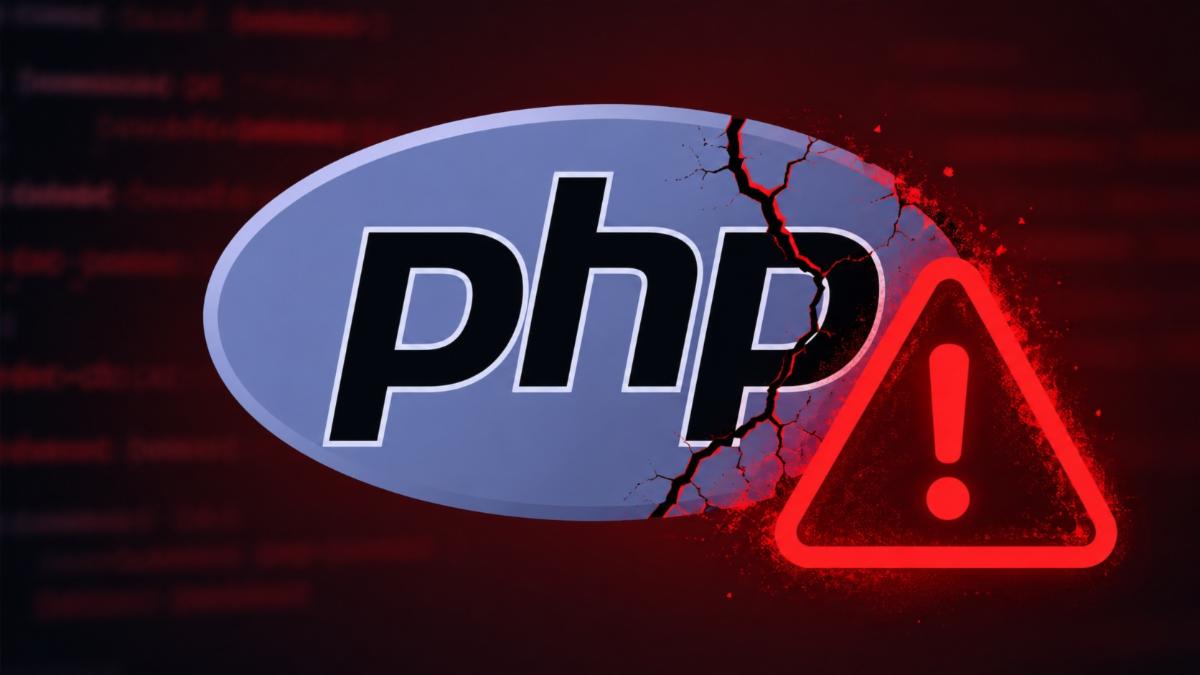
On October 21, 2026, the PHP project released emergency security updates for two critical vulnerabilities, CVE-2026-109618 and CVE-2026-109619. Both vulnerabilities can potentially allow an attacker to remotely execute code on a vulnerable PHP server without needing a username or password. PHP rates both vulnerabilities as critical.

Most people never see PHP, but they use websites powered by it every day. PHP is a server-side programming language used behind many websites and web applications. A newly disclosed security problem called PHP2Shell is therefore getting significant attention from cybersecurity professionals.


Why This is Serious

The danger is remote code execution, often abbreviated RCE. Successful exploitation could allow a cybercriminal to run commands with the privileges of the PHP web-server process. That could turn a vulnerable public-facing website into an entry point for a larger attack.


Cybersecucity Teams

PHP2Shell is a good example of why cybersecurity teams pay close attention to the software underneath websites, not just the websites themselves. A site may look and operate normally while relying on a vulnerable component behind the scenes.


The lesson is straightforward: know what is running, keep Internet-facing systems patched, verify that vendors are doing the same, and take critical security updates seriously. When a vulnerability can potentially allow an unauthenticated attacker to execute code remotely, delaying an update can turn an ordinary website into a path into the organization.


What to Know for the Average Person

You do not need to uninstall anything called PHP, and there isn't a special PHP patch the average home user needs to install. PHP generally operates behind the scenes on websites and web applications.


The concern for individuals comes after a website is compromised. Attackers who successfully exploit vulnerable servers may be able to steal credentials or other sensitive information or use the compromised system as a foothold for additional attacks. Security researchers have specifically warned about password, token and API-key theft.

Software Updates

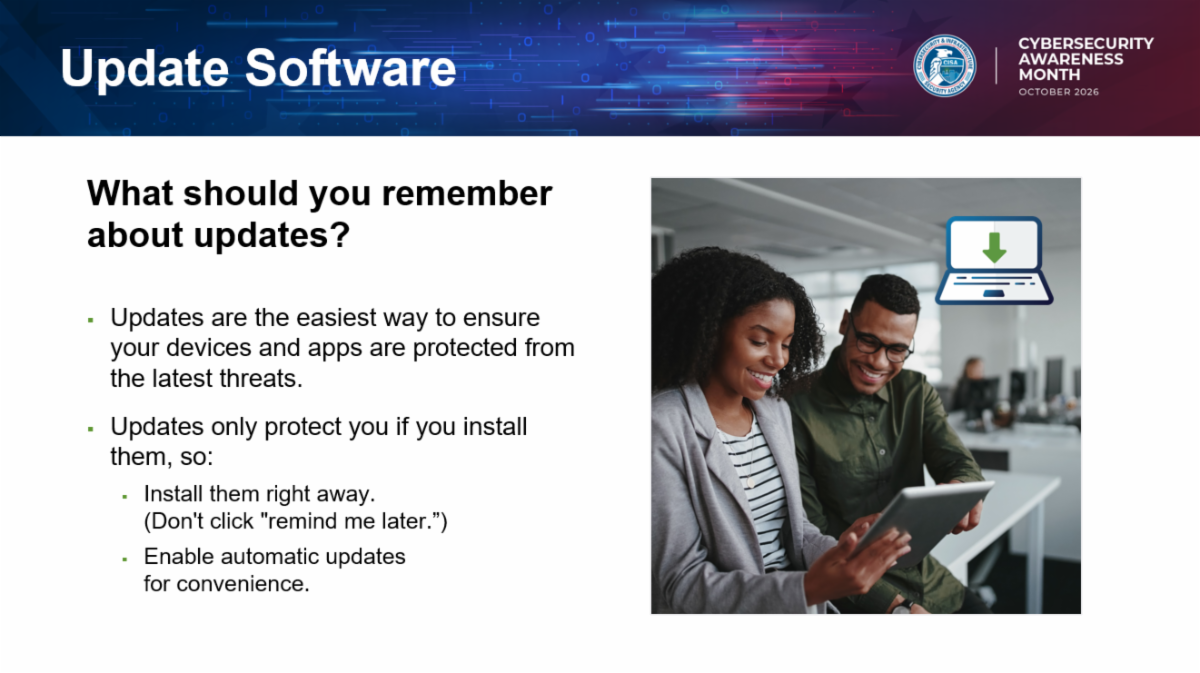
Updates may not feel exciting, but they are one of the most practical security tools we have. Criminals look for known weaknesses in operating systems, browsers, apps, routers, phones, tablets, smart TVs, printers, and business systems. Once a weakness is publicly known, attackers may move quickly to exploit devices that have not been patched.


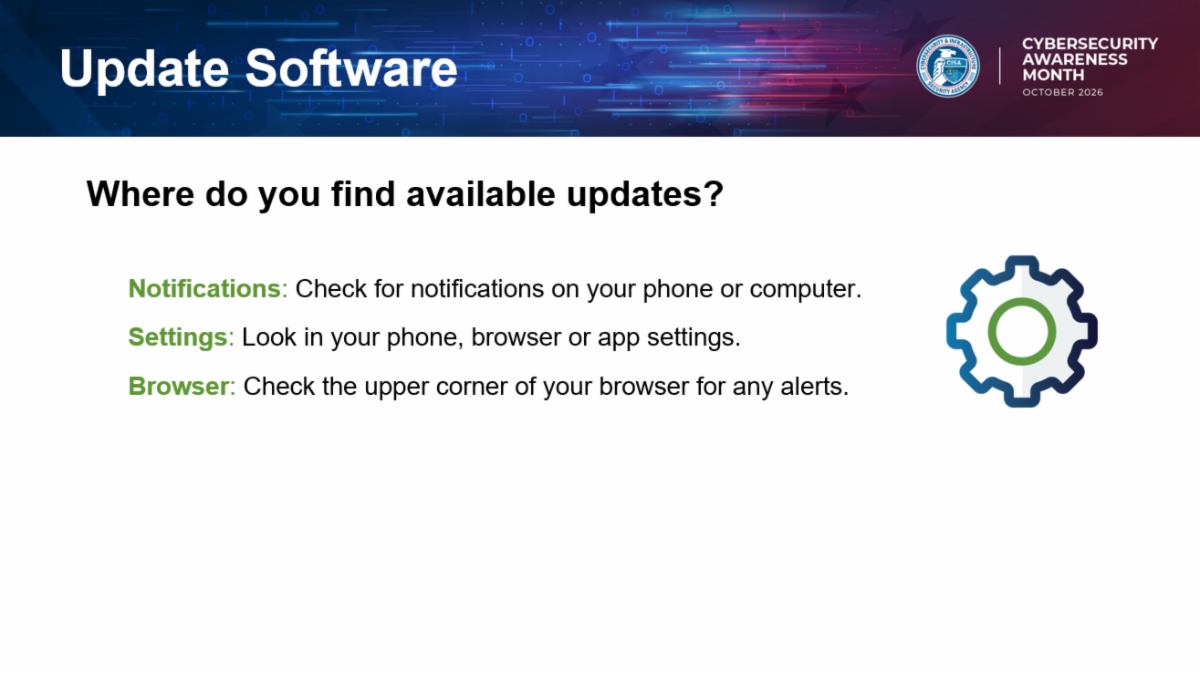
Automatic updates can help because they reduce the need to remember every patch manually. Turn them on where possible for your computer, phone, browser, apps, and security software. For devices that cannot update automatically, set a regular reminder to check. If an update requires a restart, schedule it rather than ignoring it indefinitely.


Be careful with fake update messages. Scammers may send pop-ups, emails, texts, or ads claiming that your browser, antivirus, streaming app, or phone needs an urgent update. Do not install updates from random links or advertisements. Use official app stores, built-in settings, vendor websites, or your organization’s approved software process.

Software Update Check List

  • Turn on automatic updates for operating systems, browsers, apps, and security software.
  • Restart devices when needed so updates can finish installing.
  • Update phones, tablets, computers, routers, and smart devices—not just laptops.
  • Use official app stores, built-in settings, and trusted vendor websites for updates.
  • Be suspicious of pop-ups, emails, or texts that pressure you to install an urgent update from a link.
  • Replace devices or software that no longer receive security updates.

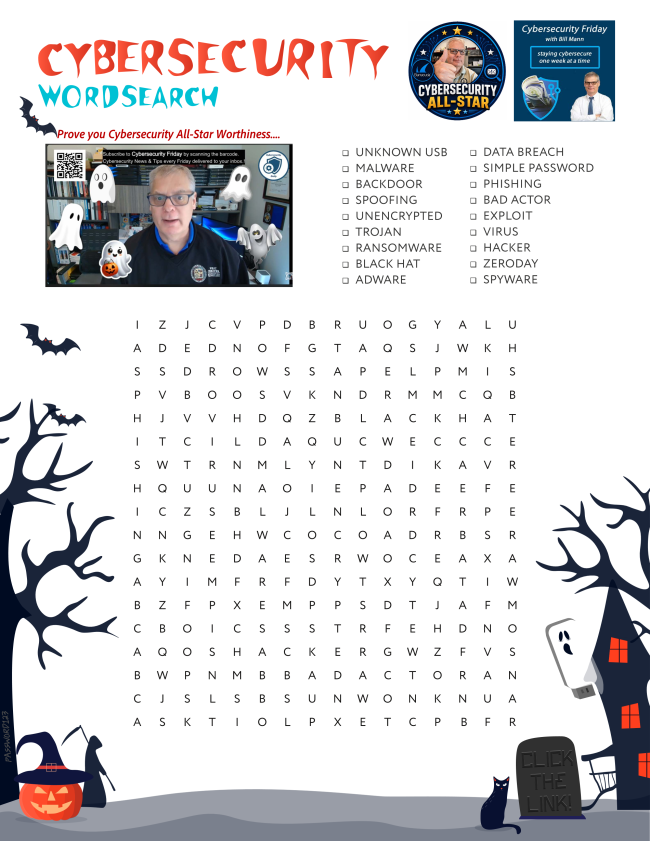
A Spooky Wordsearch

Final Thoughts

Updating software is like repairing a lock after someone discovers how to pick it. The fix only helps if it is installed. Cybersecurity Awareness Month is a good time to check your devices, turn on automatic updates, and stop treating “remind me later” as a long-term security plan.

Next Week

Next week we will recap this year's Cybersecurity Awareness Month's 4 best practices for staying cybersafe and have some puzzle fun.

X Share This Email
LinkedIn Share This Email


William Mann, CGCIO | Borough of West Chester

Facebook  X  LinkedIn