|
REPORTING ACCURATE STEPS
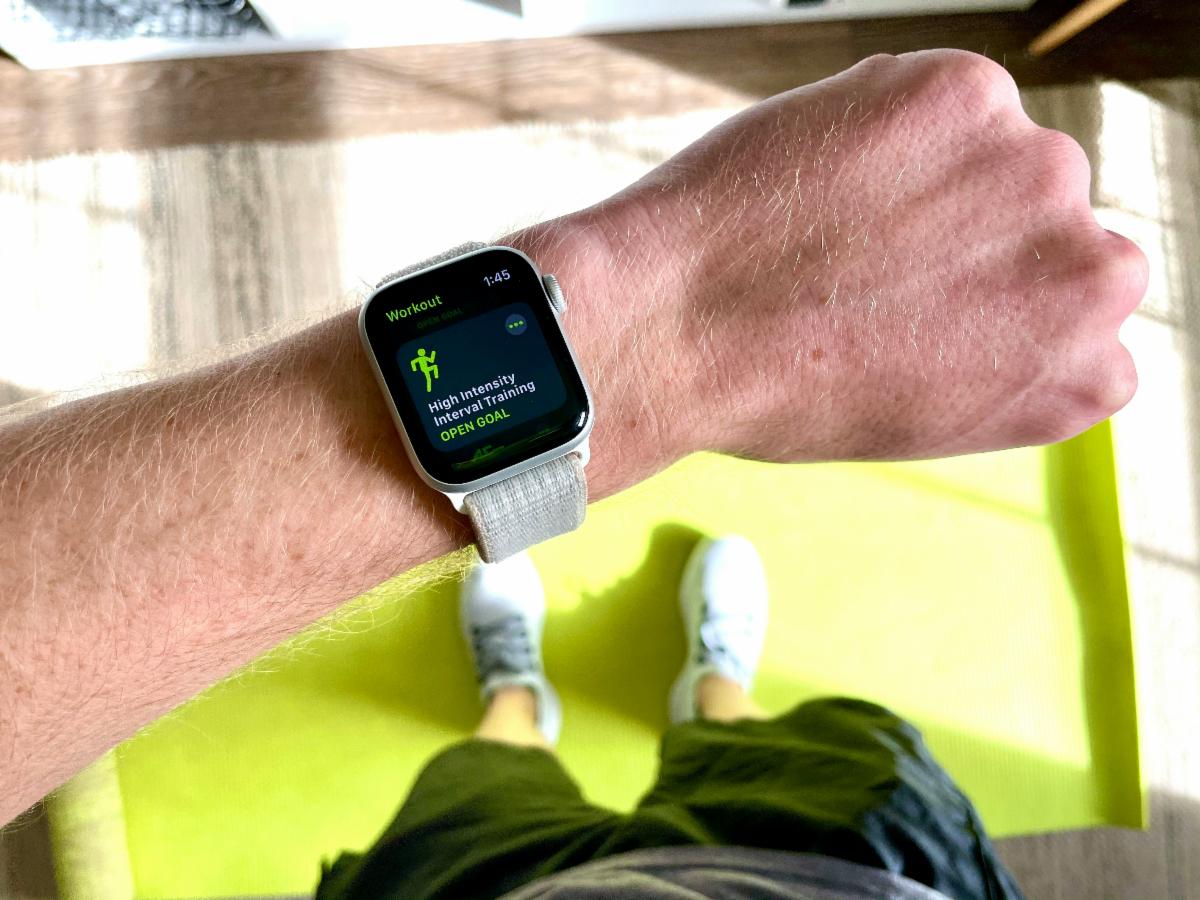
Please be sure your team members are accurately reporting their steps. If you are using a smartwatch, pedometer or step-counting app while taking part in physical activities you should not use the conversion function in the participant's spreadsheet to report those steps; they're already accounted for in the number of steps your watch or pedometer reports. For more help on filling out the participant's spreadsheet, find directions here.
COMPLETING THE CHECK-IN FORM
Below are some helpful tips for completing the bi-weekly submission form:
- If you cannot find your team name listed on the form, you can type it in.
- The step total you need to report can be found on your captain's spreadsheet in the blue box in the top right corner.
- Do not use commas or decimals in your step count.
- Do not upload your participant sheets; you should transfer all information to your captain's sheet and upload it only.
|