EMPLOYEE ASSISTANCE PROGRAM

DECEMBER LIVE WEBINARS

Please mark your calendar to join a

"Live Webinar"

offered during the month of December!

HOW TO REGISTER FOR A WEBINAR

  1. Add a reminder to your calendar for each Webinar you wish to attend.
  2. Click the registration link to be taken to the registration page and copy the web address into your calendar reminder.
  3. You will not be able to log into these webinars, until 15 minutes before the training begins.
  4. On the day of the webinar, click on the link to register.
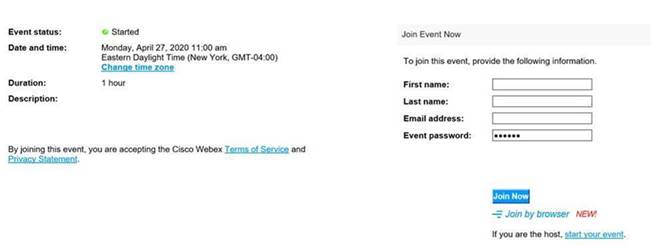
  5. You will be taken to a screen (shown below) where you will need to enter you First Name, Last Name, and Fulton County Email Address. The password has already been provided so do not change it.
  6. Click Join Now and after a few screens you will be directed to the live webinar.
  7. Once you enter the webinar, you will see a PowerPoint slide displaying the title of the session. The audio will be muted. Type all messages in the chat box on the lower right-hand side of the screen.

Note: If a course requires a password, the password will be 'Fulton'.


WEBINARS

December 10

11:00 a.m. - 12:00 p.m.


Holiday Budgeting

We may have our finances under control during the year, but holidays can seriously send spending out of control. This class will help you avoid waking up on January 2 thinking, "how could I have spent and eaten that much!?" This motivational class teaches a skill set to keep the holidays in balance, financially.

Click here to register for Webinar
Download Handout

December 19

11:00 a.m. - 12:00 p.m.


Holiday Survival Guide

We may have our finances under control during the year, but holidays can seriously send spending out of control. This class will help you avoid waking up on January 2 thinking, "how could I have spent and eaten that much!?" This motivational class teaches a skill set to keep the holidays in balance, financially.

Click here to register for Webinar
Download Handout

WEBINAR REGISTRATION SCREEN

Visit the Employee Resource Site:


Access leave requests, time adjustment forms, tax forms, request employment verification, and much more on the go!


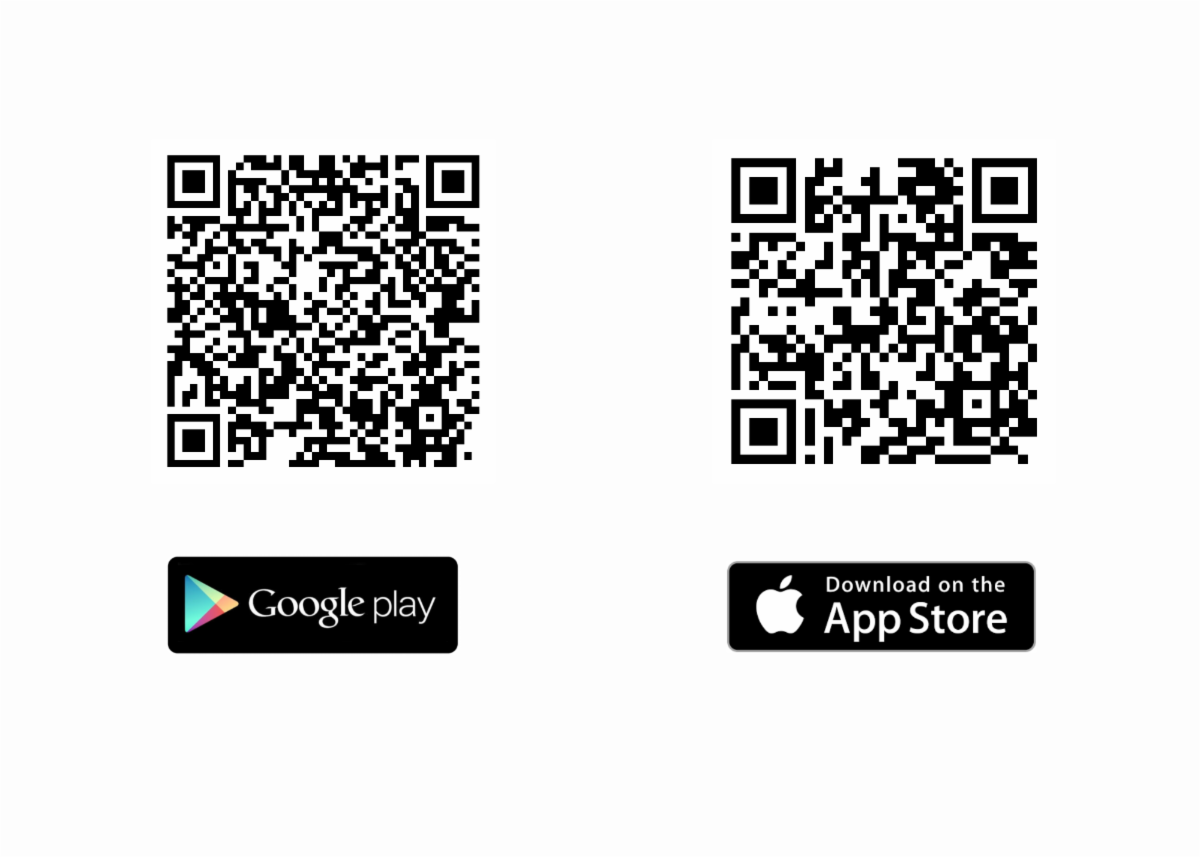
Download the Microsoft Sharepoint app today for access to these updates and more.


  • Step 2: Enter your County credentials and network password