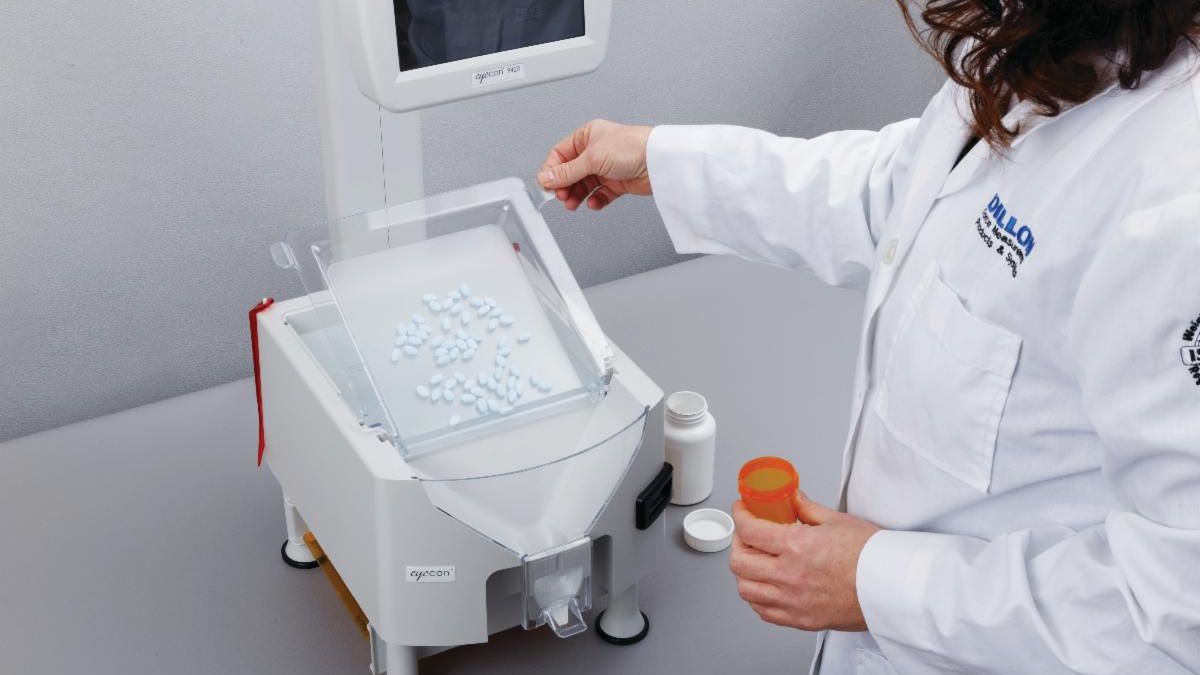
Votre Eyecon™ nécessite une mise à jour ! (V.1.1.15.1)


Suivez les instructions suivantes:


1. Cliquez ICI pour télécharger la version du programme sur une clé USB vide.


2. Insérez la clé USB dans le port USB, situé à l'arrière de l'appareil.


3. Une fenêtre vous demandera de mettre à jour le programme. Cliquez sur "oui".


4. Votre Eyecon redémarrera automatiquement.


5. Retirez la clé USB.


6. Continuez d'apprécier votre Eyecon!


Si vous éprouvez des difficultés, veuillez communiquer avec votre représentant Healthmark/Emballages Richards.

Your Eyecon™ requires an update ! (V.1.1.15.1)


Follow the steps below:


1. Click HERE to download the latest software update on an empty USB key.


2. Insert the USB key into the USB port on the back of the machine.


3. A pop up will appear asking you to update the software. Click on the ''yes'' button.


4. Your Eyecon will restart automatically.


5. Please remove the USB.


6. Continue enjoying your Eyecon!


If you are experiencing technical difficulties, please contact your Healthmark/Richards Packaging sales representative.

Healthmark Services Ltd | 1-800-665-5492 | www.healthmark.ca
Facebook  Linkedin