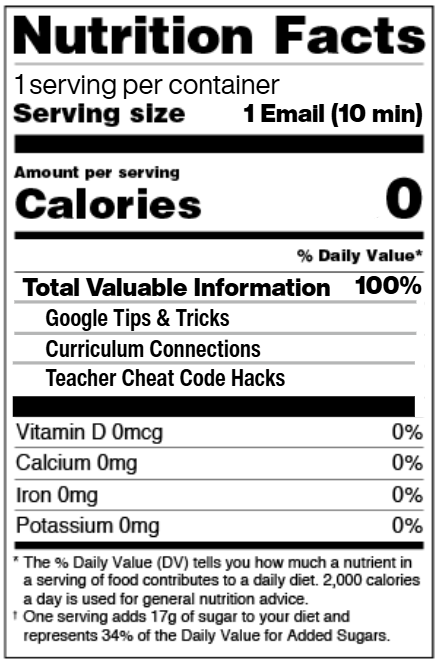
Welcome to the April issue of Tiger Bytes. This is your monthly dose of technology tips and tricks created by your Elementary BTIL team members and delivered to your inbox for you to use. This issue is brought to you by the Orchard Hill BTIL Team. Shout out to Lisa Newgard, Ashley Vonderhaar, and Staci Wilkinson!


Google Tips and Tricks: Google Keep allows you to create electronic stick notes


These can help with text and checklists. Did you know that you can share these notes with others? You can use them for saving and sharing photos/screenshots too. One of the best features is that you can set a reminder for a sticky note that has an important date/time. It’s a great tool to use!


Curriculum Connections: 5th Grade Read Alongs


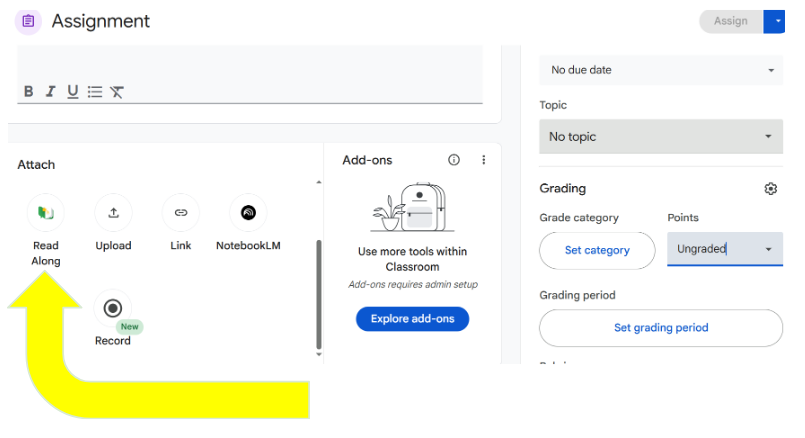
Have you checked out Read Along in Google Classroom yet? 

It’s a total game-changer for fluency practice. You assign a passage right in Classroom, and an AI reading buddy named Diya listens to your students read aloud, giving them real-time help with tricky words. The best part is that it automatically tracks fluency, accuracy, and words per minute. Check out the official getting started guide.


Teacher Hack: YouTube Shortcuts


Did you know there are shortcuts when using YouTube?

Space or K will stop or play a video

F will go full screen

M will mute the video

C will turn captions on/off

L will fast forward 10 seconds

J will rewind 10 seconds

Arrow keys will jump the video back/forth 5 seconds

Up and down arrows will increase or decrease the volume

ESC or F will exit fill screen

0 will restart the video