Technology Conference Reflection: ITEC
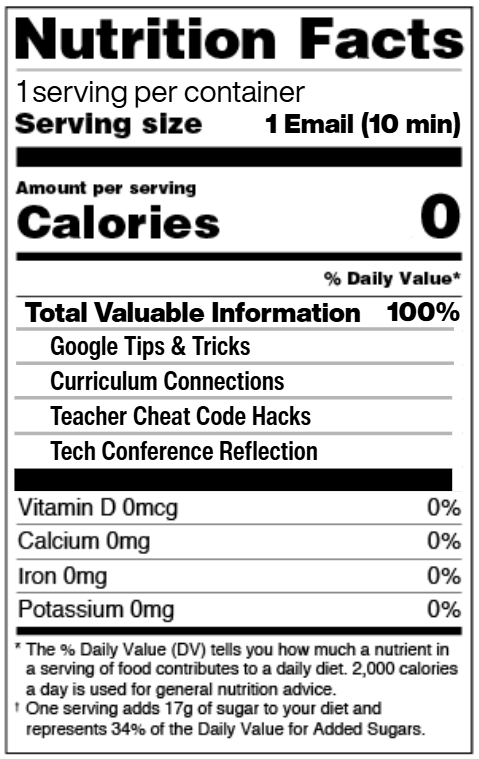
Chew on these great ideas and reflections from some teachers who attended ITEC in October. Please follow up with any of these teachers if you have questions or would like learn more!
One takeaway from ITEC that I’m excited to try in my classroom is Magic School AI’s new “Make It Relevant” tool. I loved how it connects academic content to students’ personal interests, helping lessons feel more meaningful and engaging. I plan to use it to personalize reading passages, writing prompts, engaging activities, and discussion topics so students can see how what they’re learning relates to their own lives. I also have handouts that I make as I listen in the sessions. It's my way of taking notes on each session. Let me know if you need any. - Meghan Bruns
One key takeaway from ITEC was the importance of returning to our provided curriculum and using what’s already there to engage, intervene with, and enrich student learning. I also plan to dig deeper into tools like Canva to make my teaching more engaging and my planning more efficient. In addition, I’m excited to use Lumen5, a tool that turns text into videos. For example, our 2nd graders will input their original fairy tales into Lumen5 to create short videos of their stories, providing a creative way to showcase their work and deepen their understanding of storytelling. - Traci Wildeboer
I liked all the different ways that I could use AI to differentiate curriculum in my classroom. I loved hearing the keynote speaker lady about connections and relationship building with students. Even though we know this, it was great to be reminded about our impact on students. Even though I'm a TPT-er, I liked hearing about different ideas I could do to have the kids be more engaged (depending on the activity/point of the lesson). There are lots of online ideas as well as non-digital activities too!- Tara Nielsen
|