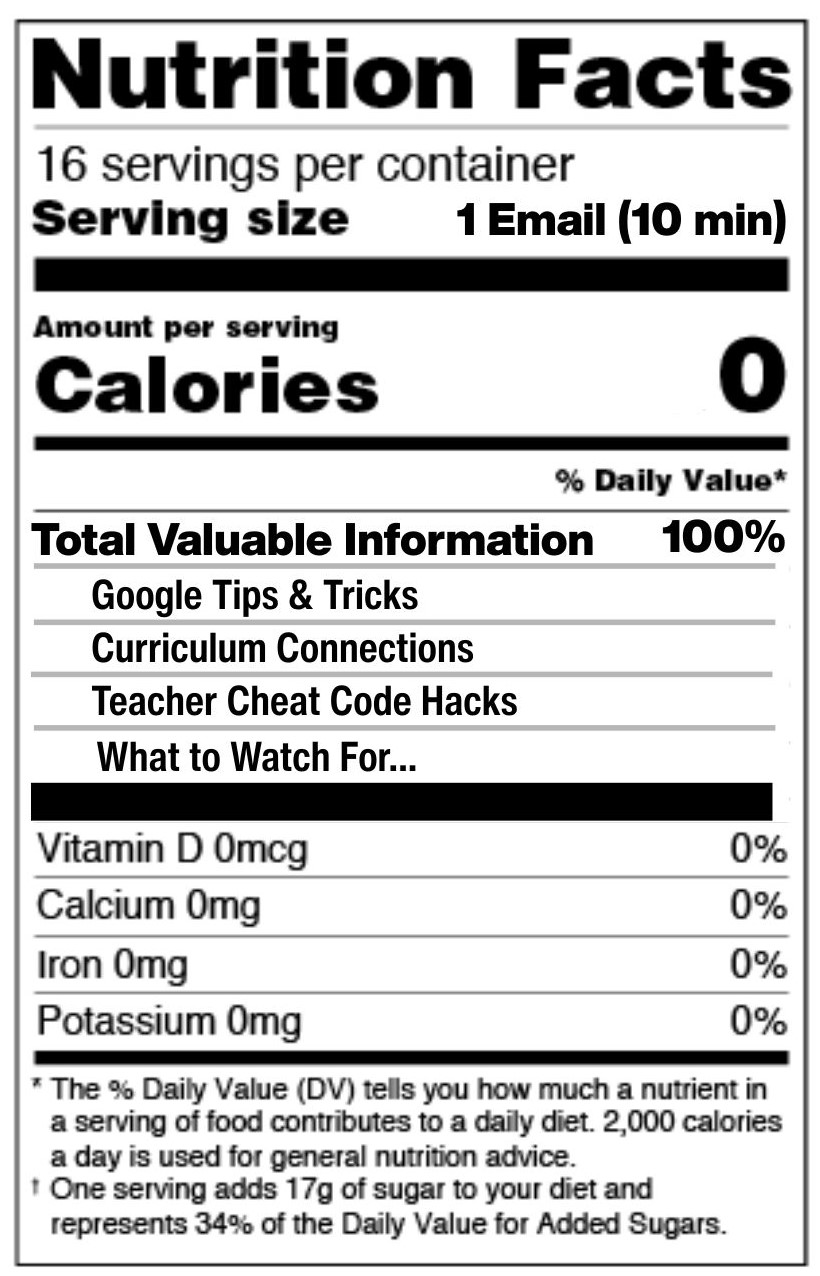
Welcome to the October issue of Tiger Bytes. This is your monthly dose of technology tips and tricks created by your Elementary BTIL team members and delivered to your inbox for you to use. This issue is brought to you by the Southdale BTIL Team. Shout out to Amy Chopard, Kirsten Hassman, Kendra Wilcox, and Tiffany Waller!


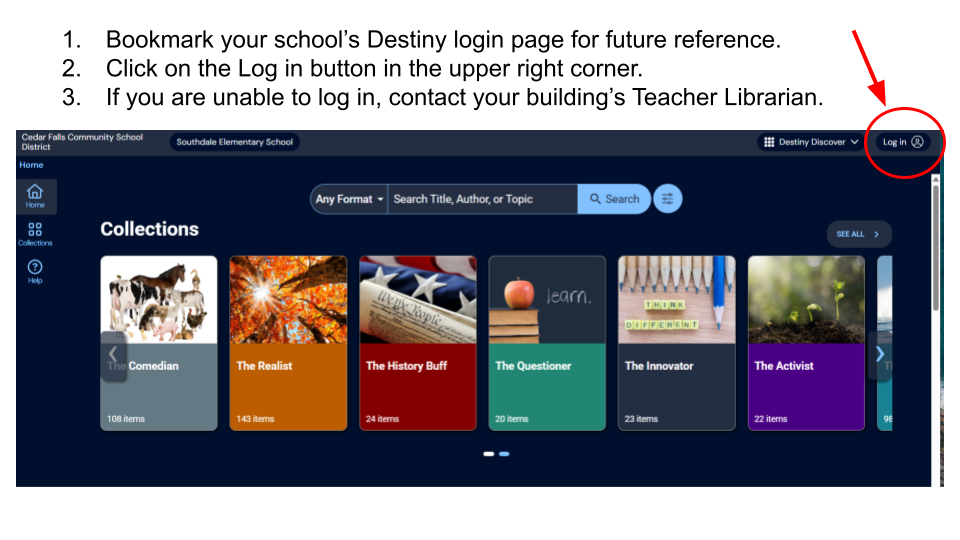
Curriculum Connections: Accessing and Navigating Destiny Discover


Destiny Discover makes it easy to search for books by title, author, or topic, place holds, and check your reading history. Learn how to log in with your Google account, explore collections, and quickly view book summaries!


What to Watch For...

October & November is the Musical Instrument Maker Challenge! Did you see the Maker Challenge video?


Teacher Hack: Easy Ways to Start Using AI


AI is becoming an even bigger part of our lives. Many teachers are using it, while others are stuck wondering how it can help them. If you’re one of those people, click on the button to see AI classroom examples and prompts you can use regarding...

  • Math Problems
  • Reading Passages
  • Rubrics
  • Choice Boards
  • SEL


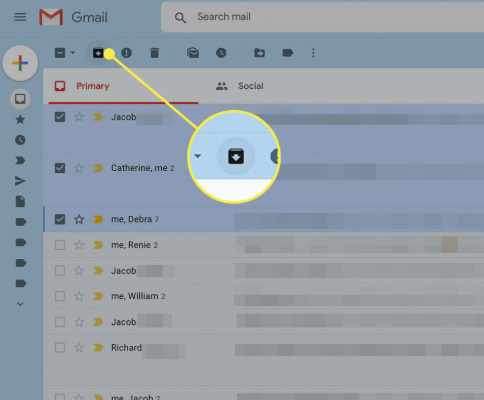
Google Tips & Tricks: Achieving (Archiving) an Email in Gmail

Archiving removes an email from your inbox without deleting it. The email is saved in “All Mail” so you can always search and find it later.


Why is it helpful?

  • Keeps your inbox clean and organized
  • Saves important emails without clutter
  • Makes it easier to focus only on what needs action


Here's how to do it:

  1. Open Gmail.
  2. Hover over the email in your inbox.
  3. Click the archive icon (a box with a downward arrow).
  • On mobile: open the email and tap the archive button.


That’s it—your email is now out of your inbox but still searchable anytime. Keeping a tidy inbox helps us stay efficient and less overwhelmed.