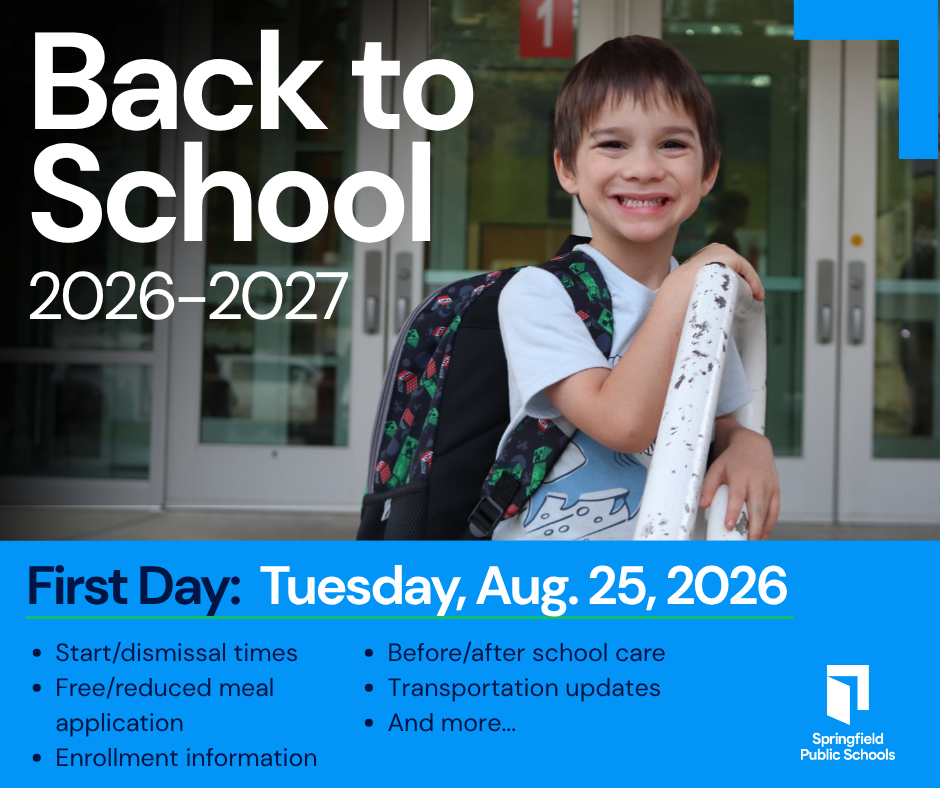
School starts Tuesday, Aug. 25, for all students


First Day Excitement

Springfield Public Schools students will begin the 2026-2027 school year Tuesday, Aug. 25. View all the back to school information including news about immunizations, student insurance and school meals here.

Start and Dismissal Times

School start and dismissal times have changed for select schools for the 2026-2027 year. Please review the tiers to ensure your student arrives to school on time the first day.


Determine which tier your child's school is here and then find the appropriate times below:

  • Tier 1 schools will begin at 7:20 a.m. and end at 2:20 p.m.
  • Tier 2 schools will begin at 8:10 a.m. and end at 3:10 p.m.
  • Tier 3 schools will begin at 9 a.m. and end at 4 p.m.

Before- and After-School Care

SPS partners with several community organizations to provide academic support for students and offer families a safe place for their children to participate in supervised activities before and after school.


Learn more.

School Supplies


School supply lists will be provided by each individual school.


If you would like to assist others with their school supply needs, learn more here.

Enrolling Is Simple

Students new to SPS may start the enrollment process online. After that is completed, you should visit your child's school in person to provide some required documentation. Elementary school offices will open on July 27 and middle and high school offices are open now. Call the school to confirm office hours before visiting.


Learn more.

Free/Reduced Meal Application

Springfield Public Schools provides free/reduced price meals for eligible students who are unable to pay the full price of meals under the National School Lunch Program and the School Breakfast Program. Families should complete the application each year to determine eligibility. Families may complete the 2026-2027 online application now.

Learn more.

Riding the Bus

Students who registered for transportation will receive an email with bus stop locations and pick up times in mid-August.


Be prepared for delays the first three days of school as bus drivers conduct roster checks to ensure every student is on the correct bus. You can monitor bus delays and track your student's bus with the WheresTheBus app.

Cell Phone Policy

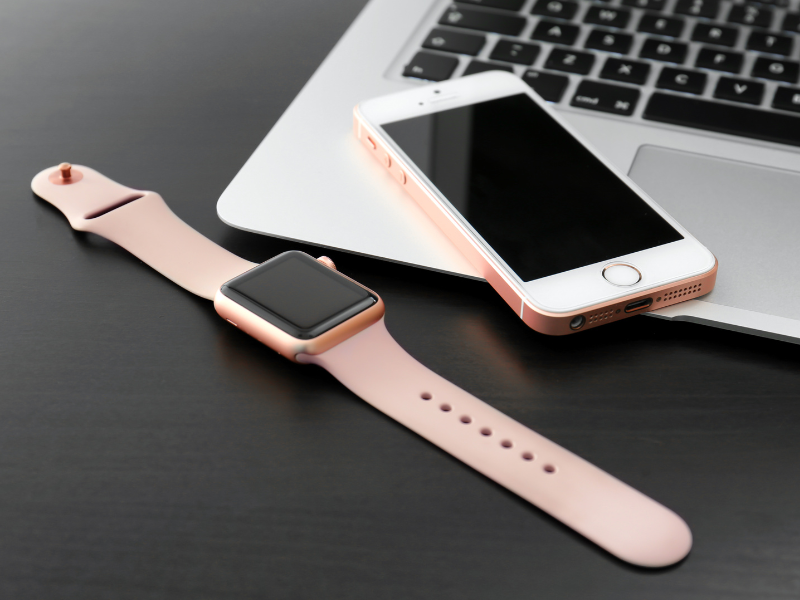
State law prohibits students from using or displaying any personal electronic communication devices during the school day. This includes, but is not limited to, cell phones, smartwatches, headphones, wireless earbuds or any similar device capable of initiating, receiving, storing or viewing communication, information, images or data electronically. Devices must be turned off and stored out of sight.

Learn more.

Immunizations

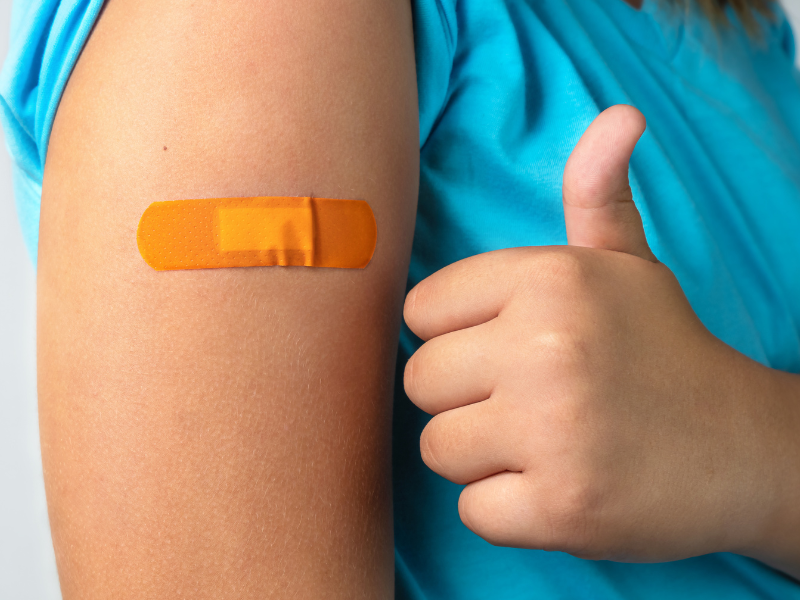
All students must present documentation of up-to-date immunization status before attending school. Immunizations can be administered by your child's personal physician or through the CoxHealth CARE Mobile.


Learn more about immunization requirements.


Does your student need immunizations? The CoxHealth CARE Mobile will be providing immunizations throughout the month of August at Cox North Hospital.

Make an appointment here.

New communication app for grades 6-12 and K-8 campuses


Starting this school year, students in grades 6-12 and students at K-8 campuses will receive updates from their teacher and school with the ParentSquare app. Parents and guardians can communicate with teachers via text or through the app directly.


Families with students in grades prekindergarten through grade 5 will continue to use the Seesaw app for communication.

Watch for details from your child's school


Each school site will host its own SPS University on a date and time of their choice in September. Watch for important information from your child's school with details.

Back-to-School Tax Holiday

Missouri's Back-to-School Tax Holiday begins at 12:01 a.m. on Friday, Aug. 7, and runs through Sunday, Aug. 9. Certain back-to-school items, such as clothing, school supplies, computers, etc., are exempt from sales tax for this time period only.

Pay Fees Online

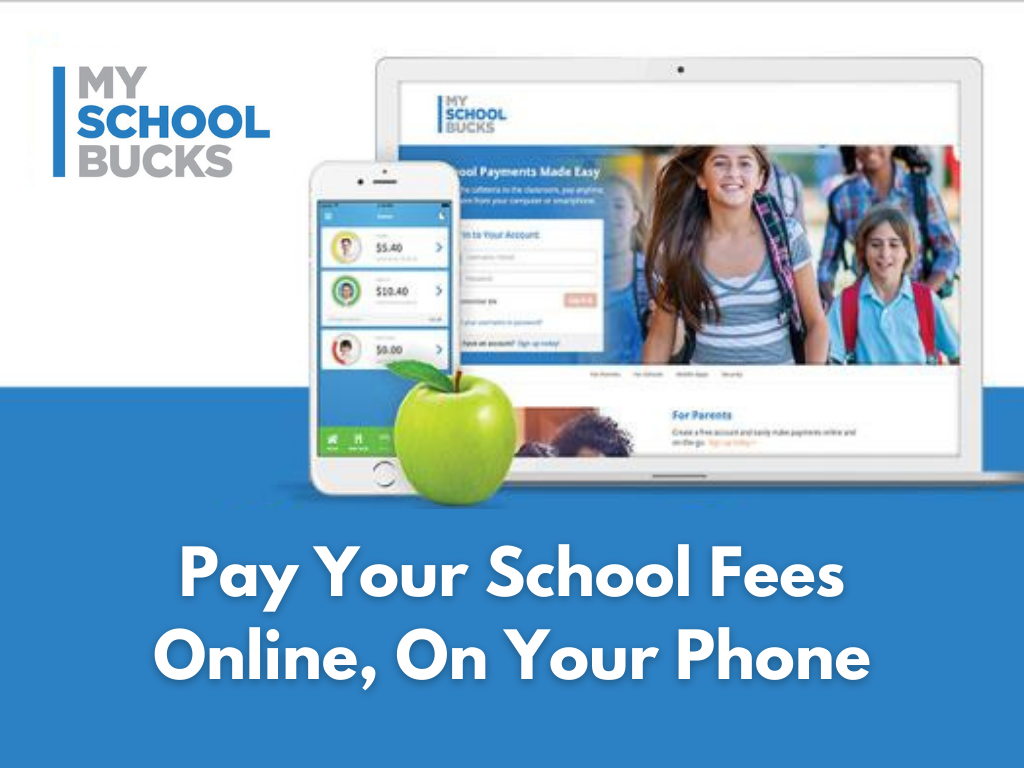
MySchoolBucks is an option for SPS parents to pay fees online using a debit/credit card for yearbooks, device repairs, school store items and much more. 


Learn more.

District Device Repair

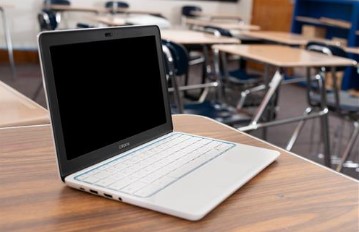
Make sure your district-provided device is in good working order for the new school year. If your device needs repaired, take it to the General Services Center, located at 1458 E. Chestnut Expressway. Take it inside to the IT department during regular business hours or use the secure dropbox outside the main entrance 24 hours a day. Please include the student ID number, phone number and a description of the problem with the device. Staff will contact you when your device is ready to be picked up.


Springfield Public Schools

417-523-0000

SPS.org

Facebook  Instagram  LinkedIn  X