TROUBLE VIEWING THIS EMAIL? CLICK HERE

Issue with Ticket

Viewing in Exactix:

Here’s What to Know

As we transition to the new Exactix software, we are aware of an issue affecting some users’ ability to view associated tickets. Our team is actively working to resolve this.


In the meantime, please remember that positive responses can still be accessed through the following methods:


  • Email notifications from exactix@va811.com 
  • Calling the automated phone system at 1-800-552-3120
  • Contacting the Virginia 811 Contact Center


We appreciate your patience and understanding during this transition as we work to strengthen damage prevention efforts throughout Virginia. We’ll continue to keep you updated as we make progress.

Get Started with These

Key Exactix Resources


Web Ticket Entry (WTE) Support

If you used WTE in the previous system and have questions about any of the updated features, feel free to reach out to us at WTE@VA811.com.


Submitting a Single Address Locate Request in Exactix

If you previously used the Single Address Ticket (SAT) function, you can now use Exactix to self-register and submit a locate request for a single address. Just follow this link to get started: https://exactix.va811.com


How to Become a Web Ticket Entry User

Start by creating an account in Coursettra using the link below. Once you’re registered, select the Web Ticket Entry Training course. After completing the training, a member of our Web Ticket Team will follow up or send you an Exactix registration email.


Get Started Here:


https://app.coursettra.com/n/credential/public/marketing/51598812-8e27-f011-a882-c2395677bcd6

IMPORTANT INFORMATION:


New Email Address

for Locate Requests in Exactix

As part of the upcoming transition to Exactix, 

locate request confirmations and responses 

will soon be sent from a new email address: 

exactix@va811.com.


Because Exactix uses Amazon SES (Simple Email Service) to send emails, the sending IP addresses may vary. To help ensure reliable delivery, we recommend whitelisting the email address above, along with the following

mail-from domains:


  • exactixmail.va811.com
  • exactixmail2.va811.com


Whitelisting means configuring your email or filtering system to allow messages from these addresses and domains. This helps prevent them from being mistakenly flagged as spam or blocked due to varying sending IPs.


Please share this information with your IT department 

so they can determine where and how to apply these settings within your organization’s email environment.

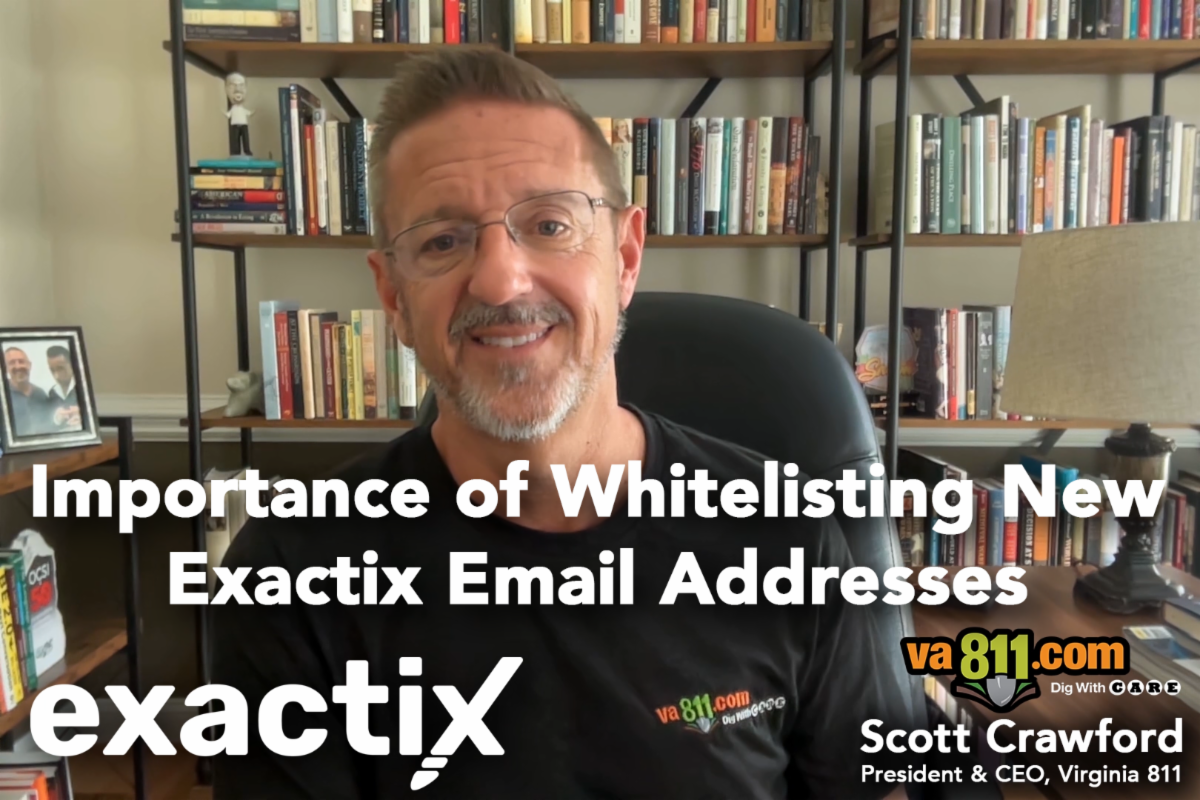
Watch this brief video to learn why whitelisting is essential and what steps your IT team should take to ensure uninterrupted email delivery:

View the Video Message

HERE

Visit the Exactix Resource Hub for vital information you need to post-conversion to Virginia 811’s new platform.

Check Out the Latest Edition of 

The Virginia 811 Dirt


Visit: VA811.com/Newsletters/