Step One:
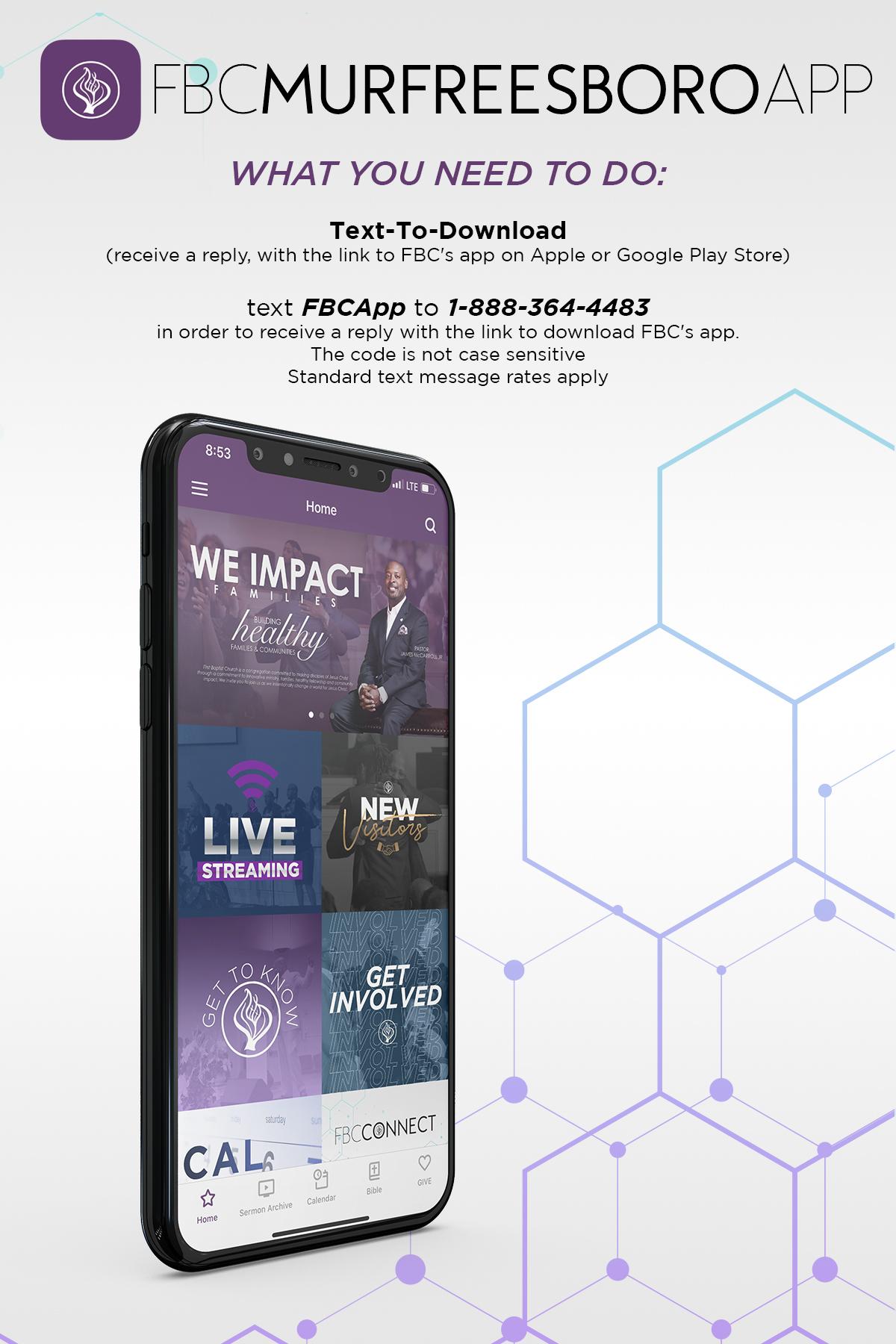
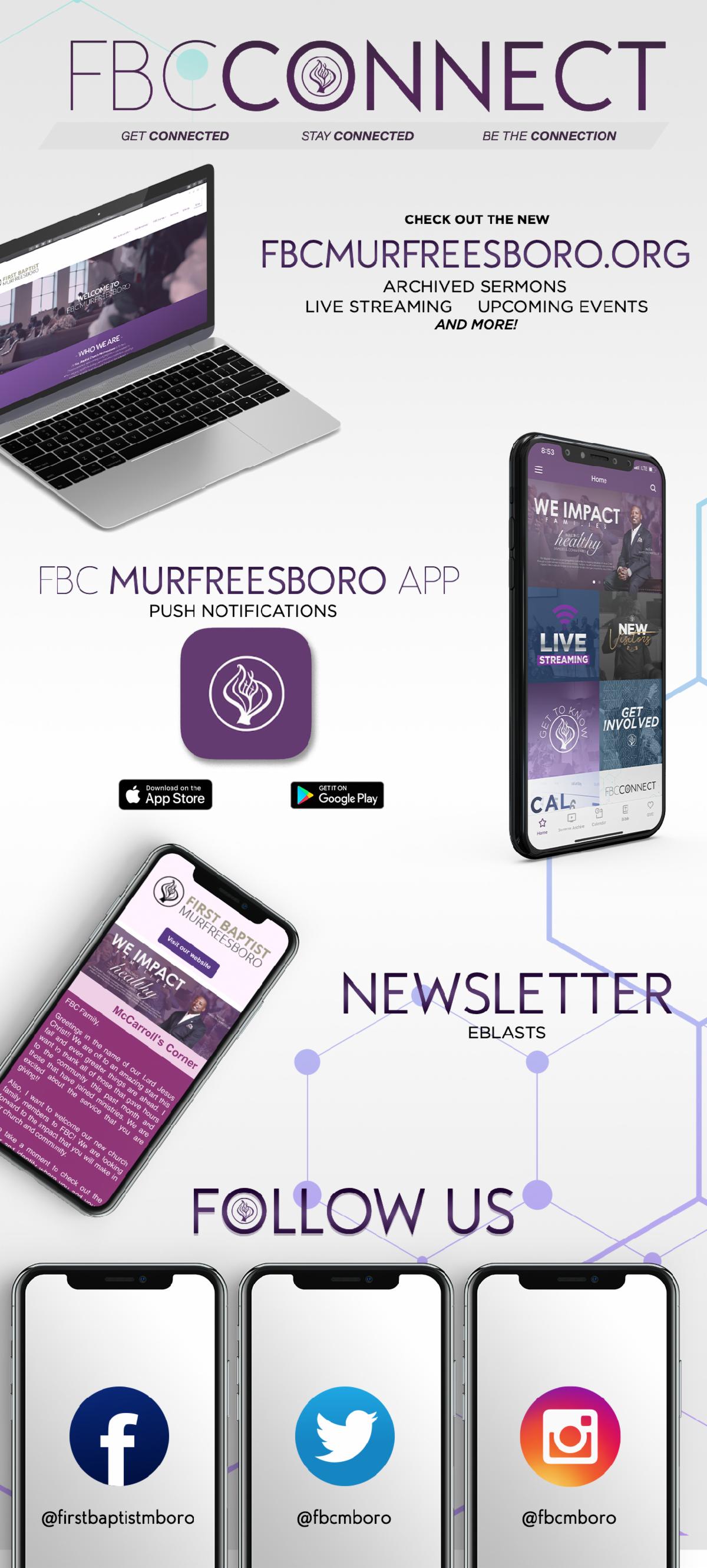
Download the App from
Google Play Store or Apple Store
- Text "FBCAPP" to 1-888-364-4483 to receive a reply with the link to download the "FBCMURFREESBORO" app
- Or Click the Button "Download the FBC App"
Step Two:
Click on the 3 small dashes at the top left of the screen, this will open up the Subsplash site menu
Step Three:
Click on Settings
Step Four:
Click on Notifications- this will show all the
Notification group the MYP App have available
Step Five:
Opt into the groups that matter the most to you
Now you are signed up to receive the notifications from the groups you selected