Outdated Operating Systems: Avoiding Shady Sites Won't Protect You

Outdated Operating Systems: Why Avoiding Shady Websites Won't Protect You


Most people know they shouldn't be using an outdated operating system such as Windows 7 or 8.1, but as long as you avoid visiting shady websites and refrain from clicking on suspicious links or emails, what's the harm?


In this article, we'll shed light on the risks associated with running an unsupported operating system and explain why upgrading to a newer version is crucial for maintaining cybersecurity.


The Belief in Website-Based Protection


There is a common belief among some individuals that as long as they steer clear of harmful websites, avoid opening suspicious emails, and refrain from clicking on unknown links, their outdated operating system will remain safe.


They assume that by being cautious, they can avoid the risks of cyberattacks. However, this perspective overlooks the vulnerabilities in unsupported operating systems such as Windows 7 and 8.1.


The End of Security Updates

On January 10, 2023, Microsoft ended security updates and support for Windows 7 and 8.1. This means these operating systems no longer receive patches and fixes for known vulnerabilities. As a result, any new exploits discovered can expose these outdated systems to potential attacks. Cybercriminals actively search for these vulnerabilities to exploit, putting your sensitive data and personal information at risk.


The Rapidly Evolving Exploit Landscape


New exploits are discovered frequently, and the rate at which cybercriminals develop sophisticated attack techniques continues to increase. Even if you diligently avoid visiting questionable websites, your most-visited reputable websites may still have fallen victim to an attack.


Cybercriminals can compromise these trusted sites and inject malicious code into their pages or advertisements without the website owner's knowledge. Simply visiting a legitimate website could expose your outdated operating system to potential threats.


The Danger of No-Click Attacks


One of the most concerning aspects of running an unsupported operating system is the rise of no-click, drive-by attacks. In these attacks, you don't even need to interact with anything on a website or in an email to become infected.


Merely visiting a compromised website or previewing a malicious email can be enough for your unpatched system to be compromised. These attacks take advantage of vulnerabilities in the operating system itself, bypassing the need for user interaction.


The Urgency of Upgrading


It is important to understand that relying solely on safe browsing habits is not enough to protect your outdated operating system from modern cyber threats. Upgrading to a newer, supported operating system is essential for maintaining robust cybersecurity, and you gain access to the latest security updates and patches. Upgrading helps safeguard your personal and financial information and ensures your system's overall integrity and reliability.


While it is always a good idea to exercise caution when browsing the internet, the belief that staying away from shady websites and avoiding suspicious links is enough to protect an outdated operating system is misguided.

Don't fall into the illusion of safety: take the necessary steps to upgrade your operating system and fortify your cybersecurity defenses.


Call us today at 940-282-0290.

DOWNLOAD PRINTABLE VERSION

Do You Really Need to "Safely Eject" USB Drives Anymore?


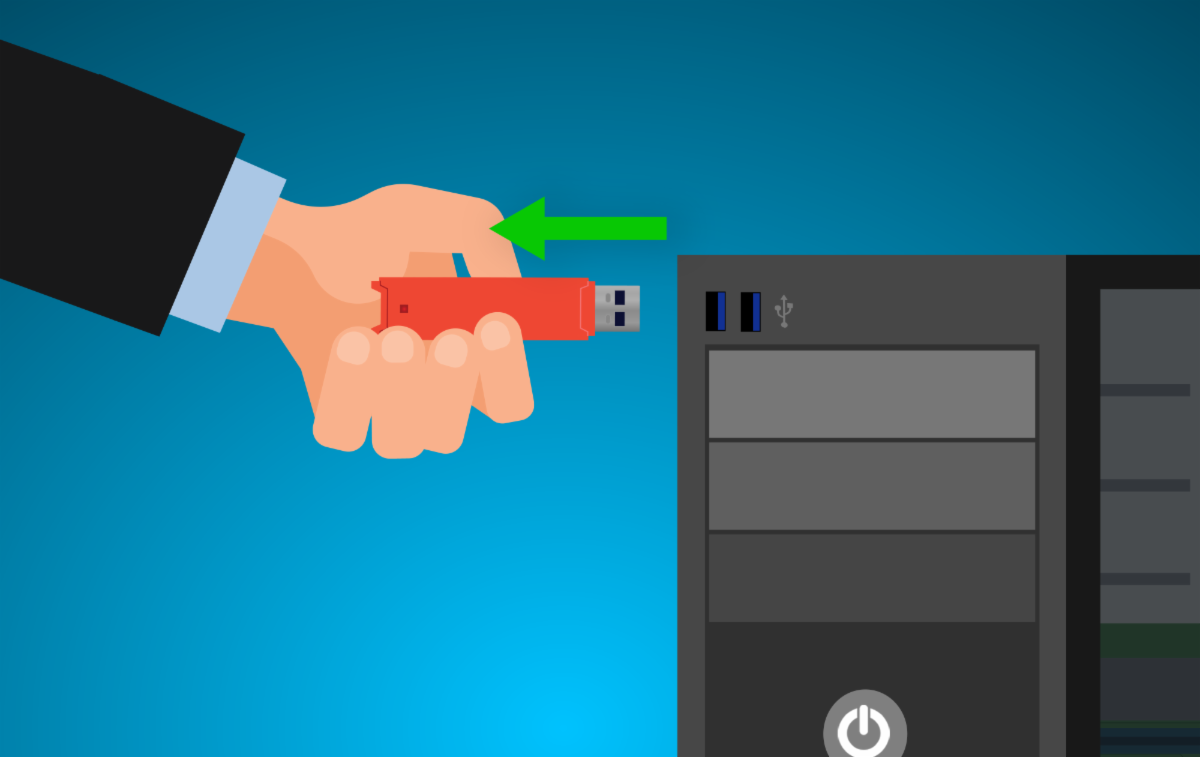
We've all been there - rushing to grab your USB drive only to be stopped in your tracks by an ominous warning about "safely removing" it first. But does this advice from the days of yore still apply in the era of Windows 10 and 11.


The only exception is if you are using an Apple computer...the Mac OS requires you to Eject the USB drive or External Hard Drive before removing.


Way back when, forgetting to eject a drive before unplugging could lead to all sorts of issues. Partially saved files, corrupted documents, blue screens of death - the horror! Tech websites and manuals drilled it into our heads that the "Safely Remove Hardware" notification was not to be ignored. Failure to follow procedure meant facing the wrath of your poor, suffering PC.


However, as recently as 2019, Microsoft confirmed that Windows 10 and newer allow for quicker removal without harming your info. Your files will stay intact as long as you aren't in the middle of a transfer.


Behind the scenes, connected drives don't constantly auto-update in the background like they used to save time. The default is now set to write files upon command through copy/paste actions.


In Windows 10 and 11 specifically, there are now two modes for external devices: "Quick Removal" and "Better Performance." As the names suggest, Quick Removal means you can yank the drive at any time with no consequences. Better Performance uses write caching to optimize transfer speeds but requires proper ejecting.


In benchmark tests though, the gain from caching is negligible for most users. We're talking milliseconds of difference at most. Unless you're a hardcore professional regularly shuffling massive files, the average person likely won't notice any improvement.


So, in summary - if you're not actively copying or moving data to or from the drive, it's totally fine to pull USB sticks and portable hard drives straight from your computer without clicking "Eject" first. Modern operating systems have safeties in place to avoid corruption. No more anxious waiting or dealing with naggy pop-ups!


That said, the "Safely Remove Hardware" option doesn't do any harm either if you want to play it safe. On a Windows operating system...the choice is yours.


Just remember...on an Apple system...you must eject the drive first before removing.


Hopefully, this will put an end to any lingering paranoia about following strict ejection procedures.

If you have any questions concerning this months' Newsletter (or any other computer-related questions), you can reach out to us at 940-282-0290. We'll be more than happy to help you out.

DOWNLOAD PRINTABLE VERSION
 
Brian W. Norby
 
(Owner of both BWN Computer
AND That Computer Man)


1-940-282-0290
Visit BWN Computer's Website
Visit That Computer Man's Website
Connect with us
Facebook  Linkedin