|
Georgetown Transcripts
For Georgetown, please order an official copy of your transcript/s using the service Parchment via the Office of the Registrar.
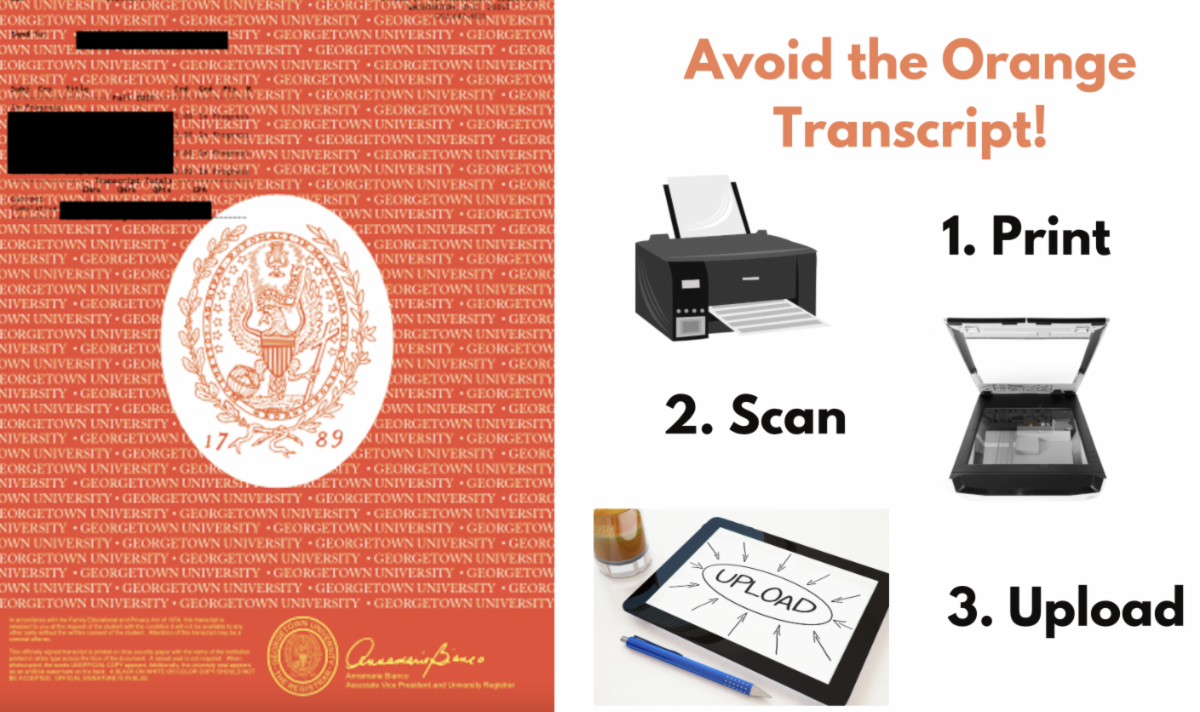
Please note: The Fulbright portal has technical difficulty with official Georgetown transcripts that are uploaded directly as the Parchment-delivered digital .pdf.
To avoid this problem (see image above), you should upload a high-quality scanned .pdf that you make of your official Georgetown transcript/s. First, print out the Parchment transcript. Second, scan that printout. Third, upload the new scan that you made!
Do not upload into the Fulbright application portal the .pdf you received directly from Parchment.
Printing and Scanning Transcript
Please contact the Center for Research & Fellowships if you need any assistance with printing or scanning your transcript.
|