Your gateway to all things LCCC!
Your myLCCC account is called your "student portal" because it serves as a portal, or doorway, to a lot of what you need as you get started and continue on at LCCC!
myLCCC connects you to dozens of "apps", much like smartphone apps, so that you can view important information, complete certain tasks, and engage with LCCC.
Here are some key apps that you need to be aware of as you're getting started at LCCC, and what you can use them for:
-
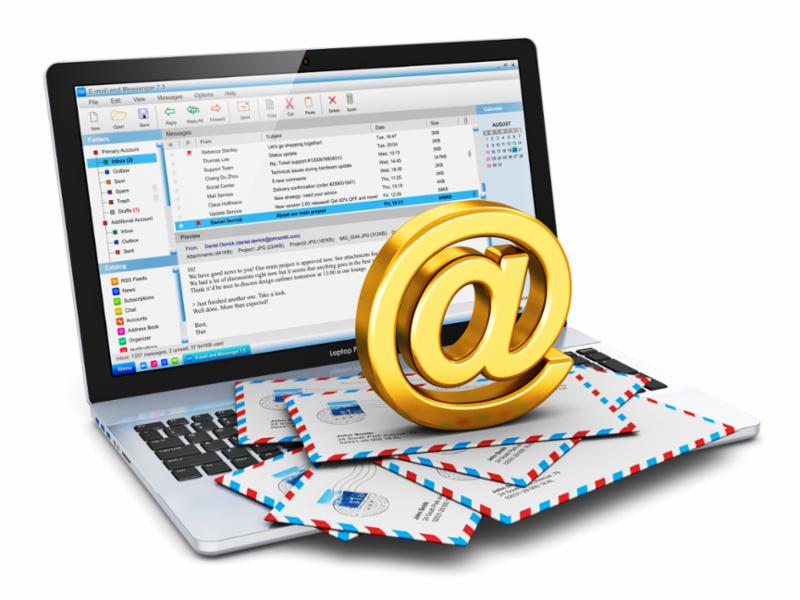
Email: Your official LCCC student email account. Receive important updates about financial aid, billing, and class registrations. Communicate with your Student Success Coach, instructors, and others on-campus
-
Navigate Student: Schedule appointments with your Student Success Coach; create and edit your personalized academic plan; register for classes; view helpful tips and to-dos to keep you on-track
-
Self-Service: Download billing statements, access required financial aid forms, accept your financial aid offers, and update your personal information, including your contact and emergency information and banking information, so you can receive financial aid refunds
-
Student Housing: Apply for on-campus housing; check your application status; sign your lease
-
Student Handbook: Learn about your rights and responsibilities as a student
|